
Resume Customization Request App is an app template for collecting, organizing, and reviewing requests to tailor resumes for specific roles. It gives career consultants, freelance resume specialists, education teams, workforce programs, and internal career services a central place to receive customization goals and target role details. Requesters can submit their needs and consult guidance, while service providers can review each request, check its status, and monitor work in progress. This organized experience reduces scattered messages, clarifies expectations, and helps teams manage multiple resume requests without losing important context.
Jotform makes this Resume Customization Request App easy to adapt with a no-code app builder and a drag-and-drop interface. Start from one of Jotform’s App Templates, update the branding and content, and connect forms or other workflow resources without writing code. The app builder supports streamlined data collection and self-service access, whether the app is used by clients, students, job seekers, or staff. Once published, it can be shared through a direct link or QR code and opened on mobile devices, helping requesters and reviewers access the information they need from one convenient location.
Related templates
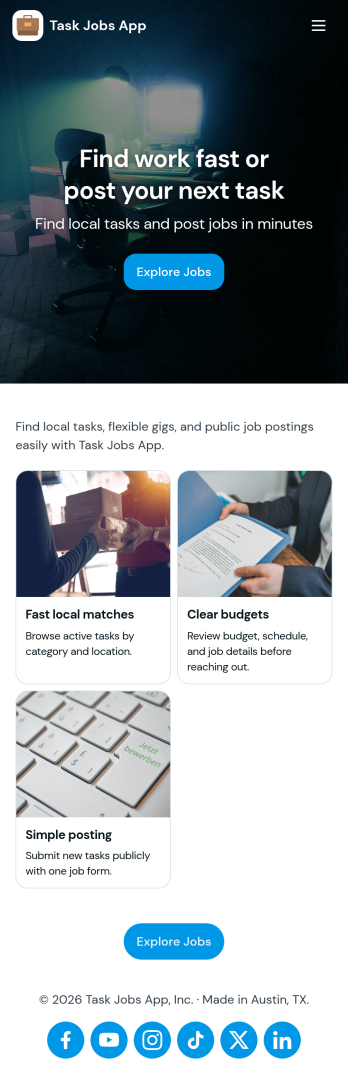
Task Jobs App
Task Jobs App helps teams capture new work requests and stay on top of active and completed jobs in one easy place. It fits field service crews, small contractors, operations teams, and any business that juggles multiple assignments and needs a clear view of what is open, what is in progress, and what is finished. With quick actions to add a new task and jump into open tasks, the app supports day-to-day coordination without scattering details across messages or spreadsheets.Built with Jotform, this app template combines a simple, mobile-friendly interface with connected forms and organized task lists so work updates stay consistent. Using Jotform’s no-code app builder and drag-and-drop interface, you can tailor pages, buttons, and task views to match how your team works, then share the app for self-service updates and smoother workflow tracking as jobs move from intake to completion.
Go to Category:Operations & Logistics Portal Apps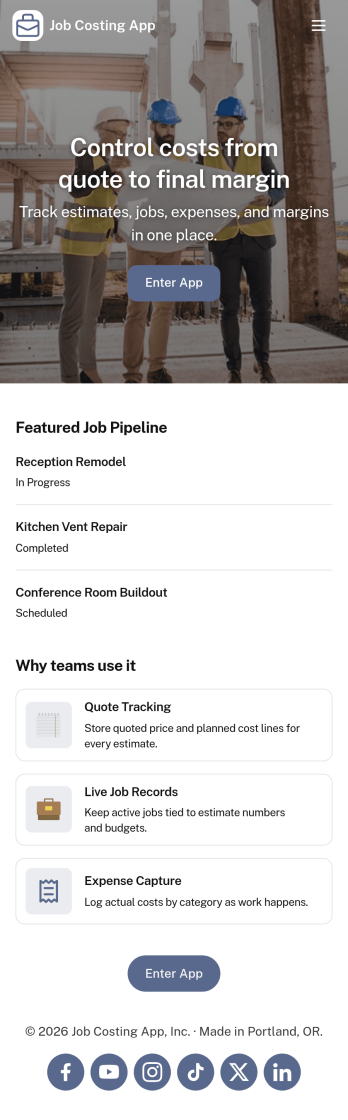
Job Costing App
Job Costing App brings job and cost tracking into one place so teams can see what each project is really costing as work moves forward. Use it to organize jobs, capture cost entries, review job details, and keep an eye on approved spend without hunting through spreadsheets or scattered messages. It fits construction crews, home service businesses, agencies, and internal operations teams that need clear visibility into labor, materials, and other expenses per job.With Jotform, you can turn this app template into a self-service workspace that’s easy to share and simple to maintain. Customize pages with a drag-and-drop interface, connect forms for data collection, and keep records organized for day-to-day workflow tracking. Whether you’re monitoring active jobs, logging new costs, or reviewing totals, Jotform makes it straightforward to publish a branded app experience and keep everyone aligned with up-to-date information.
Go to Category:Construction Apps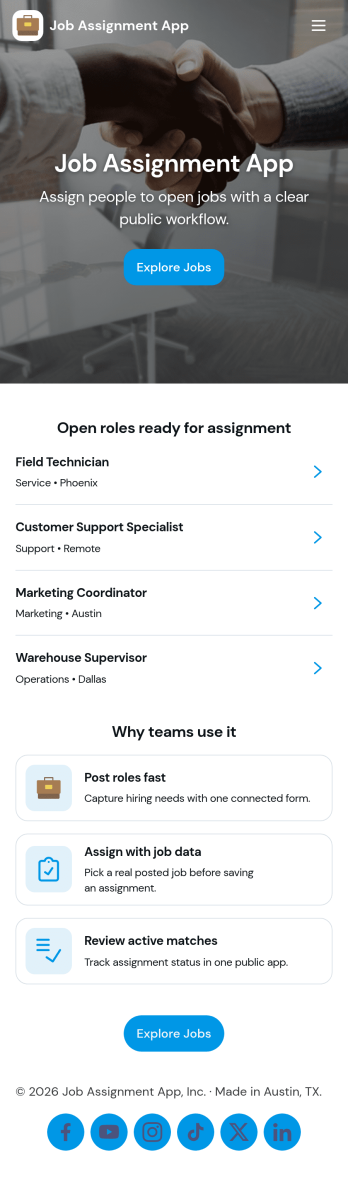
Job Assignment App
Job Assignment App helps teams create, distribute, and monitor work assignments from one central place. It’s a practical fit for operations managers, supervisors, dispatchers, and team leads who need a clear way to open new jobs, route people to the right task, and keep everyone aligned on what’s in progress. With quick actions to create a new assignment, browse open assignments, and review status, the app reduces missed requests and keeps day-to-day execution organized across shifts, sites, or service areas.Jotform makes it easy to turn your job assignment workflow into a mobile-friendly self-service experience using a no-code app builder and drag-and-drop interface. Connect your app to Jotform forms and tables for data collection, real-time updates, and simple tracking, then share it with your team through a link or QR code. As your process evolves, you can adjust pages, buttons, and navigation in minutes while keeping all assignment details and records in one place.
Go to Category:Operations & Logistics Portal Apps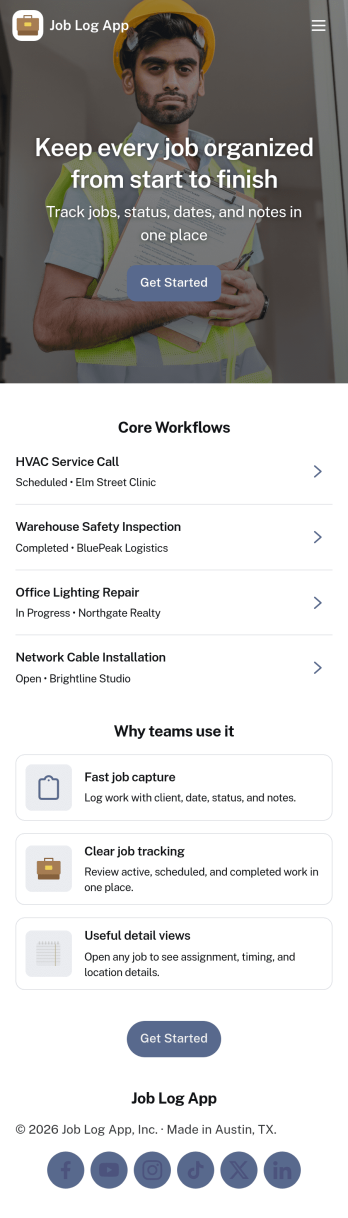
Job Log App
Job Log App helps teams and independent professionals capture work details as they happen and keep a clear record of jobs over time. Use it to add a new entry in seconds, review log history when questions come up, and pull up a client-specific view for context before the next visit. It fits field service businesses, contractors, consultants, and operations teams that need consistent job documentation for handoffs, billing support, or internal reporting without relying on scattered notes.Built with Jotform, this app template works as a practical self-service log hub that connects a simple form to organized, easy-to-browse pages. Customize the layout with a drag-and-drop interface, publish updates fast with a no-code app builder, and keep work information centralized so your workflow stays clear from first entry to quick stats and follow-ups.
Go to Category:Log Apps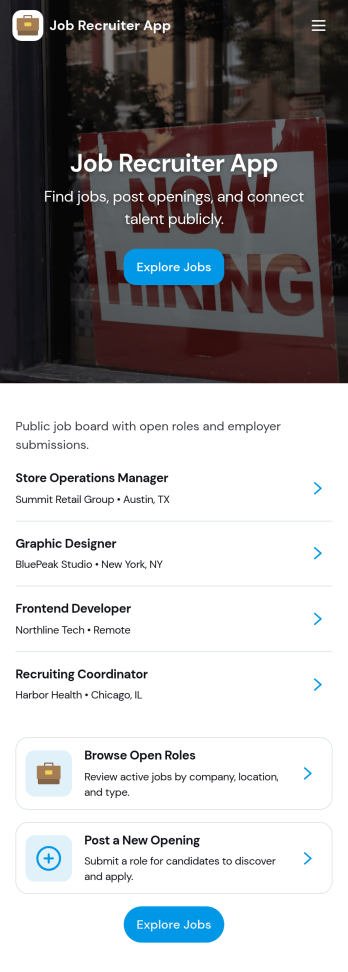
Job Recruiter App
Job Recruiter App brings key recruiting activities into one place so hiring teams can move faster from requisition to offer. Use it to browse open roles, keep candidate records organized, and monitor where applicants sit in the pipeline, all from a simple set of pages built for day-to-day recruiting. It’s a strong fit for internal recruiters, staffing coordinators, HR teams, and growing businesses that need a consistent way to track roles and candidates without juggling spreadsheets or scattered notes.With Jotform, you can turn this app template into a branded, self-service recruiting workspace using a no-code app builder and a drag-and-drop interface. Connect forms for data collection like adding candidates or managing requisitions, surface lists for quick browsing, and keep your workflow moving with navigation buttons and shareable access. Update the layout as your hiring process evolves and publish the experience so your team can manage recruiting work from anywhere.
Go to Category:HR Portal Apps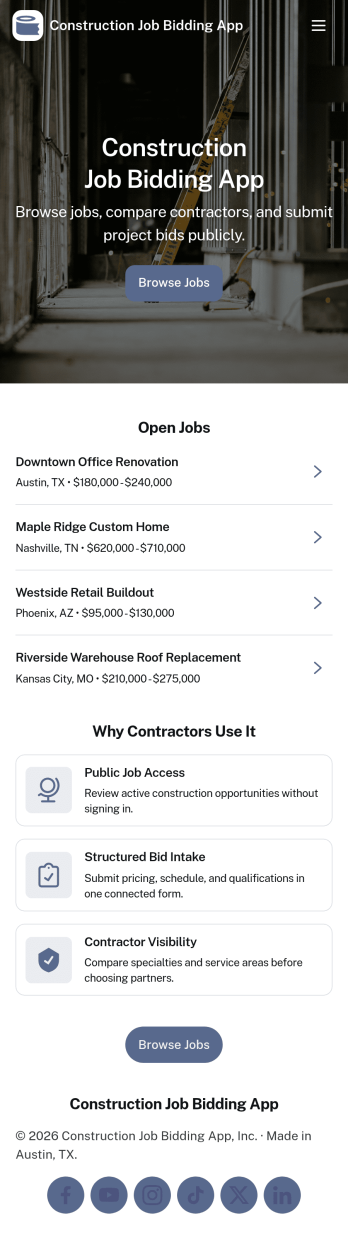
Construction Job Bidding App
Construction Job Bidding App helps contractors, subcontractors, and construction teams manage bidding in one place, from starting a new bid to reviewing open opportunities and keeping projects moving. Use it to collect bid requests, compare incoming responses, and stay on top of what is ready to submit next, especially when multiple projects are in play and timelines are tight. With clear navigation for new bids, open bids, and a bid pipeline view, this app fits general contractors coordinating multiple trades, specialty subcontractors bidding on packages, and small firms that want a consistent process for every estimate.Built with Jotform App Templates, this app template is easy to tailor using Jotform’s no-code app builder and drag-and-drop interface. Connect pages to forms and tables for reliable data collection, then share a self-service experience with your team so everyone knows where to add a bid request, submit a bid, and review bid activity. As your workflow evolves, you can update the layout, refine what gets captured in the connected form, and keep your bidding operations organized without adding complexity.
Go to Category:Construction Apps