School Calendar App helps schools keep key dates and daily timing in one place, so students, families, and staff always know what’s coming up. Use it to publish term dates, share a bell schedule, and make it easy for the community to browse upcoming items without hunting through emails or PDFs. It also includes a calendar request option, which is helpful when teachers, club leaders, or office staff need to propose assemblies, field trips, testing windows, or other school events for consideration.
With Jotform, you can turn this school calendar experience into a branded, mobile-friendly destination using a no-code app builder and a drag-and-drop interface. Connect the app to your existing data collection and workflow needs by linking a request form and organizing calendar information in one place for self-service access. Update content as schedules change, share the app by link or QR code, and keep everyone aligned throughout the school year.
Related templates
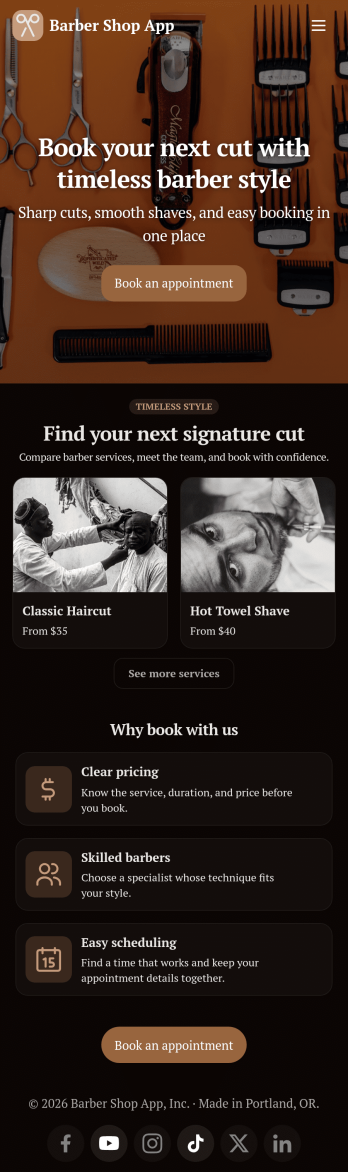
Barber Shop App
As a barber, you want to focus on your clients’ hair, not on booking appointments — so simplify the process for everyone with this Barbershop App! This free app template is ready to use and includes forms so you can schedule appointments and sell barber shop products online directly from your store. Customers can also fill out and update their profile, as well as write testimonials that you can display on your splash page. Your app can be easily accessed and downloaded to any smartphone, tablet, or computer for future use.This Barbershop App can be fully customized to match the branding of your barbershop. Our drag-and-drop interface allows you to add forms, upload logos and images, change fonts and colors, and more — no coding required. Jotform’s List Element feature lets you connect Tables and add actions, making it easy to organize data and manage your app’s flow. Once you’re satisfied with the look and have set the app up to sell your barbershop products online, simply share the link to your website or social media and start booking hair appointments today with this free and fully customizable Barbershop App!
Go to Category:Appointment & Booking Apps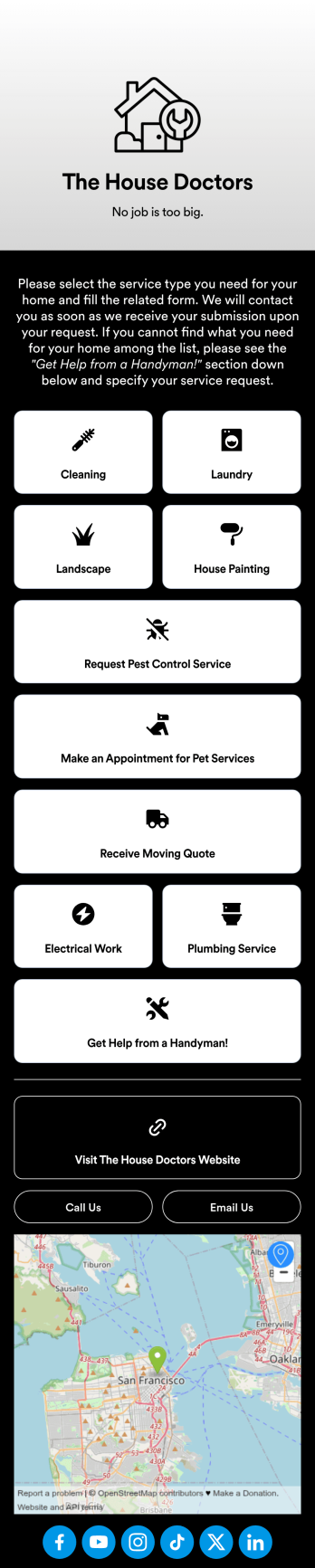
Custom Home Services App
No matter what home services you offer, create a mobile app for your customers with this ready-made Home Services App from Jotform. Clients can download the app to their smartphone or tablet to request cleaning, laundry, landscaping, painting, and other types of services on the go. All form submissions are stored in your Jotform account, so you can respond quickly and easily from anywhere.Want to make changes to this Home Services App? Drag and drop to update the design to match your branding and the services you offer. You can add your logo, change the app background, and more — all with no coding! Once your custom On-Demand Home Services App is ready to go, you can add it to your social media bio or share it with a link for customers to download onto any iOS or Android device.
Go to Category:Booking Apps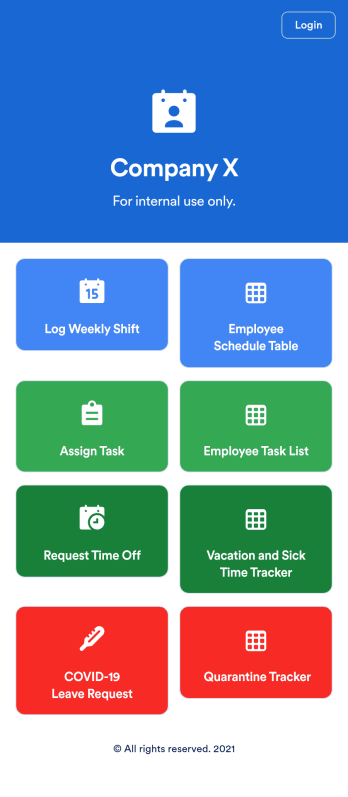
Employee Scheduling App
An employee scheduling app is used by company HR, department managers, and employees for keeping track of employee data. This Employee Scheduling App from Jotform comes bundled with four useful forms, allowing employees to log weekly shifts, view assigned tasks, manage leave requests easily with Leave Request Form, and take time off to quarantine from COVID-19 exposures. Each form includes a companion spreadsheet where employee data is stored — allowing managers to easily sort, filter, and search through entries from any smartphone, tablet, or desktop.Make this app template your own with Jotform’s intuitive app builder. Just drag and drop to add or change form elements, edit the content of individual forms, upload your company’s logo, and more — all without any coding. You can also use your app’s splash screen for things like company-wide announcements or listing HR contact information. Once you’re finished, share your app with employees by attaching a link to an onboarding email or embedding it in an employee portal. Streamline scheduling and time-off requests with this fully-customizable Employee Scheduling app that can be downloaded on any device.
Go to Category:Human Resources Apps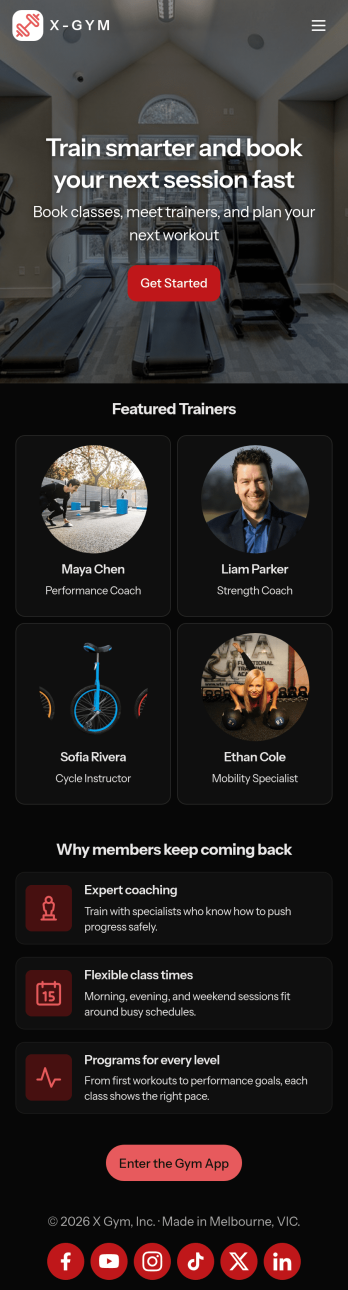
Gym Schedule App
A gym schedule app is used by gyms and personal trainers to allow gym members to directly manage training schedules and evaluations from any device. This Gym Schedule App contains three forms for filling out general contact information, scheduling appointments with personal trainers, and recording post-workout evaluations. Submissions are instantly synced and stored in your Jotform account, where you can manage all your members’ data from one location.Customize this app template to match your gym’s branding with Jotform’s no-code form builder. Just drag and drop to add or change various form elements, create a custom app icon and splash screen, upload your logo, and more. Once you’re done, share a link on your website or in a welcome email and gym members can then access and download your app on any device. Connect gym members with personal trainers and help them achieve their fitness goals with this Gym Schedule App from Jotform.
Go to Category:Sports Apps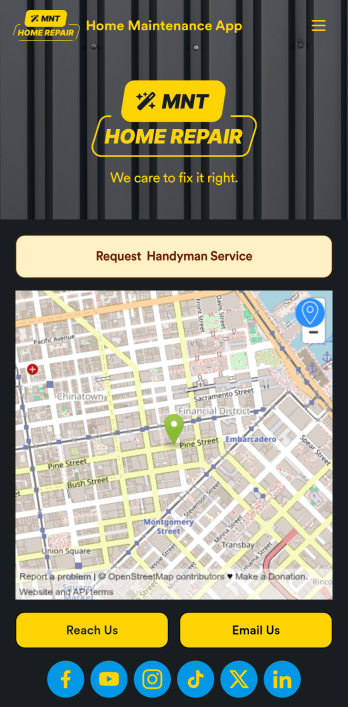
Home Maintenance App
A home maintenance app is used by construction companies and contractors to collect handyman service requests from customers. With this free Home Maintenance App from Jotform, customers can fill out a Handyman Service Request Form with their availability and general contact information, as well as the type of work they need performed. Customer requests are compiled and stored in your online account for ease of access, and can be sorted, filtered, and searched from any device.Make this app your own with Jotform’s drag-and-drop form builder. You can add or swap out form elements, choose fonts and colors, upload your logo, customize the splash page with your business address and phone number, and more — no coding necessary. Once you’re satisfied with the look and feel of your app, you can embed it in your website or share it with a link so customers can download it on any smartphone, tablet, or desktop. Make scheduling handyman service requests simple and easy with this Home Maintenance App.
Go to Category:Booking Apps
Work Schedule App
A work schedule app is used by employees for logging work shifts and completed tasks. With this Work Schedule App, employees can log their shifts by filling out a form with their name, scheduled hours, and hourly wage. A separate task tracking form allows employees to log individual tasks they’ve completed throughout the week. Submissions are stored in two easy-to-read spreadsheets in your Jotform account, which you can sort, filter, and search from any smartphone, tablet, or computer.Want to customize this app template to match your company’s branding? No problem — just use our drag-and-drop builder to add or change form elements, choose fonts and colors, change your app icon or splash screen, and more. Once you’re finished, share your app by sending email invites to employees, or by embedding a link in your company’s HR portal. Employees will be able to access and download your app on any device, making it easy to log shifts and tasks from anywhere. Streamline employee scheduling with this Work Schedule App from Jotform.
Go to Category:Human Resources Apps