
Science Study Notes App is a digital study resource for students who want to capture, organize, and review notes from science classes, labs, textbooks, and independent research. Learners can add science notes through a connected form, browse saved entries, revisit review prompts, open supporting source links, and check study insights from one convenient location. It can support exam preparation, homework review, research projects, laboratory reflections, and ongoing study routines across subjects such as biology, chemistry, physics, and earth science. Students, tutors, teachers, study groups, and educational programs can use this app template to keep learning materials accessible while encouraging active recall and more consistent revision.
Jotform makes this Science Study Notes App easy to adapt with a no-code app builder and an intuitive drag-and-drop interface. Customize pages, colors, typography, buttons, and navigation to match a course or learning style, then connect forms and tables to support data collection and an organized study workflow. Jotform App Templates also make it simple to create a mobile-friendly self-service resource without programming. Once the app is ready, share it through a direct link or QR code so learners can add and review notes from phones, tablets, or computers.
Related templates
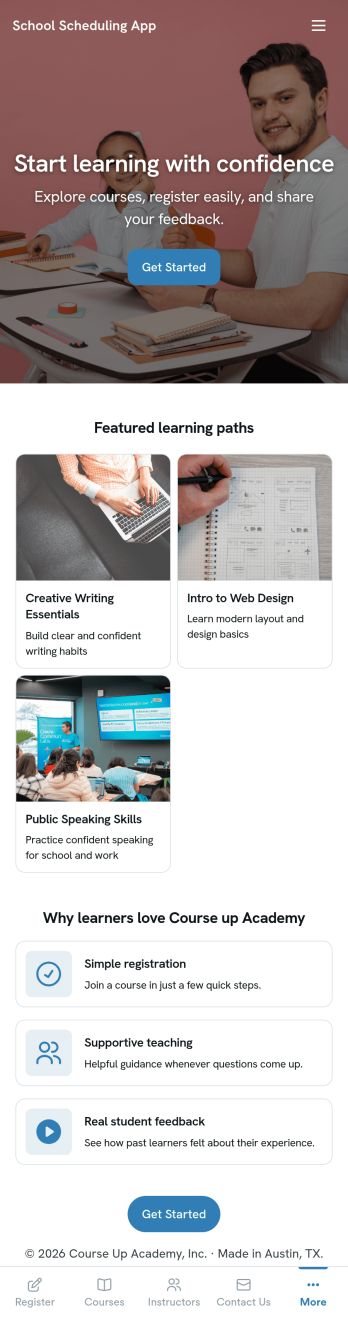
School Scheduling App
School Scheduling App is an app template designed to systemize and optimize the complex process of academic scheduling. Its primary function is to simplify and expedite the creation and management of class schedules for both small and large academic institutions. In its operational context, the app provides a systematic approach to allocating classrooms and teachers, reducing potential conflicts and inefficiencies in timetable planning. This holds immense value for school administrators, academic coordinators, and teachers who are tasked with harmonizing multiple variables in the scheduling process. The app collects relevant information about class timings, rooms, teachers, and subjects and presents it in a structured manner, aiding in the efficient distribution of resources. It brings clarity and consistency to the timetabling process, offering a superior alternative to ad hoc collection methods. Commonly used in primary, secondary, and higher education institutions, the School Scheduling App is best for those seeking a centralized platform to manage and monitor academic scheduling.With Jotform's No-Code App Builder, customizing the School Scheduling App is an intuitive process that requires no coding skills. The drag-and-drop interface allows alterations to forms and layouts to suit institutional brand requirements. The app offers cross-platform compatibility, so users can access and download the app onto any smartphone, tablet, or desktop via a shareable link. This seamless experience extends to the app's publishing options and sharing methods, providing flexibility in access controls and distribution. Users can choose to keep the app public or private and share it via direct link, email, QR code, or social media. With Jotform, creating a cohesive, user-friendly academic scheduling solution is made simple and efficient with the School Scheduling App.
Go to Category:Education Apps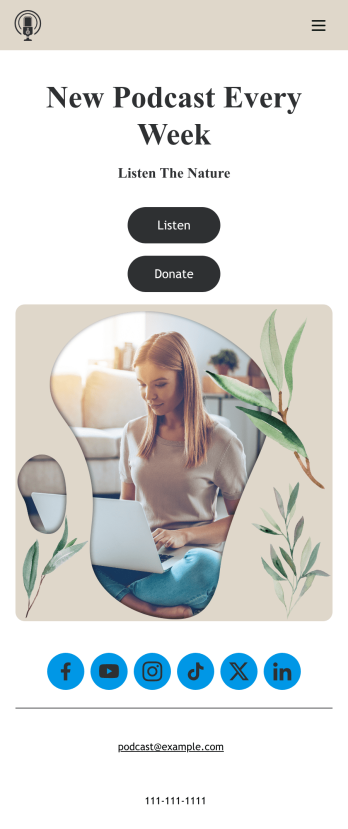
Customizable Podcast App
Consolidate your podcast episodes and collect listener donations from a single convenient location with Jotform’s free Podcast App. Build an app from scratch or choose one of our ready-made app templates — then make it your own without any coding knowledge. Embed individual podcast episodes or entire seasons with our Spotify and SoundCloud widgets. You can also collect listener donations directly through your app with Jotform’s 30+ payment processors with no additional fees to Jotform.Personalize your Podcast App with our intuitive app builder. Simply drag and drop to add additional forms and pages, choose fonts and colors, install powerful widgets and integrations, and upload your unique branding. Once you’re satisfied with the look and feel, you can share your custom app by sending email invites, including links in your social media accounts, or by seamlessly embedding it in your website. Create a one-stop shop for your podcast with this Podcast App that works on any device.
Go to Category:Donation Apps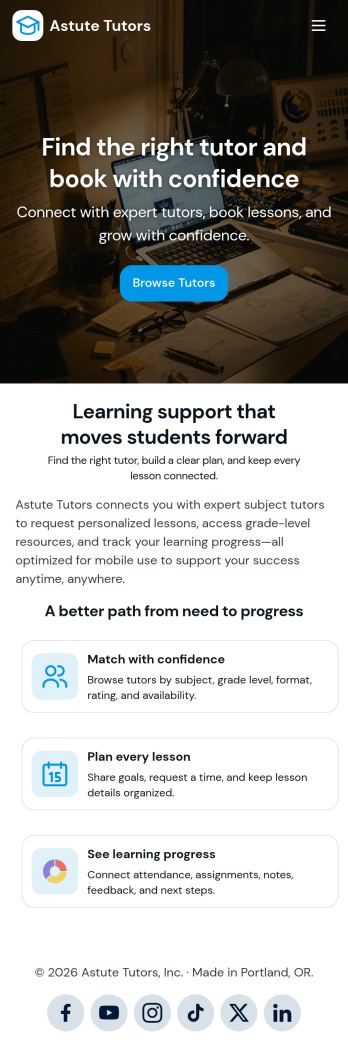
Tutoring App
Tutoring App is an app template designed to streamline the process of finding and connecting with suitable tutors. This app aids in the submission of tutoring requests, providing a platform for students, parents, and educational institutions to specify their learning goals and subject needs. This app is ideal for anyone in need of personalized academic support and learning assistance, providing a central hub for one-on-one or group instruction. The template collects information such as subject areas, desired tutoring schedules, and specific learning objectives, bringing clarity and consistency to the tutor-student matching process. It is a perfect fit for those desiring an efficient and systematic approach to locating the right tutoring support.Jotform's Tutoring App brings additional benefits to the tutoring process by offering cross-platform compatibility enabling usage across smartphones, tablets, and desktops. With its no-code app builder, customization of the app is straightforward, allowing users to tailor the app to their specific needs without writing any code. Adding forms or customizing layouts is made possible with its drag-and-drop interface. The app also provides options for sharing directly via email, social media, or QR codes, thereby making it convenient for users to distribute their tutoring requests widely. Jotform's Tutoring App, with its focus on creating a seamless experience for its users, is the go-to solution for efficient and effective tutoring coordination.
Go to Category:Course & Training Registration Apps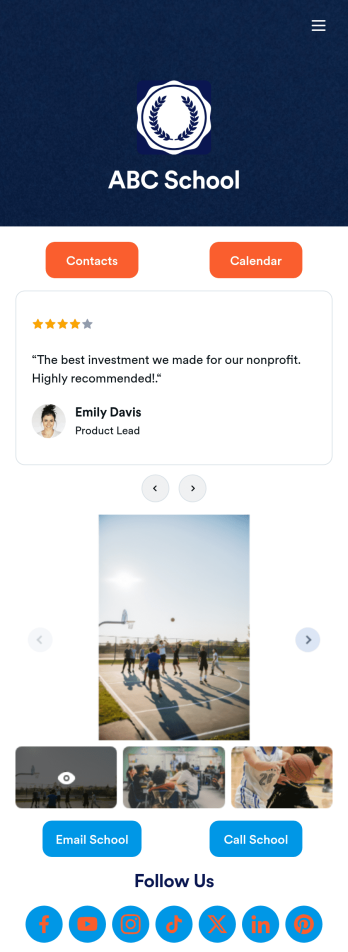
Our School App
A school app keeps important school forms, documents, links, and other resources in one central location that can be accessed on any device. Whether you run a public high school or private university, create an app for your educational institution with Jotform’s free Our School App. This customizable app template includes a calendar page, contact information, event posters, and school photos that students and their guardians can access from any smartphone, tablet, or computer for easy access.Want to customize this Our School App for your school? You won’t need to take a class — simply use our drag-and-drop builder to add forms and tables, embed links, upload documents or media files, create pages, and much more. When your app is ready to share, post the app link on your school website or send email invites to students, guardians, and teachers directly. Keep students informed about upcoming events and deadlines with an Our School App customized for your school.
Go to Category:Education Apps
Community Membership App
A community membership app allows community members to connect to each other from any device. Build your own Community Membership App without any coding with our free template. It includes a membership application form and a list of qualifications that can be accessed from any smartphone, tablet, or desktop computer. Submitted applications will be received instantly and stored in your secure Jotform account, ready to view, share, and approve.Make this Community Membership App your own by customizing it with our drag-and-drop builder. You can easily add more forms, upload logos, change the qualifications, embed links to other resources, and update the app name, icon, and splash page. Share your app by adding the link in your website, posting it on social media accounts, or sending it directly to interested applicants. Keep your community connected with an easy-to-use Community Membership App that works on the go.
Go to Category:Booking Apps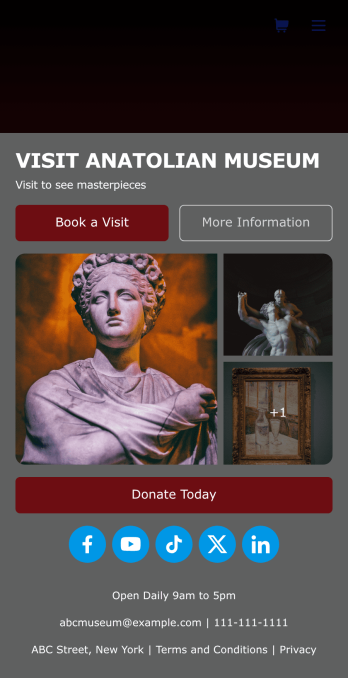
Museum App
A museum app makes it easier for visitors or members to book visits, submit donations, and more. Whether you manage a natural history museum, science center, or art gallery, make a mobile app for your museum with Jotform’s free Museum App. This customizable app template includes a homepage with a booking form and donation form, as well as menu pages containing exhibit details and FAQs. Visitors can easily download the app onto their computer or mobile device, so they can schedule their visits, pay for tickets, give donations, and submit feedback no matter where they are.Customize this Museum App for your museum or gallery in just a few clicks. With Jotform’s drag-and-drop builder, you won’t need to do any coding to add or remove forms, update text and images, upload logos, and include other app elements such as links, documents, or tables. Once your app is ready to use, share it on your museum website or social media accounts for visitors to save onto their own devices. With a fully-custom Museum App, you’ll make it easier for visitors to plan their next visit, helping to increase museum attendance!
Go to Category:Booking Apps