Security Guard Report App helps security teams capture incidents, document shift activity, and confirm routine patrol checks in a consistent format across sites. It’s built for guard companies, property managers, event venues, and in-house security departments that need clear, time-stamped reporting without relying on paper notes or scattered messages. With dedicated areas for incident reports, shift logs, and patrol checks, supervisors get better visibility into what happened, when it happened, and what actions were taken during each assignment.
Jotform makes it easy to turn this Security Guard Report App into a branded self-service workflow using a no-code app builder and a drag-and-drop interface. Connect pages to forms for fast data collection in the field, route key updates for review, and keep records organized for follow-up and internal reporting. Share the app with a link or QR code so guards can submit reports from any device, while managers can review entries and standardize operations across locations.
Related templates
Farm Sprayer App
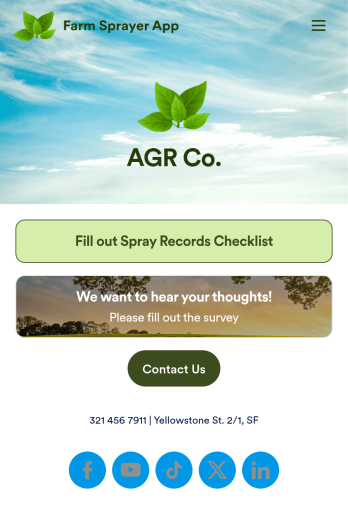
A farm sprayer app is used by farmers, agricultural applicators, orchard applicators, crop advisers and growers for keeping records of farm pesticide sprays. Our Farm Sprayer App comes with a Spray Records Checklist Form, which makes it easy for farm workers to keep detailed records of spray locations, pesticide amount, date, time of application, wind conditions, and more. Users can also calculate the cost per acre, sign off on farm spray reports using an e-signature form, and collect farm and land survey data with an included Agricultural Survey Form.This ready-made app template can be customized to your liking with Jotform’s no-code app builder. Simply drag and drop to add or change form elements, edit text fields and checklist items, create additional forms, update your app’s splash screen and icon, and more. You can even add your own branding with just a few clicks. When you’re finished making changes, share your app with other farm workers by sending email invites or the app link. Users can then download your app on any device and start filling out reports right away. Submissions are instantly synced and stored in your Jotform account for ease of access. Record and manage your farm’s pesticide spray data from a single convenient location with Jotform’s Farm Sprayer App.
Go to Category:Checklist Apps
Safety Audit App
A safety audit app is used by safety auditors to perform safety inspections from their mobile devices. Have members of your inspection team perform audits without any messy paperwork using this free Safety Audit App. The app can be downloaded onto any computer, tablet, or smartphone to gather important data in the field — such as checks for fire prevention, equipment, first aid, and more.Customize this app template’s design without coding using our drag-and-drop app builder. Update items on your inspection checklist, include your company logo, change the app icon or background, and make other changes in seconds. You can then share the app via link or email to be downloaded onto iOS or Android devices. Save time and paper performing safety checks with a free Safety Audit App from Jotform.
Go to Category:Construction Apps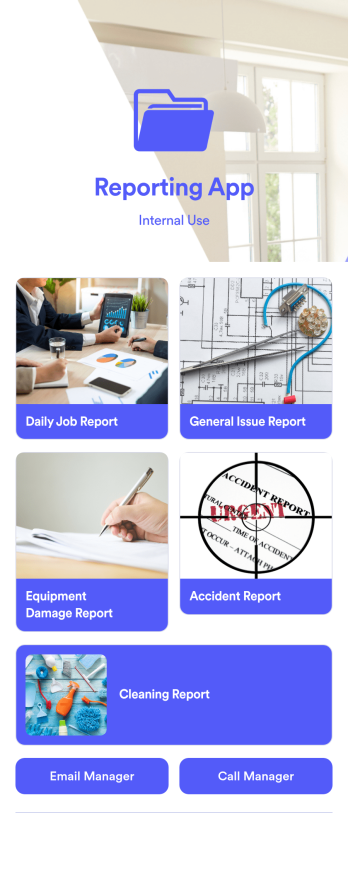
Reporting App
A reporting app is used to track and manage reports — including general daily reports, incident reports, equipment damage reports, employee write ups, and more. To create your own custom Reporting App, use this ready-made template from Jotform. Include your report forms, inquiry forms, contact forms, and more.Need to change the look and feel of this Reporting App Templates? No problem. Jotform Apps offers an intuitive drag-and-drop builder so you can make any design or content changes. Add or remove forms, select a unique app icon, integrate with widgets and platforms, choose a background image or color, and so much more. Streamline your reporting processes with Jotform Apps today.
Go to Category:Company Portal Apps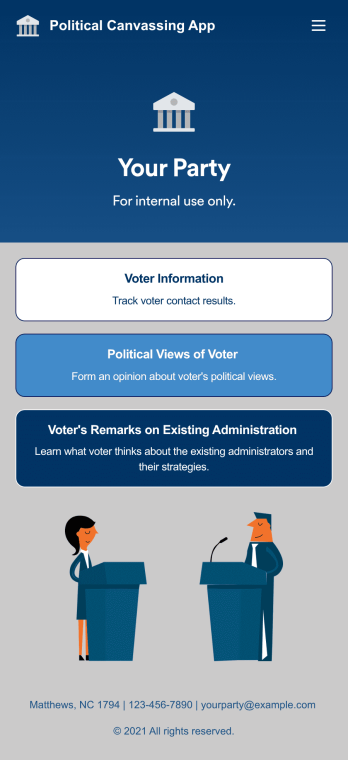
Custom Political Canvassing App
A political canvassing app is used by political parties and candidates for collecting voter information during elections. This free Political Canvassing App from Jotform includes three forms: a Political Canvassing Debriefing Form for tracking voter information, a Political Survey for gauging voters’ political views, and a Political Poll to to learn where voters stand on the current administration and their strategies. Results are instantly synced and compiled in your secure Jotform account.This app template is ready-made and requires no coding, but customizing is easy with our drag-and-drop form builder. You can add or swap out form elements, change poll and survey questions, choose fonts and colors, upload your campaign’s logo, and more. You can also personalize your app’s splash screen by adding images, contact information, and any other relevant campaign information. When you’re finished, share a link to your app on your website or social media, or attach it to a newsletter or mailing list, where it can be accessed and downloaded on any device. Empower your campaign with voter surveys and polls using this fully-customizable Political Canvassing App.
Go to Category:Report Apps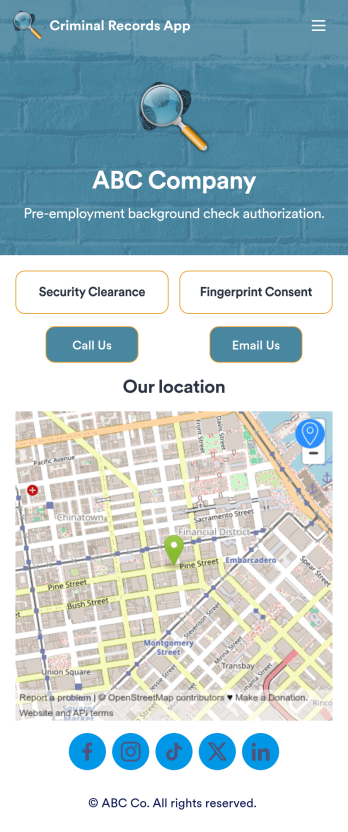
Criminal Records App
A criminal records app is used by companies and HR departments to perform background checks on new job applicants. This free Criminal Records App by Jotform includes both a fingerprint and security clearance consent form. Job applicants can fill out general contact information, answer criminal background questions, upload photos of their IDs, and provide a consent and authorization signature. There is also a place for parents and guardians to sign if the applicant is under 18.Need to customize this Criminal Records App? With our drag-and-drop form builder, you can easily swap out forms, change fonts and colors, upload images, and more — no coding required. Afterwards, just send job applicants a link to your app and have them access or download it on any smartphone, tablet, or desktop. Streamline background checks for new hires with this customizable Criminal Records App.
Go to Category:Report Apps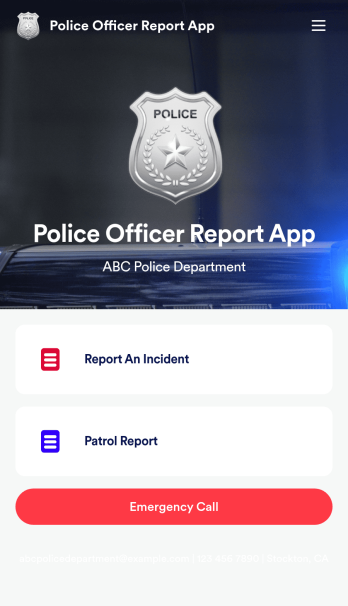
Police Officer Report App
A police officer report app is used by members of law enforcement to report an incident or submit patrol reports. By entering important information like date, time, officer ID, and the people involved in the incident, your department can keep a thorough record of incidents with this free Police Officer Report App from Jotform! All reports are stored securely in your Jotform account and easy to view on any device.Make changes to this app fast with our drag-and-drop builder. Personalize the design by adding a new logo, including extra forms to gather additional details, and customizing other elements to meet your specific needs — then share the app with a link so it can be downloaded to each officer’s computer, tablet, or smartphone. Ditch paper forms and enjoy a faster, more secure way to file incident reports with this free Police Officer Report App.
Go to Category:Report Apps