Security Workforce ERP App brings your guard force and site operations into one place so supervisors can add workforce records, set up security sites, record shift coverage, and capture incident reports without juggling spreadsheets or scattered messages. It’s built for security companies, contract guarding teams, and in-house security departments that need a dependable way to keep rosters current, track who covered which shift, and document incidents with clear details for follow-up and review.
Jotform makes it easy to turn these everyday workflows into a polished, shareable experience with App Templates you can customize in minutes. Using Jotform’s no-code app builder and drag-and-drop interface, you can organize pages for workforce, coverage, sites, and incidents, connect forms for data collection, and keep your workflow moving with a self-service hub that works on any device. As records grow, you can continue adapting the app to match how your team schedules, responds, and reports in the field.
Related templates
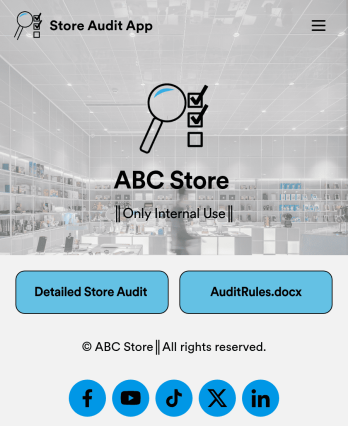
Store Audit App
A store audit app is used by store owners and managers for recording store audits. Jotform’s Store Audit App allows employees to create daily and monthly inspection audits by filling out a form detailing store standards, presentation, and security. Audits are automatically synced to an archive in your secure Jotform account, which you can access from any device for ease of use.Make this app template your own with our intuitive app builder. Drag and drop to add or change form elements, choose color schemes, upload images, and more — no coding required. You can also modify audit headers and textboxes to fit the needs of your store. Once you’re finished, simply download your app onto your store’s tablet or desktop, or share it with employees using a link. Ditch the paperwork and keep all your store audits in one place with this Store Audit App from Jotform.
Go to Category:Checklist Apps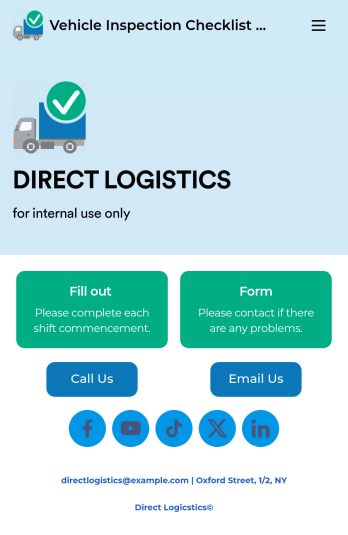
Vehicle Inspection Checklist App
A vehicle inspection checklist app is used by businesses to keep track of vehicle inspection reports for company vehicles. With this free Vehicle Inspection Checklist App, employees can fill out a pre-trip inspection checklist documenting the fuel level and overall condition of a vehicle. Employees can also add notes and attach any relevant pictures using an image upload form. There is a separate contact form employees can use to report issues. Inspection reports are synced automatically to your account, and can be sorted, filtered, and exported from any device.Customize this free app template using Jotform’s drag-and-drop interface. With just a few clicks, you can add or swap out form elements, choose fonts and colors, upload your logo, and more — no coding required. When you’re done, embed a link in an email or on your company website to have employees download your app on any smartphone, tablet, or computer. Create and store vehicle inspection reports in one convenient place with this Vehicle Inspection Checklist App.
Go to Category:Checklist Apps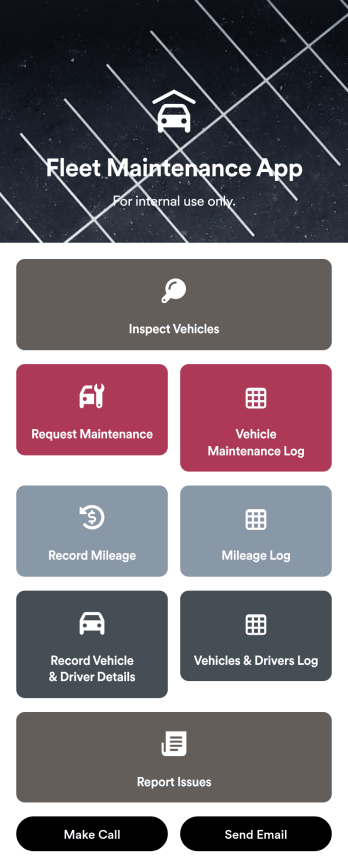
Customizable Fleet Maintenance App
A fleet maintenance app is used by fleet management companies for keeping track of fleet vehicle information. Download this readymade app onto any device to log inspection reports and maintenance requests, and report vehicle mileage and driver details. Form submissions are aggregated in companion spreadsheets with Jotform Tables, which you can search, sort, and filter from your secure Jotform account. From there you can also share reports with your organization or print and export raw data with just a few clicks.Want to make changes to this Fleet Maintenance App? No coding required – just use Jotform’s drag-and-drop app builder to add form elements, edit text fields and checklist items, upload your company’s unique branding, choose fonts and colors, and much more. Once you’re finished, you can share the app by sending email invites or embedding it in an internal website. Streamline your workflow and keep all your online reports in one convenient location with Jotform’s fully-customizable Fleet Maintenance App.
Go to Category:Management Apps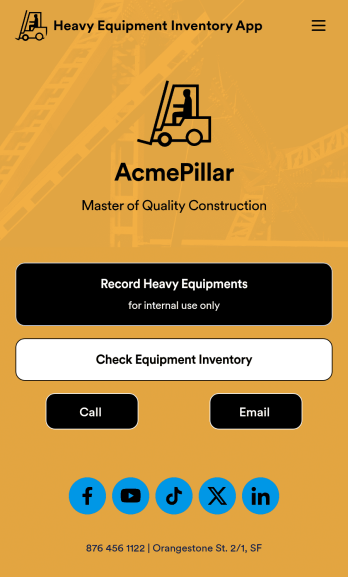
Heavy Equipment Inventory App
A heavy equipment inventory app is used by warehouse companies that need to keep track of incoming equipment purchases. With this customizable Heavy Equipment App, your drivers can record equipment name and type, date of purchase, vendor name, location, number of items, and unit cost. There is also an upload form for attaching pictures and receipts to individual entries. Entries are stored securely in an easy-to-read database, which you can view and manage from any device.This Heavy Equipment Inventory App is fully customizable and doesn’t require any coding. Using our drag-and-drop interface, you can add or change forms, choose fonts and colors, upload your company logo, update the app name, text, splash page, and more. After you’re done customizing, your app can be shared internally via the link and then accessed and downloaded on any device. Record and track warehouse inventory purchases with this Heavy Equipment Inventory App. No coding is required!
Go to Category:Inventory Apps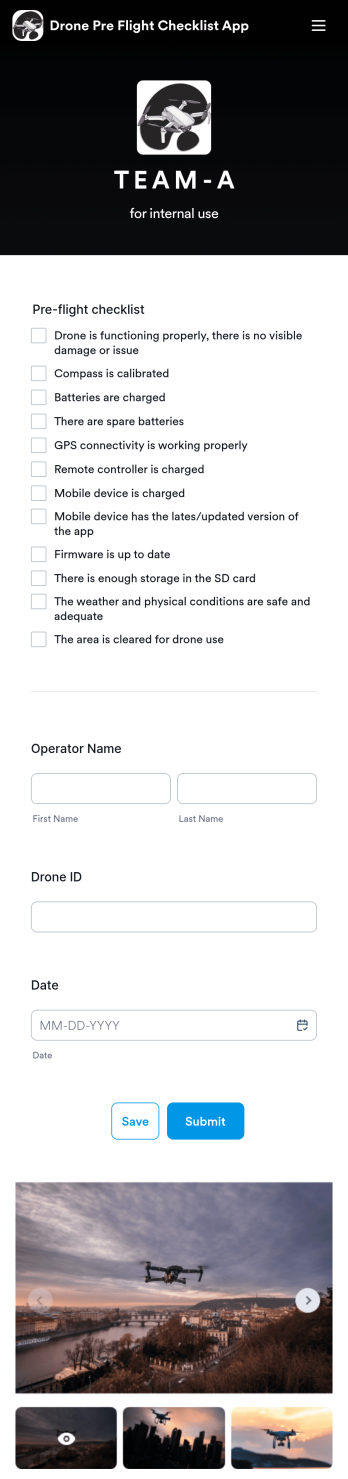
Drone Pre Flight Checklist App
A drone pre-flight checklist app ensures that drone pilots properly follow the right steps to ensure a safe and controlled flight. If you’re a drone inspector or pilot, prepare for your next flight with Jotforms’ free Drone Pre-Flight Checklist App. This prebuilt app includes a comprehensive checklist form that also requires operator name, drone ID, and flight date. You can download the app to fill out the form from any smartphone, tablet, laptop or computer before your drone takes flight. Submissions are securely stored in your Jotfrom account for your records.This Drone Pre-Flight Checklist App is ready to be used as is — but if you’re looking for even more, customize the template in just a few clicks with Jotform’s drag-and-drop builder. You can add more items to the checklist, include new forms and tables, change the fonts and colors, and even update the app name, icon, and splash screen for a more personalized design. When you’re happy with the way it looks and feels, download the app onto your preferred device to open at any time. Check weather conditions, record flight details, and prevent damage to your drone with an easily-accessible Drone Pre-Flight Checklist App on hand.
Go to Category:Checklist Apps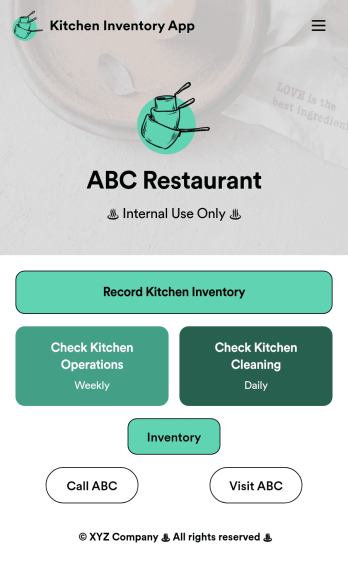
Kitchen Inventory App
Tracking inventory in your kitchen is the key to success for your restaurant. Make inventory a breeze with our free, customizable Kitchen Inventory App! It lets you bundle multiple forms in one app, so you can access our Restaurant Inventory Template and other kitchen forms from anywhere. Supervisors or employees can open the app on any smartphone, tablet, or computer to record stock inventory, report on kitchen operations, and track daily cleaning.This Kitchen Inventory App is ready to use as is, but feel free to make any modifications if necessary. Without any coding, you can add forms, text, images, links, and more. You can even change the name, icon, and splash page for your app for a fully-custom design! Monitor food usage and keep track of your inventory more efficiently with a custom Kitchen Inventory App for your restaurant.
Go to Category:Inventory Apps