Social Media Discovery App helps you curate and share a browsable directory of creators across major platforms so audiences can quickly find the right profiles to follow. Use it to showcase recommended creators, group them by platform, category, or audience type, and guide visitors to the creator’s profile with a direct link. It works well for influencer agencies, marketing teams, online communities, and anyone building a discovery hub for talent, partners, or niche experts.
With Jotform, you can publish this app template in minutes using a no-code app builder and a drag-and-drop interface. Connect the app to your data collection workflow to add new creator recommendations, update profiles, and keep your creator lists current without relying on developers. Share the app as a self-service experience for your team, customers, or community, and manage everything from one place as your directory grows.
Related templates
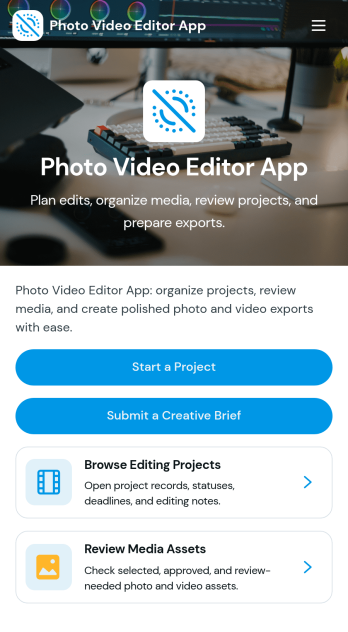
Photo Video Editor App
Photo Video Editor App brings your photo and video editing work into one organized place, so creators can plan edits, manage projects, and follow a consistent workflow from first draft to export. It’s useful for influencers, marketing teams, photographers, and editors who juggle multiple deliverables and need a clear way to create a project, browse a saved project library, and open each project to view key details like editing goals, source media links, and notes. With guided sections for photo and video workflows plus an export check, the app helps reduce missed steps and keeps production moving even when several people contribute.Jotform makes it easy to build and publish app experiences like this using customizable App Templates and a no-code app builder with a drag-and-drop interface. Connect pages to your forms and workflows to support data collection, keep project info consistent, and share a self-service hub with your team or clients. You can update the layout, add new steps, and tailor navigation as your editing process evolves, all without needing to write code.
Go to Category:Entertainment Apps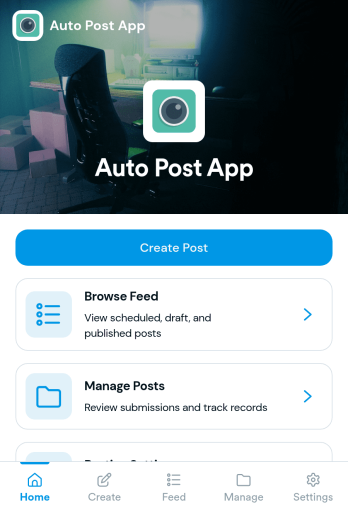
Auto Post App
Auto Post App brings your social content workflow into one place so teams can draft posts, organize what’s coming up, and keep a clear record of what’s already gone out. It’s a practical fit for social media managers, small business owners, creators, and marketing teams who want a simple way to build drafts, move them into a queue, and reference past publishing activity without relying on scattered notes or multiple tools.With Jotform App Templates, you can publish a branded, self-service app experience powered by Jotform’s no-code app builder and drag-and-drop interface. Connect your draft form to collect content details, use lists to review items in your queue and history, and share the app with teammates so everyone follows the same workflow from planning to tracking.
Go to Category:Sales & Marketing Portal Apps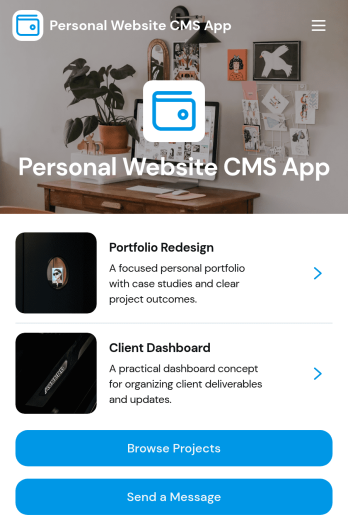
Personal Website CMS App
Personal Website CMS App helps freelancers, creators, and small businesses manage a personal site experience where visitors can browse projects, explore services, and reach out from one place. Use it to present a portfolio in a clean, mobile-friendly format, guide prospects to the right work samples, and capture new inquiries through a built-in message flow. It’s especially useful for designers, developers, consultants, and influencers who want a single hub that highlights offerings and makes it easy for people to start a conversation or share a project brief.With Jotform, you can turn this app template into a polished, self-service destination without coding. Customize pages and navigation with a drag-and-drop interface, connect forms for data collection, and keep your content organized so updates are simple. Share your app through a link or QR code, route incoming requests into a workflow for follow-up, and tailor the look and feel to match your brand as your personal website grows.
Go to Category:Freelancer Apps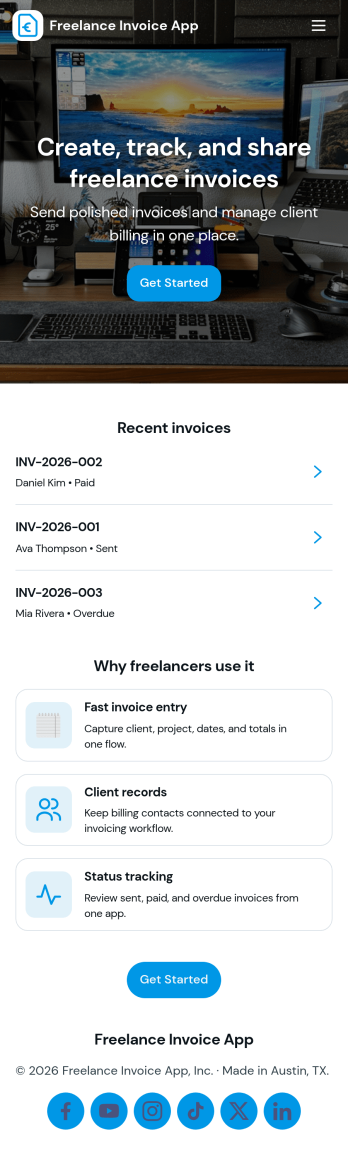
Freelance Invoice App
Freelance Invoice App helps independent professionals create invoices, keep client details organized, and review past invoices from one place. It fits freelancers, consultants, and small service providers who need a simple way to move from client work to getting paid without juggling scattered notes and documents. With pages for creating a new invoice and browsing an invoice list, it supports day-to-day billing tasks, quick lookups, and cleaner recordkeeping when you’re managing multiple clients at once.Built with Jotform, this app template can be tailored to match your billing workflow and the way you work with clients. Use the no-code app builder and drag-and-drop interface to adjust the layout, connect your invoice form, and centralize data collection so invoices and client info stay easy to access. Once published, you can share your self-service invoice experience with a link, helping you stay consistent, organized, and ready to send the next invoice faster.
Go to Category:Finance & Accounting Portal Apps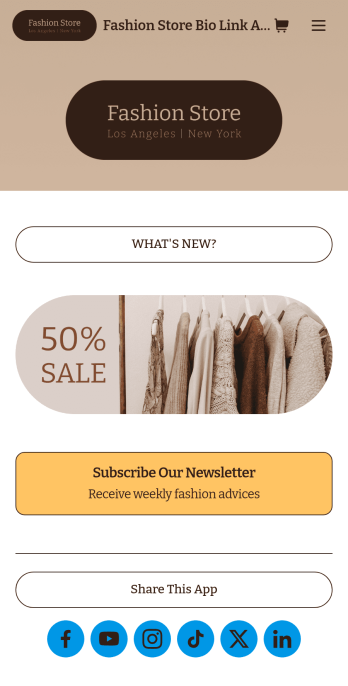
Brand Instagram Bio Link App
Add an app to your Instagram bio with a free Brand Instagram Bio Link App from Jotform. Whether you’re looking to share company promotions, campaigns, announcements, or sell products through your Instagram bio, bundle it all together in an app that your followers can view or download on any device. Any responses submitted through your app’s forms will be stored securely in your Jotform account, so you can view them and get in touch with your customers fast.Make this Brand Instagram Bio Link App template match your branding by uploading your logo, changing the app icon, uploading a new background image, and adding as many links, forms, images, documents, and buttons as you’d like. You can then copy and paste the app link directly into your bio for easy access. Create a custom app to gather information and sell products through your Instagram bio in a few quick clicks with Jotform’s free Brand Instagram Bio Link App.
Go to Category:Influencer Apps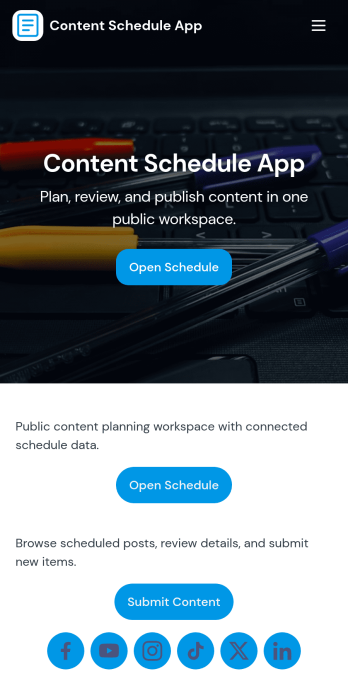
Content Schedule App
A content schedule app brings your publishing plan into one place so teams can create content requests, keep a clear review queue, and see what’s going live next. Use it to organize blog posts, newsletters, social updates, videos, and campaign assets with clear titles and publish dates, then quickly browse planned items in a list view as priorities change. It’s a practical fit for marketing teams, agencies, founders, and comms groups that need simple oversight across multiple channels without losing track of drafts, approvals, or deadlines.With Jotform, you can tailor this app template to match your workflow using a no-code app builder and a drag-and-drop interface. Link the in-app actions to your Content Plan form for consistent data collection, route entries to views like All Submissions and My Submissions, and share a single self-service hub that keeps stakeholders aligned. As your process evolves, you can update pages, navigation, and connected workflows so planning, reviewing, and scheduling stay easy to manage.
Go to Category:Sales & Marketing Portal Apps