Stock Ordering App helps teams request, place, and monitor stock orders from one central place. Use it to browse a catalog of items, submit new orders, and track what’s pending versus approved, so purchasing doesn’t get buried in messages or spreadsheets. It’s a practical fit for offices ordering consumables and packaging, retail teams replenishing fast movers, or operations groups coordinating supplies across locations while keeping everyone aligned on what’s needed and when.
Built with Jotform App Templates, this app template can be customized in Jotform’s no-code app builder with a drag-and-drop interface to match how your organization orders stock. Connect the order form and order records to support data collection, keep a clear workflow from request to approval, and give staff a self-service way to review their orders and current stock levels before submitting another request.
Related templates
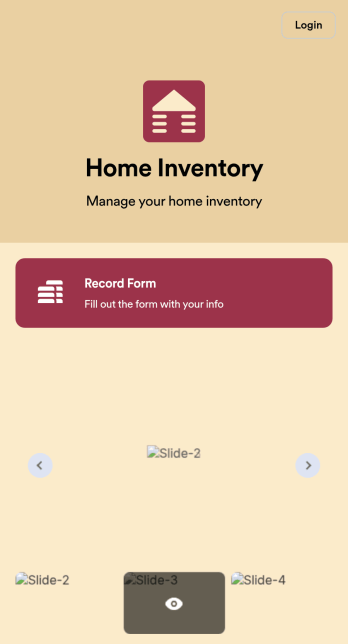
Home Inventory App
Keep track of items in your home with a free Home Inventory App from Jotform. If you’re tracking items for insurance purposes, the app includes a Home Inventory Information Record Form you can use to record details like item name, type, description, year, and more — you can even upload images of items in your home! All submissions through your app are stored securely in your Jotform account, ready to view and access at any time.Need to make changes to this app template? Add more forms, update the app background or icon, and make other design changes with no coding — just drag and drop to get the look you want. Once your app is good to go, download it onto your computer, tablet, or smartphone for quick and easy access. Stop tracking items in your home on paper and enjoy a more efficient way to get it done with this free Home Inventory App.
Go to Category:Inventory Apps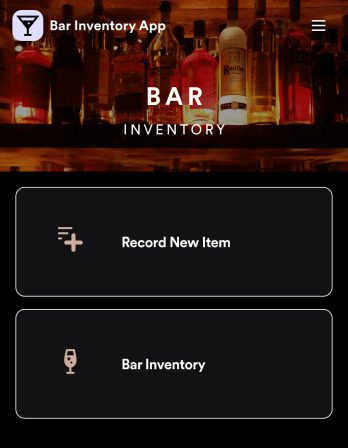
Bar Inventory App
A bar inventory app is used by bar staff to keep track of a bar’s equipment, ingredients, and other beverage information. Stop tracking inventory with pen and paper and enjoy an easier way to do it with a free Bar Inventory App from Jotform. Employees can download the app onto their iOS or Android device and fill it out as they go. All stock take submissions are stored securely in an inventory spreadsheet and viewable directly from the app.Customize this app template using our drag-and-drop app builder. With no coding required you can add your company logo, update forms or spreadsheets, change the background image, and make other design changes in seconds. Help your bar staff save time with a more efficient inventory process using this free Bar Inventory App that downloads onto any computer or mobile device.
Go to Category:Inventory Apps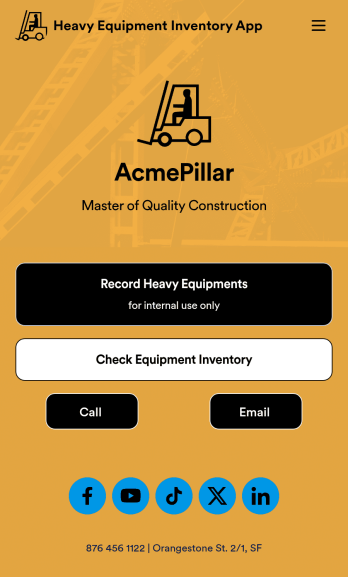
Heavy Equipment Inventory App
A heavy equipment inventory app is used by warehouse companies that need to keep track of incoming equipment purchases. With this customizable Heavy Equipment App, your drivers can record equipment name and type, date of purchase, vendor name, location, number of items, and unit cost. There is also an upload form for attaching pictures and receipts to individual entries. Entries are stored securely in an easy-to-read database, which you can view and manage from any device.This Heavy Equipment Inventory App is fully customizable and doesn’t require any coding. Using our drag-and-drop interface, you can add or change forms, choose fonts and colors, upload your company logo, update the app name, text, splash page, and more. After you’re done customizing, your app can be shared internally via the link and then accessed and downloaded on any device. Record and track warehouse inventory purchases with this Heavy Equipment Inventory App. No coding is required!
Go to Category:Inventory Apps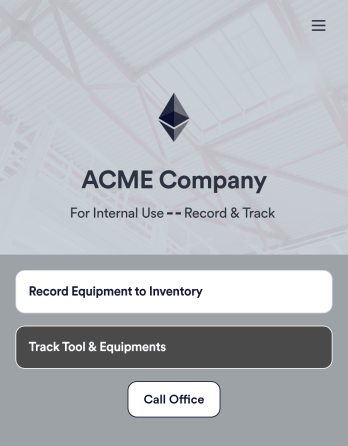
Tool Inventory App
A tool inventory app is used by companies that need to keep track of loaned out tools and equipment. This customizable Tool Inventory App allows you and your employees to record equipment name and type, date of purchase, vendor name, location, number of items, and unit cost. There is also an upload form for attaching pictures and receipts to individual entries. Submissions are stored securely in an easy-to-read database, which you can access directly from your app from any smartphone, tablet, or computer.Looking to personalize this Tool Inventory App? Using our drag-and-drop interface, you can add or change forms, choose fonts and colors, upload your company logo, update the app name, text and splash page, and more — all with zero coding. After you’re done customizing your app can be shared internally via link and then accessed and downloaded on any device. Never lose track of a tool rental again with this Tool Inventory App!
Go to Category:Inventory Apps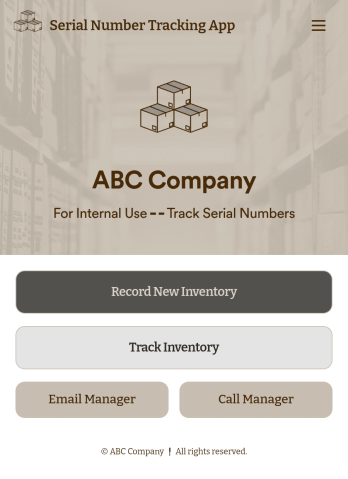
Serial Number Tracking App
A serial number tracking app is used by businesses to record and compile office equipment serial numbers. With this ready-to-use Serial Number Tracking App, you can log item name and type, serial number, date of purchase, and any relevant notes. There is also an upload form to attach pictures or receipts. Entries are stored securely in your account, and can be sorted and filtered in an easy-to-read Office Inventory Sheet.Looking to customize this Serial Number Tracking App? Our drag-and-drop form builder makes it easy to add forms and text, upload your logo, change fonts and colors, customize your app icon and splash screen, and more — no coding required. Once you’re done, just share a link with your employees and they can access and download your app on any device for future use. Record and store all your serial numbers in one convenient place with this customizable Serial Number Tracking App.
Go to Category:Tracker Apps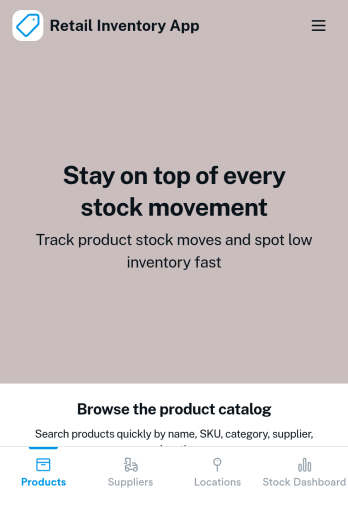
Retail Inventory App
A retail inventory app is used by retail store managers and employees for keeping records of product inventory. This free Retail Inventory App allows you to easily keep track of inventory by recording product name, inventory ID, stock location, unit price, quantity, and more through a Product Inventory Information Record Form. Product entries are stored securely in a Product Inventory Table in your account, which you can sort, filter, and search from any device. You can also share and export an inventory list with just a few clicks.If you’d like to personalize your app, just use our drag-and-drop form builder to add or change form elements, choose fonts and colors, and customize your icon and splash page—no coding required. With Jotform’s Role-based feature, you can control access so tutors, admins, and other users see only the parts of the app relevant to them. Afterwards, you can share your app with managers and employees using a link or embed it in an internal website. Start keeping detailed product inventory records with this customizable Retail Inventory app from Jotform.
Go to Category:Company Portal Apps