
Study Progress App gives students, tutors, teachers, and independent learners a central place to document study sessions and see how their efforts develop over time. Learners can record a session, review their study log, monitor progress, and keep subject-based goals visible while preparing for exams, completing coursework, or following a personal learning plan. This app template reduces reliance on scattered notes and makes it easier to identify study habits, maintain accountability, and decide where additional attention is needed. Schools, tutoring programs, study groups, and families can also use it to support consistent learning routines.
With Jotform Apps, this Study Progress App can be adapted through a no-code app builder and an intuitive drag-and-drop interface. Update pages, navigation, colors, fonts, and visual elements to create a focused experience for individual learners or education programs. Connected forms and tables support organized data collection, while notifications and workflows can help keep study records current. Jotform App Templates are mobile-friendly and easy to publish, so learners can access this self-service resource through a direct link or QR code and log study activity wherever learning takes place.
Related templates
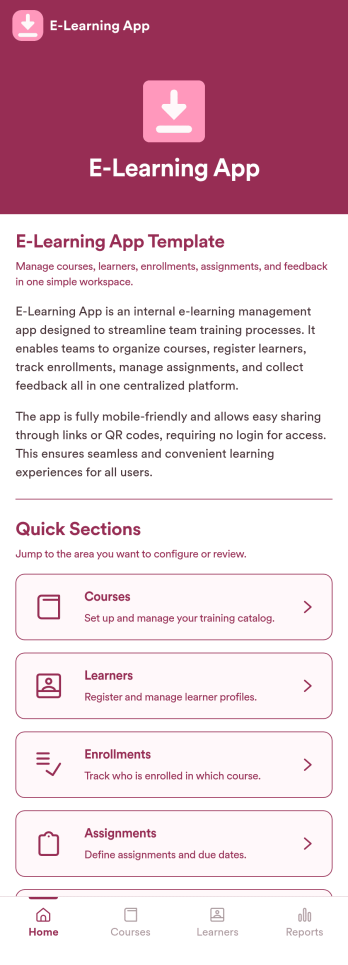
E-Learning App
E-Learning App is an app template designed to foster the creation and management of online learning experiences, specifically tailored for educators, training providers, schools, and organizations. It provides a structured platform for the seamless delivery of educational content and training programs, creating a centralized hub for learning materials, assignments, quizzes, and discussions. The integrated data collection feature ensures the capture of vital learner data, such as enrollment details, progress tracking, and feedback, making it a comprehensive solution for educational and training workflows. It is commonly used for distance learning, corporate training, and continual professional development programs, and is best suited for those needing a ready-to-use, robust platform for delivering a streamlined e-learning experience.Jotform’s intuitive, no-code app builder makes customizing your E-Learning App a breeze. Personalize the app to align with your organizational branding: swap out forms, choose fonts and colors, and upload your logo without a single line of code. Its cross-platform compatibility allows your learners to access the app on any smartphone, tablet, or desktop, ensuring a consistent learning experience across different devices. With the added convenience of electronic signature collection, authentication of important documents such as consent forms and agreements becomes effortless. Take advantage of Jotform's seamless integration with Sheets for easy management and visualization of collected data, and generate comprehensive reports to track learner progress and course effectiveness. With Jotform, managing your online learning program becomes an easy, efficient, and rewarding process.
Go to Category:Activity Tracking Apps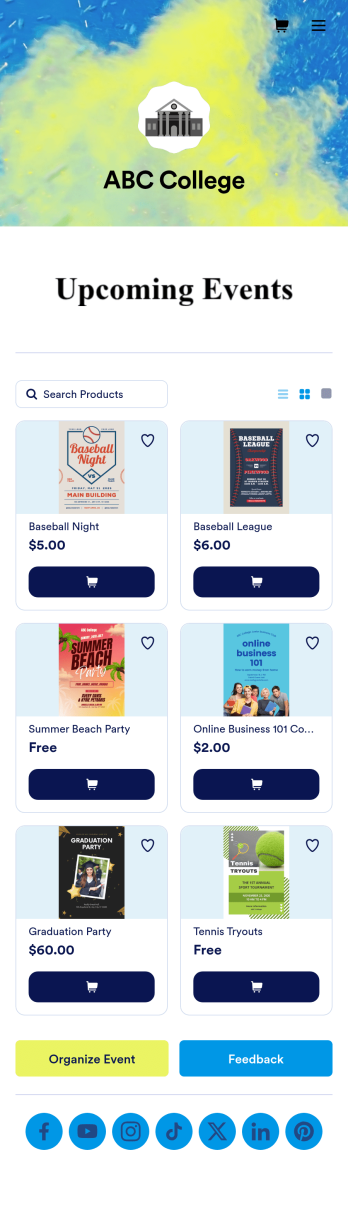
Custom College Events App
A college events app connects students to university events from any device. No matter what school you plan events for, let students know what’s coming soon with Jotform’s free College Events App. This customizable app template includes event posters, guest registration forms, and links to social media accounts that students can access from their smartphone, tablet, laptop, or computer. All submitted responses will be instantly synced to your secure Jotform account to be viewed or approved by you and other event staff.Make this College Events App stand out by using our drag-and-drop builder to customize it for your school. Without coding, you can add or remove forms, upload promotional images and videos, include tables and links, create buttons and pages, change the color scheme and fonts, and update the app name and icon to better represent your school. When it’s ready, your app can be shared on social media, your school website, or via the app link. Inform and excite students about upcoming events — and boost school pride — with a custom College Events App for your school!
Go to Category:Booking Apps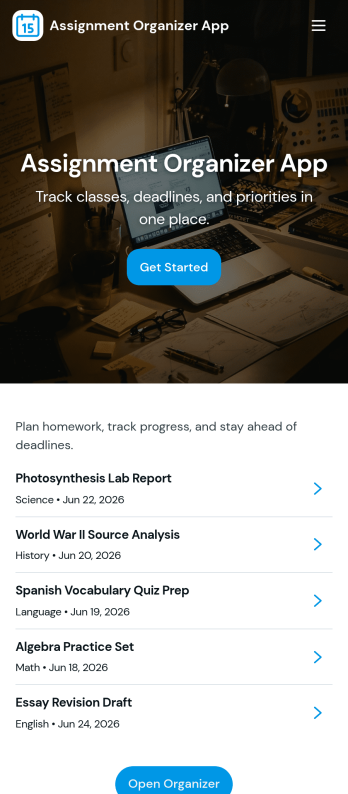
Assignment Organizer App
An Assignment Organizer App brings assignments, due dates, and student turn-ins into one easy place so classes don’t lose track of what’s next. Use it to post new assignments, keep an up-to-date list of work, and let students add submissions as they complete tasks. It’s a practical fit for teachers, tutors, training coordinators, and academic programs that need a clear way to manage assignment records and quickly navigate into assignment details.With Jotform, you can turn this app template into a branded, shareable experience using a no-code app builder and a drag-and-drop interface. Connect buttons and pages to your forms and tables to support data collection and a repeatable workflow, from adding a new assignment to reviewing submissions in a self-service format. Publish your app in minutes, update it anytime, and share a single link with your class or team.
Go to Category:Classroom Management Apps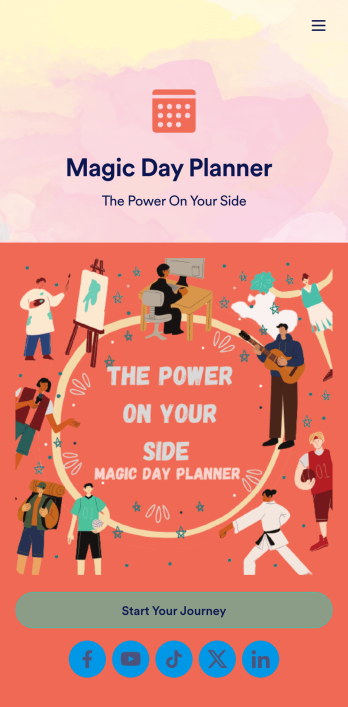
Day Planner App
Want a simple way to track your or your clients’ goals? Well, look no further than this Day Planner App from Jotform — perfect for anyone looking to get their life together. Add daily or weekly check in forms, show open consulting appointments, upload payment forms, and more helpful features to make your app intuitive and easy to use.Making design changes to this Day Planner App is quick and easy. Simply drag and drop to switch up fonts and colors, upload personal or company branding, integrate with helpful payment or scheduling widgets, and much more. To share this handy app with others, all you’ll have to do is send a link, generate a QR code, or embed it straight into your own website or portal.
Go to Category:Daily Planner Apps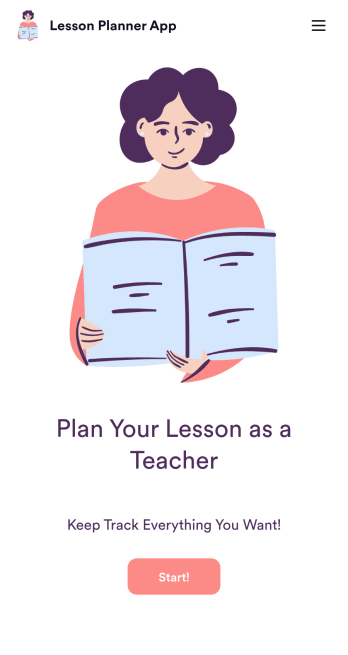
Lesson Planner App
Create and manage your classroom lesson plan with this free Lesson Planner app from Jotform. Download this app onto any device and start adding courses, start and end dates, lesson titles and objectives, tasks, resources, and more. There are also separate forms for entering student information and creating daily assignment checklists. Submissions are aggregated and stored in a color-coded and easy-to-understand spreadsheet using Jotform Tables.Want to make changes to this Lesson Planner App? No problem! With Jotform’s no-code app builder, you can build a custom app that meets your classroom’s needs in seconds. Simply drag and drop to add or change form elements, edit text fields and checklist items, install integrations and widgets, change fonts and colors, and more. When you’re done, you can access and download your app onto any smartphone, tablet, or desktop and start using it right away. Manage all your lesson plans and assignments from a single location with this mobile-friendly Lesson Planner App.
Go to Category:Daily Planner Apps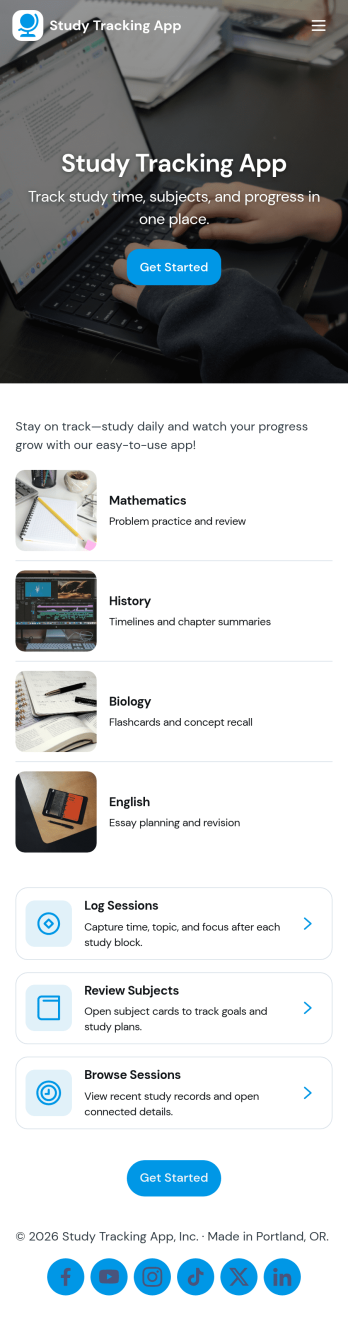
Study Tracking App
Study Tracking App helps students and lifelong learners stay on top of weekly goals, study plans, and session habits in one place. Use it to map out what you want to study this week, record each study session as it happens, and keep a simple view of progress and reviews so nothing slips through the cracks. It’s a great fit for high school and college students, exam prep groups, tutors supporting multiple learners, and anyone building a consistent routine across subjects.With Jotform, you can turn this study workflow into a shareable, mobile-friendly experience without coding. Start with this app template, then adjust pages, buttons, and navigation using a drag-and-drop interface, connect forms for data collection like adding a study plan and logging sessions, and keep everything organized as your workflow evolves. Whether you’re studying solo or coordinating with a tutor or small team, Jotform makes self-service tracking easy to launch and simple to maintain.
Go to Category:Education Apps