System Check App helps teams run routine system checks and keep a clear record of results and issues in one place. Use it for daily operational verification, pre-shift readiness reviews, or recurring IT and equipment check routines where consistency matters. With options to run a check, start a new check, and log problems through a dedicated issue flow, this app supports technicians, operations leads, facilities teams, and support staff who need quick visibility into system health and what needs attention.
Jotform makes it easy to turn this System Check App into a practical self-service experience using a no-code app builder and a drag-and-drop interface. Connect check and issue forms to organized lists so your team can review recent activity, track patterns over time, and follow up faster. Customize pages, branding, and navigation in minutes, then share the app by link or QR code so the right people can run checks, report issues, and keep workflows moving from any device.
Related templates
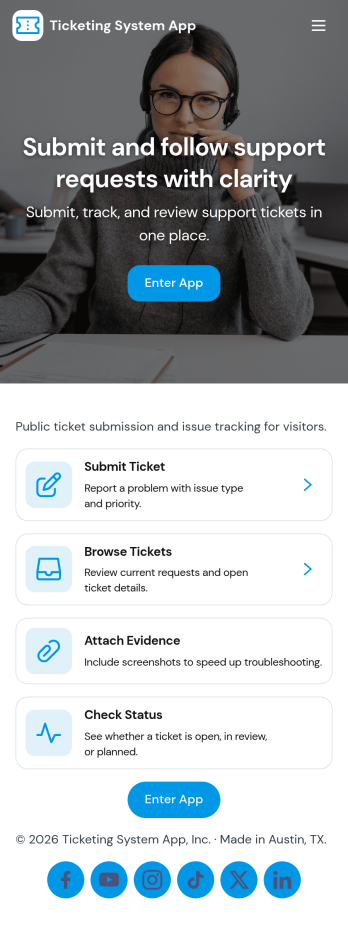
Ticketing System App
A ticketing system app gives teams a central place to capture requests, organize incoming issues, and guide people to the right next step. With this Ticketing System App, users can submit a new ticket, browse existing tickets, and review their own submissions without relying on scattered emails or chat threads. It’s a practical fit for IT help desks, internal ops teams, customer support groups, facilities, and any department that needs a clear way to intake problems, track progress, and keep request details consistent from start to finish.Jotform makes it easy to publish this experience as a branded, self-service app using a no-code app builder and a drag-and-drop interface. Connect your ticket form to the app so requests flow into a single workflow, then share the app link with employees or customers for faster data collection and better visibility. As needs change, you can update pages, navigation buttons, and the ticket list view in minutes, keeping your support process organized and accessible on any device.
Go to Category:Service & Support Portal Apps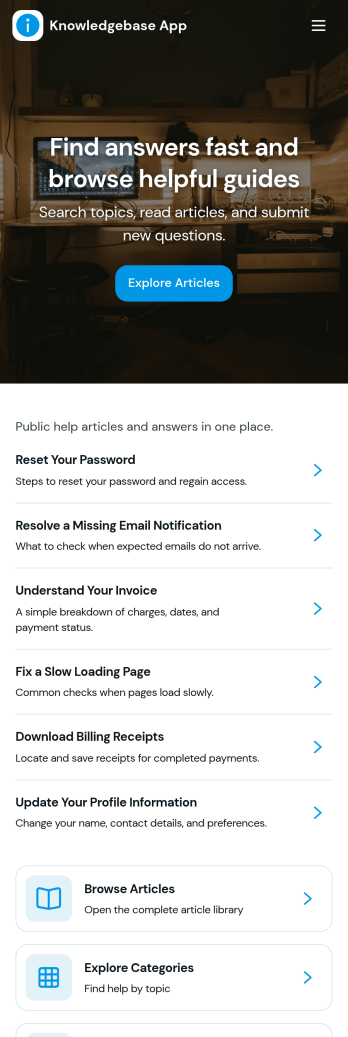
Knowledgebase App
Knowledgebase App gives teams a simple, searchable place to publish help articles and guide users to answers without extra emails. It’s ideal for customer support teams, IT departments, HR, and operations groups that need to share consistent instructions, troubleshooting steps, or internal how-to documentation. Users can browse articles, open an article details view for deeper guidance, and submit a request when they can’t find what they need, so questions don’t get lost and support stays organized.With Jotform, you can turn this knowledgebase app template into a branded self-service experience using a no-code app builder and a drag-and-drop interface. Connect your article list to Jotform Tables for easy updates, and link the request form to your workflow so the right people are notified and can follow up quickly. Share the app by link or QR code to make trusted information accessible on any device while keeping your data collection consistent across teams.
Go to Category:Resource & Learning Portal Apps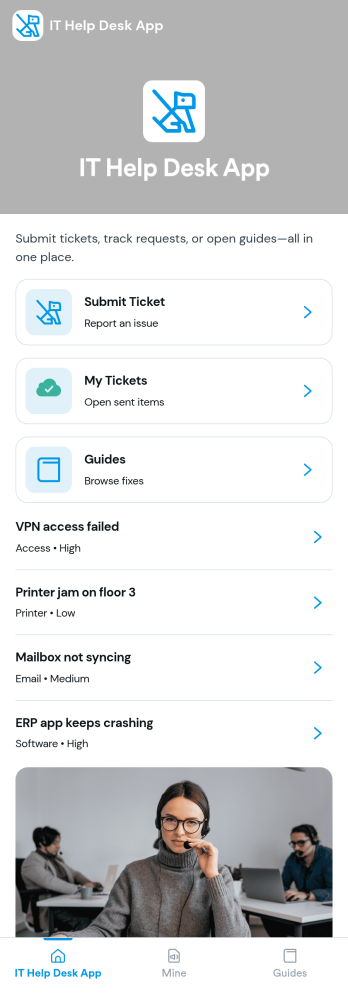
It Help Desk App
It Help Desk App gives teams a clear place to route internal tech issues and keep requests from getting lost in chat threads and inboxes. Employees can submit a ticket, check their open tickets, and review request details like priority and issue type in one simple experience. It works well for IT departments, managed service teams, and fast-growing companies that need a consistent way to capture problems, assign attention, and follow up without confusion.With Jotform App Templates, you can publish a self-service help desk that connects pages, buttons, and lists to the forms and tables behind your process. Build and update your workflow in a no-code app builder with a drag-and-drop interface, then share the app as a single link for quick access on any device. Jotform supports reliable data collection and organized request tracking, so your team can spend less time searching for context and more time resolving issues.
Go to Category:Information Technology Apps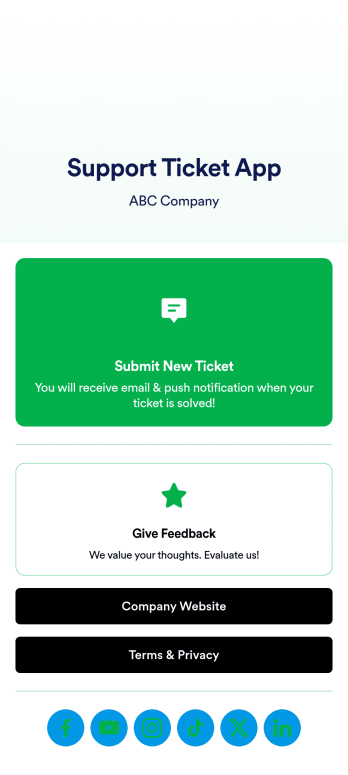
Support Ticket App
Jotform's Support Ticket App template allows customer support teams and IT departments to efficiently manage customer inquiries and issues without any coding. This free, no-code app builder enables users to create a fully customized app with forms, widgets, products, and branding that can be downloaded onto any device. With this template, support teams can collect tickets and feedback to streamline their ticketing system and provide timely assistance to customers.Are you looking for a way to simplify your customer support process? Jotform's Support Ticket App template is the solution you need. With features like a drag-and-drop builder, powerful app elements, and 70+ app widgets, you can create a seamless experience for your customers. Improve user engagement with push notifications and give users access to their submission history. Experience the ease of use and customization that Jotform Apps offer, making it the perfect choice for customer support teams and IT departments.
Go to Category:Customer Portal Apps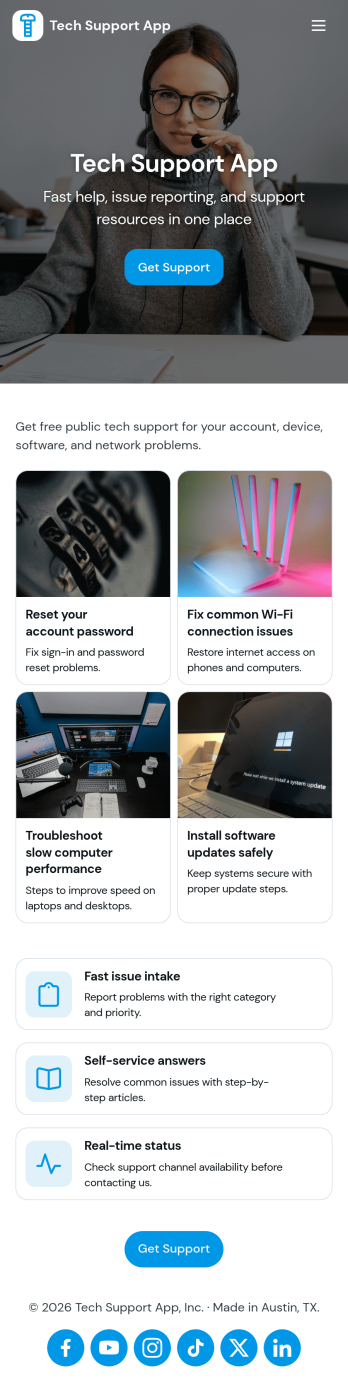
Tech Support App
Tech Support App helps teams centralize IT help requests so users can open a ticket, track progress, and find their place in the support queue without chasing updates. It’s a practical fit for internal IT departments, MSPs, SaaS support teams, and school or nonprofit tech offices that need a clear intake path and a simple way for requesters to check status. With quick actions like Submit Ticket and New Ticket plus a dedicated My Tickets area, the app supports fast reporting of issues, consistent triage, and fewer repeated emails about the same problem.Built with Jotform App Templates, this app template can be tailored in minutes using Jotform’s no-code app builder and drag-and-drop interface. Connect the ticket form to your existing workflow, organize requests in one place, and share the app through a link or QR code for easy self-service. As your volume grows, you can refine pages for different support needs, keep your process consistent across locations, and manage data collection in a way that works for both requesters and support staff.
Go to Category:Information Technology Apps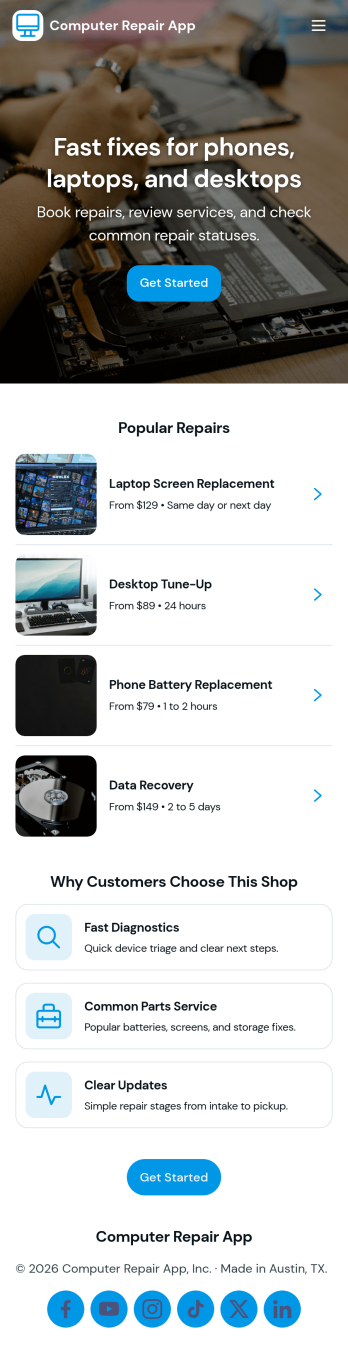
Computer Repair App
Computer Repair App brings your repair shop’s front desk and workbench into one place so you can capture new repair requests, create tickets fast, and keep jobs moving without losing track of device details. It’s built for computer repair businesses, IT service counters, and technicians who need a clear way to open intake, start a new repair, and follow each customer job from check-in to pickup. With quick intake and job tracking in the same experience, teams can reduce missed information and keep customers updated with fewer manual handoffs.Jotform makes it easy to turn this computer repair app template into a branded, self-service workflow using a drag-and-drop no-code app builder. Connect buttons and pages to your intake form, organize job records for faster lookups, and use dashboards to monitor repair operations at a glance. Share the app by link or QR code, refine it as your process evolves, and keep your data collection and daily workflow consistent across the whole team.
Go to Category:Information Technology Apps