Warehouse Picking App brings day-to-day fulfillment work into one mobile-friendly place so pickers and warehouse leads can move faster and miss fewer items. Use it to keep a clear picking queue, jump into waves like Wave A and Wave B, and open each pick to see what to grab before marking the task complete. It also supports quick stock visibility through Stock View and highlights Low Stock items, helping teams reduce delays caused by surprise shortages.
Built with Jotform, this app template turns your picking workflow into a shareable self-service experience without coding. Use the no-code app builder and drag-and-drop interface to tailor pages for your operation, connect actions like Mark Complete to your data collection forms, and route completions into connected tables for reporting. Share the app with a link or QR code, keep your picking workflow organized in real time, and give supervisors a clearer view of what’s done, what’s next, and what needs attention.
Related templates
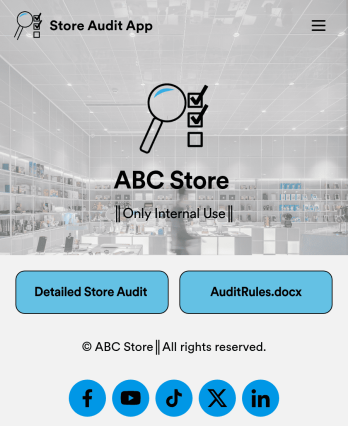
Store Audit App
A store audit app is used by store owners and managers for recording store audits. Jotform’s Store Audit App allows employees to create daily and monthly inspection audits by filling out a form detailing store standards, presentation, and security. Audits are automatically synced to an archive in your secure Jotform account, which you can access from any device for ease of use.Make this app template your own with our intuitive app builder. Drag and drop to add or change form elements, choose color schemes, upload images, and more — no coding required. You can also modify audit headers and textboxes to fit the needs of your store. Once you’re finished, simply download your app onto your store’s tablet or desktop, or share it with employees using a link. Ditch the paperwork and keep all your store audits in one place with this Store Audit App from Jotform.
Go to Category:Checklist Apps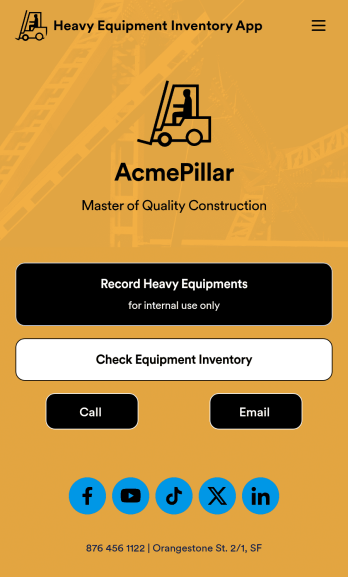
Heavy Equipment Inventory App
A heavy equipment inventory app is used by warehouse companies that need to keep track of incoming equipment purchases. With this customizable Heavy Equipment App, your drivers can record equipment name and type, date of purchase, vendor name, location, number of items, and unit cost. There is also an upload form for attaching pictures and receipts to individual entries. Entries are stored securely in an easy-to-read database, which you can view and manage from any device.This Heavy Equipment Inventory App is fully customizable and doesn’t require any coding. Using our drag-and-drop interface, you can add or change forms, choose fonts and colors, upload your company logo, update the app name, text, splash page, and more. After you’re done customizing, your app can be shared internally via the link and then accessed and downloaded on any device. Record and track warehouse inventory purchases with this Heavy Equipment Inventory App. No coding is required!
Go to Category:Inventory Apps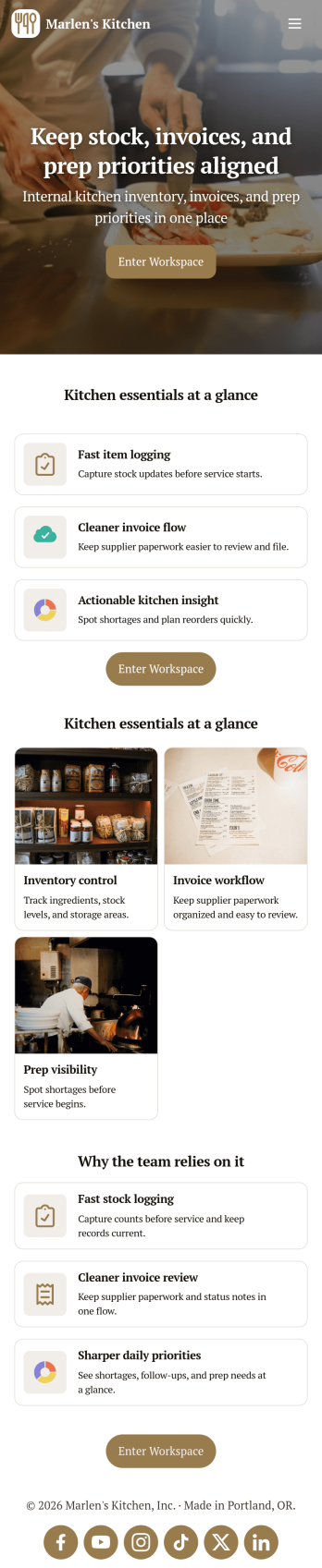
Restaurant Food Inventory App
Restaurant Food Inventory App is an app template designed to optimize the operational workflow of restaurants. It serves as a one-stop solution for restaurant owners, chefs, and kitchen managers to monitor ingredient inventory levels, track usage and expiry dates, manage supplier orders, and optimize food costs through real-time stock visibility. With this app, keeping an eye on food stocks and minimizing waste becomes a hassle-free process. By offering a comprehensive overview of all culinary inventory in one place, it replaces ad-hoc record-keeping practices, leading to more consistent and complete data collection. This app is best suited for those in the food industry who prioritize efficiency, accuracy, and waste reduction in their inventory management.With Jotform's no-code app builder, customizing the Restaurant Food Inventory App to fit your unique requirements is a breeze. The intuitive drag-and-drop interface allows for effortless modifications such as form swapping, font selection, color adjustment, and logo uploading. The result is a tailor-made app that aligns with your restaurant’s branding, without requiring any coding skills. Your app can then be accessed and downloaded onto any smartphone, tablet, or desktop via a shareable link, offering convenient cross-platform compatibility. Furthermore, Jotform Apps provide several publishing options, allowing you to control the accessibility of your app. With Restaurant Food Inventory App from Jotform, streamline your food inventory management and focus on what truly matters: delivering exceptional culinary experiences.
Go to Category:Company Portal Apps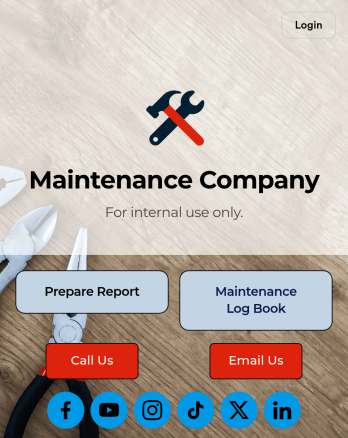
Maintenance Log App
A maintenance log app is used by companies to record and keep track of maintenance records. With our free Maintenance Log App, you can use a Maintenance Report Form to track general personnel information, equipment and building issues, and any repairs performed. There is a digital signature box at the bottom of the form to be signed upon completion. Reports are instantly compiled and stored in an Equipment Maintenance Log, which is accessible from your Jotform account.You can easily customize this app to suit your needs by adding or changing forms, uploading your logo, choosing fonts and colors, and more — no coding required. Share your app with a link or embed it in an internal website, and maintenance staff can begin using it right away on any device. Say goodbye to paperwork and start keeping all your maintenance records online with this free Maintenance Log App.
Go to Category:Engineering Apps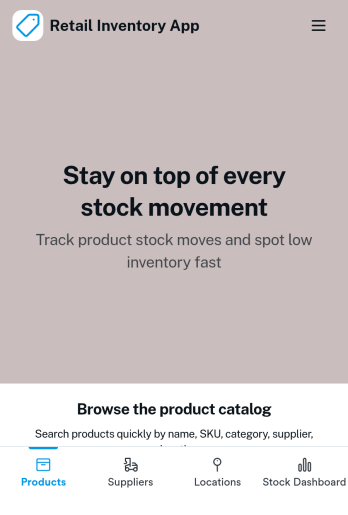
Retail Inventory App
A retail inventory app is used by retail store managers and employees for keeping records of product inventory. This free Retail Inventory App allows you to easily keep track of inventory by recording product name, inventory ID, stock location, unit price, quantity, and more through a Product Inventory Information Record Form. Product entries are stored securely in a Product Inventory Table in your account, which you can sort, filter, and search from any device. You can also share and export an inventory list with just a few clicks.If you’d like to personalize your app, just use our drag-and-drop form builder to add or change form elements, choose fonts and colors, and customize your icon and splash page—no coding required. With Jotform’s Role-based feature, you can control access so tutors, admins, and other users see only the parts of the app relevant to them. Afterwards, you can share your app with managers and employees using a link or embed it in an internal website. Start keeping detailed product inventory records with this customizable Retail Inventory app from Jotform.
Go to Category:Company Portal Apps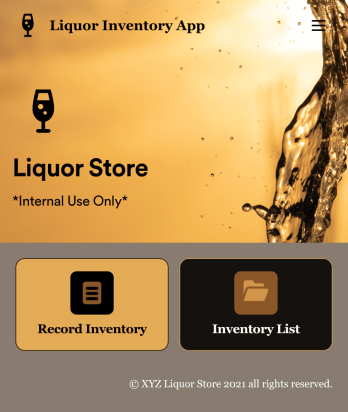
Liquor Inventory App
Whether you own a bar, restaurant, grocery store, or liquor store, keeping an accurate count of your inventory is essential. With this free Liquor Inventory App, you and your employees can easily record and track liquor supplies by type, quantity, price, and proof. Your inventory is then stored in an easy-to-read Liquor Inventory Spreadsheet in your Jotform account.Want to customize your Liquor Inventory App? No problem! Our drag-and-drop interface makes it simple to add or change forms, choose fonts and colors, upload your company’s logo, update the app name or text, and more — no coding necessary. Afterwards, simply download the app onto your device or share the link with your employees and you’re ready to go. Keep every bottle accounted for with this free and fully customizable Liquor Inventory App!
Go to Category:Inventory Apps