
Web Design Project Intake App is a centralized intake experience for web design agencies, freelancers, consultants, and in-house creative teams gathering requirements from prospective or existing clients. It helps users submit a project brief, review collected briefs, and view essential details covering goals, target audiences, required pages, budget ranges, content readiness, and delivery expectations. By placing this information in one accessible location, the app helps teams assess opportunities, prepare discovery conversations, estimate work, and reduce delays caused by incomplete requirements. It is especially useful for agencies handling multiple website requests and teams that need a consistent starting point for project planning.
Jotform makes this app template easy to adapt with a no-code app builder and a flexible drag-and-drop interface. Teams can revise pages, navigation, buttons, visual styling, and connected forms to match their intake workflow and brand. Project information can flow into organized records for easier data collection, review, and collaboration, while notifications and connected approval steps can support timely follow-up. Explore Jotform App Templates to create a self-service intake experience, publish it with a shareable link, and give clients or internal stakeholders mobile-friendly access from nearly any device.
Related templates
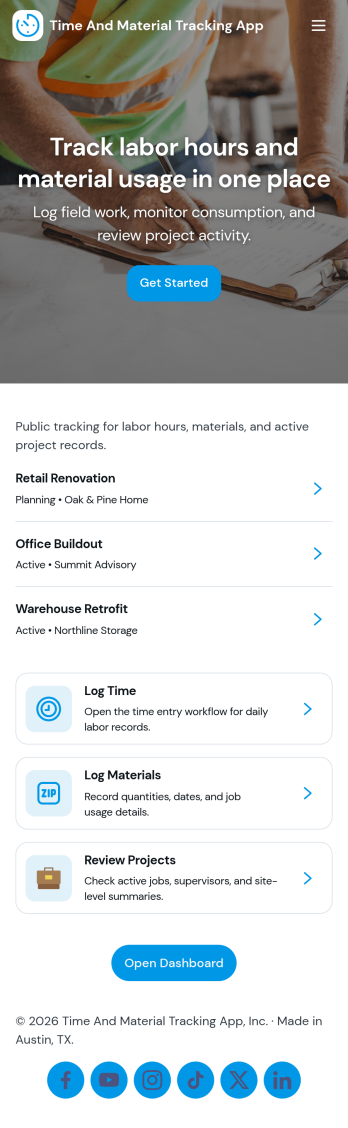
Time and Material Tracking App
Time and Material Tracking App helps teams record labor hours and material usage against specific jobs so job costs are easier to understand and review. It fits contractors, field service crews, repair teams, and small operations groups that need a simple way to log time and materials during the day, then look back at what was used on each job. With quick navigation to log time, log materials, and view personal entry history, the app supports consistent tracking without relying on scattered notes or end-of-week reconstruction.Built with Jotform, this app template can be adjusted to match how your jobs are organized and how your team works in the field. Use a no-code app builder with a drag-and-drop interface to update pages, labels, and navigation, then connect entries to your underlying records for easier reporting and follow-up. Share the app with a link so staff can submit updates from anywhere, and keep job activity centralized with connected forms and tables that support ongoing workflow and self-service access to records.
Go to Category:Activity Tracking Apps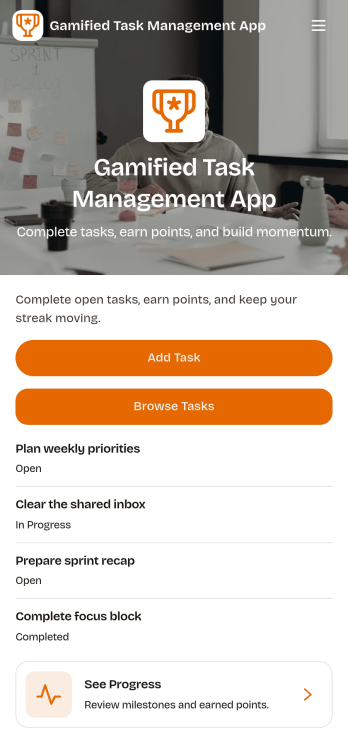
Gamified Task Management App
Gamified Task Management App turns everyday to-dos into a motivating experience by pairing task tracking with points, milestones, and a leaderboard-style view of progress. Use it to capture new work quickly, browse active and completed tasks, and keep priorities and due dates visible so nothing slips through. It’s a great fit for team leads, small businesses, student groups, and anyone who wants more follow-through from a shared task list without adding complicated project overhead.Jotform App Templates make it easy to publish a branded, self-service experience from a no-code app builder with a drag-and-drop interface. Connect your app to forms and data collection so updates flow into a single workflow, then share it by link or QR code for fast access on any device. With Jotform, you can adjust pages, navigation, and visuals to match how your team actually works while keeping progress clear and engaging.
Go to Category:Task Management Apps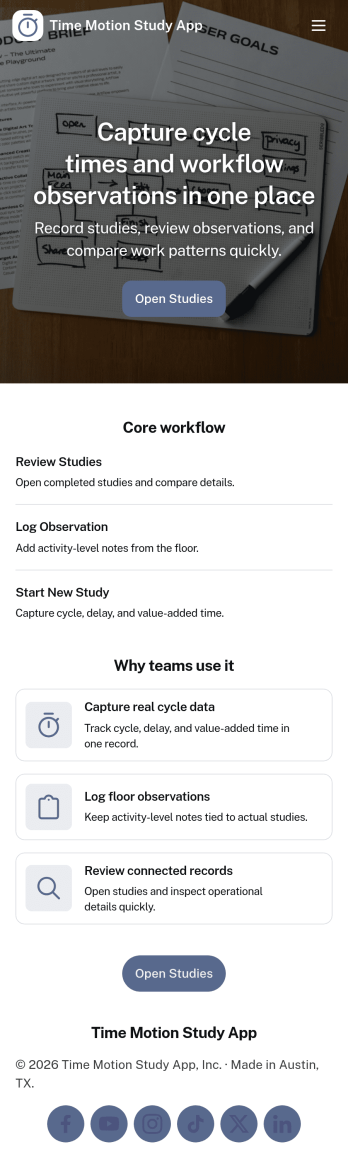
Time Motion Study App
Time Motion Study App helps teams capture how work is performed so they can understand cycle times, spot delays, and standardize repeatable processes. Use it on the floor, in the field, or in an office setting to log a study as it happens, keep a centralized list of studies, and review insight-ready records without relying on scattered notes. It’s a practical fit for operations leaders, industrial engineers, continuous improvement teams, supervisors, and analysts who need consistent time-and-motion documentation across shifts, sites, or job types.With Jotform, you can turn this app template into a branded, self-service experience that’s easy to share and update. Using Jotform’s no-code app builder and drag-and-drop interface, you can connect your study logs to forms and data collection workflows, organize studies into navigable lists, and give stakeholders a simple way to view recent studies and drill into details. As your process changes, you can adjust the app layout and connected workflow in minutes so the same hub keeps supporting ongoing improvement.
Go to Category:Engineering Apps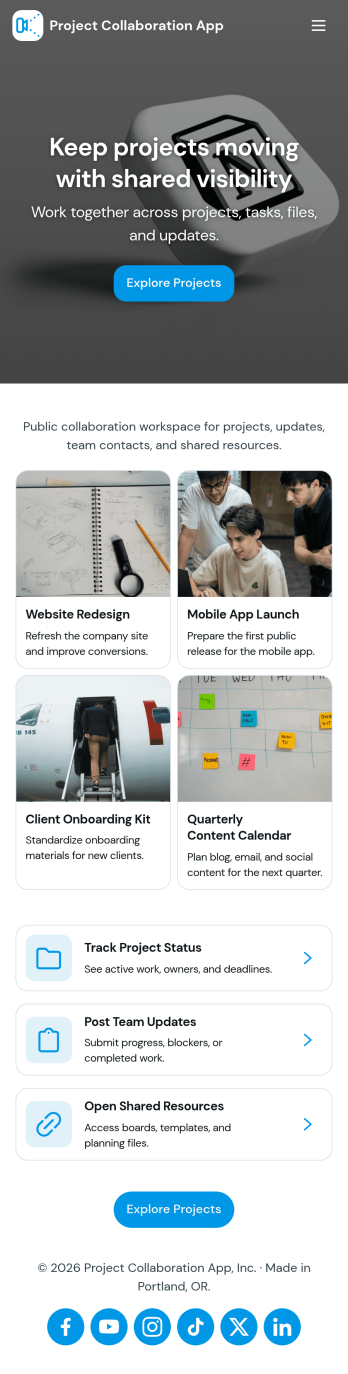
Project Collaboration App
Project Collaboration App brings your team’s project work into one shared, easy-to-navigate space where everyone can stay aligned from kickoff to delivery. Use it to capture new project requests, organize active projects, and keep day-to-day execution moving with a dedicated tasks area and a simple updates feed. It’s a practical fit for agencies, consultants, product teams, and internal departments that need clearer ownership, fewer missed handoffs, and a single place to check what’s happening across projects.Built with Jotform App Templates, this app template can be tailored in a no-code app builder with a drag-and-drop interface, so you can match the flow to your process without engineering help. Connect your project intake and task capture buttons to forms, keep records organized in linked tables, and make self-service access easy with shareable links. With Jotform, teams can manage data collection and workflow steps in one app experience that’s simple to roll out and maintain.
Go to Category:Company Portal Apps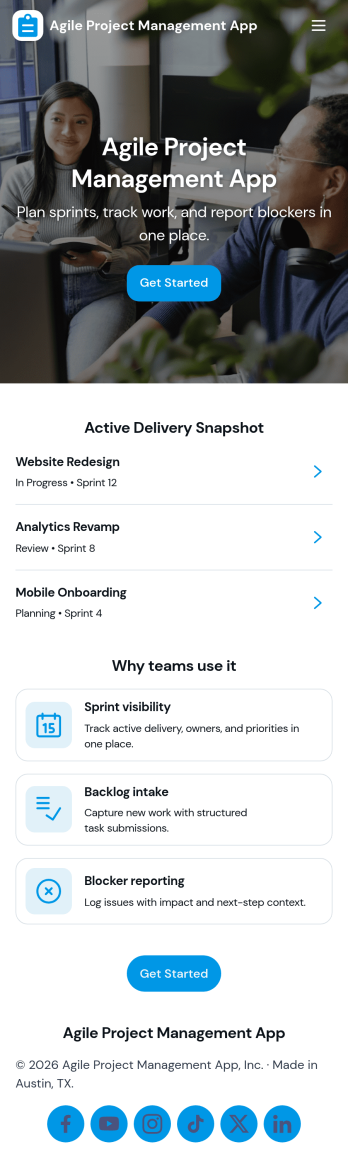
Agile Project Management App
Agile Project Management App helps teams organize product work into a clear, repeatable cadence so planning, delivery, and collaboration stay visible in one place. Use it to capture and prioritize backlog items, plan sprints with goals and dates, and keep daily execution moving with a simple board view that reflects real status as work progresses. It’s a practical fit for product managers, scrum masters, engineering teams, agencies, and cross-functional groups who need a lightweight way to align on what’s next, what’s in progress, and who owns each task.Built with Jotform, this app template can be tailored with a no-code app builder and a drag-and-drop interface so you can match your workflow without engineering effort. Connect task and sprint information to tables for structured data collection, keep your process consistent with reusable forms for adding tasks and planning sprints, and give teammates self-service access to what they need, including personal task views and shared lists. Share the app by link to support day-to-day delivery, faster handoffs, and better visibility across the team.
Go to Category:Information Technology Apps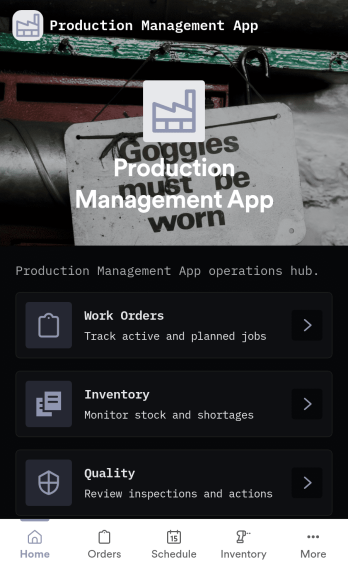
Production Management App
Production Management App brings day-to-day shop floor coordination into one place so teams can keep orders moving, materials available, and quality checks visible. Use it to create new orders, review work orders, and follow progress across production without chasing updates across spreadsheets or messages. It fits manufacturers, job shops, fabrication teams, print and packaging operations, and operations leads who need a simple way to keep work organized while staying on top of low stock and QC holds.Built with Jotform App Templates, this app template can be tailored to your process with a no-code app builder and a drag-and-drop interface. Connect order intake, inventory updates, and QC check logging to the same workflow, route information to the right people, and support self-service access for operators and supervisors. With Jotform, you can publish a mobile-friendly experience, keep records in sync with connected data collection, and iterate quickly as production requirements change.
Go to Category:Inventory Apps