Wholesale Ordering App helps wholesalers and distributors give buyers a simple way to browse a product catalog by category, place an order request, and review their order history in one self-service experience. Use it to organize common product groups such as packaging, snacks, and beverages, so repeat customers can find items faster and submit accurate requests without relying on phone calls or long email threads. It works well for B2B sellers, warehouse teams, and sales reps who want a consistent ordering flow for retail partners, offices, or hospitality customers.
Jotform makes it easy to turn this app template into a branded ordering hub with a no-code app builder and a drag-and-drop interface. Connect catalog lists to your data, link the order request form to the app, and keep everything organized as requests come in. Share the app with a direct link or QR code, update products in one place, and create a workflow that supports faster ordering and clearer communication from request to fulfillment.
Related templates
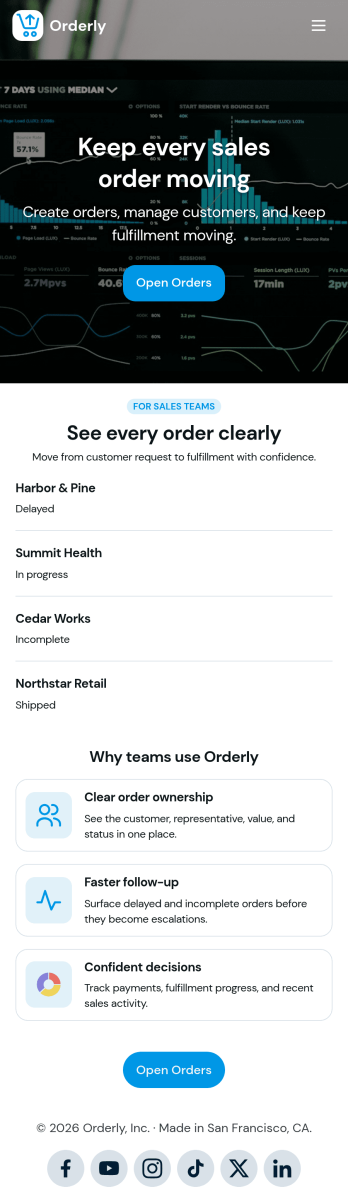
Sales Order App
This Sales Order App provides one convenient location for your customers to place and cancel sales orders. From this readymade app, customers can fill out account and shipping information, choose item and quantity numbers, and pay for their orders by card or PayPal. There is also a separate form for leaving feedback, and you can share testimonials on your splash page. Customers can access and download your app to their smartphone, tablet, or desktop computer for future use.Want to change the look of your Sales Order App? Our drag-and-drop interface makes customization a snap! With a few clicks, you can add forms, choose fonts and colors, upload your own logo, update the app icon and splash page, and more—no coding necessary. With Jotform’s Require Login feature, you can secure your app pages by requiring users to sign in before accessing certain content or features. Once you’re satisfied with your app’s design, simply share a link with your customers and they can start making orders from any device. Simplify your ordering process with this free Sales Order App!
Go to Category:Customer Portal Apps
Order Ahead App
Wondering how to let customers order ahead online? Giving customers the freedom to order ahead makes everything easier for both parties. With this Order Ahead App, you can collect orders for pick-up or delivery, and take payments with debit or credit cards, or even with PayPal. Customers can open your app from any device, contact your restaurant or leave reviews, and download your app to their smartphone, tablet, or computer.Want to customize your Order Ahead App to match your restaurant’s branding? Our drag-and-drop interface makes it easy to add or change forms, choose fonts and colors, upload your logo or menu thumbnail images, update the app name or text, and more — all with zero coding. After that, simply share the link on your website or social media, and you’re off and running! Make ordering ahead a breeze and sell orders online with your own personal Order Ahead App.
Go to Category:Restaurant Apps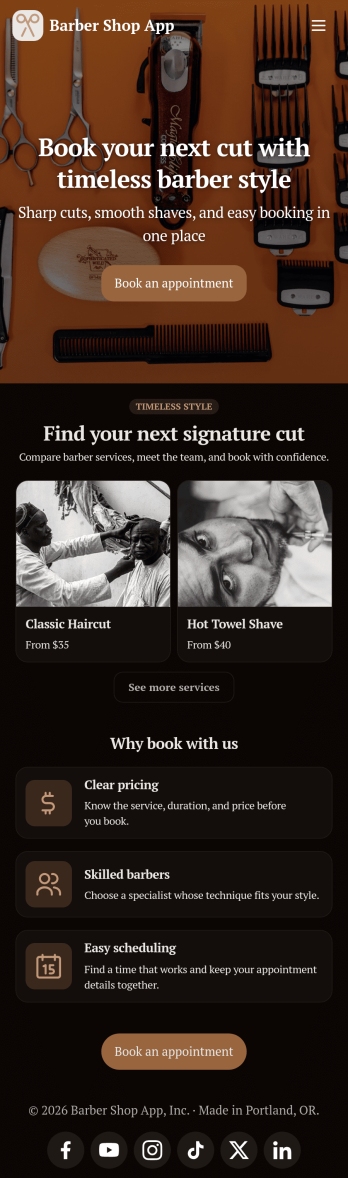
Barber Shop App
As a barber, you want to focus on your clients’ hair, not on booking appointments — so simplify the process for everyone with this Barbershop App! This free app template is ready to use and includes forms so you can schedule appointments and sell barber shop products online directly from your store. Customers can also fill out and update their profile, as well as write testimonials that you can display on your splash page. Your app can be easily accessed and downloaded to any smartphone, tablet, or computer for future use.This Barbershop App can be fully customized to match the branding of your barbershop. Our drag-and-drop interface allows you to add forms, upload logos and images, change fonts and colors, and more — no coding required. Jotform’s List Element feature lets you connect Tables and add actions, making it easy to organize data and manage your app’s flow. Once you’re satisfied with the look and have set the app up to sell your barbershop products online, simply share the link to your website or social media and start booking hair appointments today with this free and fully customizable Barbershop App!
Go to Category:Appointment & Booking Apps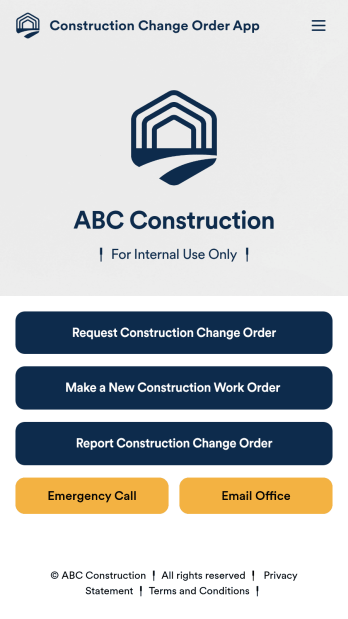
Construction Change Order App
A change order is an amendment to a construction contract that modifies the original project plans, such as adding work, altering the design, or updating the schedule. Keep track of change orders for your construction company with our free Construction Change Order App! This ready-to-use app keeps all your construction forms in one place, so you can receive new work orders, change order requests, and reports with ease. You can even use the attached Change Request Approval Process Template to streamline your approval flow for requests.Need to modify this Construction Change Order App? No coding or heavy lifting required — our drag-and-drop builder makes it easy to customize this app template for your construction company. You can easily build new forms, embed links, update text, upload images, and even change the app name, icon, and splash page. When it’s ready to be used, share your app with teammates by sending them the link to open and download onto their smartphone, tablet, or computer. Stay on top of change orders by receiving them instantly with a custom Construction Change Order App!
Go to Category:Construction Apps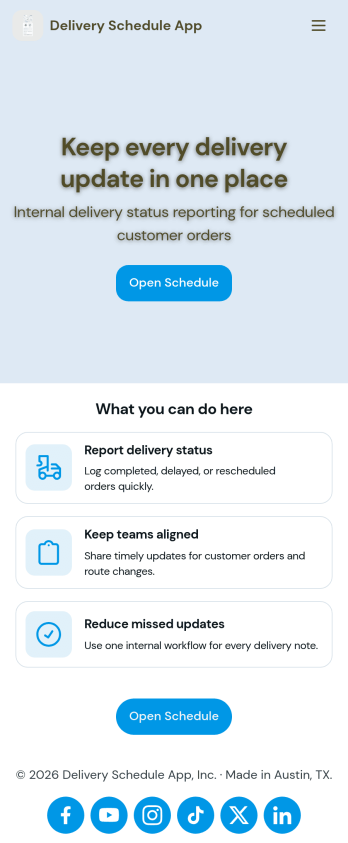
Delivery Schedule App
Keep track of customer delivery orders with your own custom Delivery Schedule App — made seamlessly with Jotform. Include helpful tools in your app like payment forms, calendar integrations, contact information, and more depending on your delivery service’s needs. Your company’s delivery drivers and carriers can easily report delivery status and keep everyone on the same page.Want your Delivery Schedule App to match your company branding? No problem! Simply use our drag-and-drop app builder to make changes like choosing fonts and colors you like, uploading branding logos and assets, changing your app’s icon and backsplash, and more! Ensure the completion of all your deliveries with this handy app from Jotform.
Go to Category:Delivery Apps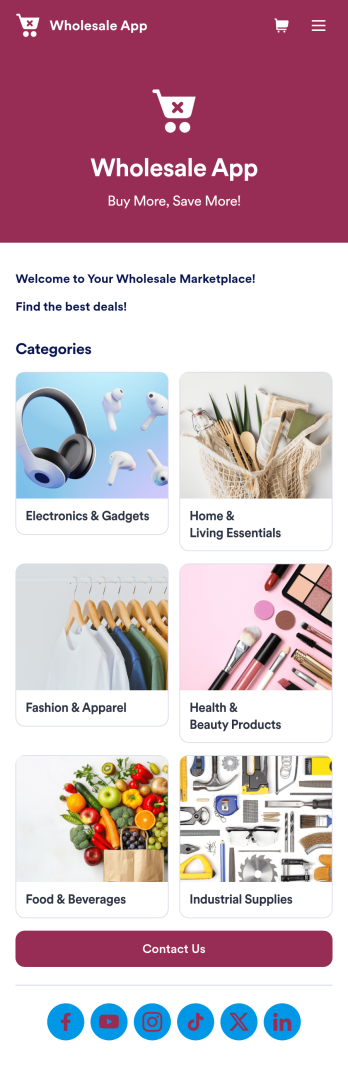
Wholesale App
Jotform's Wholesale App template is designed to streamline operations for wholesalers, retailers, manufacturers, and sales representatives. With this no-code app builder, users can easily manage bulk orders, track inventory, and deal with clients all in one place. The Wholesale App template allows users to create a fully customized app without any coding knowledge, making it quick and convenient to use on any device.Explore the top Jotform Apps features that make creating your own Wholesale App a breeze. With the drag-and-drop builder, you can quickly add forms, products, and branding to your app. Utilize powerful app elements like forms, images, links, and documents to enhance user experience. Take advantage of the 70+ app widgets available to add checklists, videos, maps, and more. Plus, with flexible app designer, ready-to-use layouts, and advanced sharing options, you can create a professional app tailored to your business needs. Enhance user engagement with push notifications to keep clients informed and engaged. With Jotform's Wholesale App template, managing bulk orders has never been easier.
Go to Category:E-commerce Apps