A work calendar app keeps schedules, shifts, and time-off needs in one place so teams know what’s happening today and what’s coming next. Use it to highlight today’s shift at a glance, view a weekly calendar for planning, and route upcoming requests to the right place, making it especially useful for managers coordinating coverage and employees checking their schedules. It fits retail, hospitality, clinics, field teams, and any workplace juggling rotating shifts, events, and schedule changes that need quick visibility without digging through messages.
With Jotform, you can turn this work calendar app template into a branded self-service experience using a no-code app builder and a drag-and-drop interface. Connect buttons to forms for adding events and submitting requests, then organize updates in connected tables so your workflow stays consistent from request to review. Share the app through a link or QR code, collaborate on scheduling, and keep data collection and updates centralized as your team grows.
Related templates
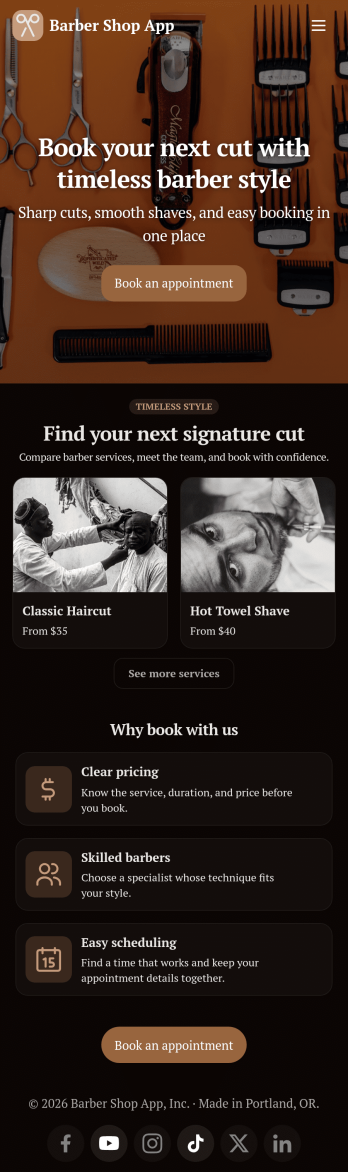
Barber Shop App
As a barber, you want to focus on your clients’ hair, not on booking appointments — so simplify the process for everyone with this Barbershop App! This free app template is ready to use and includes forms so you can schedule appointments and sell barber shop products online directly from your store. Customers can also fill out and update their profile, as well as write testimonials that you can display on your splash page. Your app can be easily accessed and downloaded to any smartphone, tablet, or computer for future use.This Barbershop App can be fully customized to match the branding of your barbershop. Our drag-and-drop interface allows you to add forms, upload logos and images, change fonts and colors, and more — no coding required. Jotform’s List Element feature lets you connect Tables and add actions, making it easy to organize data and manage your app’s flow. Once you’re satisfied with the look and have set the app up to sell your barbershop products online, simply share the link to your website or social media and start booking hair appointments today with this free and fully customizable Barbershop App!
Go to Category:Appointment & Booking Apps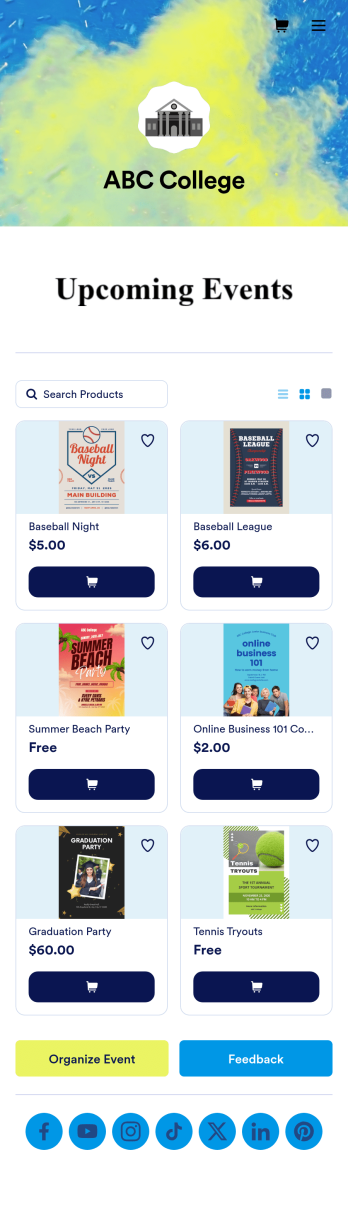
Custom College Events App
A college events app connects students to university events from any device. No matter what school you plan events for, let students know what’s coming soon with Jotform’s free College Events App. This customizable app template includes event posters, guest registration forms, and links to social media accounts that students can access from their smartphone, tablet, laptop, or computer. All submitted responses will be instantly synced to your secure Jotform account to be viewed or approved by you and other event staff.Make this College Events App stand out by using our drag-and-drop builder to customize it for your school. Without coding, you can add or remove forms, upload promotional images and videos, include tables and links, create buttons and pages, change the color scheme and fonts, and update the app name and icon to better represent your school. When it’s ready, your app can be shared on social media, your school website, or via the app link. Inform and excite students about upcoming events — and boost school pride — with a custom College Events App for your school!
Go to Category:Booking Apps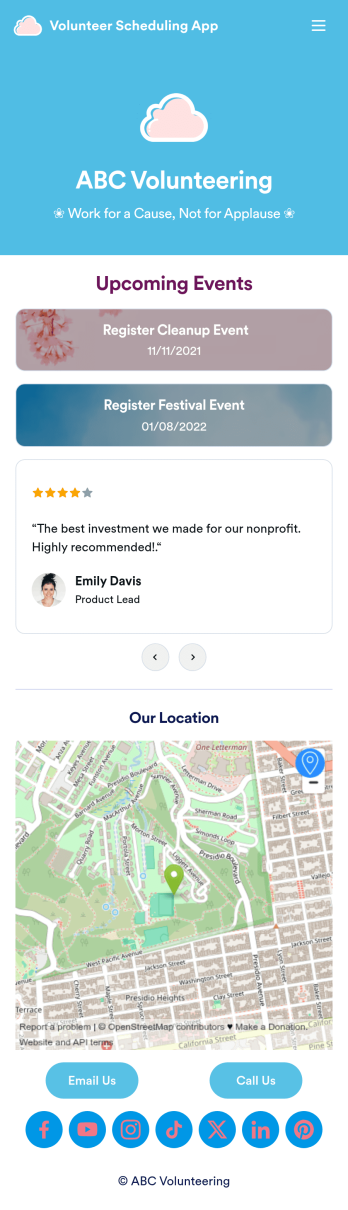
Custom Volunteer Scheduling App
A volunteer scheduling app is used by communities and organizations for recruiting volunteers. Our Volunteer Scheduling App allows individuals to volunteer for upcoming activities and events by filling out a form with their general contact information, availability, areas of interest, and any helpful talents they may have. This app template also includes an interactive event calendar and an event request form. Volunteer registrations are organized in an easy-to-read spreadsheet in your secure Jotform account, where you can sort and filter volunteers by name and availability.Jotform’s drag-and-drop app builder makes it easy to customize this app template to suit your needs. You can add and swap out form elements, choose fonts and colors, upload your organization’s logo, use your splash screen to include testimonials and photo slideshows of past events, and more — all without any coding. When you’re done, share your app by attaching it to an email newsletter, or include a link in your website or social media bio, and volunteers can download your app on any device. Start making real change in your community with this fully-customizable Volunteer Scheduling App.
Go to Category:Nonprofit Apps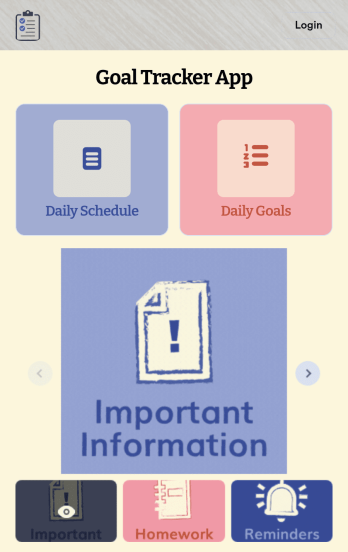
Customizable Goal Tracker App
Need an easier way for your clients to track their goals? With Jotform’s Goal Tracker App, you can build an online goal tracking app in minutes. Start creating your app from scratch or choose one of our ready-made app templates to get your creativity flowing. Add a contact form, let your customers create a schedule that works for them, showcase past client reviews, and more. Once you’ve customized your app to your liking, share with clients — downloadable onto any computer or iOS or Android device.Personalize your Goal Tracker App with Jotform’s easy-to-use app builder. Just drag and drop to change the look and feel of your app, add powerful app elements, install helpful app widgets, and integrate with one of our 25+ payment processors, including Stripe and Square. Share your customized app via email or embed it directly into your own website for easy access. Help your clients reach their goals with your very own Goal Tracker App — free on Jotform.
Go to Category:Activity Tracking Apps
Work Schedule App
A work schedule app is used by employees for logging work shifts and completed tasks. With this Work Schedule App, employees can log their shifts by filling out a form with their name, scheduled hours, and hourly wage. A separate task tracking form allows employees to log individual tasks they’ve completed throughout the week. Submissions are stored in two easy-to-read spreadsheets in your Jotform account, which you can sort, filter, and search from any smartphone, tablet, or computer.Want to customize this app template to match your company’s branding? No problem — just use our drag-and-drop builder to add or change form elements, choose fonts and colors, change your app icon or splash screen, and more. Once you’re finished, share your app by sending email invites to employees, or by embedding a link in your company’s HR portal. Employees will be able to access and download your app on any device, making it easy to log shifts and tasks from anywhere. Streamline employee scheduling with this Work Schedule App from Jotform.
Go to Category:Human Resources Apps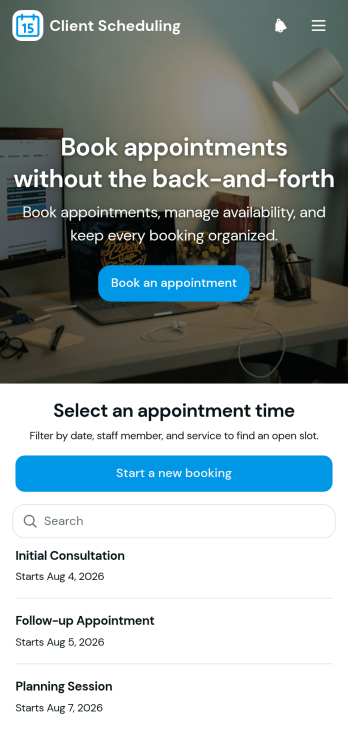
Scheduling App
You’re busy running a business — so why not make scheduling appointments as quick and convenient as possible? With Jotform’s free Scheduling App, customers can request an appointment by filling out their general contact information and choosing an appointment time from a list of available openings. There is also a separate contact form should a customer need to reach out to you directly. Appointments are stored securely in your online account, and can be accessed from any device.Want this Scheduling App to match your branding? No problem — our drag-and-drop form builder makes it easy to swap out forms, choose fonts and colors, upload your logo, and more with no coding. Jotform’s List Element feature lets you connect Tables and add actions to organize your app’s data, while the easily trainable AI Chatbot helps guide users and answer questions in real time. Your customers can then access and download your app onto any smartphone, tablet, or desktop via a shareable link. Start taking appointments from your own customizable app with this Scheduling App from Jotform!
Go to Category:Scheduling Apps