Work Records App helps teams capture daily work details and keep a reliable record of what was done, when, and by whom. With a simple way to log work, browse records, and review submission history, it fits field services, operations teams, construction crews, IT and facilities departments, and any organization that needs consistent documentation across shifts or job sites. Use it to reduce missed updates, standardize reporting, and make it easier for supervisors to check progress without chasing people for notes.
Built with Jotform App Templates, this app template is easy to tailor for your workflow using a no-code app builder and a drag-and-drop interface. Connect your work log form to the app for fast data collection, then share a single self-service link with employees so they can add work records and view what’s already been reported. As your process evolves, you can update pages, refine fields, and keep your workflow organized without relying on developers.
Related templates
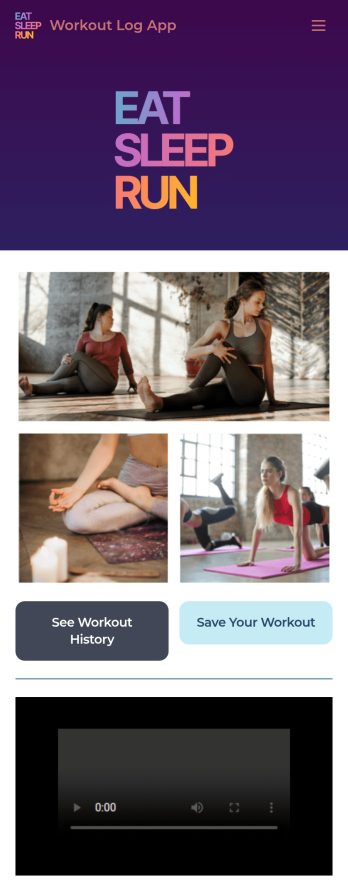
Workout Log App
No matter what your fitness goals are, tracking your workouts will help you reach them — so get started with our free Workout Log App! This readymade app template is already set up for you, so you can add your workouts through the provided form and check your progress by seeing all submitted workouts in Jotform Tables. You can use this app yourself or share it with clients if you’re a personal trainer or coach to help others meet their goals.Want more from this Workout Log App? No problem — using our drag-and-drop interface, you can customize this app to fit your exact requirements or preferences. It’s easy to add more forms, include links or text, upload images, and even change the app name, icon, and splash screen. Once it’s ready, your workout app can be opened and downloaded onto any smartphone, tablet, or desktop computer for easy access. Whether you’re looking to build your strength, improve your speed, or simply make exercise a habit, get fit with a Workout Log App that’s customized just for you.
Go to Category:Sports Apps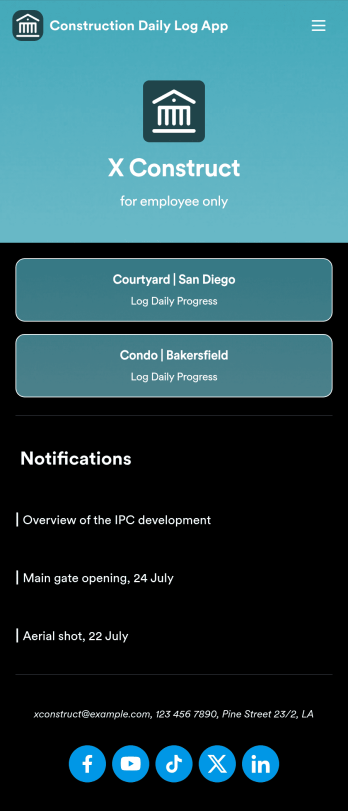
Custom Construction Daily Log App
A construction daily log app is used by construction companies to log their daily progress on construction sites. With Jotform’s free Construction Daily Log App, your company’s employees can complete daily work logs directly from their smartphone or tablet. Just customize the app template, share it with your employees to download onto any device, and view responses in your secure Jotform account.Update the app template to include your branding, add more forms, and make other design changes using our drag-and-drop app builder. No coding knowledge required! Once your app is fully customized to match your needs, share it with a link or invite company members to download it via email so they can readily access it from their mobile device. Save time and paper by completing work logs online with this free Construction Daily Log App.
Go to Category:Construction Apps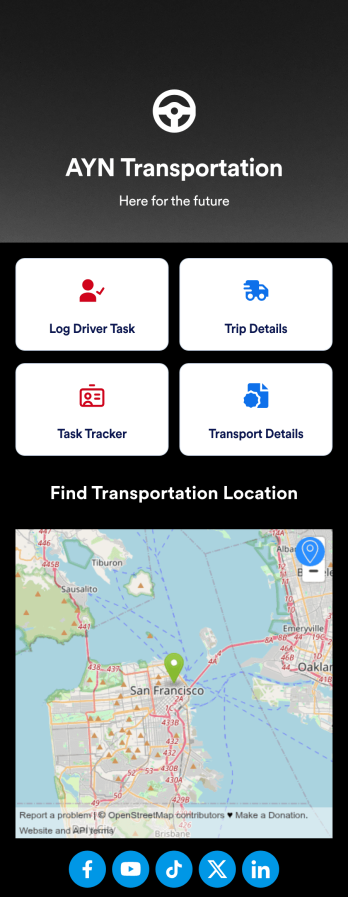
Customizable Driver Dispatch App
A driver dispatch app is used by taxi companies or other transportation services to keep track of trip details for their drivers. With this free Driver Dispatch App from Jotform, you can keep a complete record of trip details without the need for messy, disorganized paper forms. All form submissions through the app are stored in your secure Jotform account, ready to view in Jotform Tables as a spreadsheet or calendar.Customize this app template’s design without coding. Drag and drop to add or remove forms or change other design elements like app icon, logo, and background in a few easy clicks. Once your app is ready to go, download it onto your computer, tablet, or smartphone or copy-paste the app link so others can download it too! Upgrade the way you manage trip details with a powerful Driver Dispatch App.
Go to Category:Log Apps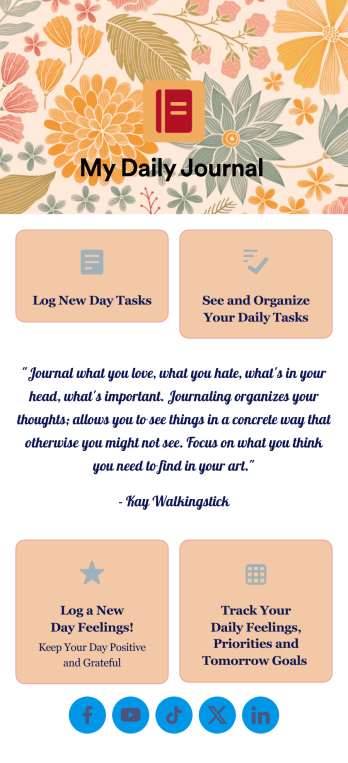
Daily Journal App
A daily journal app lets you keep track of your daily tasks as well as manage important goals and priorities. With the help of this free Daily Journal App from Jotform, you can turn your phone into a quick and convenient journal — easy to fill out and view entries on any device. Simply customize the app if you’d like, then download it onto your iOS or Android device.Feel free to customize this Daily Journal App’s forms, upload images, change fonts and colors, or add a custom background or app icon. If you’d like to send your journal entries to your other accounts — like Google Drive, Dropbox, or Airtable — explore 100+ free integrations to do it automatically. Go from a messy paper to a powerful way to track thoughts and information.
Go to Category:Activity Tracking Apps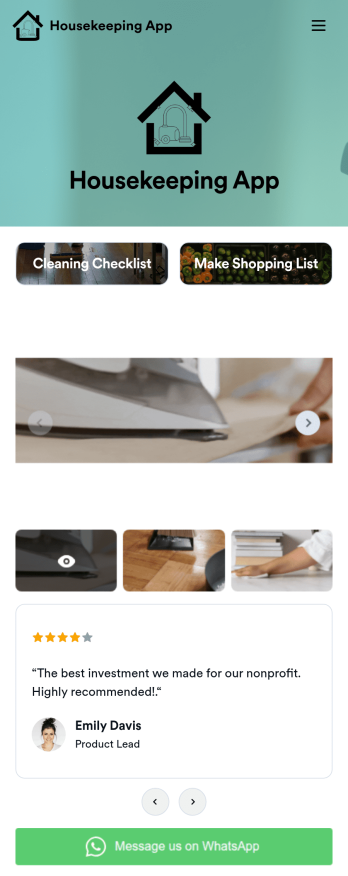
Custom Housekeeping App
A housekeeping app is used by homeowners and housekeepers for organizing job duties in a single location. Jotform’s Housekeeping App bundles two forms: a cleaning checklist for housekeepers to make notes about various areas of the house and any supplies that need restocking, and an itemized shopping list for logging purchased groceries and their total cost. Form submissions are instantly synced to your secure Jotform account, so you can easily keep track of which duties were performed and when.Making this app template your own is easy with Jotform’s no-code app builder. Just drag and drop to add form elements, edit the content of individual forms, choose fonts and colors, upload your own app icon, and more. You can also customize your splash screen to display a rotating schedule listing duties to be completed on individual days. Once you’re finished, share your app by sending a link in an email or text message, and housekeepers can then download it on any device. Manage your housekeeping checklists and shopping lists from a single app with this fully-customizable Housekeeping App from Jotform.
Go to Category:Checklist Apps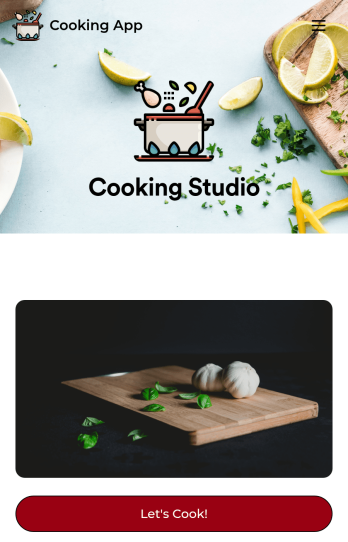
Cooking App
Whether you run a recipe blog or teach online cooking classes, share your recipes with the world using Jotform’s free Cooking App! This readymade app template includes a recipe submission form, recipe log, and feedback form. Users can download your app onto their favorite device and fill out the bundled forms with ease. All entries will be synced to your secure Jotform account. Customize this Cooking App in just a few clicks using Jotform’s drag-and-drop interface. No coding necessary — you can easily add new forms and app pages, upload links and images, display your logo, and include other elements as well. When it’s ready to share, post the app link in your website or social accounts. Users can then open and save your Cooking App on any computer, smartphone, or tablet for easy access to your recipes.
Go to Category:Entertainment Apps