


Claude E-signatures
Create a document from a description or upload a PDF, make changes, and send it for signature in Claude. Jotform Sign completes your entire e-sign workflow in your AI workspace.
Connect Now
How to use Jotform Sign in Claude
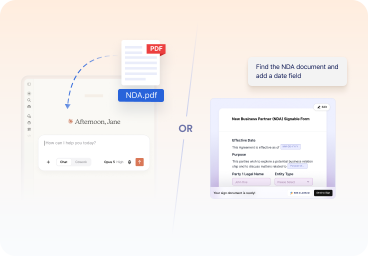
Create and edit your document
Upload a PDF or create a document, then describe the changes you’d like to make in Claude.
Send it for signature
Add signers, review the document and signer details, and send a signature request directly from the conversation.

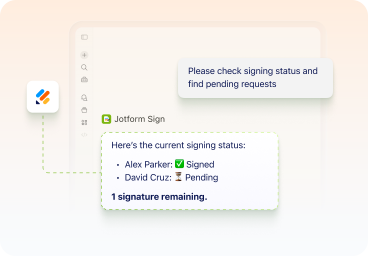
Track its status
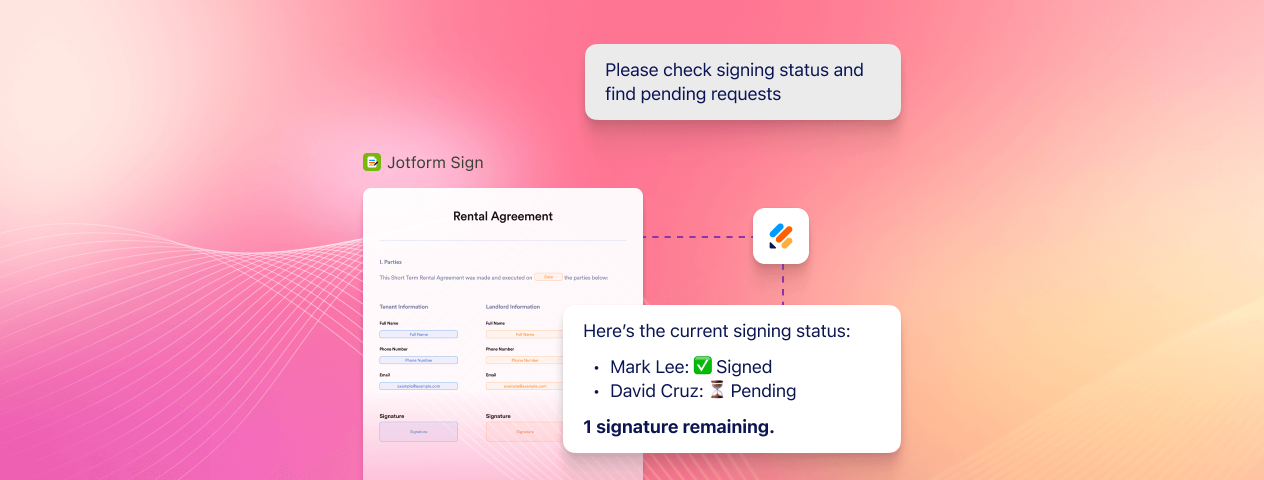
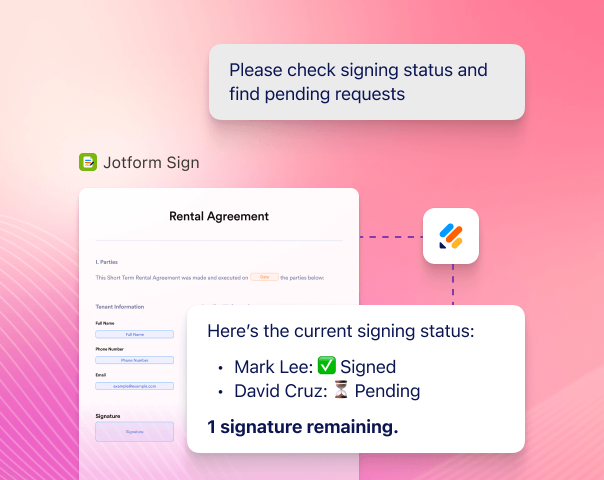
Ask Claude which documents are pending, viewed, or signed, then follow up on requests that still need attention.
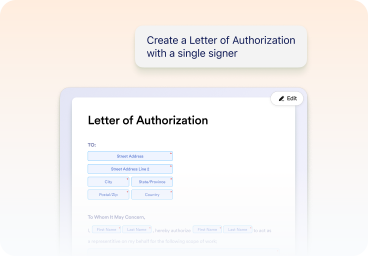
Create a single-signer document
Describe the document you need and set it up with just one signer. Your document is ready in seconds.
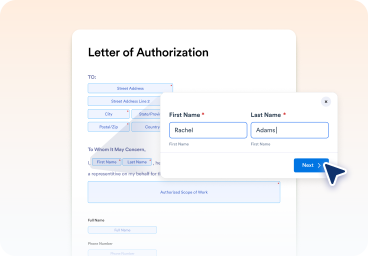
Review and add your details
Check the wording, make any edits, and fill in the fields you need. Your signature, name, and date are already in place.

Sign and you’re done
Add your signature by typing or drawing it. Your signed document is saved and ready to download or share.
Keep every step of document signing within Claude
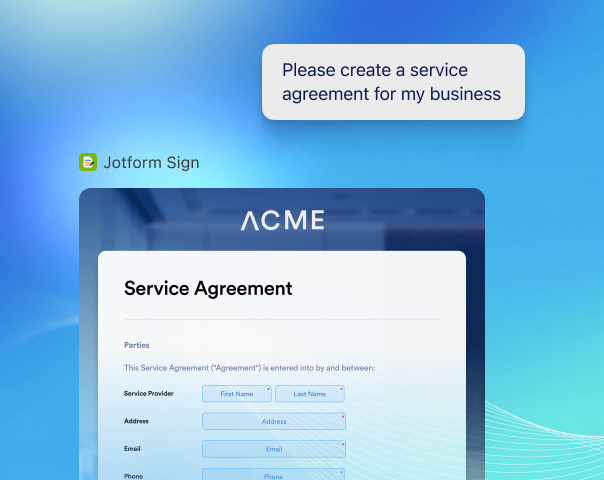
Create documents from PDF or prompt
Upload a PDF you already have or generate a complete document from a prompt. Skip the blank page, the setup, and the need to start from scratch.
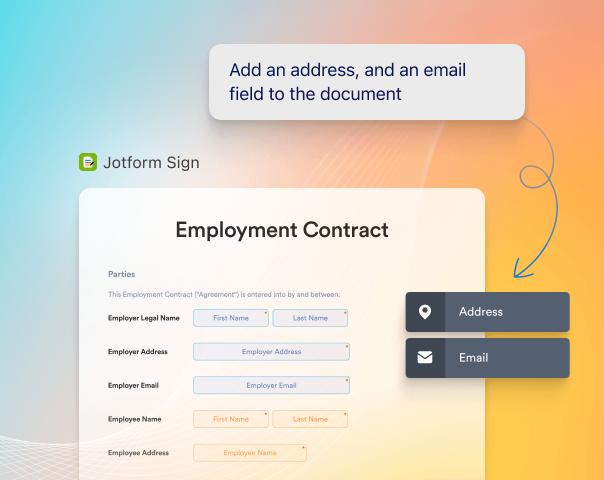
Edit documents with a prompt
Update names, dates, payment terms, document text, and other details by describing what you need. No rebuilding required.
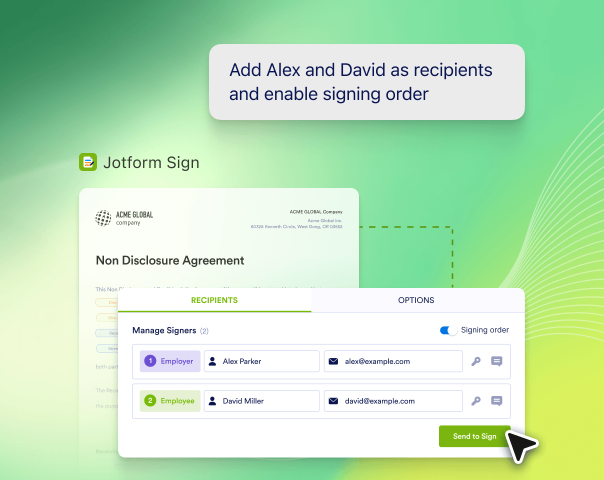
Add recipients and signing order
Select your signers and decide the order in which they receive the document.
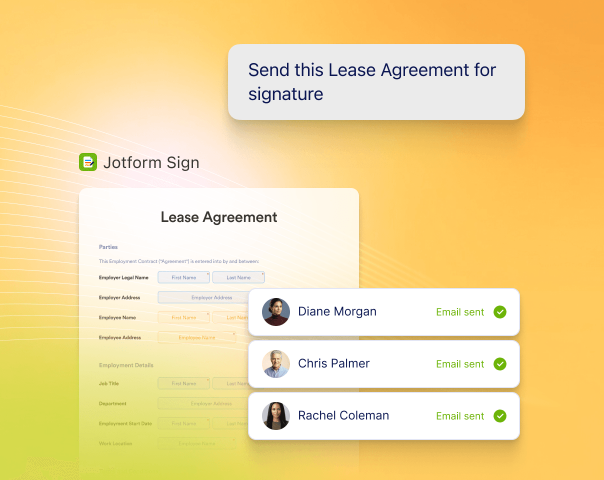
Send documents for signature
Review the document, send it to recipients, and move the request forward from Claude.
Monitor every signature request
See which documents are pending, viewed, or complete, and follow up when action is needed.
Do More with Jotform Sign in Claude
See how the Jotform Sign Claude Connector works in real document-signing scenarios. Each example starts with a simple prompt and continues through creation, refinement, sending, and tracking.
Create a service agreement, client contract, or sales proposal from a simple prompt.
Update project details, fees, payment terms, dates, and signer information in Claude.
Send the document for signature and check which requests are pending, viewed, or signed.
Create offer letters, employment contracts, onboarding documents, and policy acknowledgments.
Update the role, salary, start date, benefits, and other details for each new employee.
Send documents to candidates or employees and see what still needs to be signed.
Create NDAs, confidentiality agreements, consent forms, and liability waivers from a prompt.
Add company information, update terms, and customize signature, date, and initial fields.
Send documents to the right people and return anytime to check their signing status.
Create vendor agreements, partnership agreements, leases, internal policies, and approval documents.
Update service dates, locations, payment terms, cancellation terms, and signing order as needed.
Send the document to each signer and see which requests are complete or still pending.
Prepare, send, and track documents in Claude
See how the Jotform Sign Claude Connector works in every day document-signing scenarios. Each example starts with a simple prompt and continues through creation, refinement, sending, and tracking.
Connect NowFAQ
Yes. With the Jotform Sign Claude Connector, you can create a document from a prompt or upload an existing PDF, make changes in Claude, and send it for signature. You can also return to Claude to check whether a request is pending, viewed, or complete.