Widgets d'appel à l'action gratuits pour sites web
Engagez vos visiteurs et incitez-les à agir grâce aux widgets d'appel à l'action de Jotform, avec son générateur simple sans code.
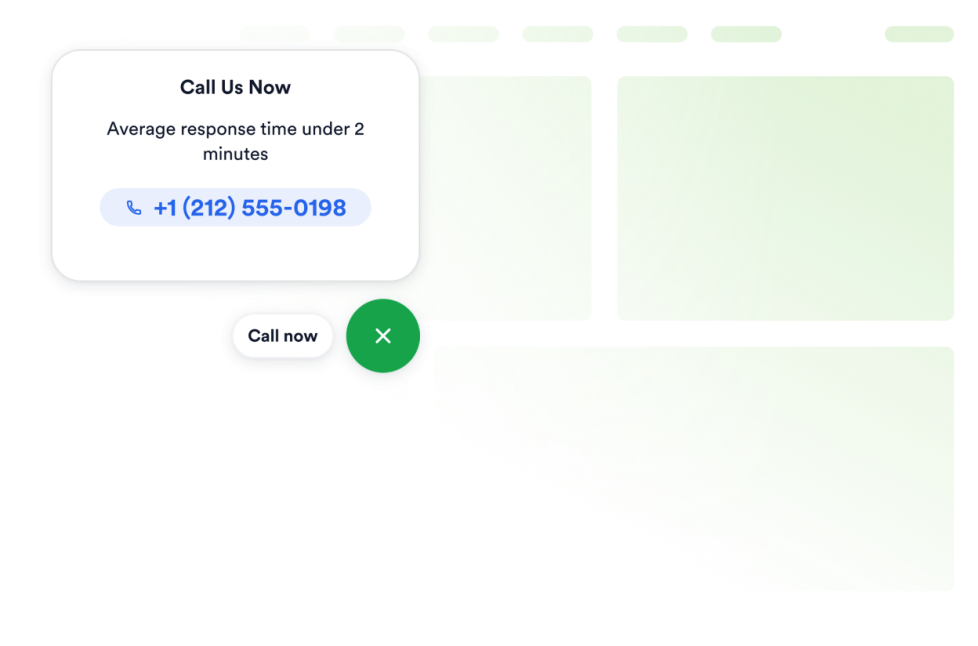
Cliquer pour appeler
Intégrez un widget d'appel en un clic à votre site web pour permettre à vos visiteurs de vous contacter directement depuis un bouton d'appel flottant. Personnalisez le numéro de téléphone, le texte du bouton, les couleurs, la taille, l'espacement et la visibilité sur ordinateur ou mobile, sans avoir à rédiger une seule ligne de code.
Accéder à la catégorie :Appel à l'actionUtiliser le widgetBouton
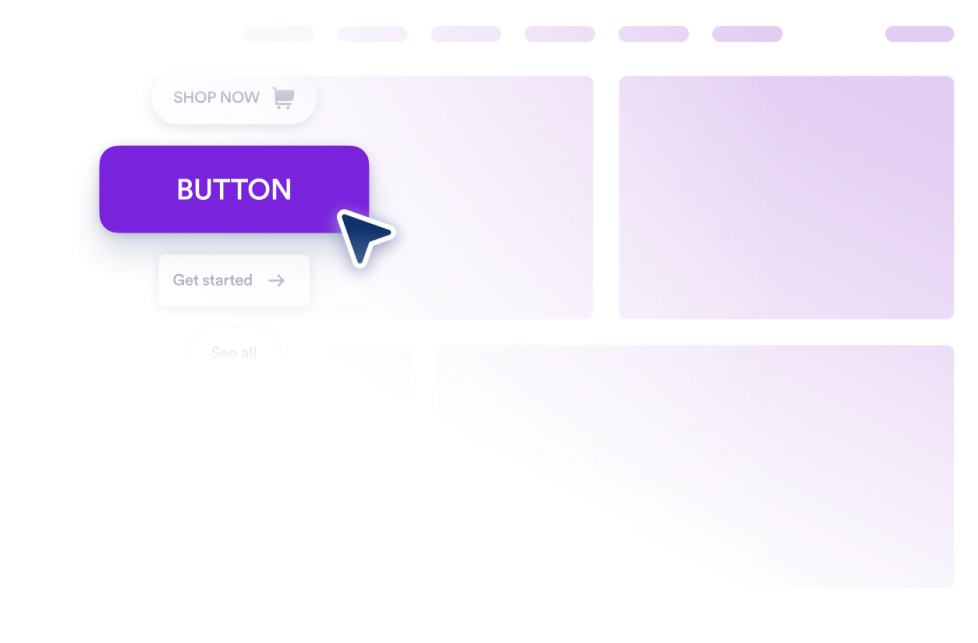
Ajoutez un widget bouton personnalisable à votre site web pour des liens, des appels, des emails, des chats, des profils sociaux et des sauts vers des sections de page.
Accéder à la catégorie :Appel à l'actionUtiliser le widgetBandeau publicitaire carrousel
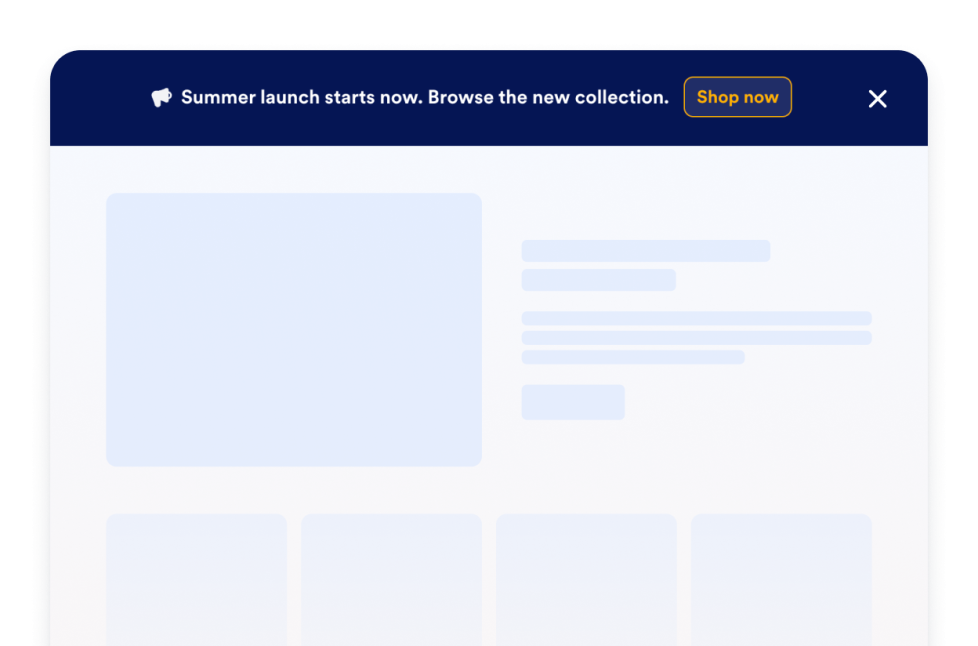
Créez gratuitement un widget Bandeau publicitaire carrousel pour votre site web. Personnalisez vos bandeaux d’annonces défilantes, vos promotions et vos boutons d’appel à l’action, puis intégrez-les à votre site, sans coder.
Accéder à la catégorie :Appel à l'actionUtiliser le widgetNotifications push
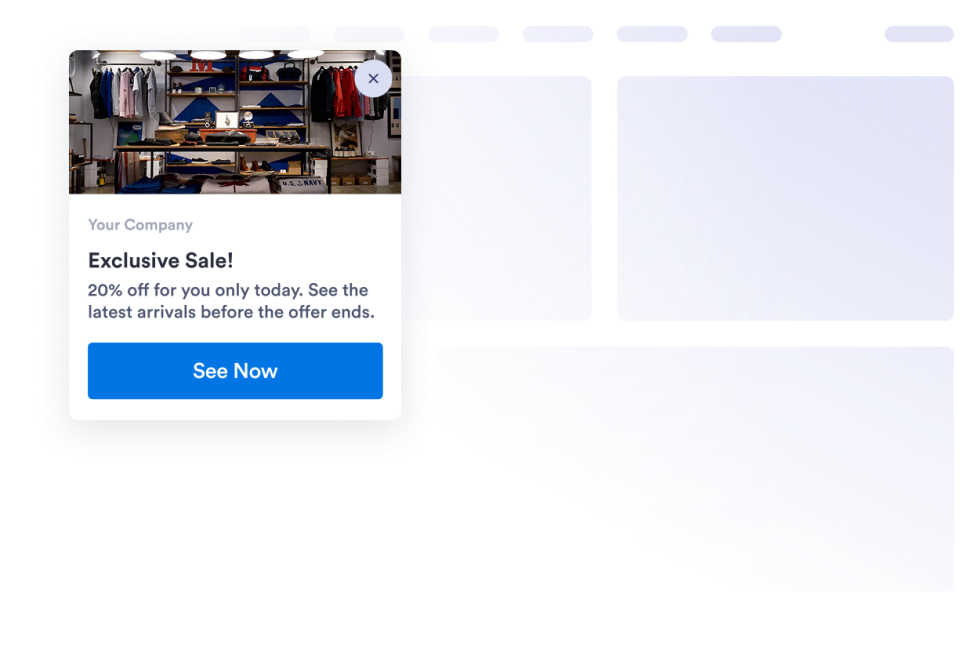
Créez une carte de notification push personnalisable pour vos offres, mises à jour, rappels et appels à l’action. Personnalisez-la et intégrez-la à votre site sans coder.
Accéder à la catégorie :Appel à l'actionUtiliser le widgetListe d'attente
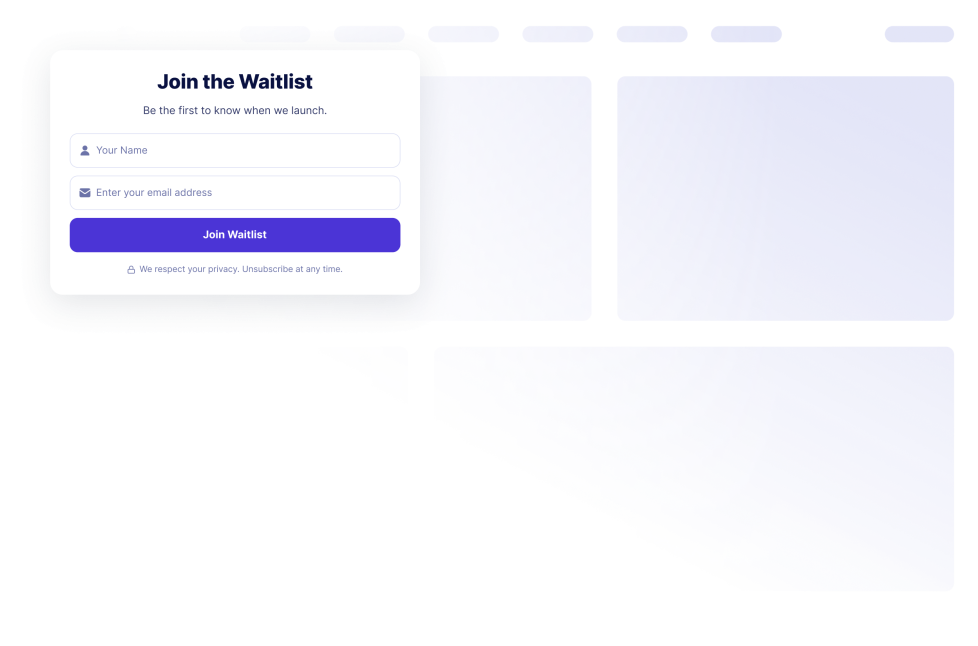
Créez une liste d'attente avec ce widget sans coder, personnalisez les champs et les messages, affichez la position des inscrits, puis intégrez le widget à votre site web.
Accéder à la catégorie :Appel à l'actionUtiliser le widgetRappel
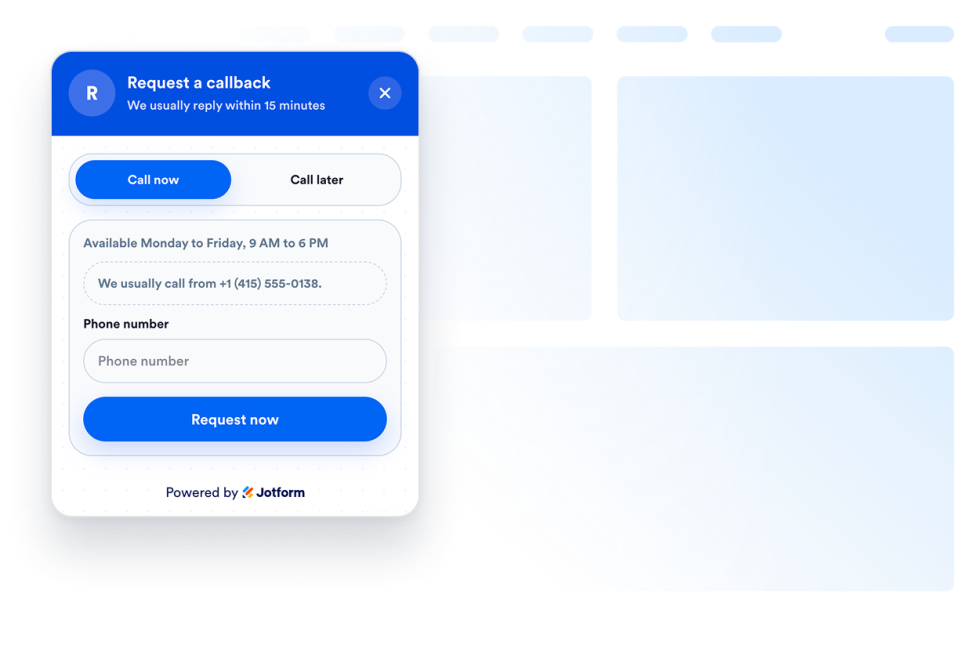
Ajoutez un widget de rappel téléphonique à votre site web pour que les visiteurs puissent demander à être rappelés, indiquer leurs disponibilités et être rappelés plus rapidement par votre équipe.
Accéder à la catégorie :Appel à l'actionUtiliser le widgetWidget Notification push web
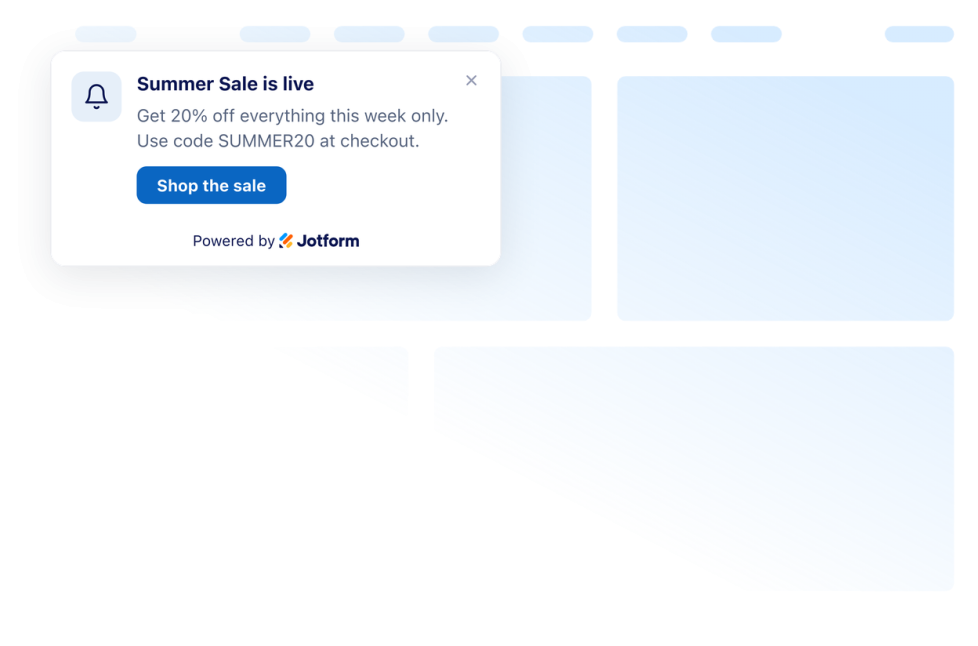
Ajoutez une notification push web à votre site en quelques clics. Personnalisez son design et intégrez-la facilement avec le générateur de widgets no code de Jotform.
Accéder à la catégorie :Appel à l'actionUtiliser le widgetOups, aucun résultat trouvé
No results match your search. Please try another keyword.
About Call to Action Widgets
Call-to-action widgets help website visitors understand what to do next, such as calling a business, following a link, joining a waitlist, requesting a callback, or viewing an announcement. These embeddable widgets add clear actions to a website without custom code.
With Jotform’s call-to-action widgets, you can create click-to-call buttons, customizable buttons, waitlist forms, callback requests, notification cards, and announcement carousels. They can be used on landing pages, product pages, service pages, contact pages, campaign pages, online stores, and business websites.
What can you do with call-to-action widgets?
Call to action widgets can help you:
- Let visitors contact your business using a floating Click to Call button
- Create buttons for links, phone calls, emails, chats, social profiles, or page sections
- Collect interest before a product, service, event, or program launches with a Waitlist widget
- Allow visitors to request a phone call and provide their preferred callback time
- Display website notifications for offers, updates, reminders, and important actions
- Rotate multiple announcements, promotions, and calls to action in an Announcement Carousel
- Make important actions easier to find across desktop and mobile pages
- Direct visitors to another page, resource, form, or contact option
Popular call-to-action widget use cases
Call-to-action widgets can be added wherever visitors may need a clear next step. A local business or service provider can use a Click-to-Call widget to make phone calls easier. A Callback widget lets visitors request a call and specify when they would prefer to be contacted.
Businesses preparing a new product, service, event, or program can use a Waitlist widget to collect early interest. The widget can include customizable fields and messages, as well as options for signup count and queue position.
A Button widget can direct visitors to a product page, a contact form, an email address, a chat, a social profile, a phone number, or another section of the same page. For time-sensitive messages, a Push Notification widget can display an on-page notification card, while an Announcement Carousel can rotate multiple announcements, promotions, or actions in a single area.
Easy website widgets for any team
Embeddable call-to-action widgets are useful for small businesses, marketing teams, online stores, service providers, restaurants, agencies, creators, event organizers, and product teams that want to guide website visitors without relying on a developer or designer.
With Jotform, users can choose a widget, customize its message, action, settings, and design, preview how it will appear, and copy the embed code. They can then add the widget to a supported website editor or HTML section without custom code.
This makes it easier to add contact options, signup opportunities, announcements, and other visitor actions to an existing website while keeping the widget consistent with the page design.
Guides associés
To learn more about setting up and managing widgets, users can read Jotform’s guide on managing website widgets. The guide explains that users can create new widgets, edit existing widgets, copy embed codes, control widget visibility, and organize their widget assets from the My Website Widgets page.
Call to Action Widgets FAQ
What are call-to-action widgets?
Call-to-action widgets are embeddable website elements that encourage visitors to take a specific next step. That action may include calling a business, opening a link, sending an email, joining a waitlist, requesting a callback, or viewing an announcement.
What types of call-to-action widgets are available?
Available options include Click to Call, Button, Waitlist, Callback, Browser Notification, Push Notification, and Announcement Carousel widgets. Each option supports a different type of visitor action or message.
Where should I use call-to-action widgets?
You can use them on landing pages, product pages, service pages, pricing pages, contact pages, prelaunch pages, campaign pages, and blog posts. Place the widget near relevant content or at a point where visitors are likely to decide what to do next.
Do call-to-action widgets require coding?
No. You do not need a developer or designer. You can customize the widget, copy the embed code, and add it to your website without custom code. The exact placement steps depend on your website platform or page editor.


