Web Siteniz için Ücretsiz Geri Sayım Sayacı Widget'ı
Satışlar, ürün lansmanları, web seminerleri, etkinlikler ve mevsimsel kampanyalar için aciliyet duygusu oluşturun. Jotform'un Geri Sayım Sayacı widget'ı hedef bir tarih belirlemenize, yeniden başlatma zamanlamasını seçmenize, düzeni ve renkleri özelleştirmenize, eylem butonları eklemenize ve widget'ı web sitenize yerleştirmenize olanak tanır; hiçbir kodlama gerektirmez.
Hemen oluşturun - Ücretsiz!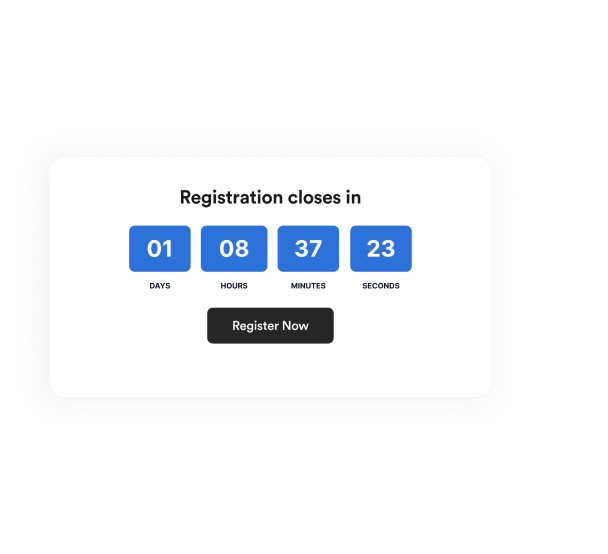

Geri Sayım Sayacı widget'ı nasıl oluşturulur
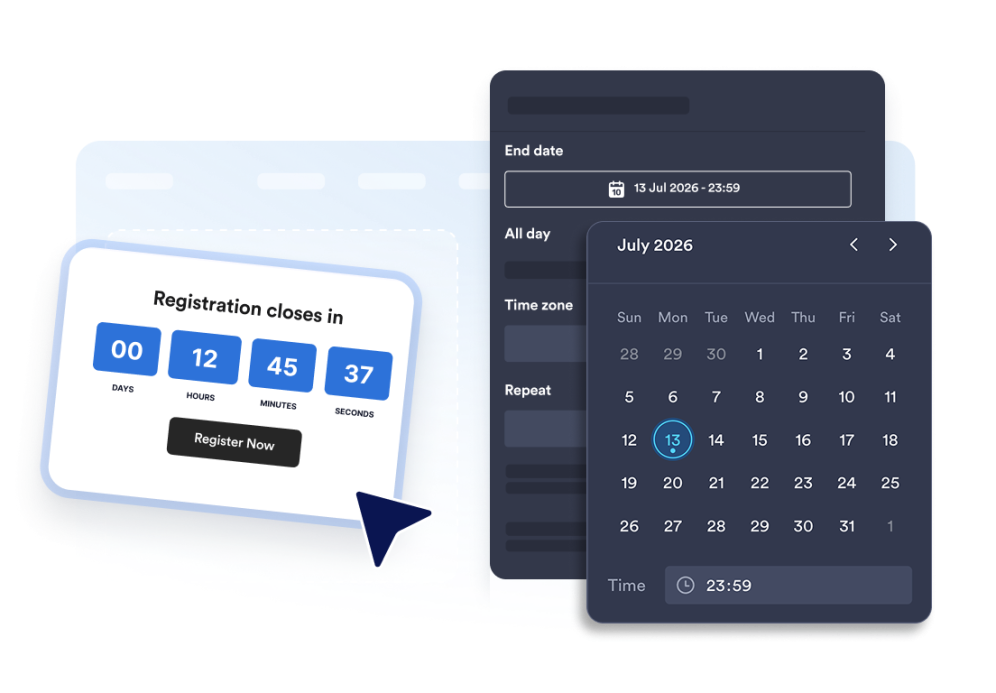
Geri sayım sayacını kurun
Bitiş tarihini, saat dilimini, etkinlik türünü ve isteğe bağlı yeniden başlatma planını seçin.
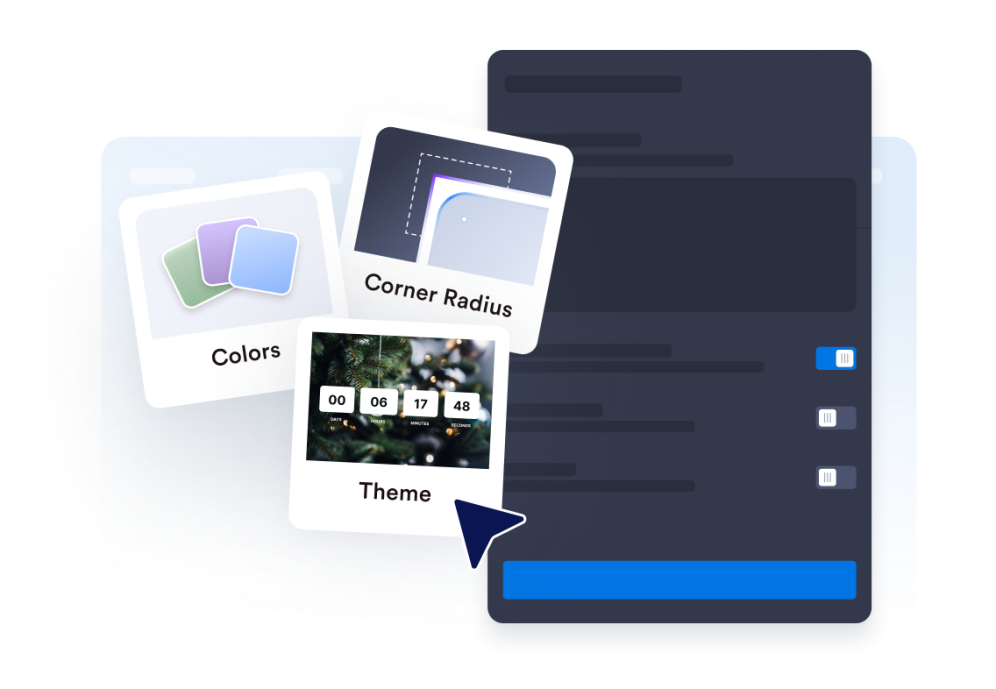
Düzeni ve temayı özelleştirin
Zamanlayıcınızın konumunu seçin ve renkleri, etiketleri ve köşe stilini ayarlayın.
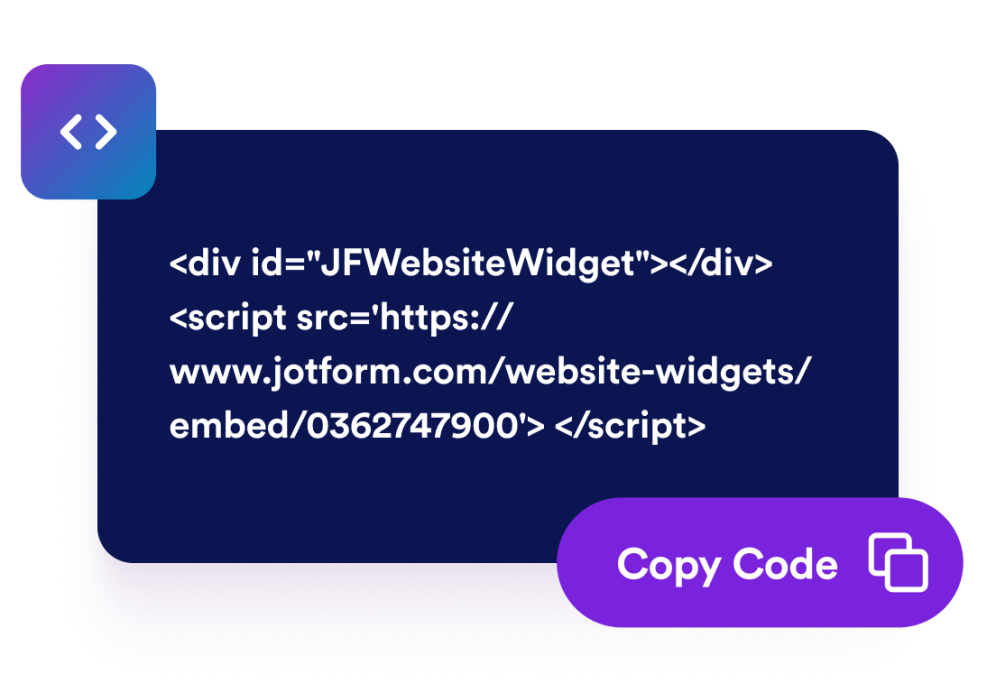
Web sitenize yerleştirin
Harekete geçirici mesaj butonları ekleyin, zamanlayıcıyı önizleyin ve istediğiniz her yerde yayınlamak için yerleştirme kodunu kopyalayın.
Sayfanıza uygun bir geri sayım sayacıyla aciliyet duygusu oluşturun
Belirli bir tarih ve saate kadar geri sayın
Lansmanlar, promosyonlar, web seminerleri, ürün çıkışları veya etkinlik kampanyaları için kesin bir son tarih belirleyin. Saat dilimi işlevi, geri sayımın kampanyanız boyunca tutarlı kalmasını sağlar.
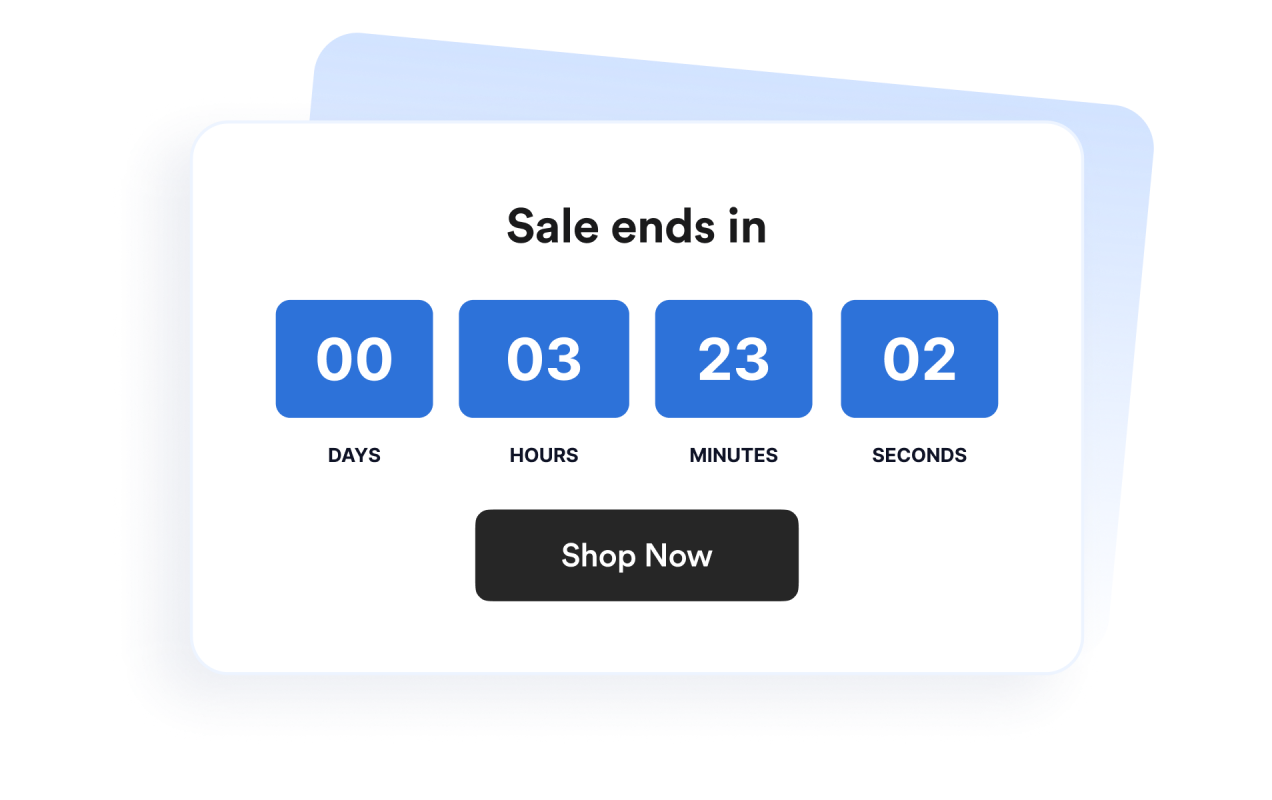
Afişler ve satır içi bölümler için düzenler kullanın
Zamanlayıcıyı satır içinde, tam genişlikte bir bölüm olarak, sabit bir üst veya alt çubuk olarak ya da kayan bir kart olarak gösterin. Bu, widget'ı farklı web sitesi tasarımlarına kolayca uyarlamanızı sağlar.
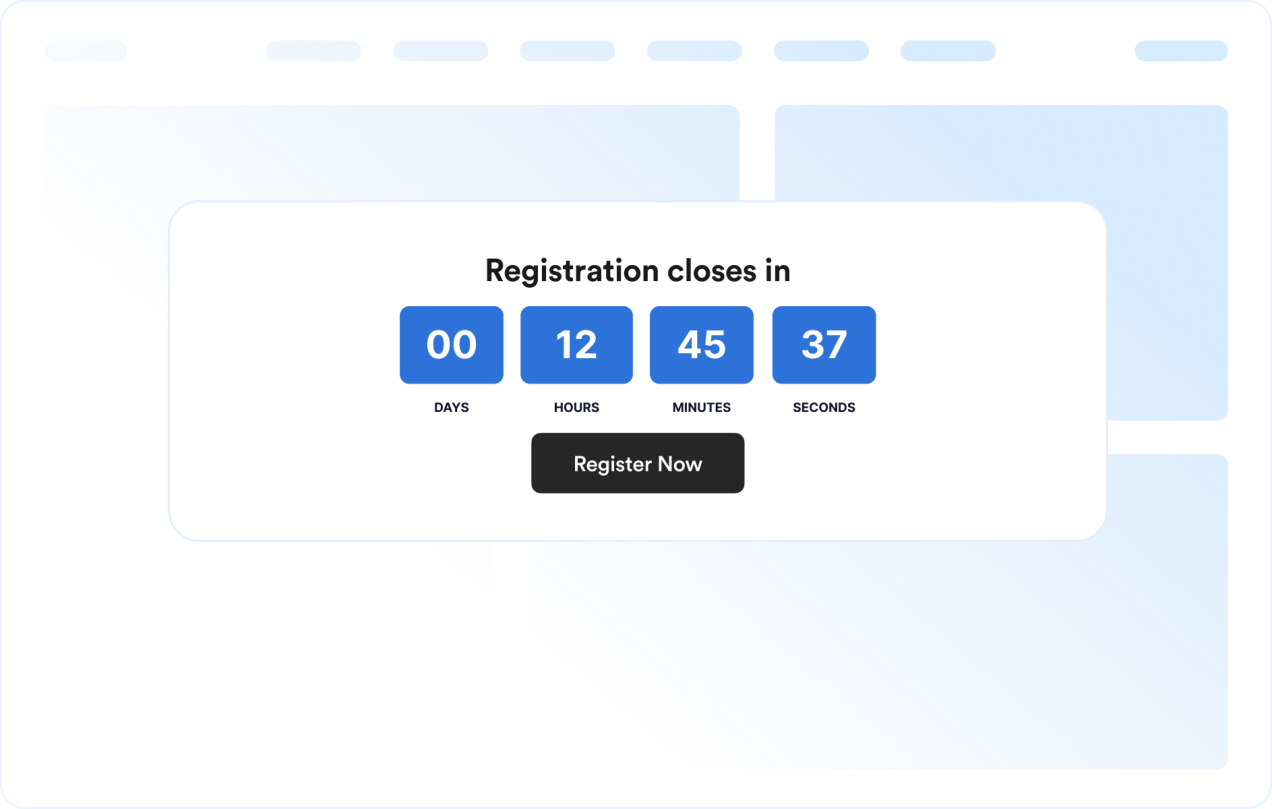
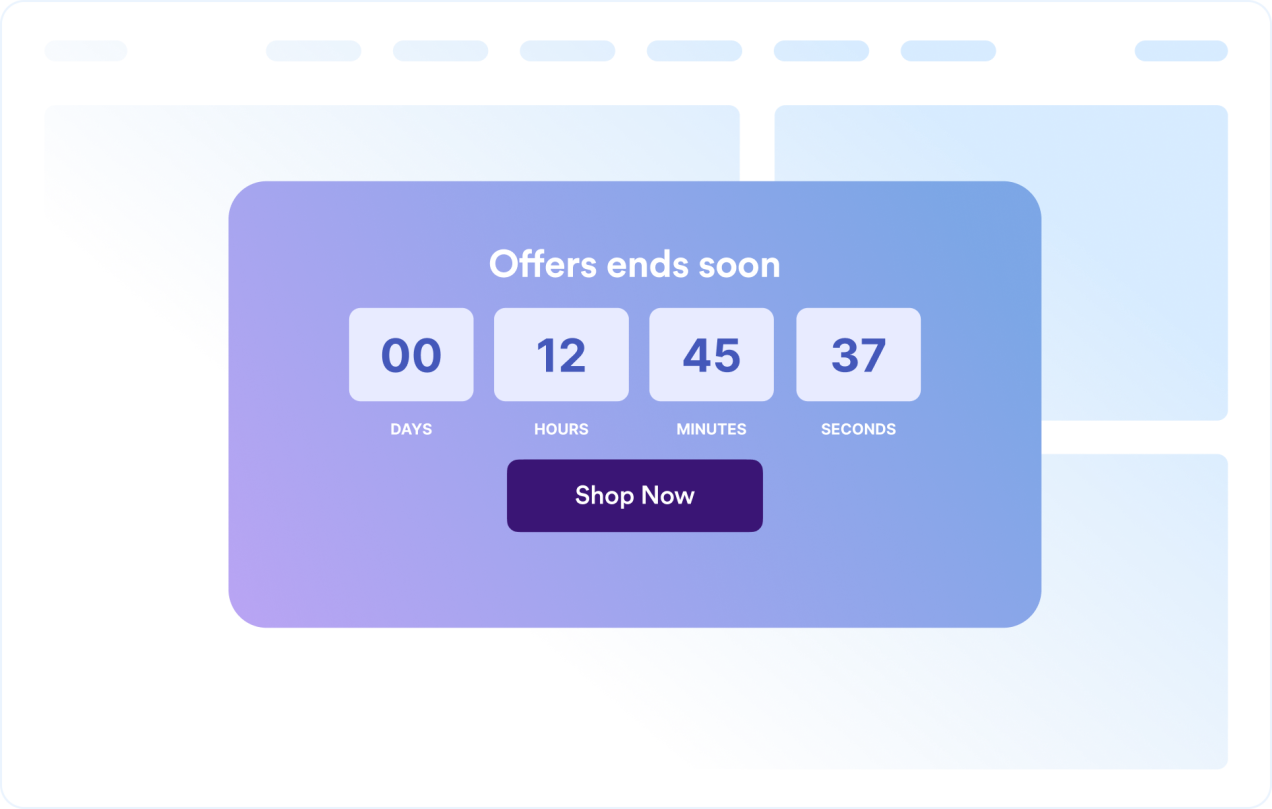
Zamanlayıcı tasarımını özelleştirin
Zaman birimlerini gösterin veya gizleyin, etiketleri ayarlayın, köşe stilini belirleyin ve kampanyaya hazır tema ön ayarlarını uygulayın.
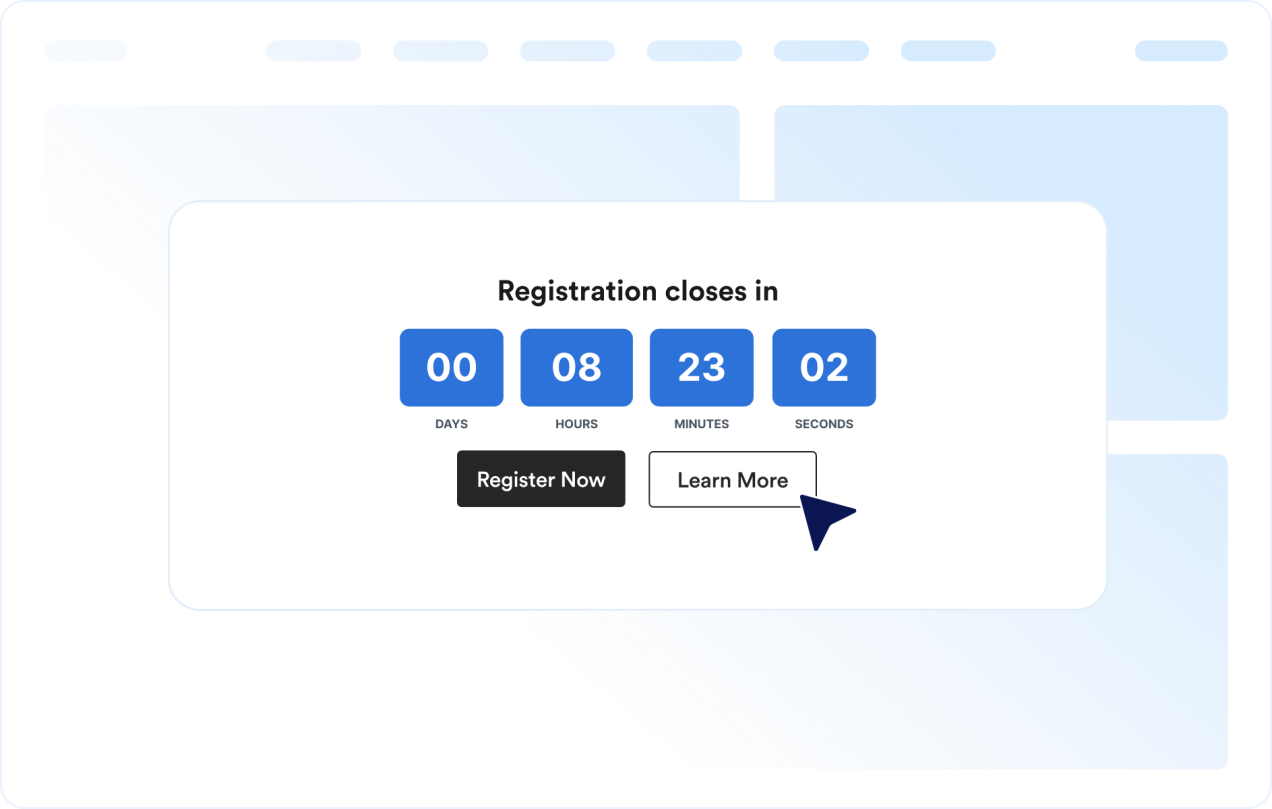
Ziyaretçileri bir sonraki eyleme yönlendirin
Net bir son tarihin ziyaretçileri harekete geçirmesinin faydalı olabileceği sitenizdeki herhangi bir yere widget’ı ekleyin.
Jotform Web Site Widget'ları neden öne çıkıyor
Jotform'un widget'ları web sitenizi daha etkileşimli hale getirir ve dönüşümleri artırır. Yıldızlı değerlendirmelerden ve kullanıcı görüşü kaydırıcılarından sosyal kanıt açılır pencerelerine ve medya yerleştirmelerine kadar birçok araç mevcut. Veri toplamak, kanıt göstermek ve potansiyelmüşteri yakalamak için kod yazmanıza gerek olmadan formlarınıza veya açılış sayfalarınıza widget'lar ekleyin.
Basit bir yerleştirme koduyla Jotform widget'larını web sitenize ekleyin. Bir geliştiriciye ihtiyaç duymadan widget'ı özelleştirin, nasıl göründüğünü önizleyin ve özel HTML ya da yerleştirme bloklarını destekleyen herhangi bir sayfaya yapıştırın.
Potansiyel müşterileri toplamak, müşteri geribildirimlerini göstermek, sosyal kanıt sunmak, medya içeriklerini yerleştirmek veya kullanışlı web sayfası araçları eklemek için Jotform Website Widget'larını kullanın. Her widget, ziyaretçilerin işletmenizle doğrudan web sitenizden etkileşime geçmesine yardımcı olur.
Widget'ınızı kurma, özelleştirme, yerleştirme veya sorun giderme konusunda yardıma ihtiyacınız olursa, Jotform'un müşteri destek ekibi 7/24 hizmetinizdedir. İhtiyacınız olduğunda yardımın hazır olduğunu bilerek güvenle ilerleyebilirsiniz.
Geri Sayım Sayacı widget'ınızı nerelerde kullanabilirsiniz
Net bir son tarihin ziyaretçilerin daha erken harekete geçmesine ve bir teklifin, etkinliğin veya kampanyanın ne zaman biteceğini anlamasına yardımcı olabileceği her yere widget'ı ekleyin.
Sınırlı süreli indirimleri ve flaş kampanyaları öne çıkarmak için satış açılış sayfalarında
Bir sürümden önce beklenti oluşturmak için ürün lansmanı sayfalarında
Kayıt veya katılım son tarihlerini göstermek için etkinlik ve web semineri sayfalarında.
Bir sitenin üst veya alt kısmında son teslim tarihini görünür tutmak için duyuru çubuklarında
Satın alma kararlarına yakın noktada promosyon son tarihlerini pekiştirmek için ödeme ve fiyatlandırma sayfalarında
Net bir harekete geçirici mesajla lansman tarihine geri sayım yapmak için yakında geliyor sayfalarında
Jotform Form Oluşturucu ile müşteri adaylarını ödeme yapan müşterilere dönüştürün
Jotform ile etkileşimi eyleme dönüştürün. Potansiyel müşterileri yakalayan, ödemeleri alan ve yanıtları otomatikleştiren güçlü formları tek bir yerde oluşturun. Her yanıt, takip edebileceğiniz veya favori uygulamalarınızla bağlantı kurabileceğiniz Jotform Gelen Kutusu'na ulaşır.
Hemen Başla — Ücretsiz!
SSS
Geri Sayım Sayacı widget'ı nedir?
Geri Sayım Sayacı widget'ı, seçilen bir tarih ve saate kalan süreyi gösterir. Web sitelerinin satışları, etkinlikleri, lansmanları ve diğer zamana duyarlı kampanyaları tanıtmasına yardımcı olur.
Düzeni özelleştirebilir miyim?
Renkleri ve düzeni değiştirebilir miyim?
Geri sayım tekrarlanabilir mi?
Geri sayıma buton ekleyebilir miyim?
Geri sayım sona erdiğinde ne olur?
Mobil cihazlarda çalışır mı?
Kod yazmam gerekir mi?