Web siteniz için Pop Up Oluşturma Widget'ı
Ziyaretçilerin harekete geçmesine yardımcı olan web sitesi açılır pencereleri, sabit çubuklar, kayarak açılan pencereler ve yüzen teklifler oluşturun. İndirimleri tanıtmak, bülten kayıtları toplamak, lansmanları duyurmak, ziyaretçileri formlara yönlendirmek ve önemli mesajları site kodunuzu düzenlemeden görünür tutmak için Jotform'un kod gerektirmeyen Pop Up Oluşturma widget'ını kullanın.
Hemen oluşturun - Ücretsiz!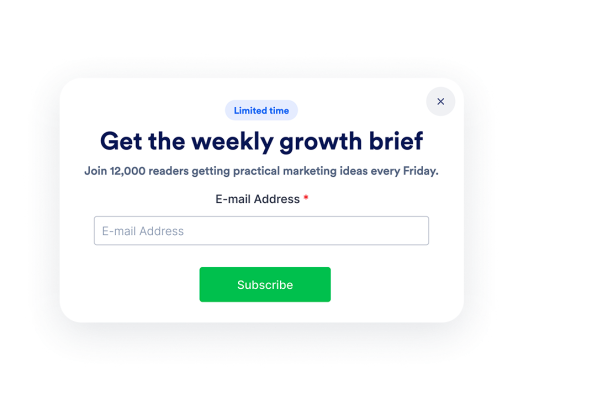

Açılır Pencere widget'ı nasıl oluşturulur

İçeriği ve zamanlamayı özelleştirin
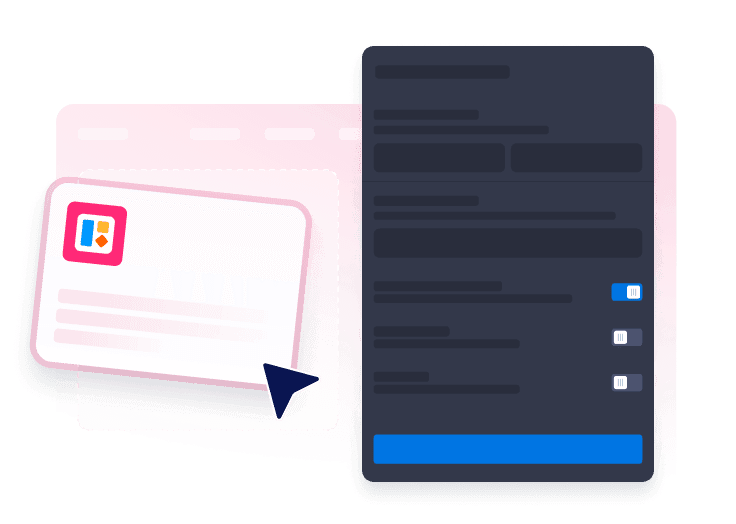
Metninizi ve renklerinizi, butonları, formları, tetikleyicileri, hedeflemeyi, kapatma davranışını ve görüntüleme sıklığını ekleyerek başlayın.
Açılır pencere biçiminizi seçin
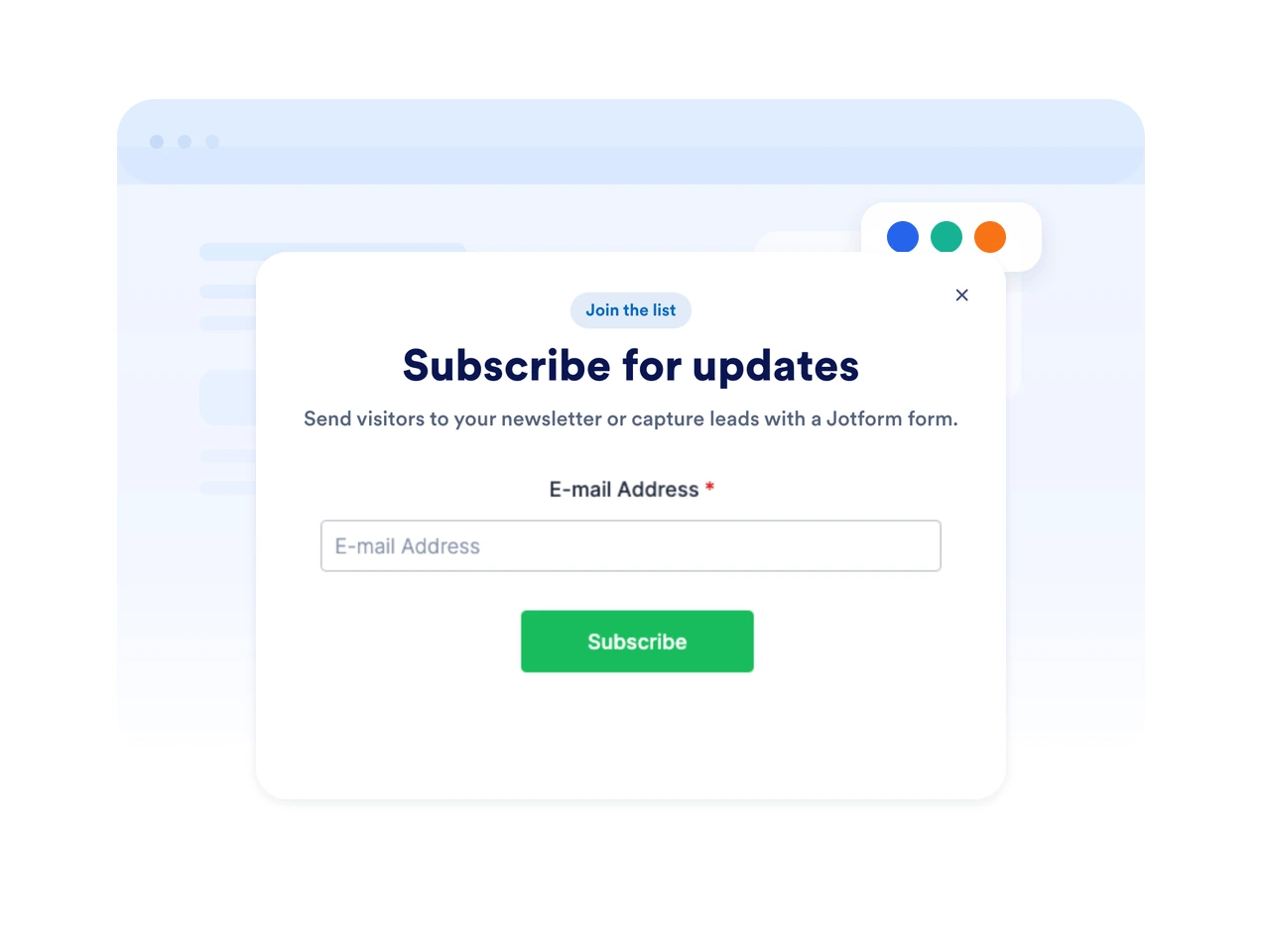
Ortalanmış açılır pencere, üst çubuk, alt çubuk, kayan pencere veya yüzen promosyonlar arasından bir düzen seçin.

Web sitenize yerleştirin
Pop up Oluşturma widget'ını önizleyin, yerleştirme kodunu kopyalayın ve ziyaretçilerin teklifinizi görmesi gereken herhangi bir sayfada yayınlayın.
Kampanyanıza uygun açılır pencerelerle dikkat çekin
Açılır pencereler, çubuklar, kayarak açılan pencereler ve yüzen teklifler kullanın
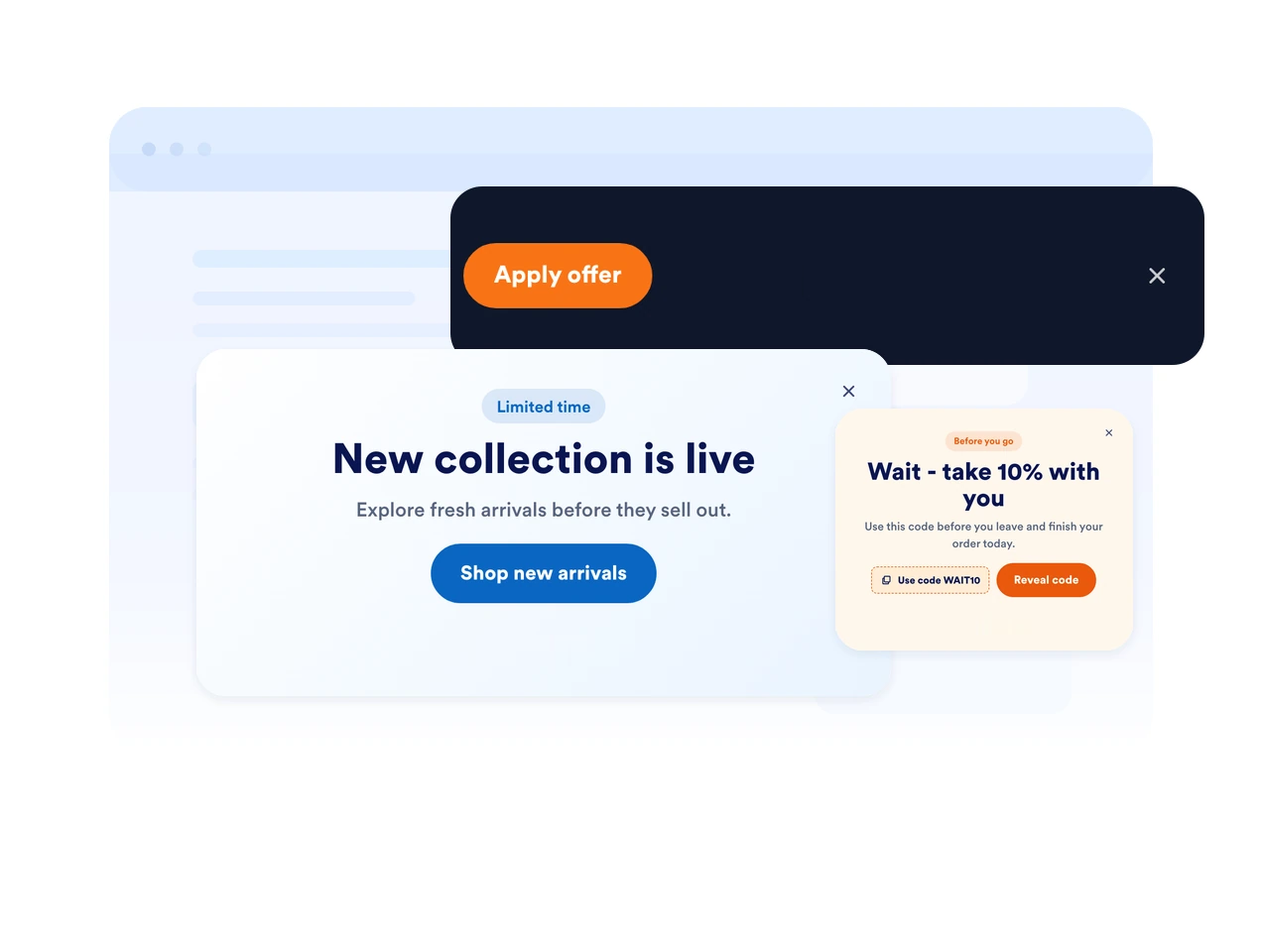
Sayfanıza uygun görüntüleme stilini seçin. Odaklı bir modal, sabit bir üst veya alt çubuk, yandan kayan bir pencere veya kompakt bir yüzen bildirim gösterin.
Mesajları doğru anda tetikleyin
Açılır pencerenizi sayfa yüklenirken, belirli bir süre sonra, sayfayı kaydırırken, siteden ayrılmak üzereyken veya ziyaretçi bir butona tıkladığında gösterin. Zamanlamayı karar anına göre ayarlayın.
Her mesajı markanıza uyarlayın
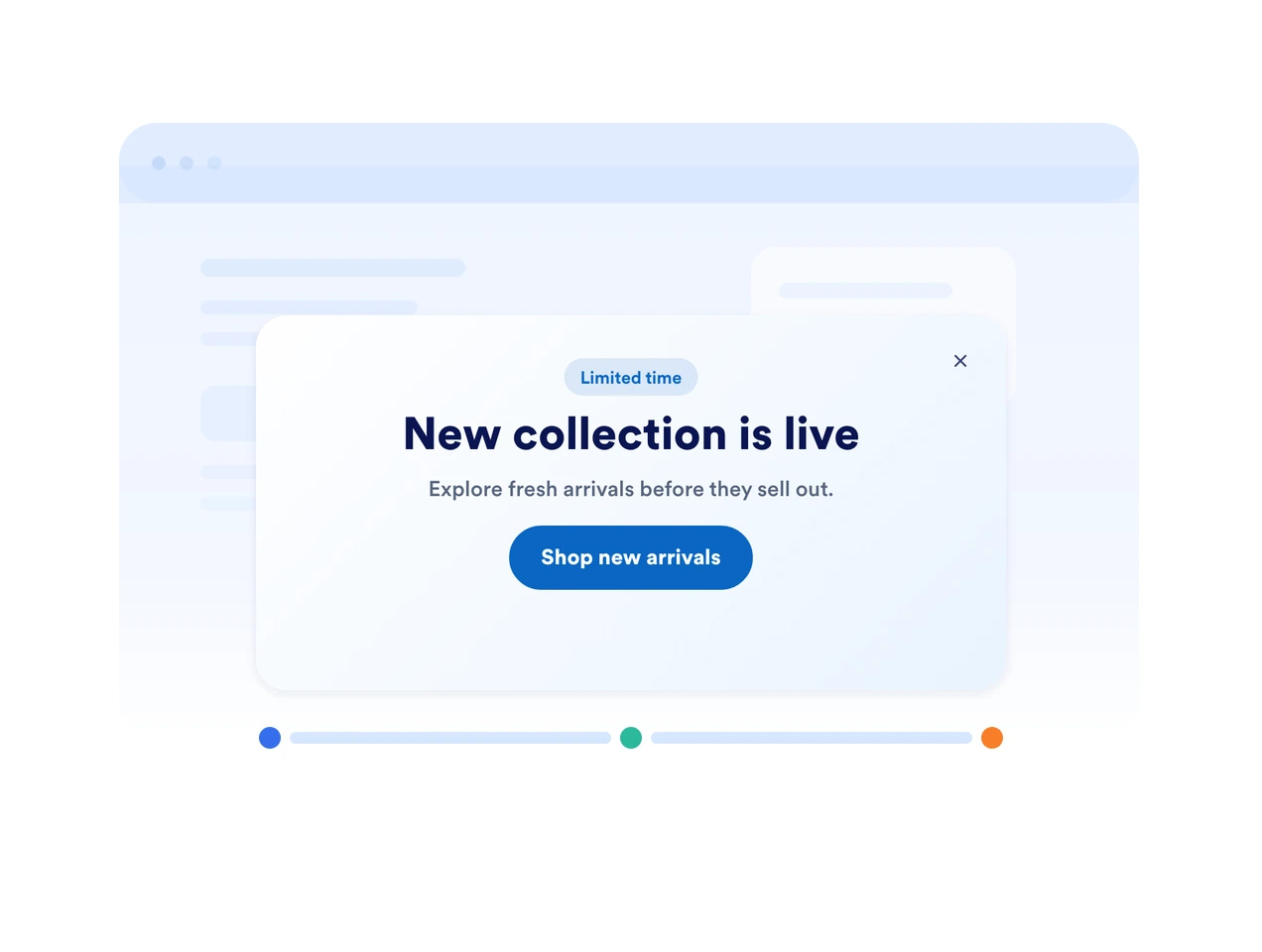
Pop Up Oluşturma widget'ınızı web sitenizin doğal bir parçasıymış gibi görünmesi için renkleri, yuvarlatılmış köşeleri, boşlukları, görselleri, buton stillerini ve form alanlarını özelleştirin.
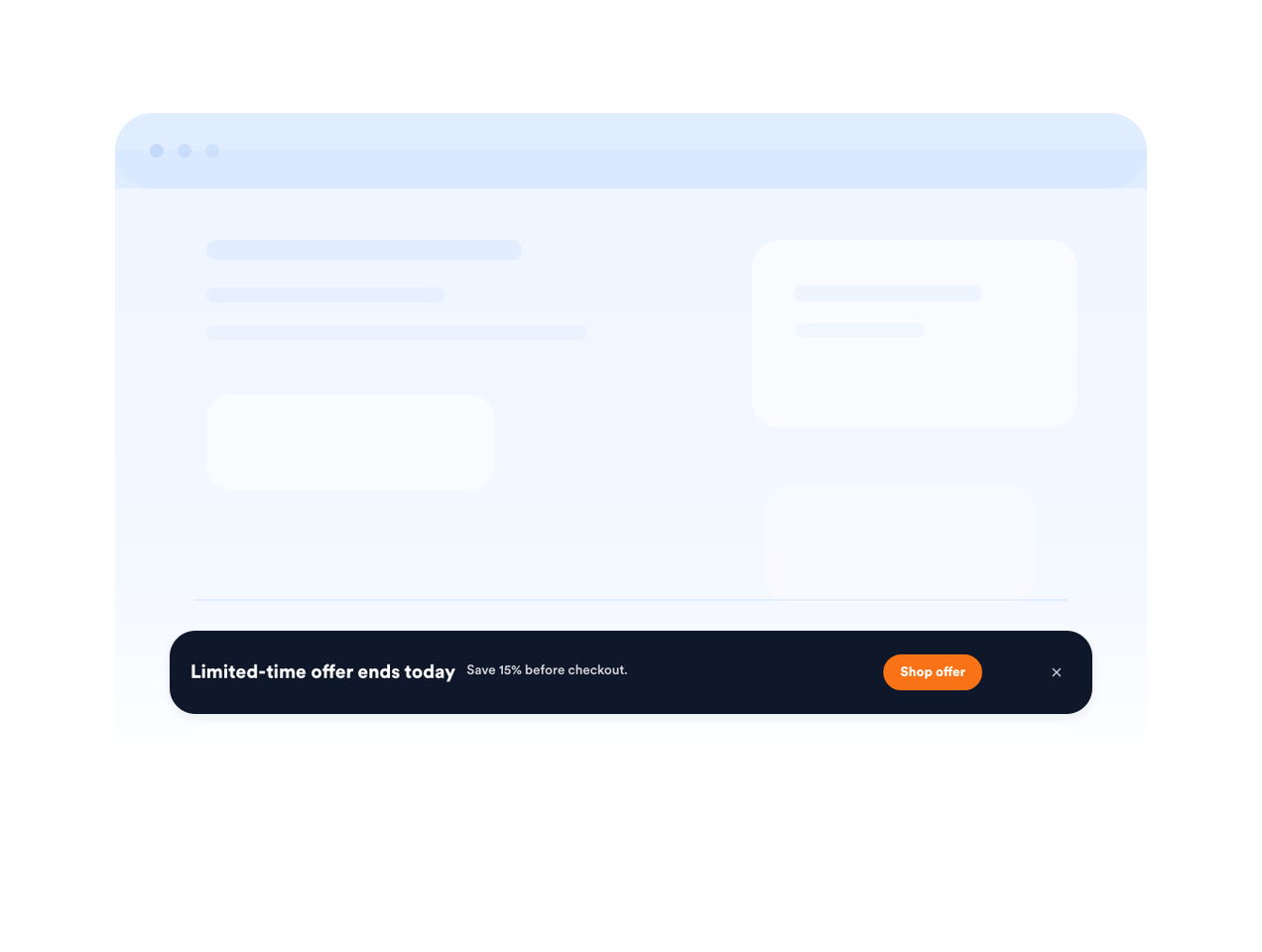
Acil teklifleri sabit çubuklarla görünür tutun
Kargoya son veriliş tarihleri, satış hatırlatmaları, etkinlik kaydı veya önemli hizmet güncellemeleri için sabit bir üst veya alt çubuk kullanın.
Jotform Web Site Widget'ları neden öne çıkıyor
Jotform'un widget'ları web sitenizi daha etkileşimli hale getirir ve dönüşümleri artırır. Yıldızlı değerlendirmelerden ve kullanıcı görüşü kaydırıcılarından sosyal kanıt açılır pencerelerine ve medya yerleştirmelerine kadar birçok araç mevcut. Veri toplamak, kanıt göstermek ve potansiyelmüşteri yakalamak için kod yazmanıza gerek olmadan formlarınıza veya açılış sayfalarınıza widget'lar ekleyin.
Basit bir yerleştirme koduyla Jotform widget'larını web sitenize ekleyin. Bir geliştiriciye ihtiyaç duymadan widget'ı özelleştirin, nasıl göründüğünü önizleyin ve özel HTML ya da yerleştirme bloklarını destekleyen herhangi bir sayfaya yapıştırın.
Potansiyel müşterileri toplamak, müşteri geribildirimlerini göstermek, sosyal kanıt sunmak, medya içeriklerini yerleştirmek veya kullanışlı web sayfası araçları eklemek için Jotform Website Widget'larını kullanın. Her widget, ziyaretçilerin işletmenizle doğrudan web sitenizden etkileşime geçmesine yardımcı olur.
Widget'ınızı kurma, özelleştirme, yerleştirme veya sorun giderme konusunda yardıma ihtiyacınız olursa, Jotform'un müşteri destek ekibi 7/24 hizmetinizdedir. İhtiyacınız olduğunda yardımın hazır olduğunu bilerek güvenle ilerleyebilirsiniz.
Pop Up Oluşturma widget'ınızı nerelerde kullanabilirsiniz
Zamanında bir mesajın ziyaretçilerin abone olmasına, satın almasına, rezervasyon yapmasına veya bir sonraki adıma geçmesine yardımcı olabileceği her yere Pop Up Oluşturma widget'ını ve çubukları ekleyin.
İndirimleri, paketleri, kargo tekliflerini veya sınırlı stok uyarılarını tanıtmak için e-ticaret ürün sayfalarında.
Alışverişi yarıda bırakan müşterileri kupon kodları ve destek yönlendirmeleriyle geri kazanmak için ödeme ve sepet sayfalarında.
İndirilebilir kaynaklar veya güncellemelerle e-posta listenizi büyütmek için bülten ve içerik sayfalarında.
Ziyaretçilere kayıt son tarihlerini ve yaklaşan oturumları hatırlatmak için etkinlik ve web semineri sayfalarında.
Lansmanları, sezonluk kampanyaları veya hizmet güncellemelerini öne çıkarmak için ana sayfa duyurularında.
Ziyaretçiler ayrıntıları karşılaştırırken hedef odaklı bir teklifi görünür tutmak için reklamlara yönelik açılış sayfalarında.
Jotform Form Oluşturucu ile müşteri adaylarını ödeme yapan müşterilere dönüştürün
Jotform ile etkileşimi eyleme dönüştürün. Potansiyel müşterileri yakalayan, ödemeleri alan ve yanıtları otomatikleştiren güçlü formları tek bir yerde oluşturun. Her yanıt, takip edebileceğiniz veya favori uygulamalarınızla bağlantı kurabileceğiniz Jotform Gelen Kutusu'na ulaşır.
Hemen Başla — Ücretsiz!
SSS
Pop Up Oluşturma widget'ı nedir?
Pop Up Oluşturma widget'ı, modal, çubuk, kayarak açılan pencere veya yüzen bildirim olarak görünen, yerleştirilebilir bir web sitesi mesajıdır. Teklifleri tanıtmaya, potansiyel müşterileri toplamaya, güncellemeleri duyurmaya ve ziyaretçileri formlara veya bağlantılara yönlendirmeye yardımcı olur.
Sabit üst veya alt çubuklar oluşturabilir miyim?
Açılır pencerenin ne zaman görüneceğini kontrol edebilir miyim?
Açılır pencereme form ekleyebilir miyim?
Pop Up Oluşturma widget'ının tasarımını özelleştirebilir miyim?
Pop Up Oluşturma widget'ı mobilde çalışır mı?
Ziyaretçiler açılır pencereyi kapatabilir mi?
Herhangi bir kod yazmam gerekir mi?