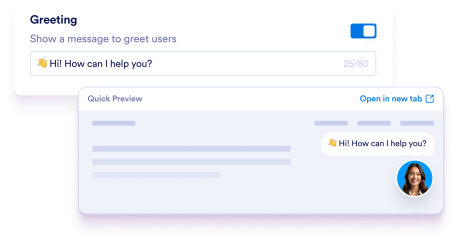
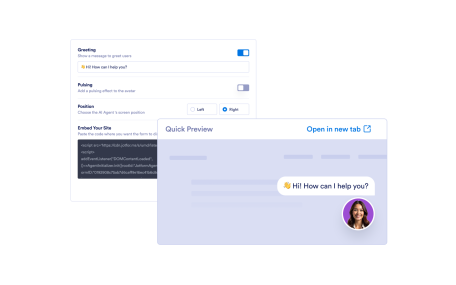
Learn More: Add a Greeting MessageAdd a Greeting MessageMake your AI Agent more approachable by customizing a greeting message to engage users instantly.
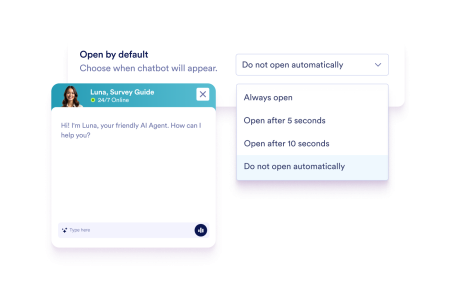
Learn More: Choose When Your Chatbot OpensChoose When Your Chatbot OpensIndicate when the chatbot opens on your site, immediately, after a brief delay, or only when a user clicks on the avatar.
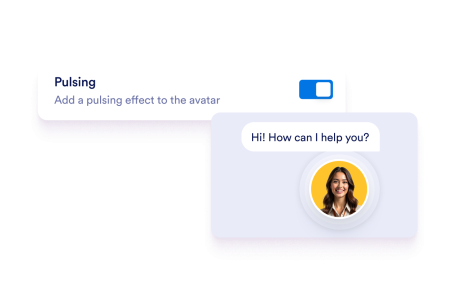
Learn More: Add a Pulsing EffectAdd a Pulsing EffectBoost your chatbot’s visibility with our dynamic pulsing effect. This subtle animation surrounds your chatbot avatar and encourages interaction.
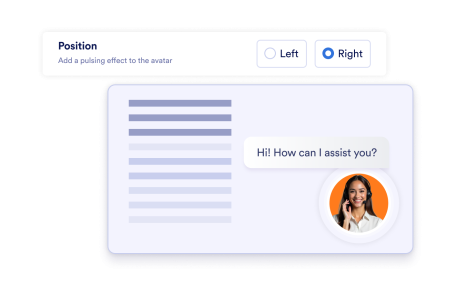
Learn More: Select Where Your Chatbot AppearsSelect Where Your Chatbot AppearsIntegrate your chatbot into your website’s design by indicating where it should appear.
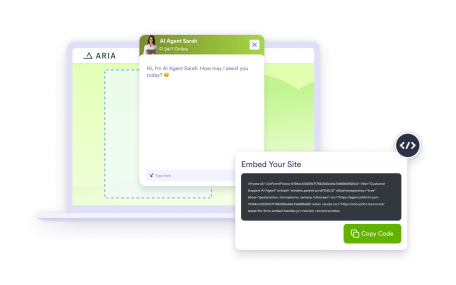
Learn More: Embed on Your SiteEmbed on Your SiteCopy and paste the provided code to integrate your chatbot into your site. Just place it where you want it to appear.
Learn More: Preview Before PublishingPreview Before PublishingSee how your chatbot will look on your site before you embed it. Test everything from design to functionality.
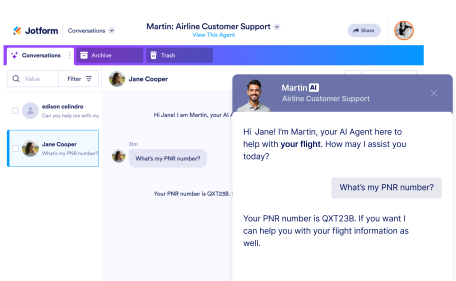
Learn More: Personalize Chat with User IdentificationPersonalize Chat with User IdentificationHelp your AI agent understand who your users are so every interaction feels contextual, helpful, and tailored to the individual.