Built for Canva, not added as an afterthought
Jotform AI Chatbot for Canva is a native integration. It works seamlessly within Canva designs, ensuring your layout remains intact and your user experience remains seamless.
Turn static Canva designs into interactive experiences. Add a fully functional AI chatbot directly inside Canva. No code, no switching tools, no design compromises.
Engage visitors, answer questions, collect leads, and guide users to forms or actions while maintaining on-brand consistency and keeping everything within your Canva workflow.
Add AI Chatbot to Canva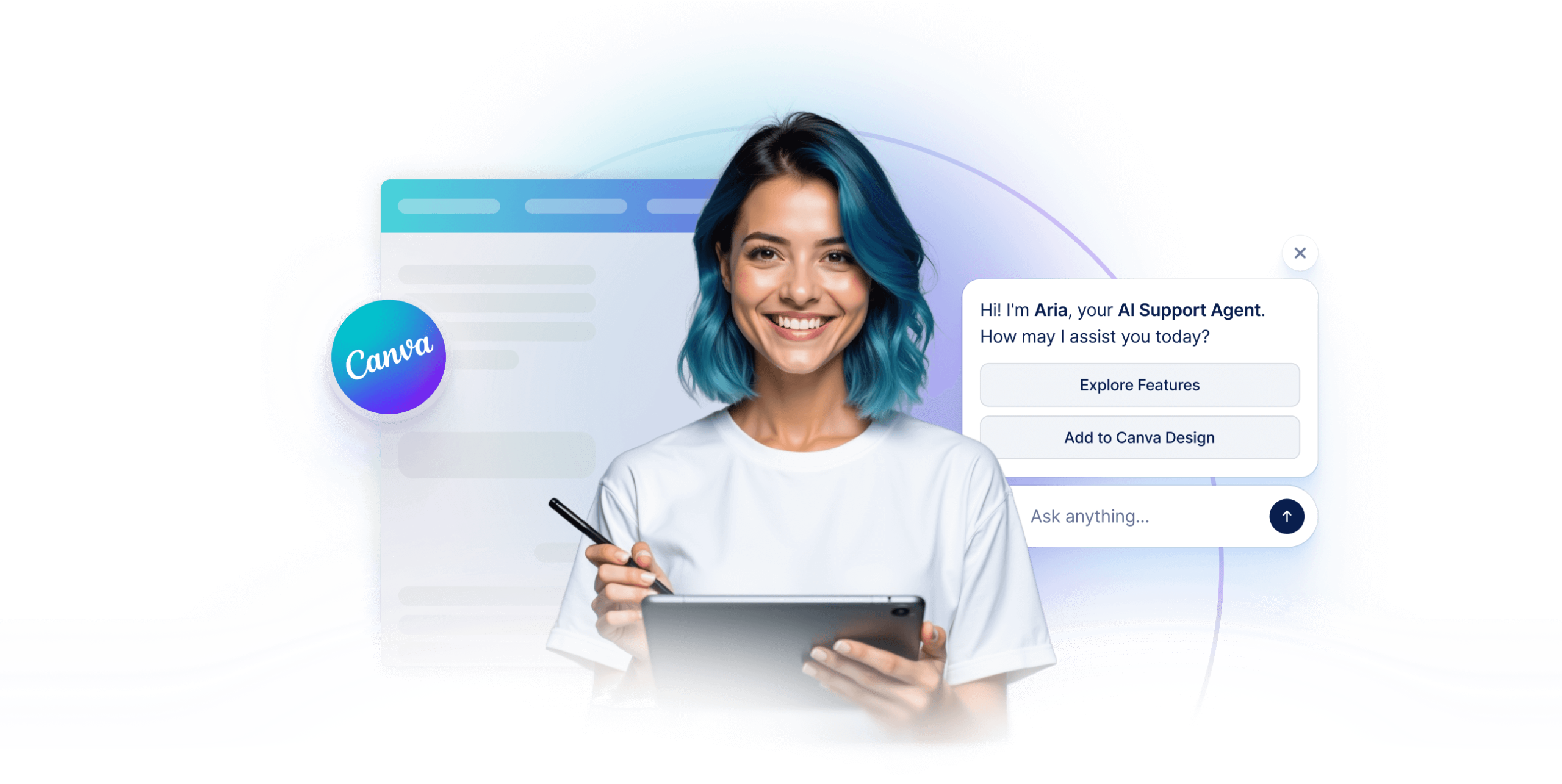
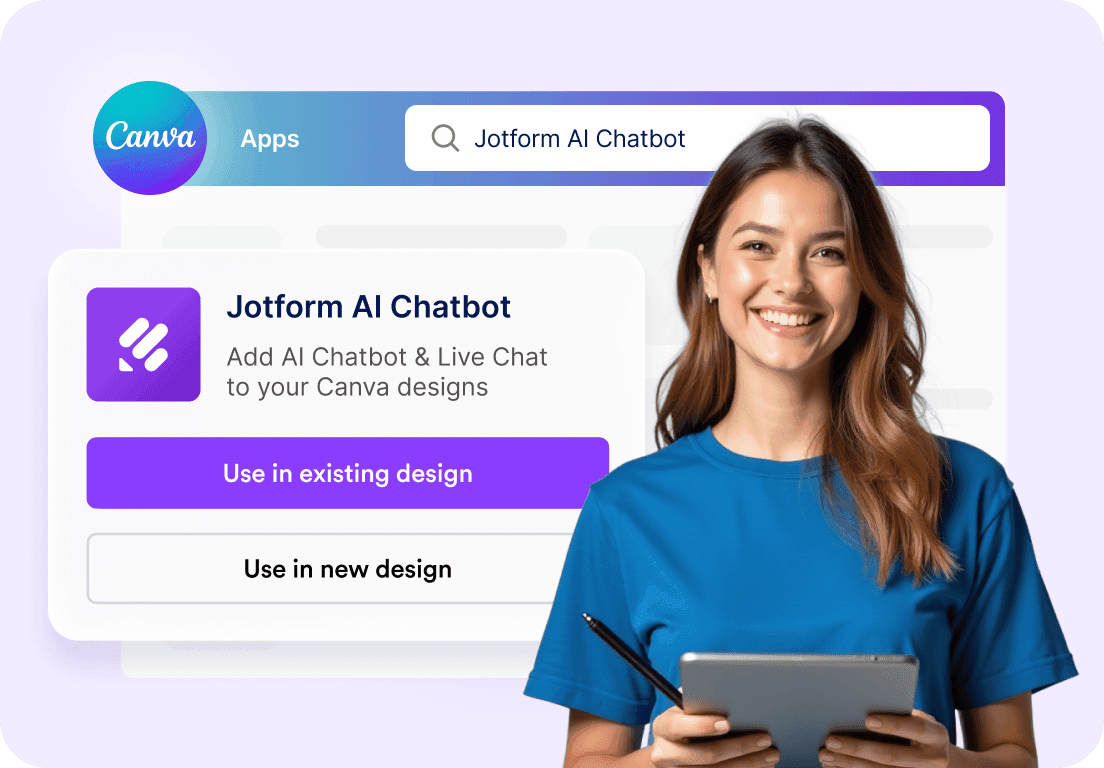
Open the Jotform AI Chatbot app from the Canva App Store and drop it directly into your design. No embeds, no external links, and no coding required.
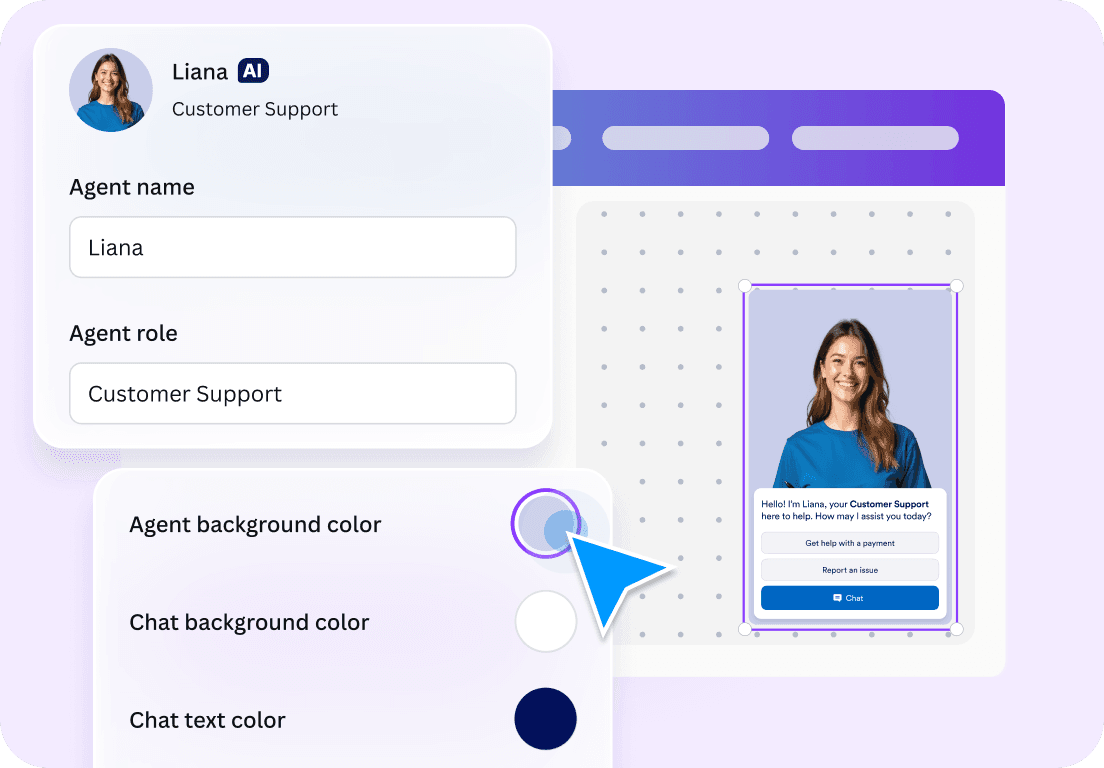
Edit colors, button styles, avatars, welcome messages, and call-to-action buttons right inside Canva. Your chatbot blends naturally with your layout and visual style.
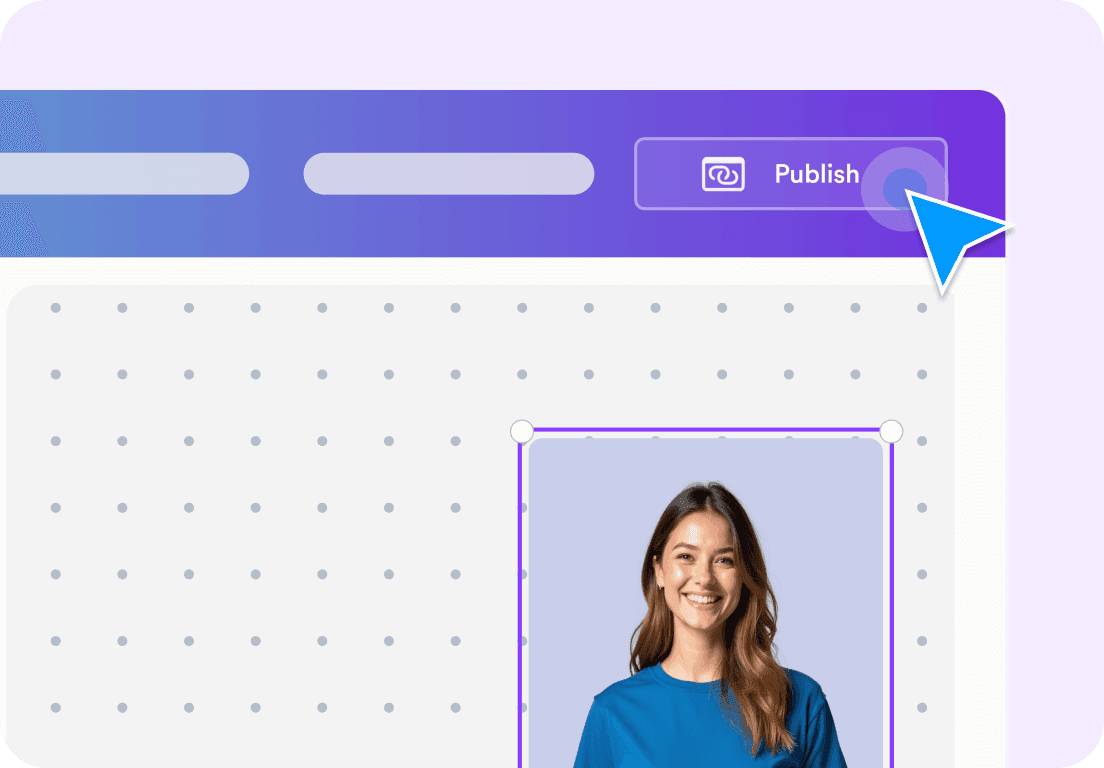
Publish your design with a live AI chatbot that can answer questions, collect leads, book appointments, or guide visitors to forms. All powered by Jotform AI.
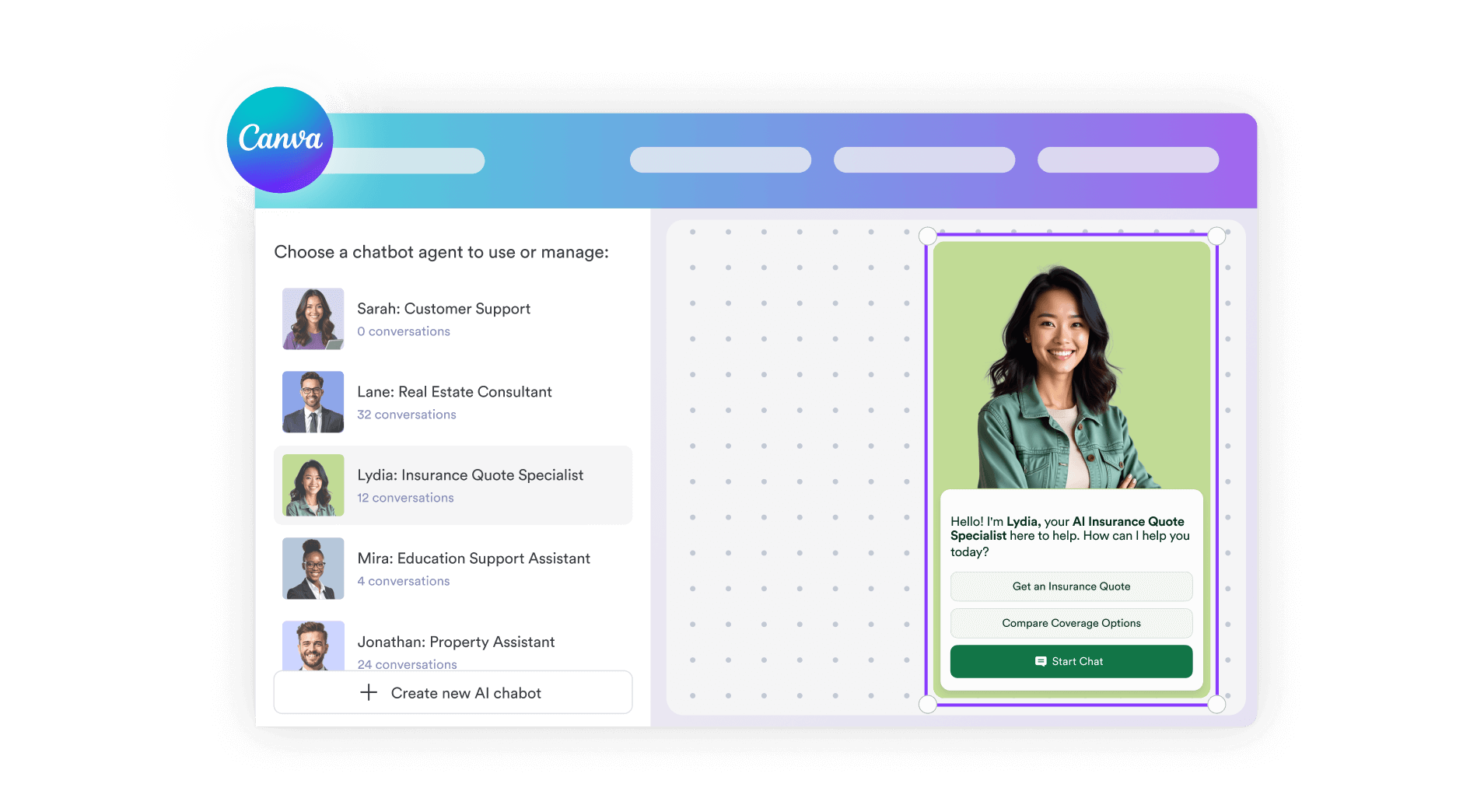
Jotform AI Chatbot for Canva is a native integration. It works seamlessly within Canva designs, ensuring your layout remains intact and your user experience remains seamless.
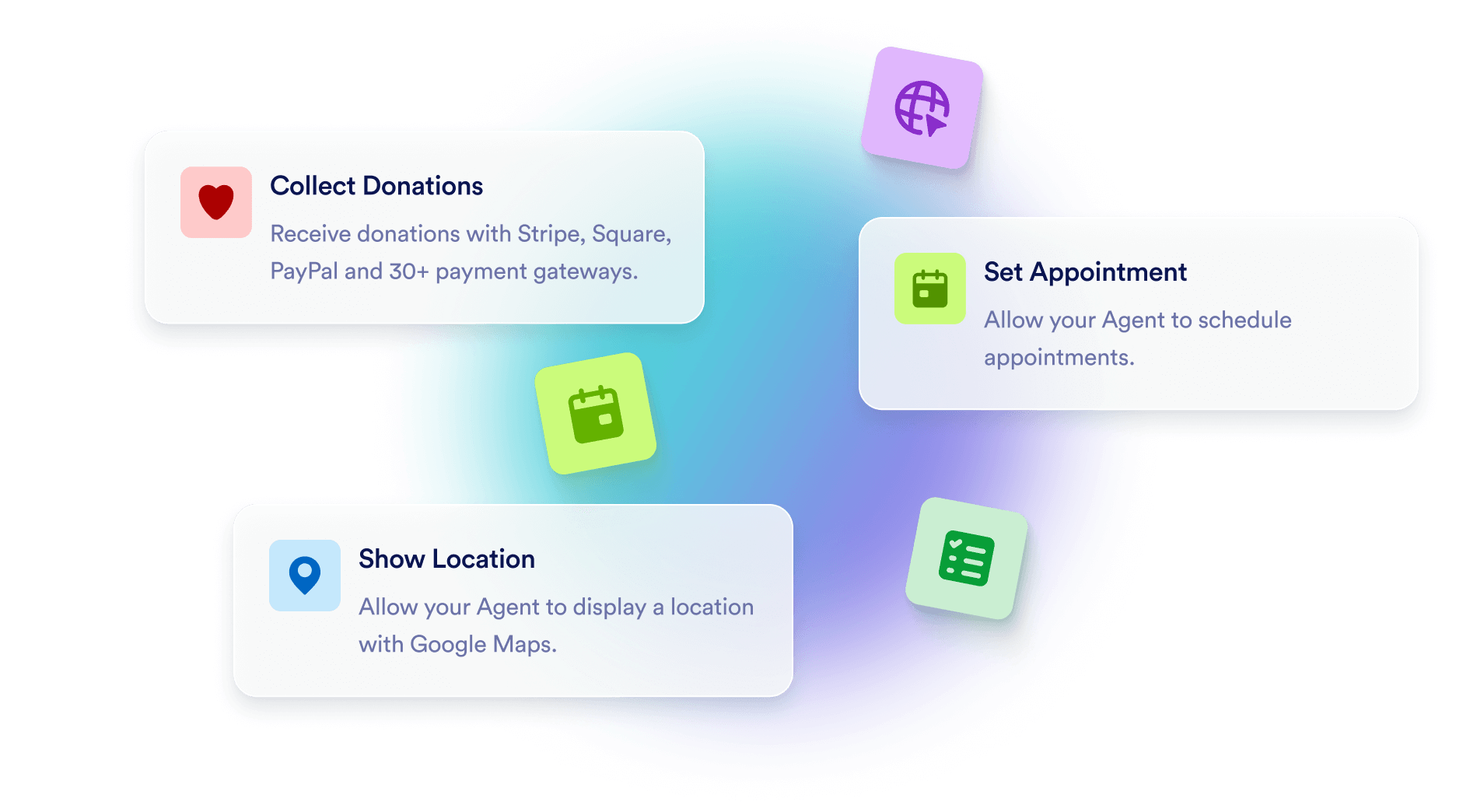
Instead of static visuals, visitors can ask questions, explore offers, or get help in real time directly within your Canva page or site.
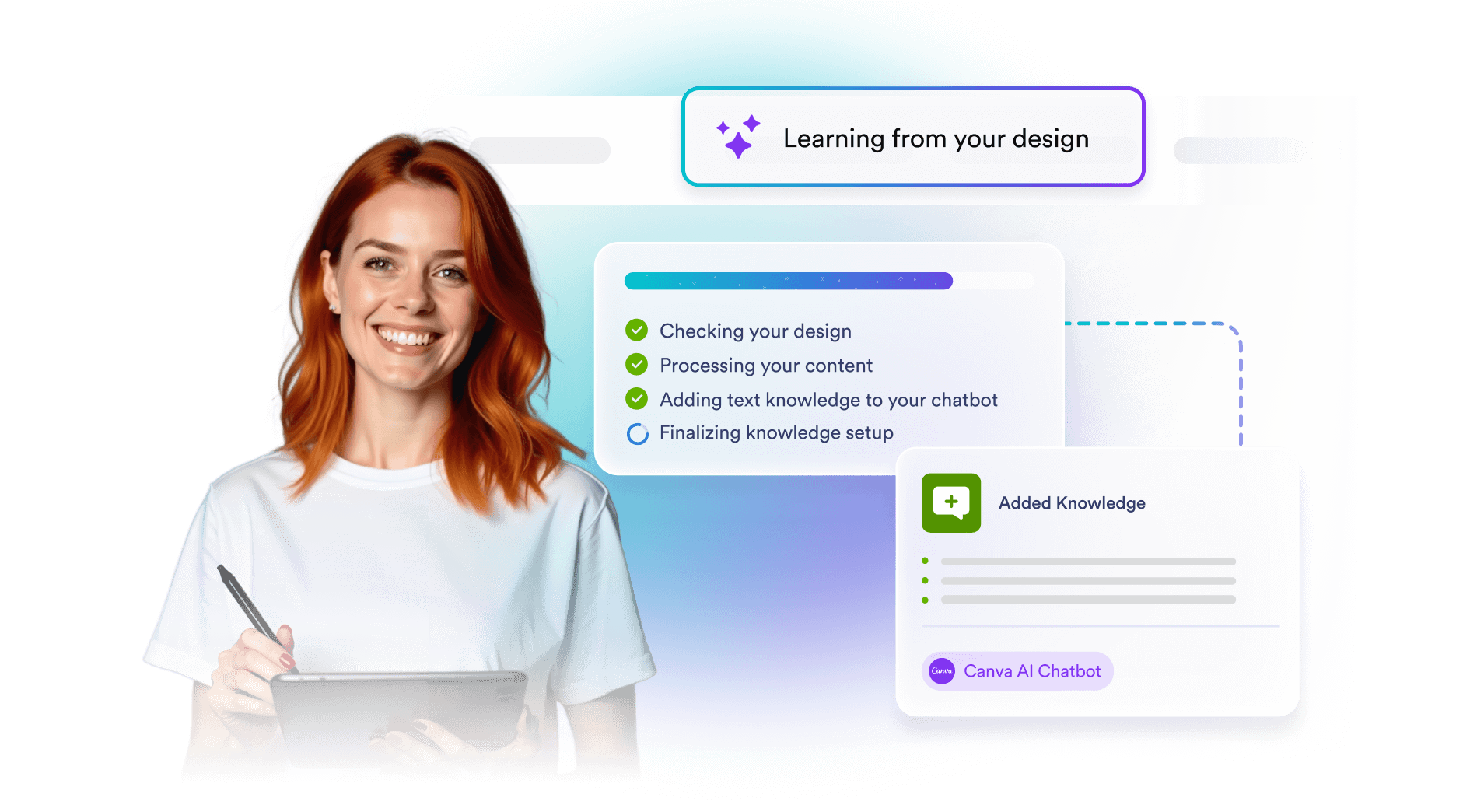
The chatbot can use text from your Canva designs as its knowledge source, allowing it to give context-aware answers based on what you’ve already created.
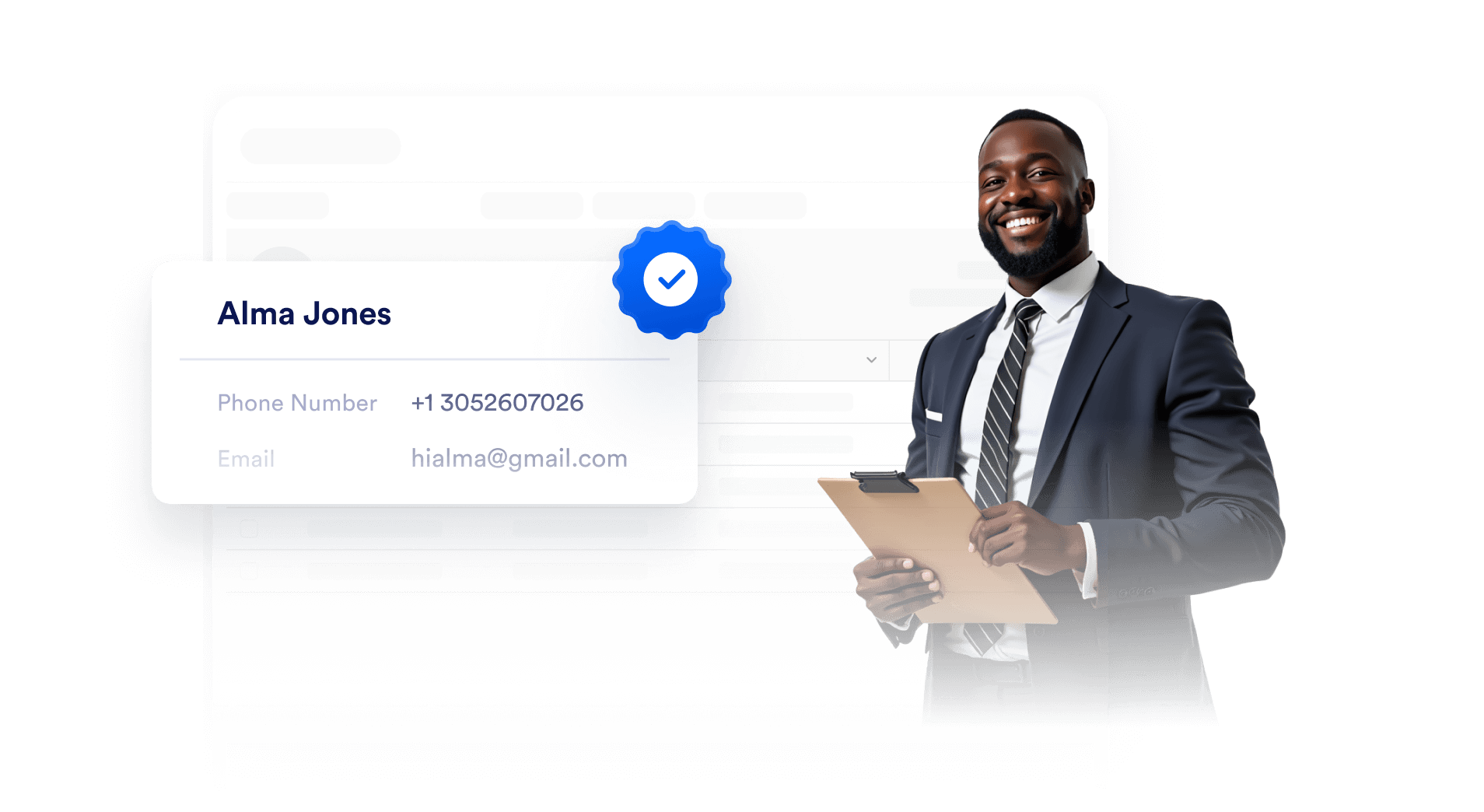
Collect contact details, route users to forms, or connect conversations to your CRM all through natural chat interactions that feel effortless for visitors.
The Jotform AI Chatbot for Canva is an app that lets Canva users add an interactive live chat and chatbot experience to their designs. It brings Jotform’s AI-powered conversational features directly into Canva, allowing users to create and customize interactions without any coding.
