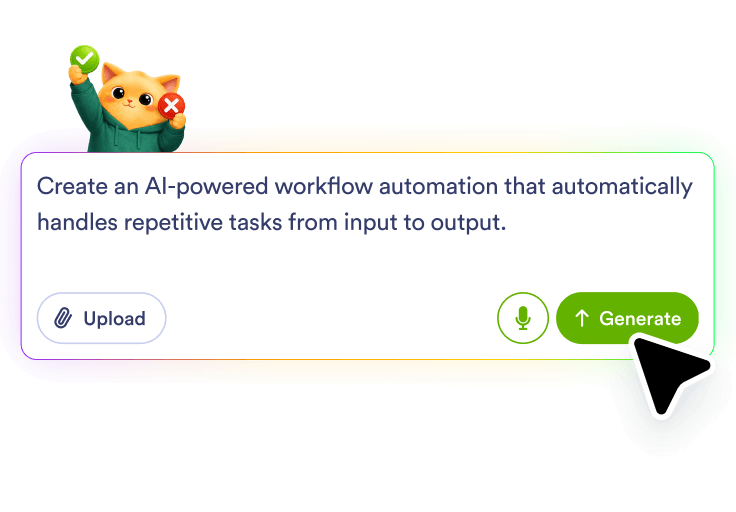
Describe the form trigger
Write what should happen after a form is submitted, such as sending a text for a new lead, an urgent request, or a customer update. Jotform AI turns that prompt into a workflow built around the form-to-SMS action.
Describe the form-to-SMS workflow you need, and Jotform AI Workflow Builder creates it for you. Use a new submission, an urgent request, or a customer update as the starting point, then let Jotform build the steps that send the right text, route the request, and keep the follow-up organized.
Write what should happen after a form is submitted, such as sending a text for a new lead, an urgent request, or a customer update. Jotform AI turns that prompt into a workflow built around the form-to-SMS action.
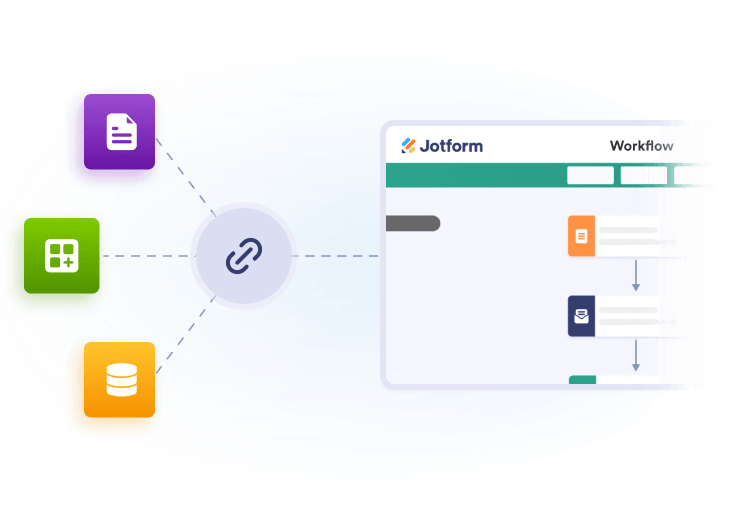
Tell Jotform what should happen around the text message, such as a review task, an approval, or a record update. The workflow is shaped from your plain-language prompt, not from manual setup steps.
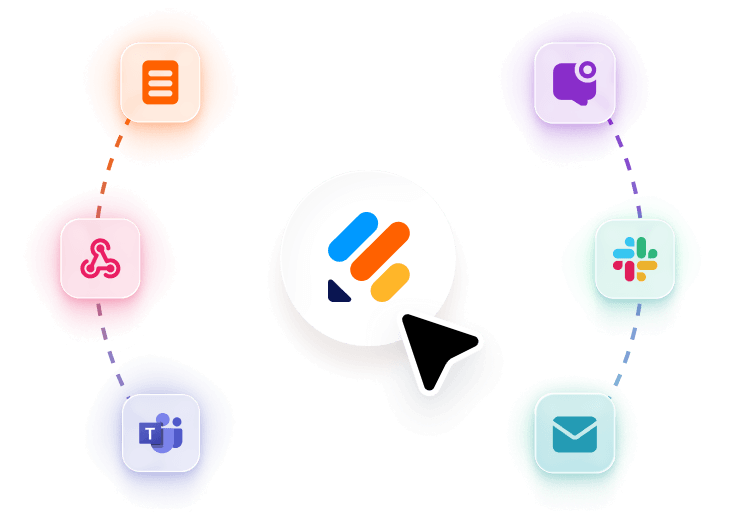
Include the outcome you want after the SMS goes out, like logging the submission, notifying a team, or creating a follow-up task. Jotform builds the connected workflow so the message and the next action stay in sync.
Send a text when a form is submitted so the right person can react to a lead, request, or message while the submission is still current.
Route forms that need attention into an SMS-based workflow so the message reaches the person who should review or respond first.
Use form details to trigger a follow-up text that keeps the requester informed after a submission, review, or approval changes the status.
Pair the SMS with a record update, task creation, or team notification so the form request is documented beyond the text message itself.
100+ Free Workflow Templates
Automate your processes effortlessly with our pre-built workflow templates. Our extensive library of templates saves you time and can be fully customized to meet your unique requirements.
AI Workflow Automation Tools
Explore a suite of powerful AI-driven tools designed to streamline your workflows, enhance productivity, and deliver smarter solutions for your form creation needs.
Appointment Reminder Automation
Build an appointment reminder workflow with Jotform AI Workflow Builder from a simple prompt and route reminders, reviews, and follow-ups.
Appointment Scheduling Tool
Create an online scheduling tool workflow from a plain-language prompt with Jotform AI Workflow Builder for booking, routing, and follow-up tasks.
In Stock Alert Automation
Build an in stock alert automation with Jotform AI. Describe your workflow and generate review, routing, and follow-up steps from one prompt.
Form to SMS Automation
Create a form to SMS automation with Jotform AI Workflow Builder. Describe the form and message flow you need, and Jotform builds it.
RSS to Email Automation
Build an RSS to email automation in Jotform AI Workflow Builder from a plain-language prompt and route new feed updates into email follow-up.
Form to CRM Automation
Build a form to CRM automation with Jotform AI Workflow Builder from a plain-language prompt and route submissions into CRM-focused workflows.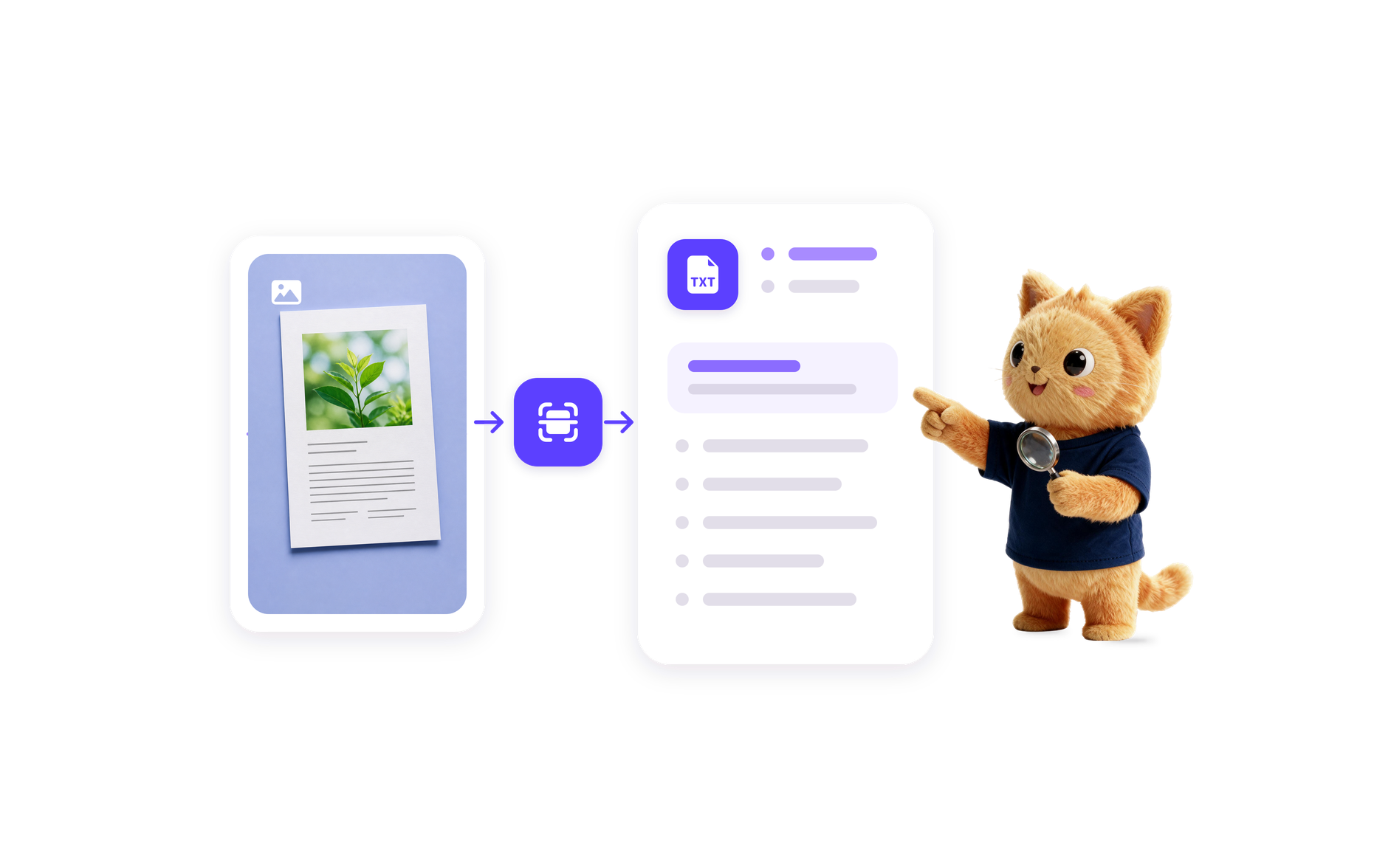
Image to Text Automation
Transform images into editable text with Jotform's AI Workflow Generation. Streamline your processes today!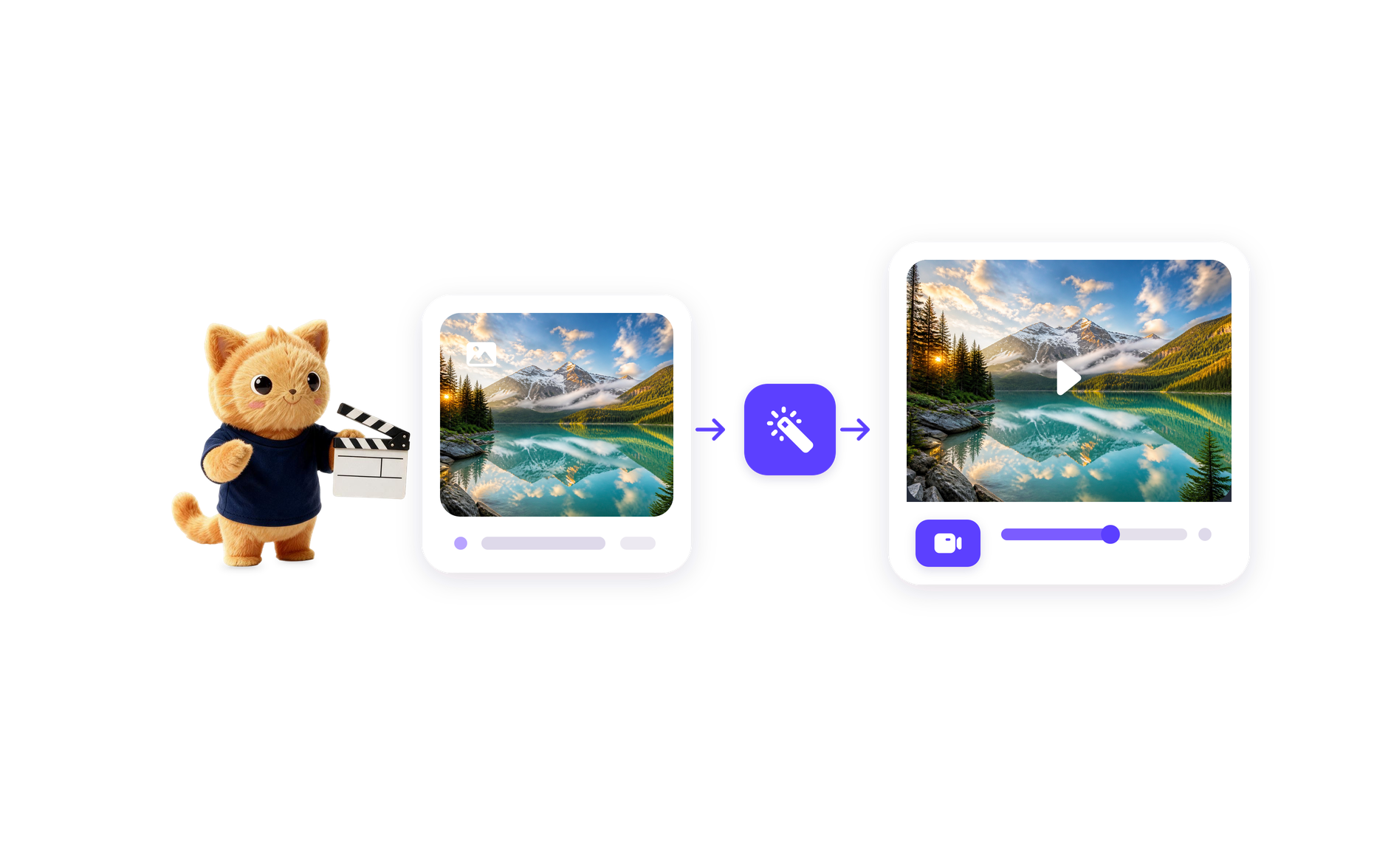
AI Image to Video Automation
Transform images into engaging videos with Jotform's Image to Video AI Generator. Automate your video creation process today!
Video Summarization Automation
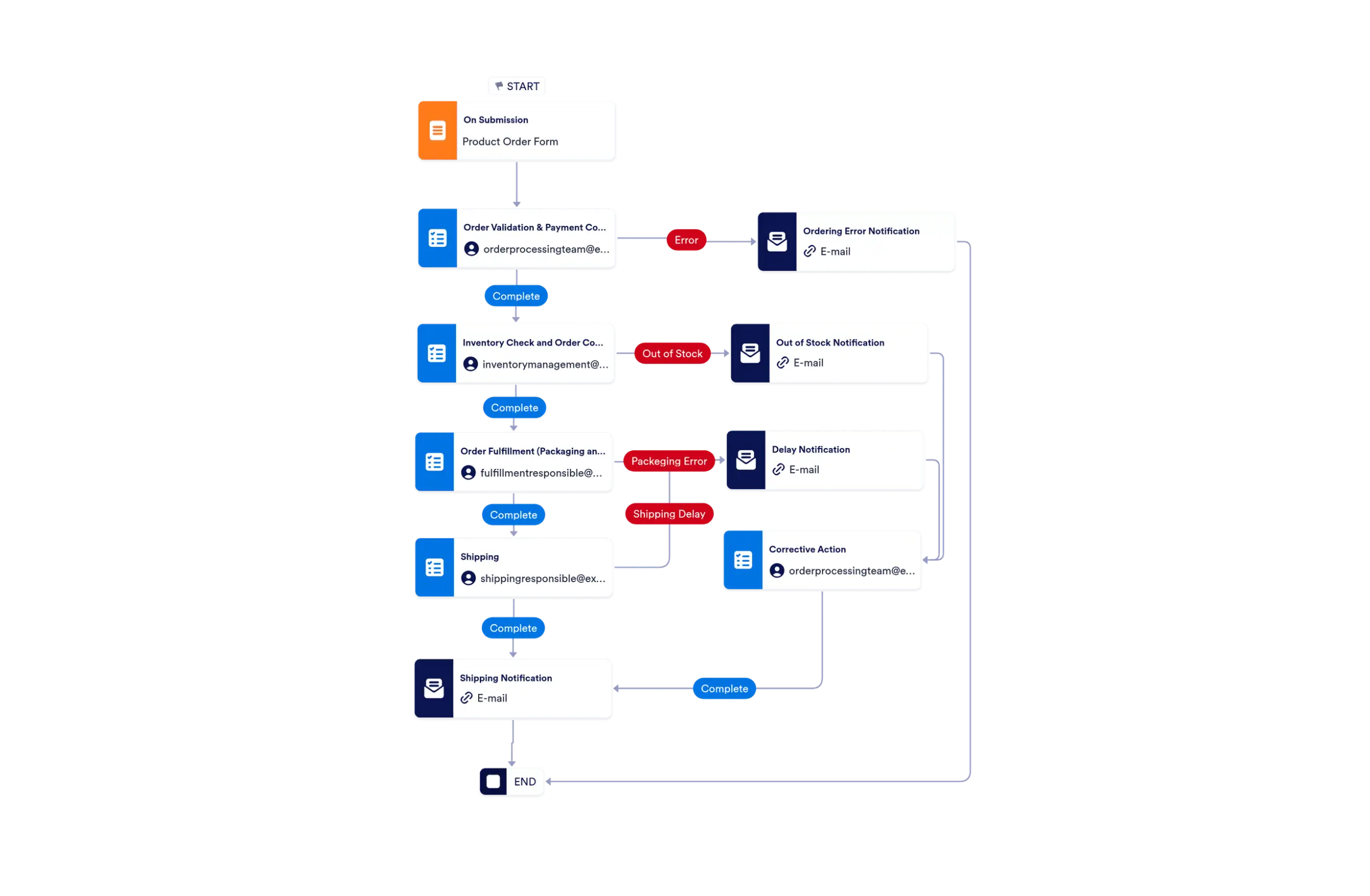
Create efficient video summaries using Jotform AI Workflow Generation. Simplify your video content management today!Form to SMS Automation is a workflow that turns a form submission into a text message and any related follow-up steps you want to include. In Jotform, it is built from a plain-language prompt so the workflow matches the purpose of the form, not a manual setup process.
It works by using a form submission as the trigger for an SMS-focused workflow. Jotform AI can build the message step and then connect nearby actions such as review, routing, record updates, or notifications based on what you describe.
It can be used for lead alerts, request confirmations, status updates, and other form-driven messages that need a quick text response. It is also useful when you want the SMS to be tied to a clear handoff, such as tracking the request or alerting a team member.
Yes. Jotform AI Workflow Builder can create a form to SMS workflow from your prompt. You describe the form source, who should receive the text, and what should happen next, and Jotform builds the workflow steps around that goal.
Include the form type, who should get the text, when the message should go out, and any follow-up action you want after the alert. If the workflow needs review, routing, or a record update, mention that in the prompt so Jotform can build the right workflow.
Turn your ideas into smart, connected processes with Jotform's AI Workflow Generator. Create real-time flowcharts, connect AI Agents, and manage your entire automation journey, all within one secure workspace.