Describe the feed
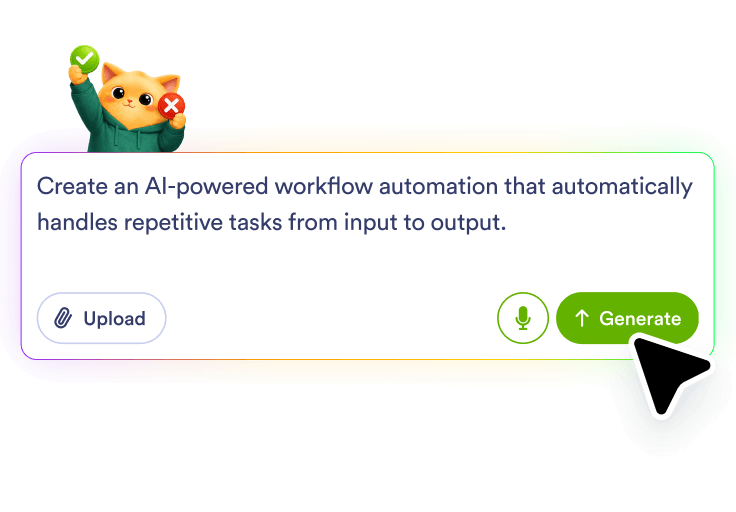
Tell Jotform AI Workflow Builder which RSS source you want to monitor and what kind of updates should matter in the workflow.
Create an RSS to email workflow in Jotform AI Workflow Builder by describing what should happen when a feed updates. Jotform turns your plain-language prompt into a workflow that can watch for new posts, send email updates, and route follow-up tasks based on the content you want to track.
Tell Jotform AI Workflow Builder which RSS source you want to monitor and what kind of updates should matter in the workflow.
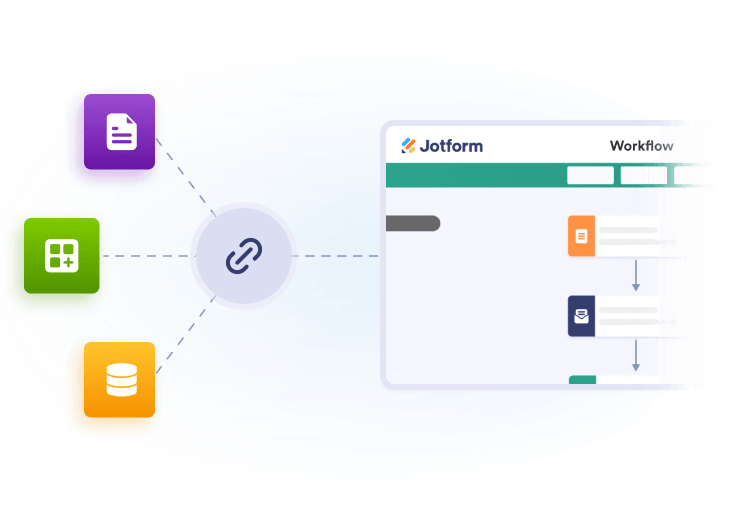
Explain who should receive the message and what the email should do when a new item matches your workflow goal.
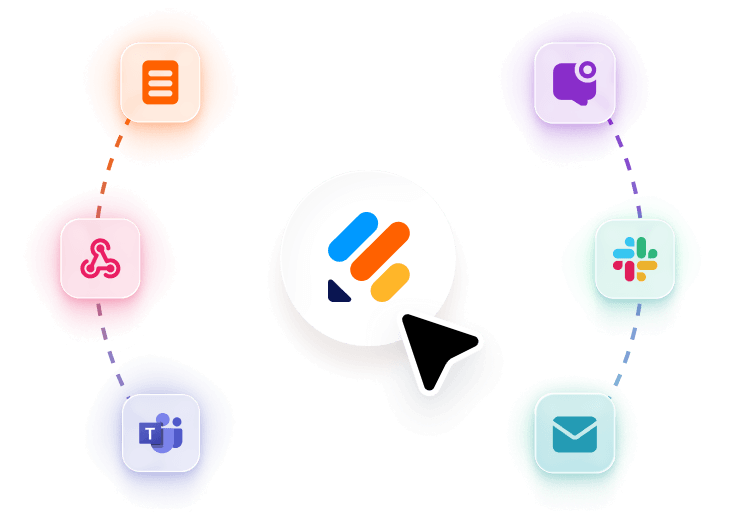
Ask Jotform to add review, logging, routing, or other follow-up actions so each feed update leads to the right next step.
Trigger an email when a new article appears in an RSS feed so the right people see updates as they publish.
Add an approval or review task when feed updates need a person to confirm the message before it goes out.
Store each matched feed item in a spreadsheet or tracker so you can keep a record of what was sent or reviewed.
Use topic-based conditions to send different RSS updates to different email recipients or follow-up paths.
100+ Free Workflow Templates
Automate your processes effortlessly with our pre-built workflow templates. Our extensive library of templates saves you time and can be fully customized to meet your unique requirements.
AI Workflow Automation Tools
Explore a suite of powerful AI-driven tools designed to streamline your workflows, enhance productivity, and deliver smarter solutions for your form creation needs.
Appointment Reminder Automation
Build an appointment reminder workflow with Jotform AI Workflow Builder from a simple prompt and route reminders, reviews, and follow-ups.
Appointment Scheduling Tool
Create an online scheduling tool workflow from a plain-language prompt with Jotform AI Workflow Builder for booking, routing, and follow-up tasks.
In Stock Alert Automation
Build an in stock alert automation with Jotform AI. Describe your workflow and generate review, routing, and follow-up steps from one prompt.
Form to SMS Automation
Create a form to SMS automation with Jotform AI Workflow Builder. Describe the form and message flow you need, and Jotform builds it.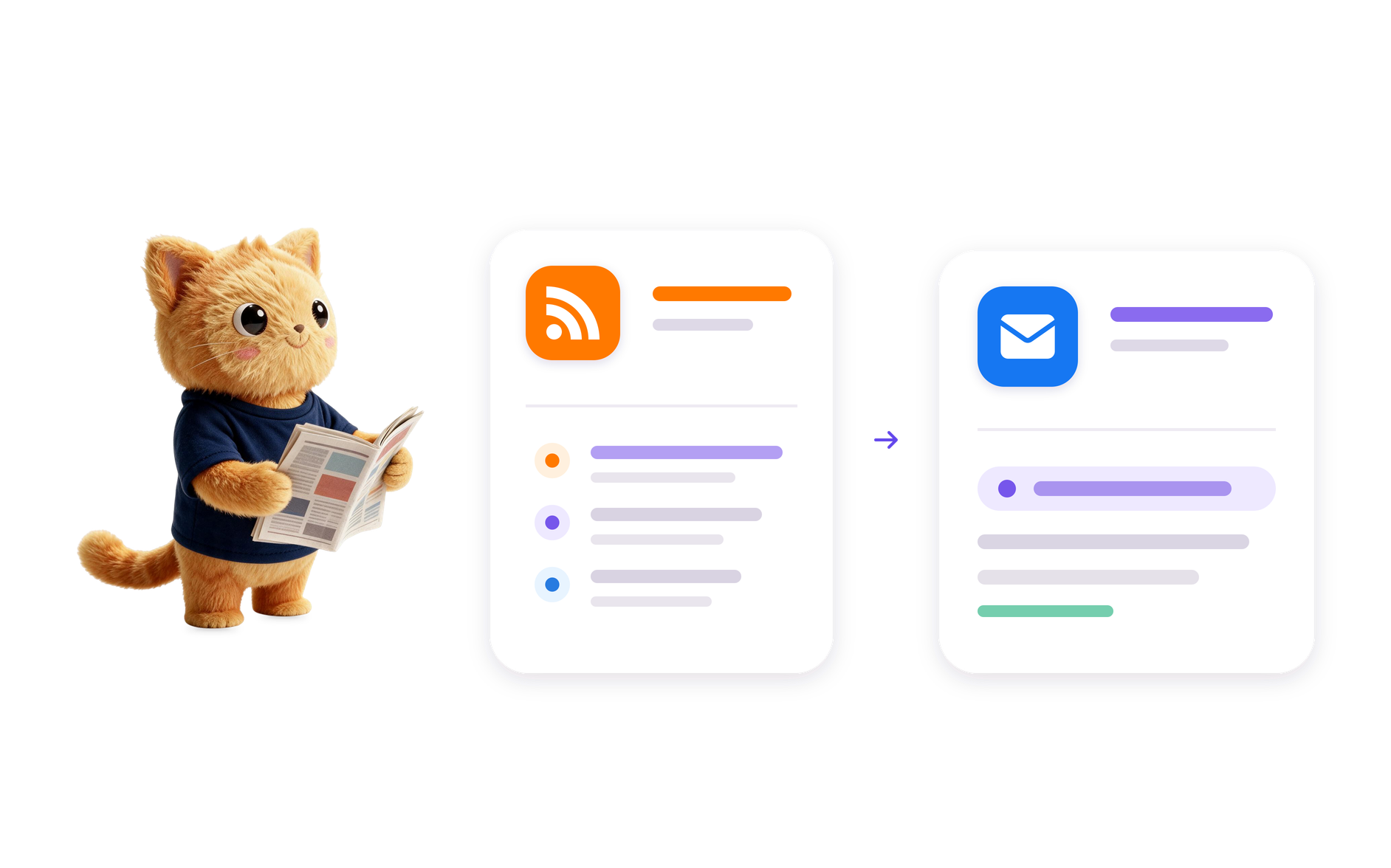
RSS to Email Automation
Build an RSS to email automation in Jotform AI Workflow Builder from a plain-language prompt and route new feed updates into email follow-up.
Form to CRM Automation
Build a form to CRM automation with Jotform AI Workflow Builder from a plain-language prompt and route submissions into CRM-focused workflows.
Image to Text Automation
Transform images into editable text with Jotform's AI Workflow Generation. Streamline your processes today!
AI Image to Video Automation
Transform images into engaging videos with Jotform's Image to Video AI Generator. Automate your video creation process today!
Video Summarization Automation
Create efficient video summaries using Jotform AI Workflow Generation. Simplify your video content management today!RSS to Email Automation is a workflow that watches an RSS feed and sends email updates when new items meet your criteria. In Jotform, you describe the feed and the email outcome you want, and AI Workflow Builder creates the workflow structure for you.
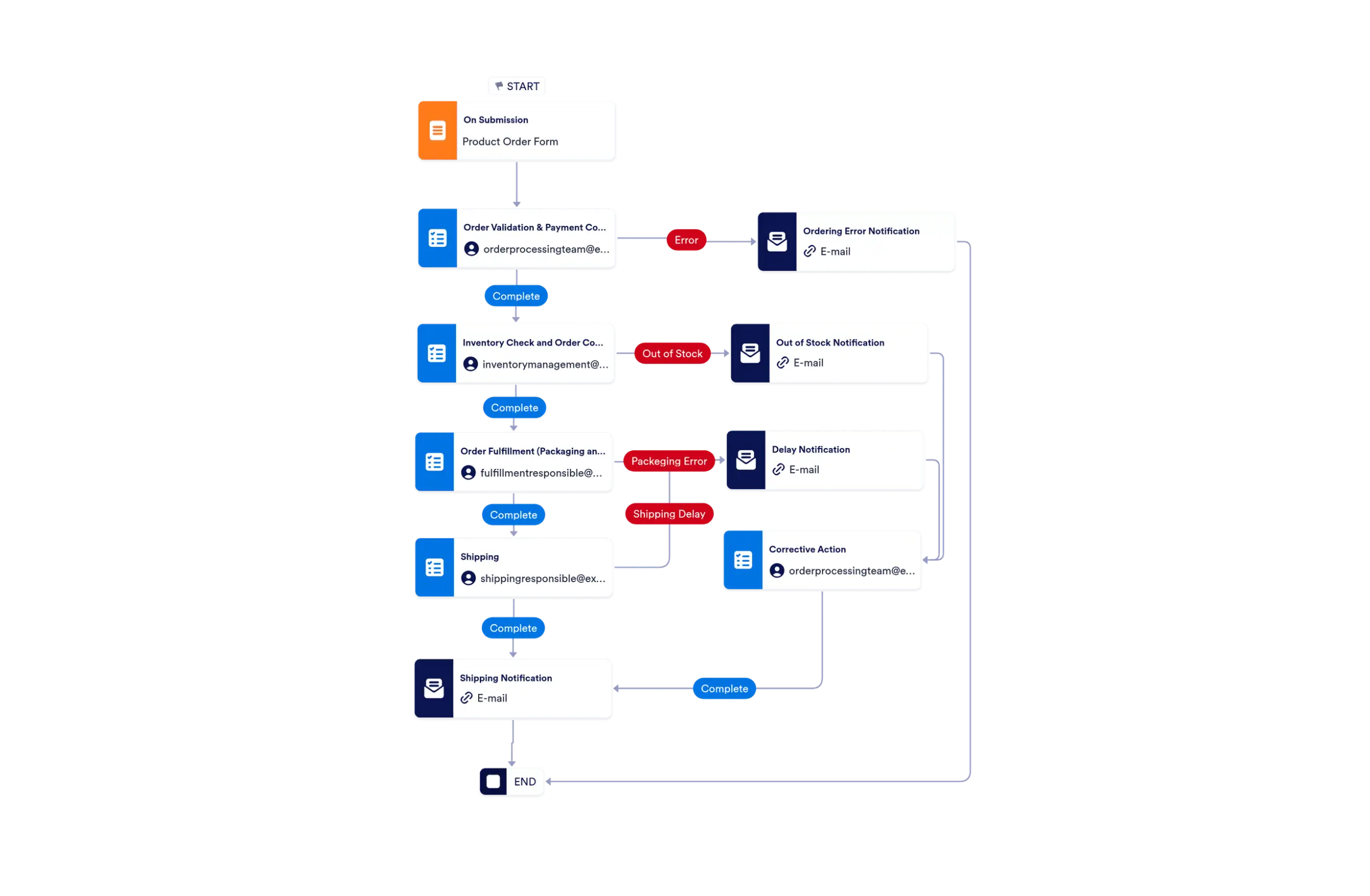
It starts with a feed update, then the workflow can decide whether the item should be emailed, reviewed, routed, or logged. Jotform AI Workflow Builder builds that flow from a natural-language prompt instead of requiring you to set up each part manually.
It can be used for feed alerts, content monitoring, editorial updates, team notifications, and other workflows where new RSS items should trigger email follow-up. The exact actions depend on how you describe the workflow.
Yes. Jotform AI Workflow Builder can create an RSS to email workflow when you describe the feed, the email behavior, and any follow-up handling you want. You can ask for review steps, routing, logging, or related actions in the same prompt.
Include the RSS source, what should trigger the email, who should receive it, and whether the workflow needs review, routing, logging, or a follow-up task. The clearer your prompt, the easier it is for Jotform AI to build the right workflow structure.
Turn your ideas into smart, connected processes with Jotform's AI Workflow Generator. Create real-time flowcharts, connect AI Agents, and manage your entire automation journey, all within one secure workspace.