
The Contractor Intake App is a ready-to-use app template for construction firms, property managers, home service businesses, project teams, and operations departments that need a consistent way to onboard contractors. It provides guided intake, centralized review of submitted records, and clear status visibility while keeping essential contact, project, and coverage information together. Teams can use it when evaluating new contractors, preparing vendors for upcoming work, or maintaining current records for recurring projects. By replacing scattered emails and documents with an organized intake experience, the app helps coordinators review details more easily, identify missing information, and keep projects moving.
Jotform App Templates make it easy to adapt the Contractor Intake App to an existing workflow without writing code. Using Jotform’s no-code app builder and drag-and-drop interface, teams can update pages, branding, navigation, questions, and connected resources. Intake data can be organized through linked forms and tables, while notifications and approval steps can support timely follow-up. Once the app is ready, it can be shared by direct link or QR code for convenient mobile self-service, giving contractors and internal teams a practical way to submit, access, and manage intake information.
Related templates
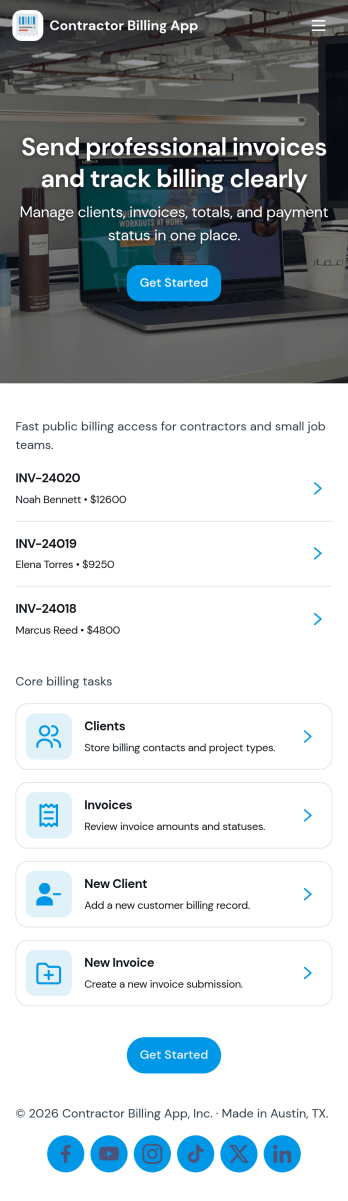
Contractor Billing App
Contractor Billing App brings your billing workflow into one place so independent contractors and service teams can manage client accounts, create and track invoices, and monitor incoming payments without juggling separate tools. With dedicated sections for Clients, Invoices, and Payments plus a billing dashboard view, it fits common contractor scenarios like progress billing, recurring service work, and multi-job projects where you need quick visibility into what’s been billed and what’s still outstanding.Jotform makes it easy to turn this experience into a polished, shareable app using a no-code app builder and a drag-and-drop interface. Connect the app to your form for data collection, route details into a workflow, and keep records organized for fast follow-ups. Update pages as your process changes, collaborate with your team, and share a self-service experience with clients using a simple link.
Go to Category:Construction Apps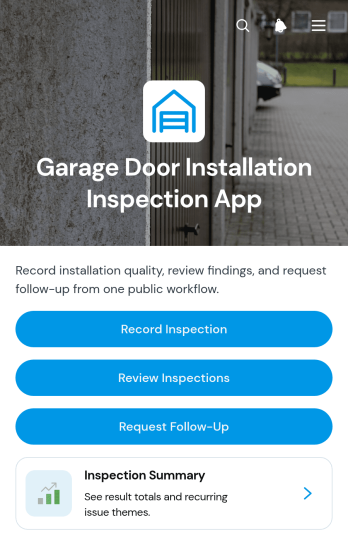
Garage Door Installation Inspection App
The Garage Door Installation Inspection App is an app template for documenting completed installations, reviewing results, and coordinating follow-up work. Garage door contractors, installation technicians, field supervisors, home service companies, and project managers can use it to keep inspection activity organized at residential or commercial job sites. Team members can record an inspection, review customer-specific findings and overall results, and submit follow-up requests when adjustments or additional service are needed. This shared process reduces scattered paperwork, creates a clearer history for each job, and helps office and field teams address recommended next steps promptly.Jotform App Templates make it easier to turn field processes into accessible digital experiences without writing code. Using Jotform’s no-code app builder and drag-and-drop interface, teams can customize this Garage Door Installation Inspection App with their own branding, instructions, pages, and navigation. Connected forms support consistent data collection, while inspection records and follow-up actions remain within one convenient workflow. Publish the app with a direct link or QR code so technicians can access it from a phone, tablet, or computer and give authorized team members a practical self-service resource for ongoing installation oversight.
Go to Category:Inspection Apps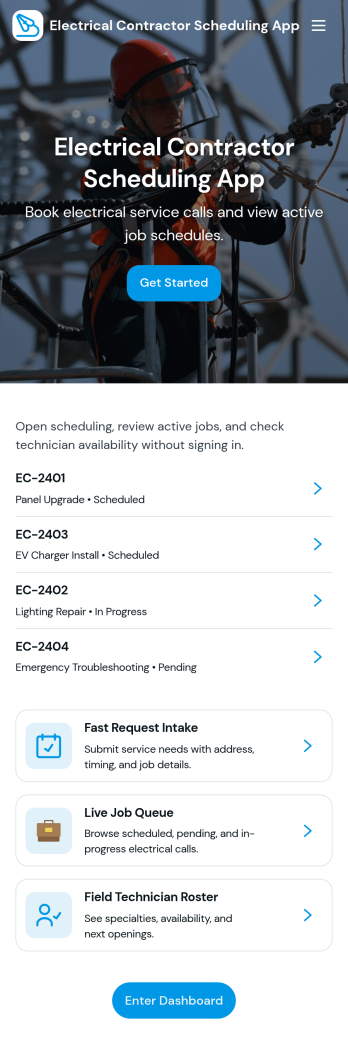
Electrical Contractor Scheduling App
Electrical Contractor Scheduling App helps electrical service businesses capture new job requests, organize a job queue, and keep dispatch decisions clear as the day changes. Use it to route incoming work into a central place, review job details by customer and work order, and quickly move from request intake to scheduling. It’s a practical fit for electrical contractors, dispatchers, office managers, and field supervisors who manage multiple crews, urgent calls, and tight appointment windows.Built with Jotform, this app template pairs a mobile-friendly experience with the flexibility of a no-code app builder. With a drag-and-drop interface, you can tailor pages for your dispatch board and crew directory, link buttons to scheduling forms for fast data collection, and keep your workflow moving from request to scheduled job. Share the app with your team using a link or QR code so everyone stays aligned without juggling spreadsheets.
Go to Category:Construction Apps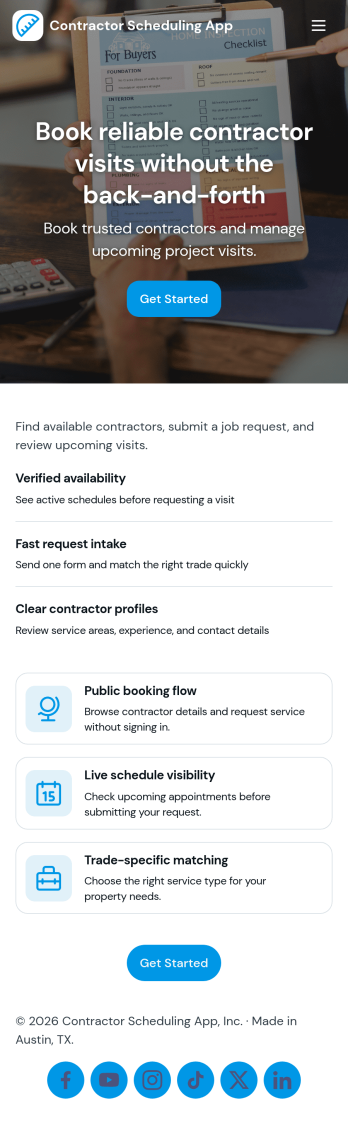
Contractor Scheduling App
Contractor Scheduling App helps teams coordinate contractors, projects, and day-to-day assignments in one organized place. Use it to keep a clear roster of who you work with, capture project details as they come in, and connect each job to the right people and dates. It’s a practical fit for construction companies, home service businesses, property managers, and operations teams that need quick visibility into upcoming work without relying on scattered messages or spreadsheets.With Jotform’s app templates, you can turn your scheduling process into a mobile-friendly experience powered by a no-code app builder and a drag-and-drop interface. Connect forms for adding contractors and projects, display assignment lists for easy self-service access, and keep data collection consistent across your workflow. Customize pages, branding, and navigation so everyone knows where to go to view schedules, update job information, and stay aligned.
Go to Category:Construction Apps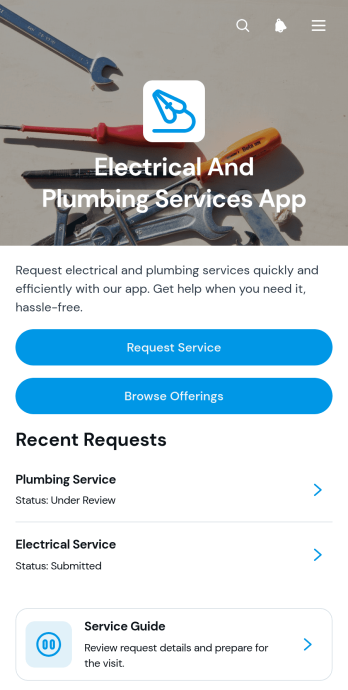
Electrical And Plumbing Services App
Electrical And Plumbing Services App gives electricians, plumbers, contractors, property maintenance teams, and home service businesses one convenient place to present services and receive customer requests. Customers can browse available electrical and plumbing offerings, review essential details such as what is included and starting prices, and submit a request with their issue, address, and preferred date. Teams can also display request summaries and current service statuses, helping customers understand what comes next without relying on scattered calls or messages. This app template is well suited to residential repairs, commercial maintenance, property management support, installation work, and recurring service operations.Jotform App Templates help businesses turn service information and connected processes into accessible digital experiences. Using Jotform’s no-code app builder and drag-and-drop interface, teams can customize pages, buttons, colors, fonts, and navigation to match their operations and visual identity. Forms and tables can support data collection, record organization, notifications, and workflow updates from one connected workspace. Once the app is ready, it can be shared through a direct link or QR code for convenient mobile access. This makes it easier to provide self-service options, organize incoming jobs, maintain accurate service records, and adapt the experience as business needs change.
Go to Category:Home Services Apps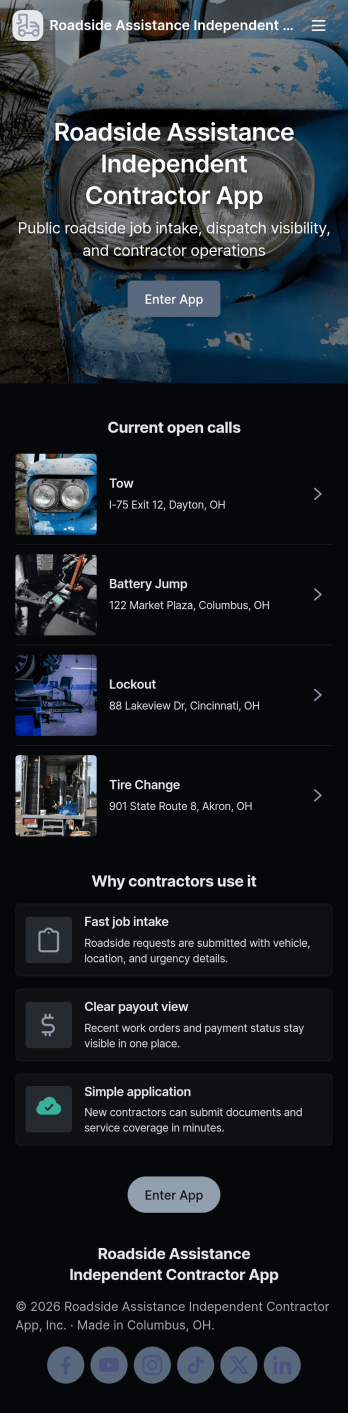
Roadside Assistance Independent Contractor App
Roadside Assistance Independent Contractor App keeps independent drivers and tow providers organized from the moment a dispatch comes in to the moment the work is wrapped up. It gives contractors a simple way to send a new job request, browse open jobs, review job details tied to a dispatch ID, and stay ready with quick equipment check reporting. It also includes built-in contact options for reaching the dispatch desk by phone or emailing contractor support, which helps reduce missed calls and confusion during busy shifts.Jotform makes it easy to tailor this app template to your roadside operation with a no-code app builder and a drag-and-drop interface. Connect the app to your existing forms and tables for reliable data collection, then share a single self-service link with your contractor network. As jobs and equipment checks are submitted, your workflow stays organized and searchable, so coordinators and contractors can move faster with fewer manual updates.
Go to Category:Automotive Apps