Digital Sign in Sheet App helps organizations replace paper sign-in sheets with a simple, trackable check-in experience. Use it at a front desk, office, classroom, studio, job site, or event entrance to capture arrivals quickly and keep an accurate record of who is on-site. The app supports fast check-ins through a dedicated Check In page, plus a searchable Roster that helps staff confirm names, reduce manual errors, and handle repeat visitors without rewriting details each time.
Built with Jotform, this app template can be tailored with a no-code app builder and a drag-and-drop interface, so you can match the flow to your space and your process. Connect the check-in form to your data collection workflow, keep entries organized in one place, and share the app through a link or QR code for smooth self-service sign-ins. Add branding, adjust navigation cards, and publish updates anytime without slowing down daily operations.
Related templates

Giveaway App
Giveaways are a great way to boost interest and engagement with your business. If you’re hosting giveaways frequently, Jotform’s free Giveaway App will make it easier for participants to enter your giveaways from any device. This customizable mobile app includes a homepage with contest rules, an entry form, and an FAQ page. Participants can download your app onto any computer, tablet, or smartphone for easy access. All submissions will be received instantly and stored in Jotform Tables. Want to customize this Giveaway App for your business? No coding needed — just drag and drop to add forms, tables, links, images, and other elements to your app. When it’s ready to share, post the app link on your website or social accounts. Site visitors or social media followers can then open and save your Giveaway App onto their favorite device and enter your contest in just a few clicks!
Go to Category:Entertainment Apps
Customizable Beauty Contest App
Manage all your future beauty contests from one easy to use space with Jotform’s free Beauty Contest App. Both management and contestants can utilize your app for viewing and submitting applications as well as sending and receiving contest information. Set up payment forms, send schedules out, and more – all from one centralized place. All contestant submissions and payments will be kept in your Jotform account so all judges and managers can access the data from any device.Make your app as unique as your contestants with our free drag-and-drop app builder. Change up the fonts and colors, upload your own app image, change your layout, and more – no coding knowledge required. You can even integrate with hundreds of widgets and payment processors to make your next beauty contest a breeze. Embed your app’s link in your website or send a direct download link via email or a QR code. Everyone’s a winner with Jotform’s free Beauty Contest App.
Go to Category:Entertainment Apps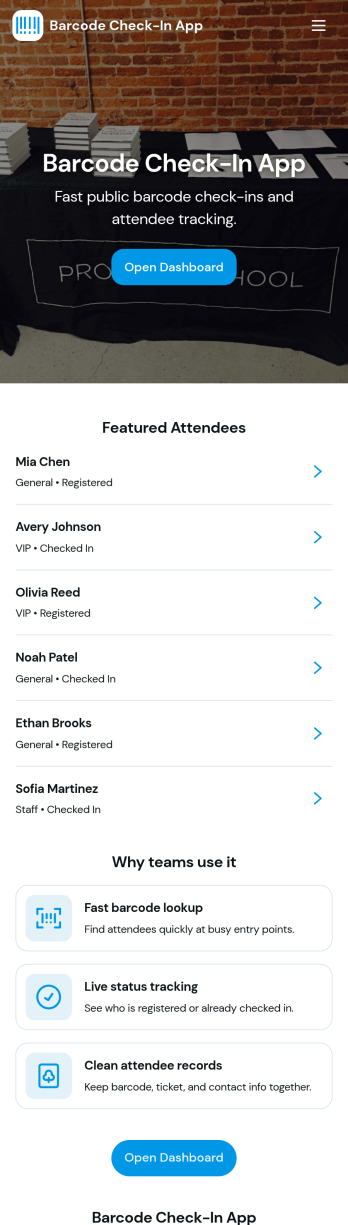
Barcode Check-In App
A barcode check-in app gives event teams and front-desk staff a fast, reliable way to verify entry and record attendance by scanning barcodes at the door. Use it for conferences, classes, workshops, ticketed gatherings, or any in-person session where you need to confirm who arrived, reduce lines, and keep an accurate check-in log. With quick navigation to scan entry, view open sessions, and review recent activity, the app supports smoother arrivals and fewer manual errors for organizers managing single or multiple sessions.Jotform makes it easy to publish this app template and adapt it to your workflow using a no-code app builder with a drag-and-drop interface. Connect check-ins to your Jotform form and table so data collection stays organized, searchable, and ready for follow-up. Share the app with staff through a link or QR code, control what each person can access, and keep your check-in workflow consistent across devices.
Go to Category:Event Registration Apps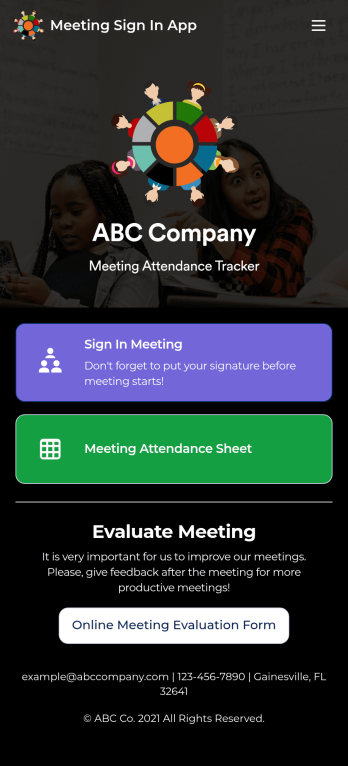
Customizable Meeting Sign In App
Track meeting attendance for your company with Jotform’s Meeting Sign In App. Employees or HR professionals can download the app for free to sign into meetings, leave feedback, and view your attendance sheet. All submissions are easy to view and manage in Jotform Tables, and kept secure with Jotform’s advanced security measures.Need to customize the app? Drag and drop to add more forms or spreadsheets, include your company logo, select a new icon or splash screen, and make other design changes with no coding knowledge needed. You can copy and paste the app link to share your custom Meeting Sign In App with employees, who can then save it to their smartphone, tablet, or computer in a single click for quick access to your forms!
Go to Category:Sign In Apps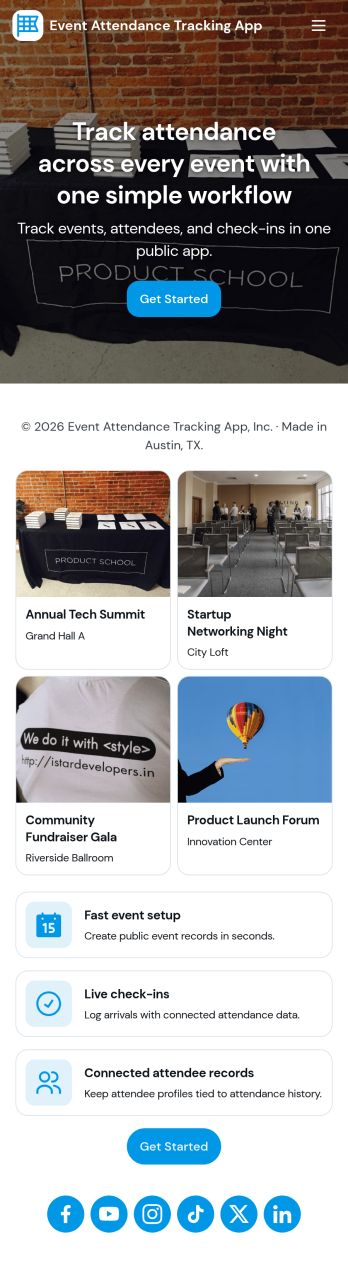
Event Attendance Tracking App
Event Attendance Tracking App helps organizers keep an accurate record of who registered and who actually showed up, without juggling paper lists or scattered spreadsheets. Use it to register attendees ahead of time, add walk-ins at the door, and log check-ins as guests arrive. It’s a strong fit for event teams running conferences, workshops, campus events, community meetups, trainings, and internal company sessions where headcounts, attendance history, and quick lookups matter throughout the day.With Jotform, you can turn attendance tracking into a simple self-service experience using App Templates and a no-code app builder. Build the flow with a drag-and-drop interface, connect registration and check-in forms, and keep records organized in linked tables for fast searching and reporting. Share the app with staff using a link or QR code so everyone works from the same up-to-date attendee list while your workflow stays consistent from registration to check-in.
Go to Category:Event Planner Apps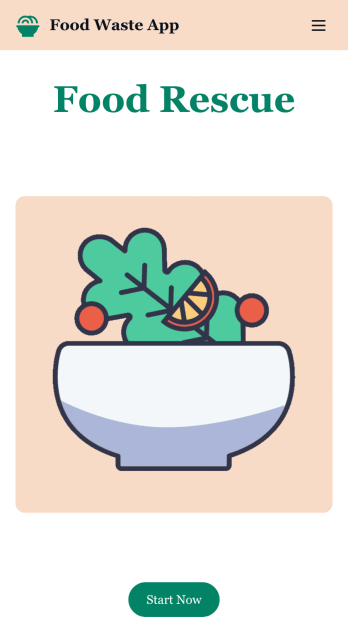
Customizable Food Waste App
Run a nonprofit organization that deals with food waste? Take action to prevent food waste and donate food to charitable organizations with this free Food Waste App from Jotform. Send food requests and schedule pickup times and locations with restaurants, airports, and catering companies by filling out online forms. Responses are stored in your secure Jotform account to be viewed and shared within your organization.Make this Food Waste App your own without any coding knowledge. Drag and drop to add or change form fields and checklist items, create new pages, choose fonts and colors, upload your organization’s unique branding, install helpful widgets and integrations, and much more. After you’re finished, share your app by sending email invites or the app link to businesses. Prevent food waste and help those in need with a fully-customizable Food Waste App that works on any device.
Go to Category:Booking Apps