Fashion Styling Challenge App brings styling prompts, entry submission, and community browsing into one place for creative fashion competitions. It’s a great fit for fashion communities, influencers, brand marketing teams, boutiques, and style schools that want to run recurring challenges without juggling scattered links. Participants can browse current challenges, open a challenge to see the theme and deadline, then submit a look to enter. Organizers get a consistent flow of entries while the audience gets a simple way to explore community looks and discover stylists.
Built with Jotform, this app template is easy to tailor with a no-code app builder and a drag-and-drop interface, so you can match your branding and publish fast. Connect the app to your data collection forms and workflows to keep challenge entries organized, update prompts over time, and share a self-service experience through a link or QR code. Whether you’re hosting weekly outfit prompts or a seasonal style contest, Jotform makes it simple to launch, iterate, and grow participation.
Related templates
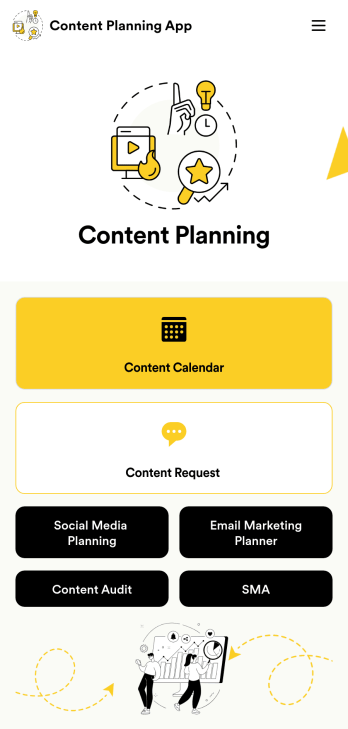
Content Planning App
A content planning app is commonly used by marketing teams to manage content calendars. With Jotform Apps, you can build your own Content Planning App for free. Add a content calendar, brainstorm notes, content audits, and so much more. You can even integrate your app with 250+ platforms to send data straight to your other marketing accounts — all with no coding required.Customizing your Content Planning App is easy and intuitive with Jotform’s drag-and-drop builder. Add or remove forms, switch up fonts and colors, choose a unique app icon, upload branding assets and images, and so much more. Once you’re happy with your app, all you need to do is share it with your team. Embed it in your online workspace or send it via link so your team members can download it to their mobile, tablet, or desktop device.
Go to Category:Company Portal Apps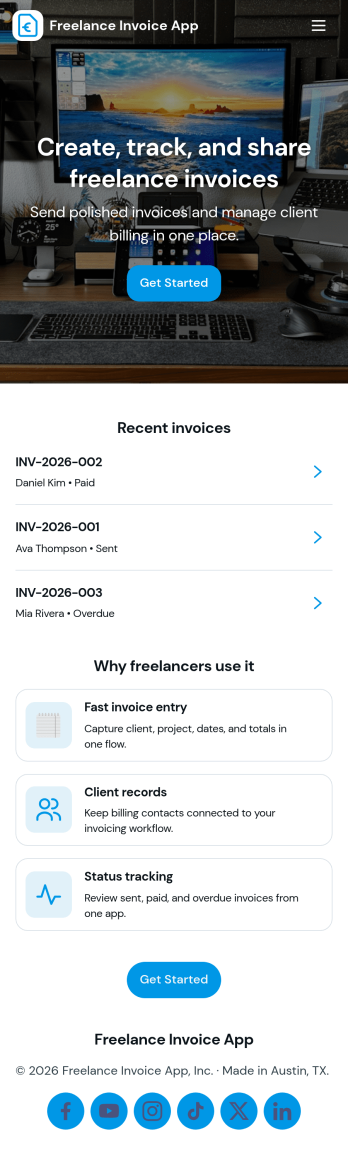
Freelance Invoice App
Freelance Invoice App helps independent professionals create invoices, keep client details organized, and review past invoices from one place. It fits freelancers, consultants, and small service providers who need a simple way to move from client work to getting paid without juggling scattered notes and documents. With pages for creating a new invoice and browsing an invoice list, it supports day-to-day billing tasks, quick lookups, and cleaner recordkeeping when you’re managing multiple clients at once.Built with Jotform, this app template can be tailored to match your billing workflow and the way you work with clients. Use the no-code app builder and drag-and-drop interface to adjust the layout, connect your invoice form, and centralize data collection so invoices and client info stay easy to access. Once published, you can share your self-service invoice experience with a link, helping you stay consistent, organized, and ready to send the next invoice faster.
Go to Category:Finance & Accounting Portal Apps
Creative Writing Portfolio App
Creative Writing Portfolio App brings your writing samples into one place so readers can browse, discover, and reach out without digging through scattered links. It works well for writers, students, MFA candidates, freelancers, writing groups, and small publications that want a simple way to present pieces by author and genre, invite new submissions, and answer common writing questions in a polished, mobile-friendly format. Visitors can explore the portfolio through a browsable list, open individual entries to read more, and use clear calls to action to submit a writing sample or contact the curator.With Jotform, you can turn this app template into a branded portfolio experience using a no-code app builder and a drag-and-drop interface. Connect the submission forms to your workflow, route new entries to the right person, and keep data collection organized in one system for review and follow-up. Publish and share your app in minutes, then refine pages, buttons, and content as your portfolio grows, giving audiences an easy self-service way to engage with your work.
Go to Category:Influencer Apps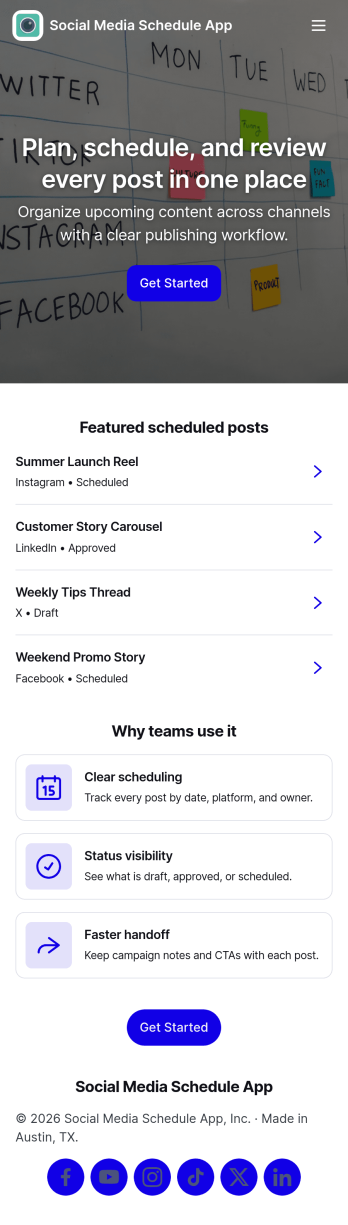
Social Media Schedule App
Social Media Schedule App helps you plan, draft, and organize upcoming social posts in one place so your team always knows what’s going out and when. Use it to add new posts through a simple intake form, keep works-in-progress in My Drafts, and review what’s already queued by opening View Schedule. It’s a practical fit for marketing teams, creators, agencies, and small businesses that need a clear posting rhythm across platforms without losing track of approvals, last-minute edits, or content gaps.With Jotform, you can turn this app template into a shareable self-service workspace using a no-code app builder and a drag-and-drop interface. Connect the app to your post form and table views so updates stay organized, then tailor pages, buttons, and navigation to match your workflow and data collection needs. Publish with a link for quick access, keep content planning consistent, and maintain a smoother workflow from draft to scheduled post.
Go to Category:Sales & Marketing Portal Apps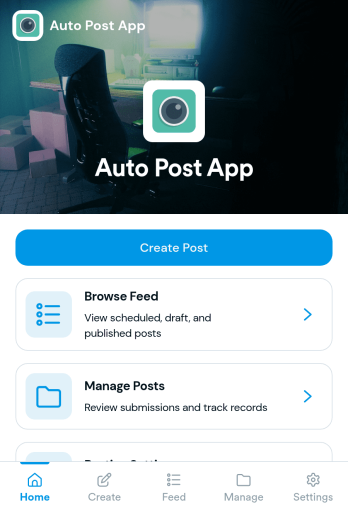
Auto Post App
Auto Post App brings your social content workflow into one place so teams can draft posts, organize what’s coming up, and keep a clear record of what’s already gone out. It’s a practical fit for social media managers, small business owners, creators, and marketing teams who want a simple way to build drafts, move them into a queue, and reference past publishing activity without relying on scattered notes or multiple tools.With Jotform App Templates, you can publish a branded, self-service app experience powered by Jotform’s no-code app builder and drag-and-drop interface. Connect your draft form to collect content details, use lists to review items in your queue and history, and share the app with teammates so everyone follows the same workflow from planning to tracking.
Go to Category:Sales & Marketing Portal Apps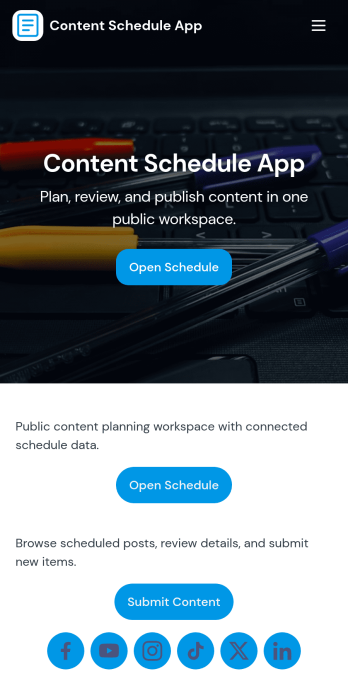
Content Schedule App
A content schedule app brings your publishing plan into one place so teams can create content requests, keep a clear review queue, and see what’s going live next. Use it to organize blog posts, newsletters, social updates, videos, and campaign assets with clear titles and publish dates, then quickly browse planned items in a list view as priorities change. It’s a practical fit for marketing teams, agencies, founders, and comms groups that need simple oversight across multiple channels without losing track of drafts, approvals, or deadlines.With Jotform, you can tailor this app template to match your workflow using a no-code app builder and a drag-and-drop interface. Link the in-app actions to your Content Plan form for consistent data collection, route entries to views like All Submissions and My Submissions, and share a single self-service hub that keeps stakeholders aligned. As your process evolves, you can update pages, navigation, and connected workflows so planning, reviewing, and scheduling stay easy to manage.
Go to Category:Sales & Marketing Portal Apps