
The Freshwater Catch Logging App is a ready-to-use digital logbook for anglers, fishing clubs, guides, researchers, and conservation teams that need a consistent record of freshwater catches. Users can log a catch, review previous records, open individual entries, and view catch insights from one convenient location. Keeping species, measurements, waterbody details, dates, bait or lure choices, and observation notes together makes it easier to recall fishing activity, compare outings, identify patterns, and maintain useful field records. It also replaces scattered notebooks and spreadsheets with an organized experience that works well for personal journals, club activities, guided trips, and monitoring projects.
Jotform App Templates help teams and individuals create polished digital experiences without writing code. Customize this app template with Jotform’s no-code app builder and drag-and-drop interface, then adjust pages, buttons, colors, fonts, and branding to match your needs. Connected forms support data collection, while app navigation gives users straightforward self-service access to catch records and related insights. You can expand the workflow with tables, notifications, approvals, or other connected resources as your logging process develops. Once ready, publish the app and share it through a direct link or QR code for mobile-friendly access at home or in the field.
Related templates
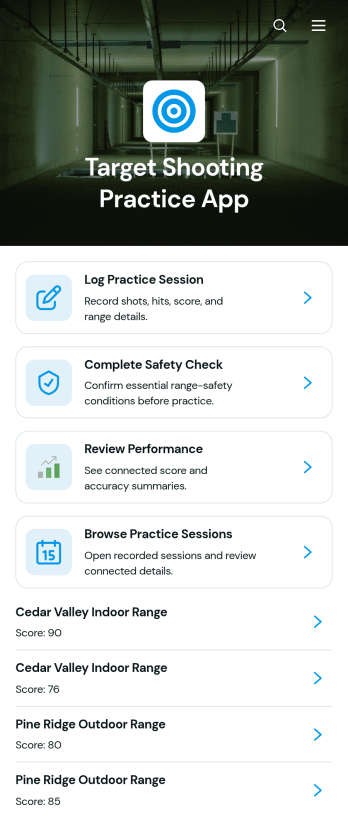
Target Shooting Practice App
The Target Shooting Practice App is a digital practice log for recreational target shooters, coaches, shooting clubs, and range-based training programs that want to keep session information organized. Users can complete a safety check before practice, record session details such as the date, range, firearm type, distance, and shot results, and review past performance from one convenient location. Notes provide context for each visit and help users recognize patterns or set goals for future sessions. By replacing scattered paper records and spreadsheets, this app template makes it easier to maintain consistent records while supporting thoughtful preparation and performance review.Jotform Apps helps organizations and individuals turn these activities into a mobile-friendly experience without writing code. Start with this template, then use the no-code app builder and drag-and-drop interface to adjust pages, update branding, connect forms, and organize data collection around your preferred workflow. Practice logs and related records can be kept together for easier browsing and self-service access. Once the app is ready, share it through a direct link or QR code so authorized participants can open it on a phone, tablet, or computer. Jotform App Templates also make it simple to expand the experience as training needs change.
Go to Category:Sports Apps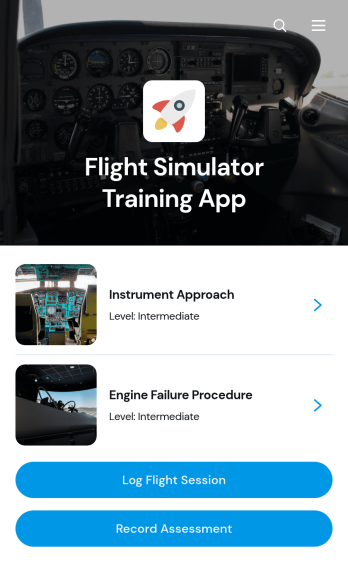
Flight Simulator Training App
Flight Simulator Training App is an app template for flight schools, aviation academies, independent instructors, and simulation centers that need one place to organize simulator practice and document trainee progress. Instructors and learners can browse training modules, review each session’s category, skill focus, and expected length, and submit flight logs after practice. Assessment recording also helps instructors capture performance outcomes and maintain a consistent training history. This focused setup reduces scattered paperwork, gives trainees clearer access to learning activities, and supports recurring instruction across foundational exercises, procedural practice, and advanced simulation scenarios.Jotform Apps makes it easy to adapt this Flight Simulator Training App without coding. Use the drag-and-drop interface to update pages, cards, buttons, imagery, and navigation while matching your program’s branding. Connected forms support data collection for session logs and assessments, while Jotform Tables and workflows can help teams organize records and respond to new entries. Like other Jotform App Templates, this app template can be shared by direct link or QR code, giving instructors and trainees mobile-friendly self-service access wherever training takes place.
Go to Category:Education Apps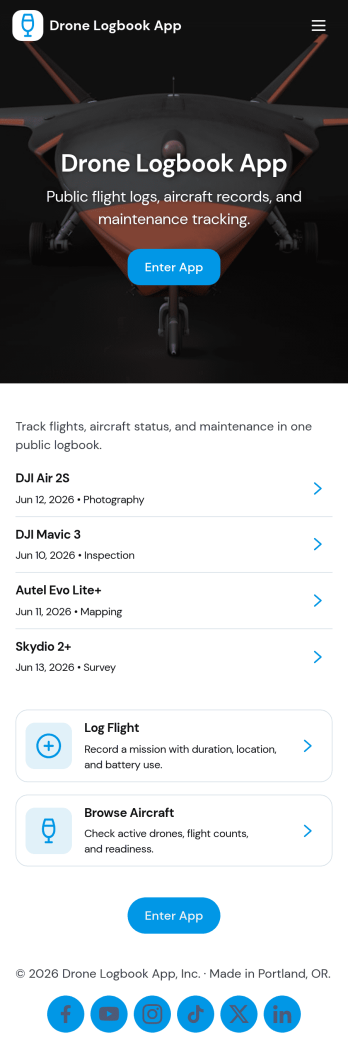
Drone Logbook App
Drone Logbook App helps pilots and teams keep day-to-day operations organized by bringing aircraft records, flight logging, and maintenance history into one place. Use it to register aircraft details, add pilot profiles, document each mission, and review flight entries when you need clear records for internal reporting or client updates. It fits solo operators, aerial photography crews, surveying teams, public safety units, and training programs that want a consistent way to track flights and service activity across multiple drones and pilots.Built with Jotform App Templates, this app template can be tailored in minutes with Jotform’s no-code app builder and drag-and-drop interface. Connect forms to collect data the way your operation works, keep information organized for quick self-service lookup, and share the app with your team using a simple link. As your workflow grows, you can expand pages, update navigation, and keep flight and maintenance logs aligned without adding complexity.
Go to Category:Activity Tracking Apps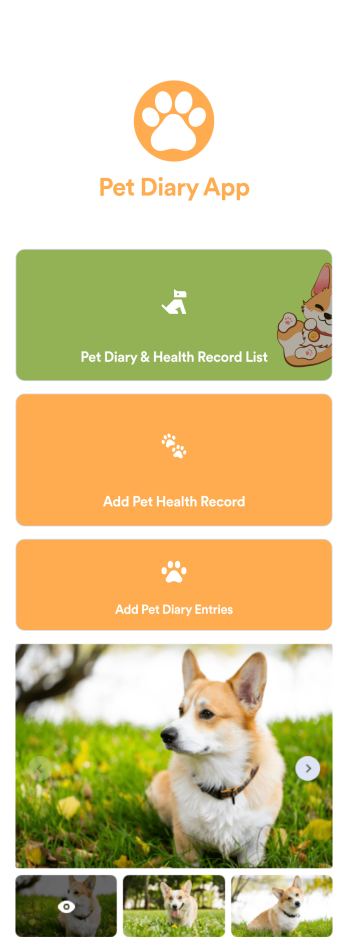
Pet Diary App
A pet diary app is used by pet owners, petsitters, or veterinarians to keep track of important pet information like health records, vaccine information, and more. With this ready-made Pet Diary App, you can start collecting pet details in no time! Just customize the app to perfectly match your needs and branding — with no coding required — then share the app to start collecting responses.Include your logo and branding, add or remove forms, choose a new app icon or background, and make other design changes in seconds. You can even sync form submissions to other platforms automatically! Once you collect responses, you can manage pet information with ease directly from Jotform Tables.
Go to Category:Pet Care Apps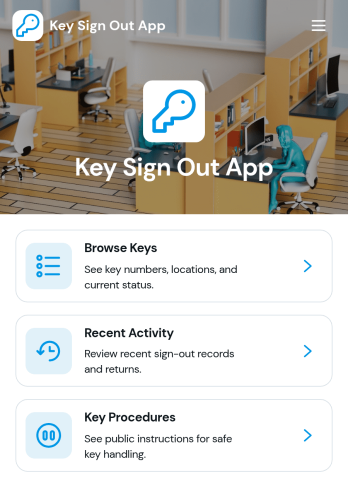
Key Sign Out App
The Key Sign Out App is an app template for recording who has borrowed a key, when it was checked out, and when it was returned. It gives facilities teams, office administrators, property managers, schools, hospitality businesses, warehouses, and service departments a central place to oversee shared keys. Users can browse available keys and review their locations and current status before signing one out. They can also record returns and check recent activity, helping teams maintain clear custody records, resolve questions about missing keys, and replace paper logs or scattered messages. Built-in procedure access can reinforce consistent handoff practices for employees, contractors, and other authorized borrowers.Jotform makes this Key Sign Out App easy to adapt without writing code. Use the no-code app builder and drag-and-drop interface to adjust pages, navigation, colors, fonts, and branding for your organization. You can connect forms and tables to support data collection, organize key records, and create a workflow that fits daily operations. As one of Jotform’s customizable App Templates, it can be shared through a direct link or QR code for convenient mobile access. Teams can publish a polished self-service experience that keeps sign-outs, returns, status checks, procedures, and activity records accessible from one location.
Go to Category:Logbook Apps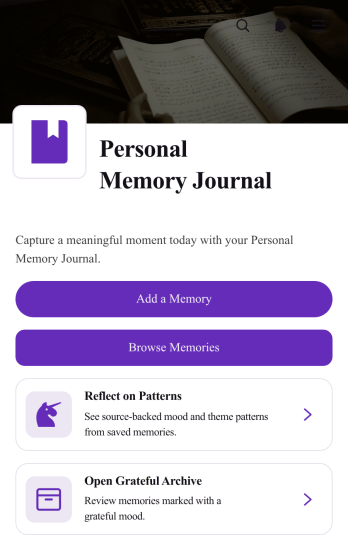
Personal Memory Journal App
The Personal Memory Journal App is a private journaling template for individuals who want to capture meaningful experiences and revisit them over time. Journal keepers, self-care enthusiasts, travelers, students, and anyone building a personal archive can use it to record memories with dates, moods, places, and tags. Simple access to adding and browsing entries makes regular reflection easier, while pattern review and a gratitude archive help users notice recurring themes and preserve positive moments. This organized approach keeps personal recollections in one accessible space instead of scattering them across notebooks, notes, and files.Jotform offers customizable app templates that turn personal routines and other workflows into convenient digital experiences. With its no-code app builder and drag-and-drop interface, users can adapt the Personal Memory Journal App with their preferred pages, colors, typography, images, and navigation. Connected forms support consistent data collection, while organized lists make saved entries easier to explore. The finished app can be shared through a direct link or QR code and accessed from mobile devices, giving users a flexible self-service experience for recording memories wherever life happens.
Go to Category:Journal Apps