
Leftover Freshness Tracker App helps households, shared kitchens, meal-prep users, and small food service teams keep stored meals visible and easier to manage. Users can add a leftover, browse saved food records, review key storage details, and consult a freshness guide from one organized space. This app template is useful for weekly meal planning, kitchen organization, restaurant staff meals, community kitchens, and other settings where prepared food may otherwise be forgotten. Clear records support better decisions about what to use next, reduce duplicate food preparation, and encourage less waste without relying on paper labels or scattered notes.
Jotform Apps makes it easy to adapt this App Template to personal or operational needs with a no-code app builder and drag-and-drop interface. Change pages, colors, fonts, cards, buttons, and navigation to match the intended kitchen experience, then connect forms and tables for organized data collection. Related workflows can support record updates and team coordination as needs grow. Once ready, share the app by direct link or QR code so users can access it on phones, tablets, or computers. No programming is required, making Jotform a convenient choice for creating a polished self-service food tracking resource.
Related templates
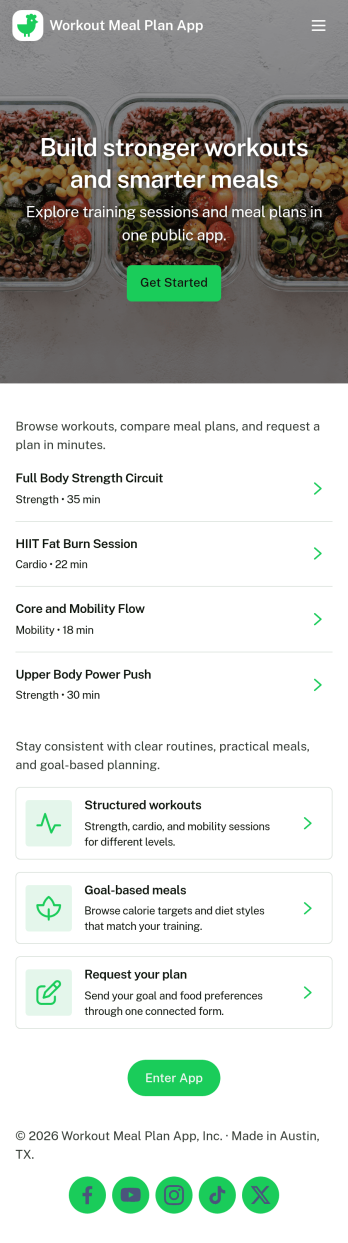
Workout Meal Plan App
Workout Meal Plan App helps people who train regularly keep meals aligned with their fitness goals by putting meal plans and daily intake logging in one place. Use it to browse meal plan options, view key details like macros and prep notes, and keep a simple record of what you ate on training and rest days. It’s a practical fit for personal trainers sharing nutrition guidance, fitness studios supporting members, or individuals who want more consistency without juggling notes, spreadsheets, and scattered links.With Jotform, you can customize this app template with a no-code app builder and a drag-and-drop interface, then publish it as a shareable self-service experience. Connect the app to forms and tables for ongoing data collection, review intake history in one view, and update plans as routines change. Whether you’re coaching clients or managing your own nutrition workflow, Jotform makes it easy to organize meal plans, track logs, and keep everything accessible on any device.
Go to Category:Personal Training Apps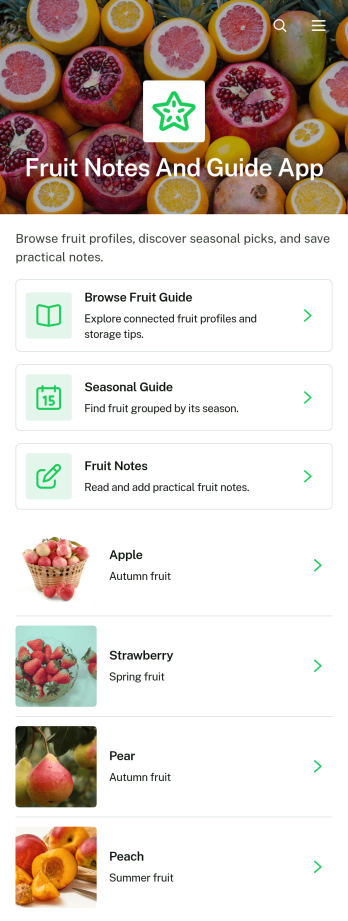
Fruit Notes and Guide App
Fruit Notes and Guide App brings fruit reference information and personal observations into one convenient, mobile-friendly resource. Home cooks, nutrition educators, culinary students, produce sellers, gardeners, and fruit enthusiasts can browse a fruit guide, consult seasonal guidance, and add notes about individual fruits. Details such as texture, best uses, and storage guidance help users choose, prepare, and preserve produce with greater confidence. Personal notes also make it easier to remember flavor impressions, preferred varieties, recipe ideas, shopping tips, and handling experiences. Whether used at home, in a classroom, at a market, or in a food-focused workplace, this app template keeps practical knowledge organized and easy to revisit.Jotform makes the Fruit Notes and Guide App simple to customize without writing code. Its no-code app builder and drag-and-drop interface let you update pages, navigation, imagery, buttons, and branding to suit your audience. Connect forms for data collection, organize submitted notes through related workflows, and expand the app with additional resources as your fruit library grows. Jotform App Templates can be shared through a direct link or QR code, giving users convenient self-service access from phones, tablets, and computers. The result is a polished reference and note-taking experience that can evolve with your educational, culinary, retail, or personal needs.
Go to Category:Food and Nutrition Tracking Apps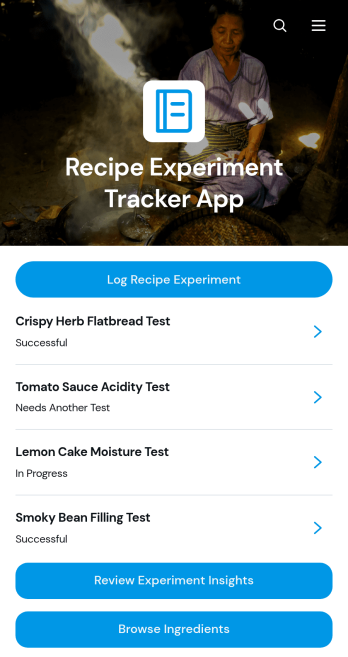
Recipe Experiment Tracker App
Recipe Experiment Tracker App is an app template for home cooks, chefs, culinary students, food creators, and test kitchens that want a reliable record of recipe trials. Users can log a new experiment, browse previous tests, compare recipe versions, and review insights before returning to the kitchen. Each record brings together key details such as the experiment date, category, ingredients, cooking method, changes made, successful results, areas to improve, and the next test plan. This organized history reduces repeated mistakes, preserves useful observations, and makes it easier to refine flavor, texture, timing, yield, or presentation across multiple attempts.With Jotform, this Recipe Experiment Tracker App can be adapted through a no-code app builder and an intuitive drag-and-drop interface. Add or rearrange pages, update labels and visual branding, connect forms for data collection, and organize records into a practical workflow without writing code. Jotform App Templates also support mobile-friendly access, helping individuals and culinary teams capture notes while cooking, revisit ingredient information, and share findings from one convenient location. Publish the finished app with a direct link or QR code to create an accessible resource for personal testing, classroom exercises, menu development, or collaborative recipe research.
Go to Category:Food and Nutrition Tracking Apps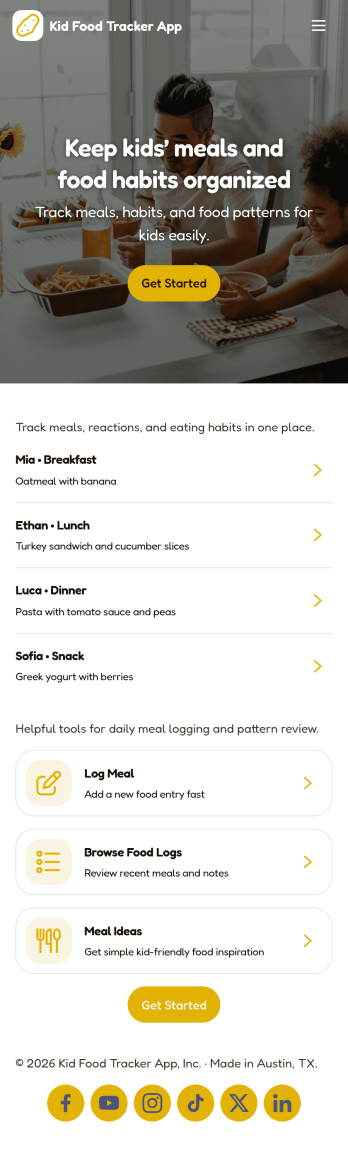
Kid Food Tracker App
Kid Food Tracker App helps parents, caregivers, and childcare teams keep a simple, consistent record of what a child eats each day. Use it to log meals as they happen, add quick notes about foods, and review history later when you’re trying to spot patterns like picky phases, new foods tried, or meals that went especially well. It’s also useful for households coordinating multiple caregivers who want one place to check recent meal logs without relying on memory.With Jotform, you can turn this app template into a flexible self-service experience for meal tracking and day-to-day routines. Customize pages with a drag-and-drop interface, connect buttons to your forms and records, and keep food and meal information organized in one workflow. Share the app with a link so everyone involved in care can log meals and view past entries from any device.
Go to Category:Food & Beverage Apps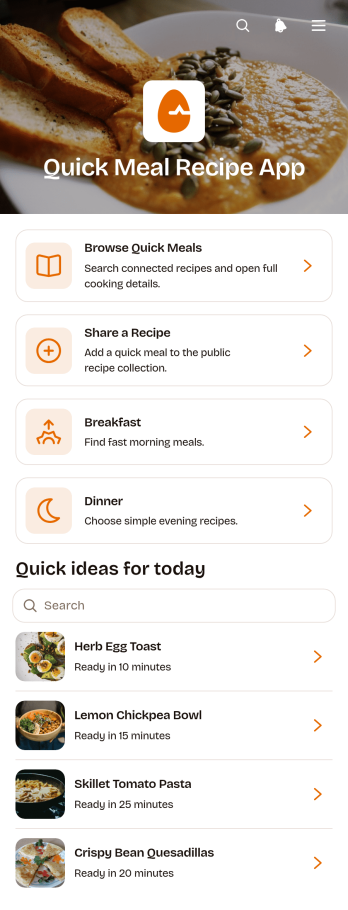
Quick Meal Recipe App
Quick Meal Recipe App is a ready-to-use recipe resource for home cooks, food educators, culinary teams, community groups, and content creators who want to make convenient meal ideas easy to find and share. Users can browse quick meals by breakfast, lunch, or dinner, open individual recipes to review ingredients and preparation steps, and submit their own lunch or general recipe ideas. This app template brings scattered cooking inspiration into one accessible location, helping busy households, students, workplace communities, and nutrition-focused programs spend less time searching and more time preparing practical meals.Jotform Apps makes it simple to turn this template into a branded, mobile-friendly cooking resource without writing code. Use the drag-and-drop app builder to adjust pages, navigation, colors, fonts, images, and recipe categories, then connect forms and tables to support data collection and an organized recipe submission workflow. Jotform App Templates can be shared through a direct link or QR code, giving contributors and readers convenient self-service access from nearly any device. As the recipe collection grows, administrators can update content and manage connected information from one place.
Go to Category:Food & Beverage Apps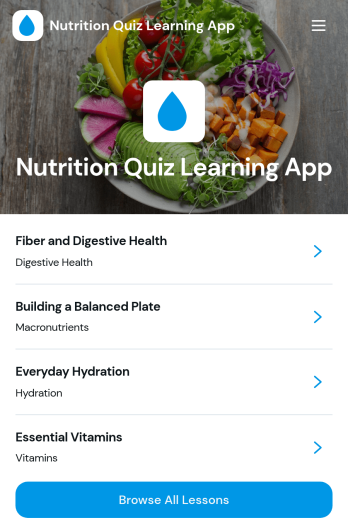
Nutrition Quiz Learning App
Nutrition Quiz Learning App helps you turn bite-sized nutrition lessons into an interactive learning experience with a built-in quiz flow. Learners can browse all lessons, open a topic to see key takeaways and details like topic and level, then return to the quiz to test their understanding. It’s a strong fit for wellness coaches, dietitians, gyms, schools, employee wellness teams, and community programs that want consistent learning without relying on long documents or scattered links.With Jotform, you can launch this app template quickly and customize it using a no-code app builder with a drag-and-drop interface. Connect the app to your quiz form for data collection, organize lesson content so it’s easy to review, and keep your learning workflow in one place. Share a single link for self-service access on any device, and update lessons or quiz content anytime to keep your program current.
Go to Category:Quiz Apps