

Task Management Apps

Field Force Management App
Field Force Management App supports teams that manage on-the-go work by organizing daily assignments, capturing check-ins from the field, and giving supervisors a clear view of productivity. Use it to assign and review Today’s Tasks, collect Live Check-ins from technicians or reps as they complete visits, and keep task details accessible so field staff always know what to do next. It’s a practical fit for home services, facilities teams, sales operations, maintenance crews, and any organization coordinating multiple field workers across locations.Jotform helps you turn these workflows into a mobile-friendly self-service experience with a no-code app builder and a drag-and-drop interface. Connect the app to forms for adding tasks and logging check-ins, then route entries into tables so dispatchers and managers can review field records, follow progress, and keep information consistent across the team. With Jotform App Templates, you can quickly customize pages, branding, and navigation to match how your field operations run.
Go to Category:Operations & Logistics Portal Apps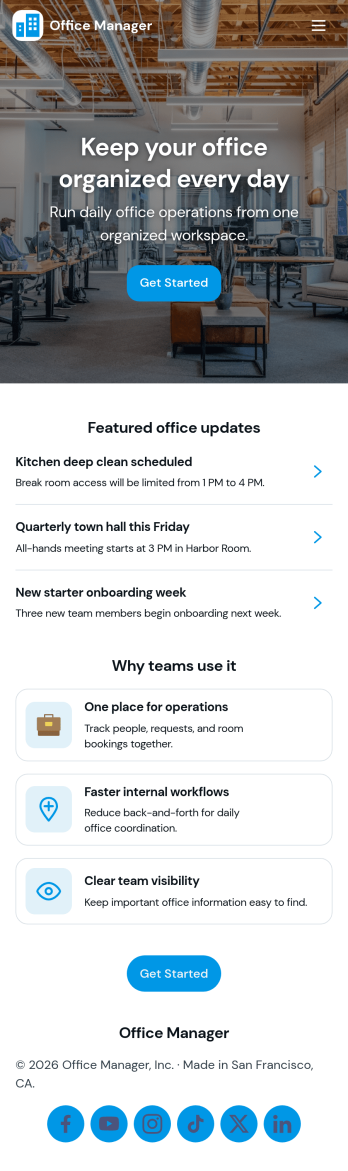
Office Manager App
An office manager app brings everyday workplace requests, task lists, contacts, and office items into one easy-to-navigate space. Use it to route new internal requests to the right person, capture details in a consistent format, and keep “today’s tasks” visible so priorities don’t get lost. It also supports a lightweight directory for key contacts and a simple way to track shared supplies or items, which helps small teams reduce interruptions and keep operations moving.With Jotform, you can turn this app template into a branded self-service experience using a no-code app builder and a drag-and-drop interface. Connect buttons and lists to forms for fast data collection, keep records organized, and refine your workflow over time as office needs change. Share the app with staff through a link or QR code, then update pages and content anytime without rebuilding the whole experience.
Go to Category:Company Portal Apps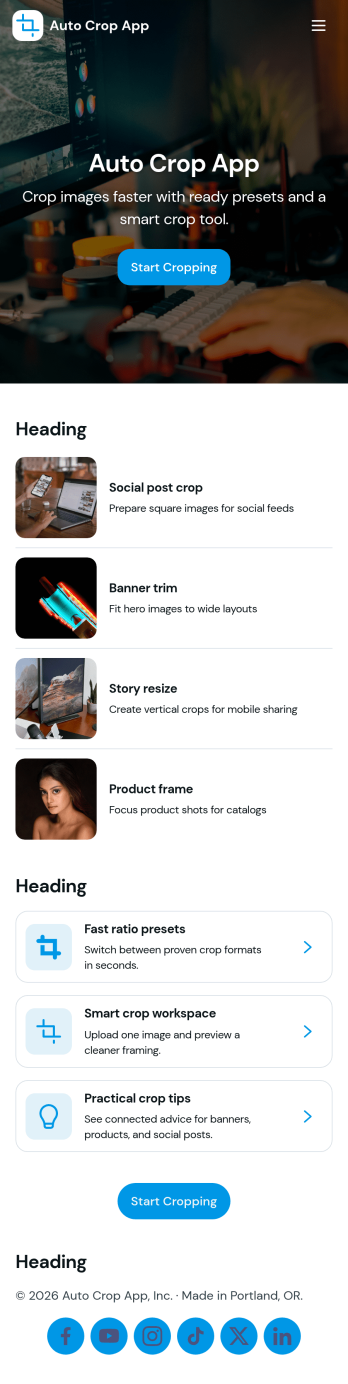
Auto Crop App
Auto Crop App helps teams batch crop images in a repeatable way, track each crop request from start to finish, and reuse sizing rules without rebuilding steps every time. It’s built for ecommerce teams preparing product photos, marketing teams resizing creatives for campaigns, real estate offices standardizing listing images, and content creators who need consistent crops across channels. With batch crop, a job queue, and presets, you can keep work organized while giving everyone a clear place to start a new crop job and check what’s currently processing.Jotform makes it easy to turn this workflow into a shareable self-service experience using app templates and a no-code app builder. Customize pages and navigation with a drag-and-drop interface, connect the app to your crop job form and tables, and keep image work moving with simple routing and status visibility. Publish with a link so teammates can submit new jobs, view jobs, and open history whenever they need it.
Go to Category:Information Technology Apps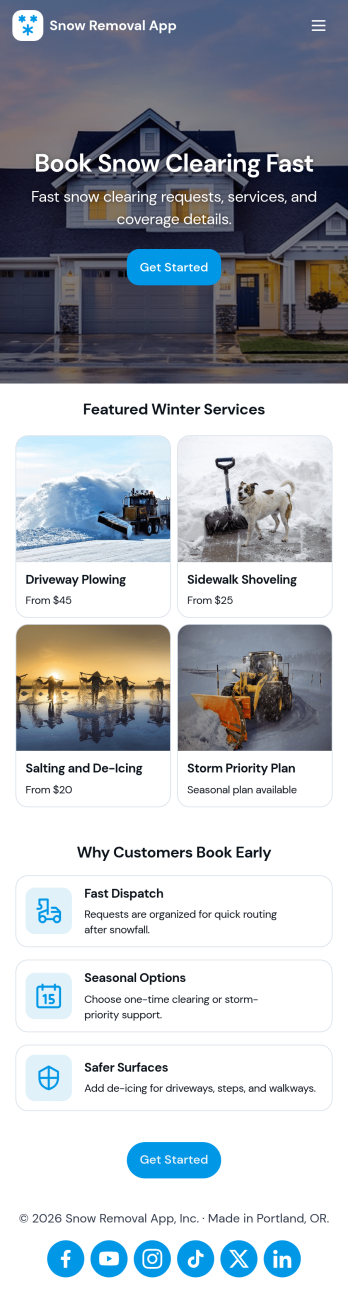
Snow Removal App
Snow Removal App helps snow removal companies, property managers, and maintenance teams take in new service requests, keep active jobs organized, and maintain a clear service history across customers. It works well for plowing crews handling residential driveways, commercial lots, and multi-property routes where timing, job status visibility, and consistent communication matter. With quick request intake and job tracking in one place, teams can reduce missed details, prioritize urgent calls after storms, and give staff a reliable view of what’s scheduled and what’s already completed.Jotform makes it easy to turn this snow removal workflow into a branded self-service experience using its app template library and a no-code app builder with a drag-and-drop interface. Connect the app to forms and data tables to capture requests, view records, and keep information updated as jobs move forward. Share the app with office staff, dispatchers, or field supervisors, then customize pages, layout, and design so the experience matches how your operation runs during peak winter demand.
Go to Category:Home Services Apps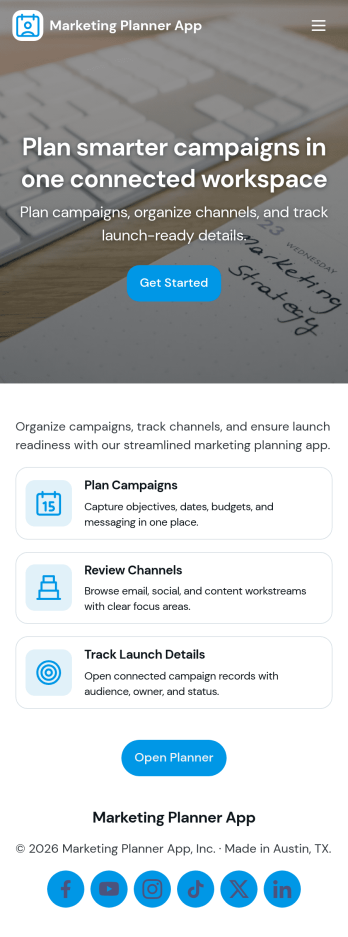
Marketing Planner App
Marketing Planner App brings your campaign planning into one place so teams can move from ideas to execution without losing context. Use it to organize campaigns, review campaign details, and keep day-to-day work visible through task lists tied to each initiative. It’s a practical fit for marketing managers, growth teams, agencies, and small businesses that need a clearer way to coordinate launches, align creative work, and maintain momentum across multiple priorities.Built with Jotform App Templates, this app template can be tailored in minutes using Jotform’s no-code app builder and drag-and-drop interface. Connect it to your forms and tables for ongoing data collection, create simple workflows for intake and updates, and offer self-service access to shared resources like a creative library. Publish and share your Jotform app as a link or QR code so stakeholders can quickly find campaigns, view insights, and submit new briefs as work evolves.
Go to Category:Planner Apps
Deal Tracker App
Deal Tracker App helps sales teams and client-facing businesses keep opportunities organized from first conversation to close. Use it to view an open pipeline at a glance, add new deals as they come in, and open a deal record to keep key details in one place. It’s a practical fit for SMB sales reps, account managers, agencies, and consultants who want a single hub for monitoring active opportunities and keeping momentum on follow-ups.Jotform makes it easy to turn your deal process into a shareable, self-service app experience with its no-code app builder and drag-and-drop interface. Connect your Deal Tracker App to forms and tables for reliable data collection, capture activity logs as work happens, and keep your workflow consistent across the team. When you’re ready, publish and share the app in minutes so everyone can add deals, review pipeline status, and track progress from any device.
Go to Category:Sales & Marketing Portal Apps
Job Planning App
Job Planning App helps teams create and manage job plans in one place so work can be organized before anyone heads into execution. Use it to capture key job details, outline steps, and keep priorities visible across active work, whether youre coordinating client projects, internal requests, or field service tasks. With a simple flow to plan a job and a space to review progress, this app fits supervisors, operations leads, project coordinators, and small businesses that need clarity on whats happening now and whats next.Built with Jotform, this app template pairs a no-code app builder with connected data collection so you can launch fast and adjust as your process evolves. Customize pages with a drag-and-drop interface, link the job planning form to your workflow, and share the app as a self-service hub for your team. As job plans come in, you can keep information organized and easy to navigate, helping everyone stay aligned without relying on scattered notes or lengthy status threads.
Go to Category:Job Apps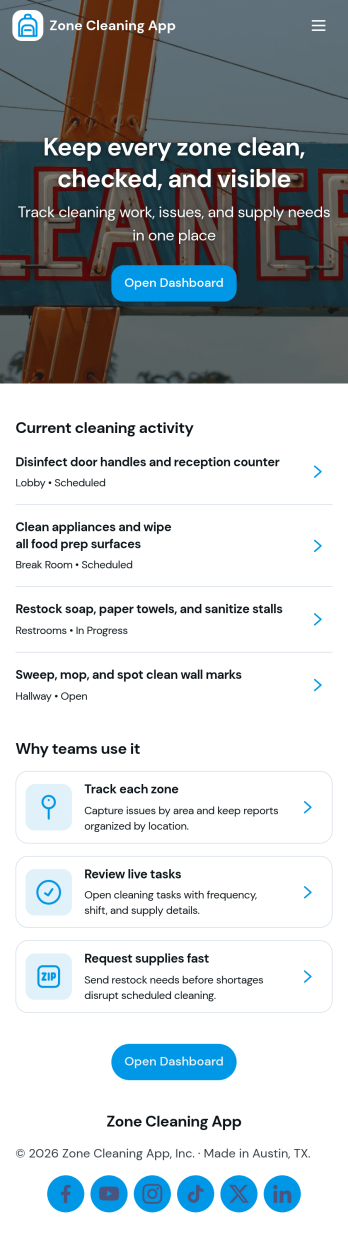
Zone Cleaning App
Zone Cleaning App helps teams organize zone-based cleaning so nothing slips through the cracks across rooms, floors, or assigned areas. With a clear view of open tasks, a zone list for navigating responsibilities, and a simple way to log reports, this app fits cleaning crews, facilities teams, property managers, and any operation that needs consistent routines across multiple zones and shifts.Built with Jotform App Templates, this app template can be tailored in minutes using a no-code app builder and a drag-and-drop interface. Connect task intake and reporting to Jotform workflows for faster follow-ups, keep updates in one place for easy self-service, and share the app with staff through a link so everyone can act on the latest cleaning priorities.
Go to Category:Checklist Apps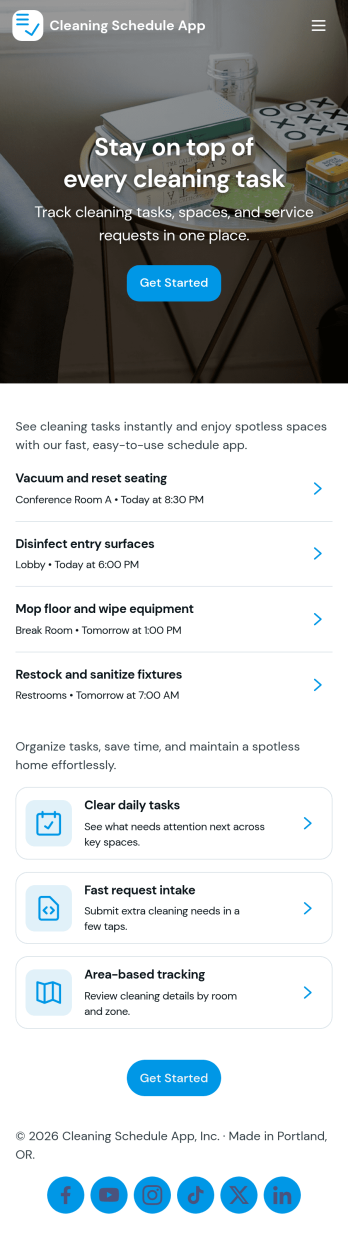
Cleaning Schedule App
A cleaning schedule app keeps recurring and one-off cleaning tasks organized so nothing gets missed across rooms, properties, or shared spaces. Use it to view what’s coming up, add new tasks as needs change, and open a specific area to see notes that clarify what “done” looks like. It’s a practical fit for home services teams, office managers, short-term rental hosts, and anyone coordinating multiple people who clean on different days.This Jotform app template brings your schedule and records into a simple self-service experience you can share in minutes. With Jotform’s no-code app builder and drag-and-drop interface, you can connect forms for task entry, keep a running history of completed work, and guide users through a consistent workflow from “Add Task” to review. Customize pages, labels, and branding to match your process, then publish and use the same app on desktop or mobile for faster data collection and clearer accountability.
Go to Category:Scheduling Apps
Workflow Management App
Workflow Management App helps teams keep day-to-day work moving by organizing tasks into a clear queue, routing items through approvals, and giving stakeholders a simple way to review recent activity. It fits operations groups, project coordinators, service teams, and department leads who need visibility into what’s assigned, what’s waiting, and what changed today without relying on scattered messages or spreadsheets.Built with Jotform App Templates, this app template can be published fast and tailored to your process using Jotform’s no-code app builder and drag-and-drop interface. Connect it to your task form for consistent data collection, then share a self-service workspace where users can open tasks, return to the main queue, and follow a repeatable workflow that stays easy to manage as your workload grows.
Go to Category:Management Apps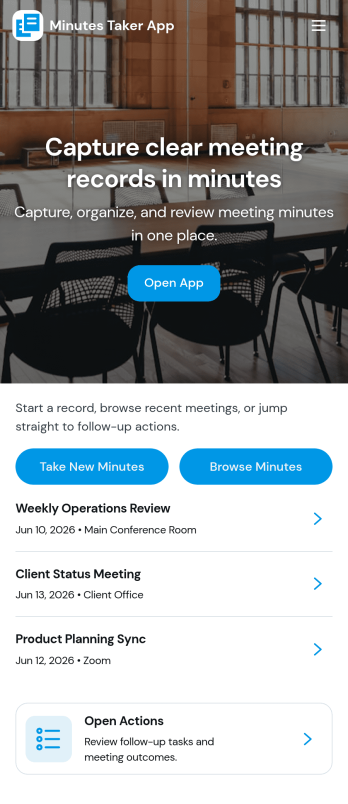
Minutes Taker App
Minutes Taker App helps teams capture, organize, and reference meeting outcomes in one place, so key decisions and next steps don’t get lost after a call. Use it to browse past notes in a meeting log, open a specific meeting to review details, and record new minutes right after the discussion while everything is still fresh. It fits recurring staff meetings, project check-ins, board meetings, client calls, and committee sessions where consistency matters and follow-up needs a clear written record.With Jotform, you can turn this app template into a simple self-service workflow for documenting meetings without relying on scattered docs or long email threads. Customize pages with a drag-and-drop interface, connect the app to a form for structured data collection, and keep entries organized so everyone can find the latest minutes quickly. Share the app with a link for easy access across departments, and update the layout and branding to match how your team runs meetings.
Go to Category:Organization Apps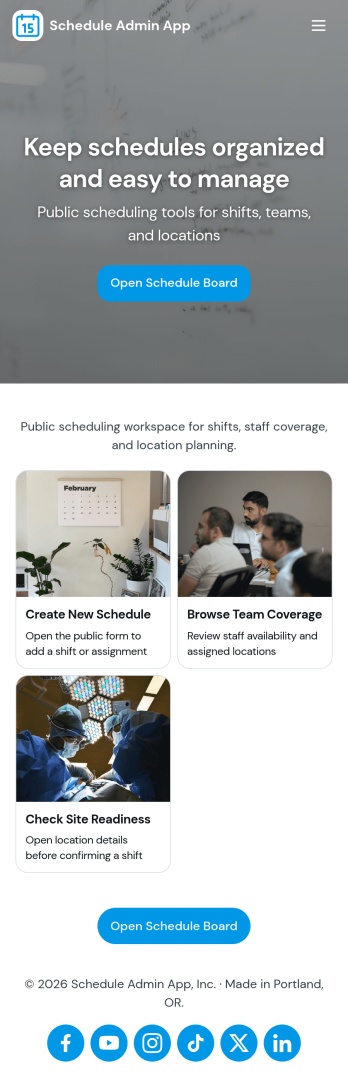
Schedule Admin App
Schedule Admin App helps administrators coordinate day-to-day scheduling in one place by organizing shift or event requests, keeping a shared calendar updated, and tracking team coverage. It’s a practical fit for operations managers, office administrators, department leads, and service coordinators who need a clear view of who is available, what’s been requested, and what’s already on the schedule. With dedicated areas for requests, schedule viewing, team coverage, and insights, the app supports faster decisions and fewer missed handoffs when plans change.With Jotform App Templates, you can publish a self-service scheduling experience without coding and tailor it to how your organization works. Use Jotform’s no-code app builder and drag-and-drop interface to adjust pages, refine navigation, and connect the app to your existing data collection and workflow needs. Share the app with a link or QR code so staff can submit requests, admins can review updates, and teams can stay aligned from any device.
Go to Category:Scheduling Apps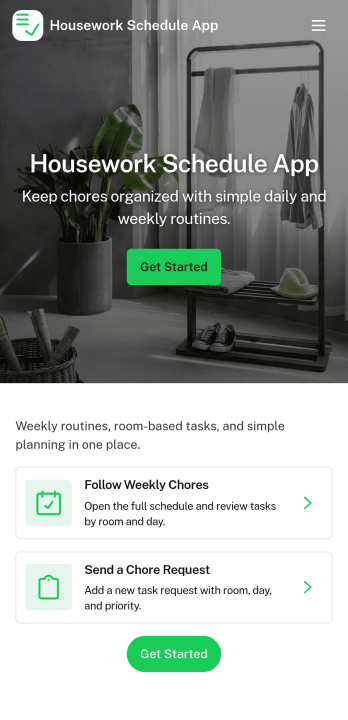
Housework Schedule App
A housework schedule app helps you organize recurring chores, keep a clear household routine, and make it easier for everyone to follow through. Use it to browse a central chores list, open each chore for quick details, and record completions in a simple progress log so you can see what’s getting done over time. It’s a practical fit for busy families, roommates, caregivers, and anyone who wants fewer missed tasks and less confusion around what needs attention next.With Jotform, you can turn this housework schedule app into a shareable, self-service experience using an app template and a no-code app builder with a drag-and-drop interface. Connect the app to a form for logging chore completion, update chores as routines change, and keep your workflow organized without spreadsheets or scattered messages. Publish in minutes, customize the look and structure, and give your household an easy way to stay on track.
Go to Category:Scheduling Apps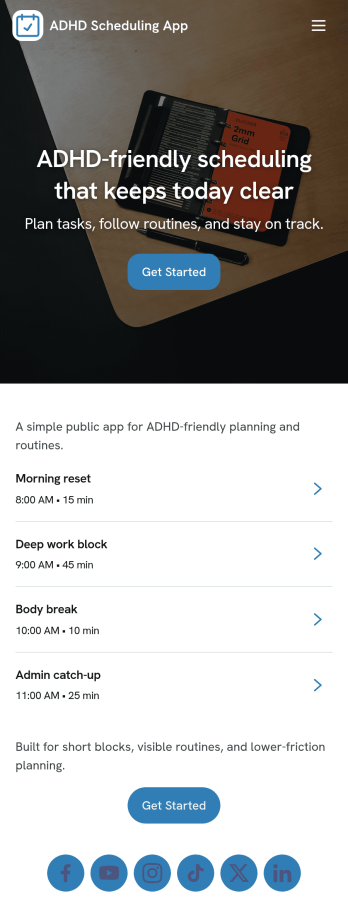
Adhd Scheduling App
Adhd Scheduling App supports people who want a calmer, more reliable way to plan their day when focus and time awareness can feel inconsistent. It brings a simple routine to the front with a Today’s Planner view and an easy path to an upcoming task list, so you can check what’s next without digging through multiple tools. Whether you’re a student tracking assignments, a professional balancing meetings and deep work, or a caregiver helping someone stay on track, this layout helps reduce missed tasks by keeping priorities visible and easy to revisit throughout the day.Jotform makes it simple to turn this kind of scheduling experience into a shareable, customizable app template with a no-code app builder and drag-and-drop interface. Connect your planner to a form for quick data collection, adjust the pages to match your routine, and keep tasks organized as they grow. You can publish the app in minutes and share it as a self-service planner link for personal use or for a team that needs a lightweight workflow for planning and follow-through.
Go to Category:Scheduling Apps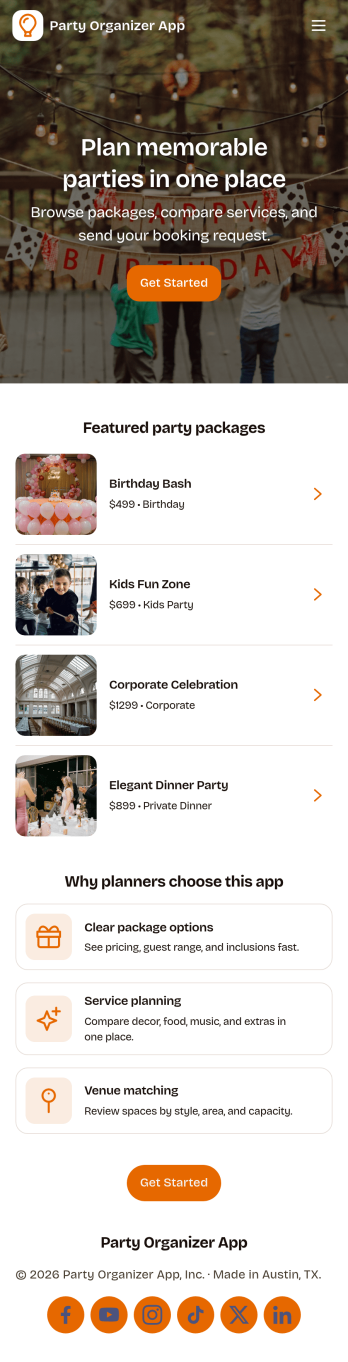
Party Organizer App
A party organizer app brings your event details into one place so you can plan, track, and update everything without juggling notes, messages, and spreadsheets. Use it to build a guest list, assign tasks for the party plan, and keep a running view of what still needs to be done before the big day. It’s a practical fit for individuals hosting birthdays, graduations, and holiday gatherings, as well as small teams planning office celebrations, school functions, and community get-togethers where multiple people need visibility into who’s coming and what’s next.With Jotform, you can turn this party organizer app template into a branded, mobile-friendly experience using a no-code app builder and a drag-and-drop interface. Connect buttons to forms for quick data collection, organize guest and task updates into a clear workflow, and share key pages when you need a second set of eyes on the budget or supplies. As plans change, Jotform keeps information easy to update and easy to find, helping you stay on schedule from invites to final prep.
Go to Category:Event Planner Apps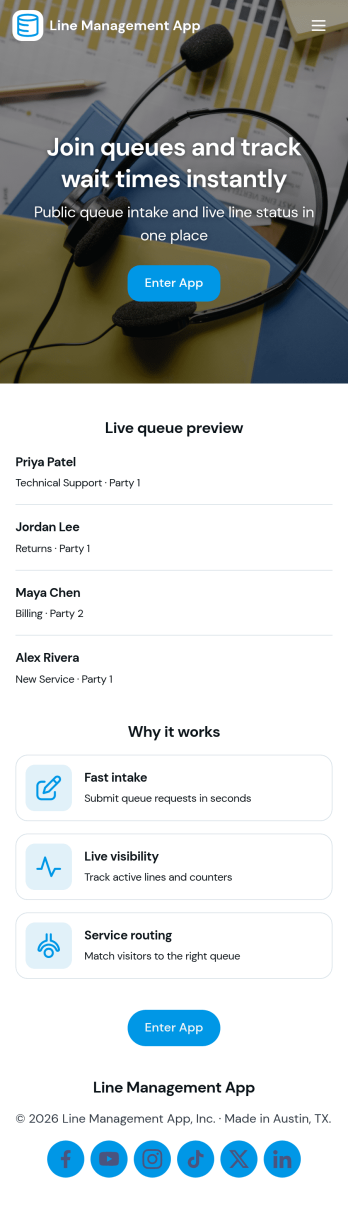
Line Management App
Line Management App helps teams handle walk-ins and on-site requests by giving customers a simple way to join the line and giving staff a clear view of the active queue. It works well for service counters, clinics, repair desks, school offices, reception areas, and any location where wait order matters. Visitors can add a request, while employees can open the queue, review who is next, and tap into a person’s details when it’s time to serve them. A dedicated service history view also makes it easier to reference past visits and spot recurring needs without hunting through messages or paper notes.With Jotform, you can turn this experience into a polished self-service flow using customizable app templates and a no-code app builder. Use a drag-and-drop interface to adjust pages, update labels, and match your branding, then connect the app to your forms and workflows for consistent data collection. Share the app by link or QR code so customers can join from their phone, and keep your team aligned with one central queue view that’s easy to manage throughout the day.
Go to Category:Task Management Apps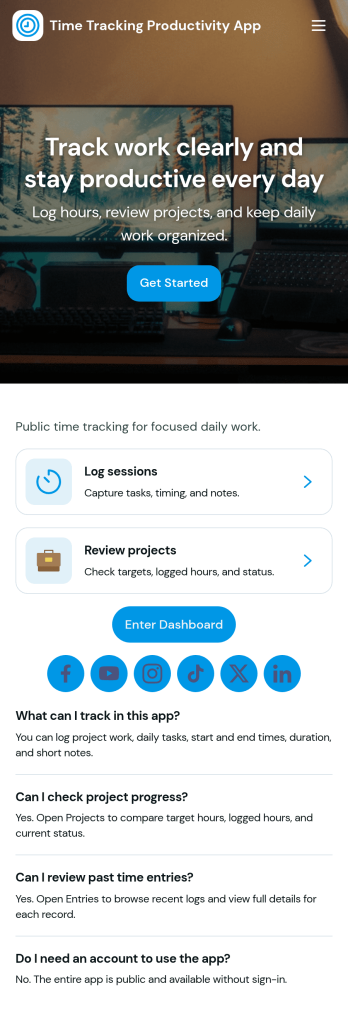
Time Tracking Productivity App
Time Tracking Productivity App helps individuals and teams record hours against tasks, build healthier work habits, and spot where time goes during the day. With a task-focused layout, a dedicated option to log time, and a built-in insights dashboard, it supports everything from agency client work to internal projects, study sessions, and personal goal tracking. Use it to reduce missed time entries, keep task lists actionable, and create a consistent routine for capturing work as it happens, whether you manage a small team or you’re optimizing your own schedule.Jotform makes it easy to turn this time tracking workflow into a shareable, branded experience using a no-code app builder and a drag-and-drop interface. Connect the app to a form for data collection, route updates into the right workflow, and keep entries organized so you can review progress over time. Publish with a link for quick self-service access on any device, then refine the app as your processes evolve, without relying on developers.
Go to Category:Activity Tracking Apps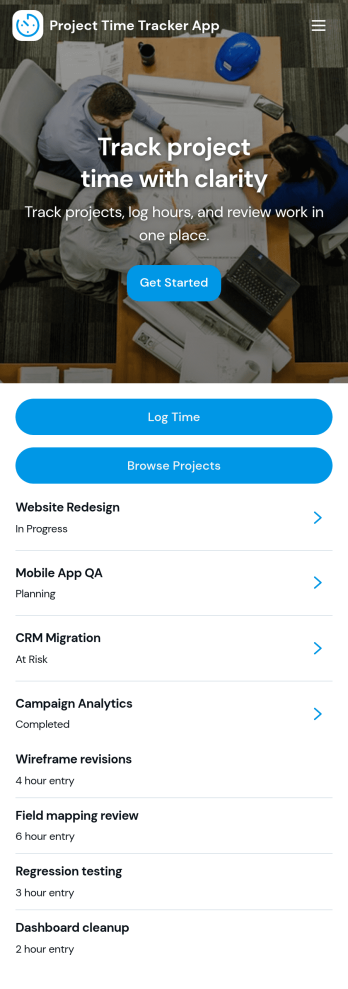
Project Time Tracker App
Project Time Tracker App helps teams capture work hours by project, review active workstreams, and keep personal time entries organized in one place. It fits agencies tracking client work, product teams monitoring sprint effort, contractors billing by project, and operations teams looking for clearer workload visibility. With simple navigation for logging time, browsing projects, and checking your own entries, it supports consistent timekeeping without relying on scattered notes or spreadsheets.Built with Jotform, this app template pairs a mobile-friendly self-service experience with flexible data collection. Customize pages, buttons, and visuals with a drag-and-drop interface, then connect your time entry form and project records to the workflow you already use. Share the app by link or QR code so staff can log hours quickly, and keep time data centralized for reporting and follow-ups.
Go to Category:Activity Tracking Apps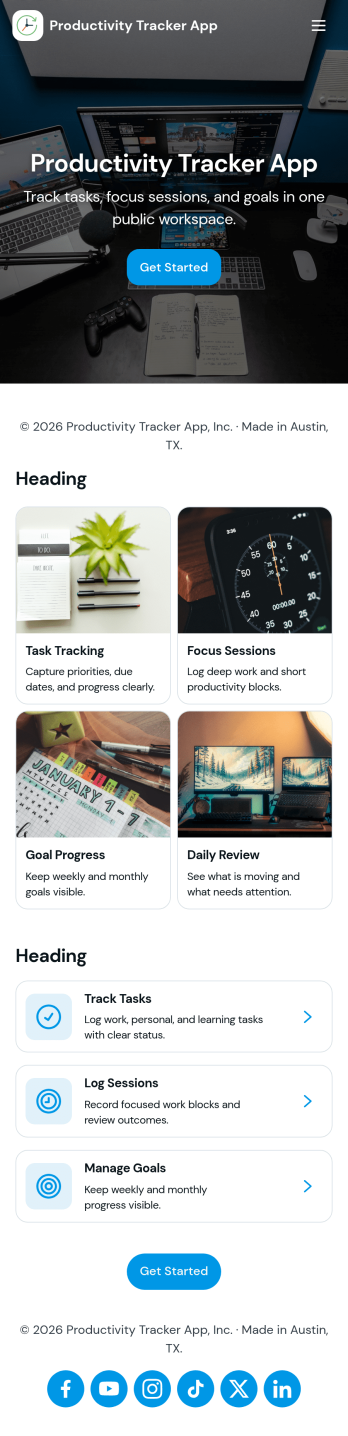
Productivity Tracker App
Productivity Tracker App helps individuals and teams stay on top of daily responsibilities by capturing tasks in one place, reviewing what’s currently open, and checking performance insights over time. It’s a practical fit for freelancers juggling multiple clients, students managing assignments, managers coordinating priorities, and anyone who wants a clearer picture of where their time and effort go. With simple task entry and dedicated areas to browse open tasks and view insights, the app supports consistent follow-through without turning planning into extra work.Built with Jotform, this app template turns task tracking into a shareable, self-service experience you can tailor to your workflow. Use Jotform’s no-code app builder and drag-and-drop interface to adjust pages, update labels, and connect your task form to structured data collection behind the scenes. Publish as a link for easy access, collaborate with teammates, and keep your workflow organized as needs change.
Go to Category:Tracker Apps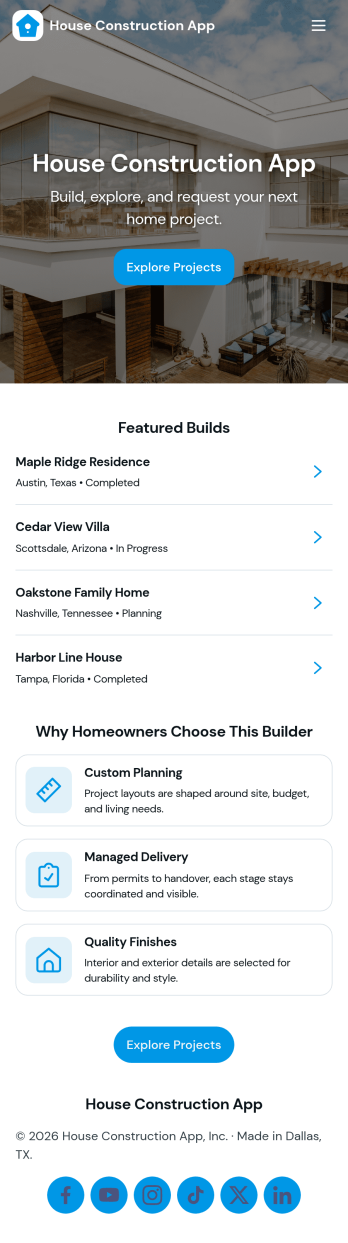
House Construction App
House Construction App brings your residential build operations into one place, so you can manage projects, keep daily work moving, and stay ahead of on-site problems without juggling scattered notes. It’s built for home builders, general contractors, construction managers, and small crews who need a simple way to track active projects, assign and follow up on tasks, report issues as they arise, and request materials when supplies run low.With Jotform, you can launch this app template quickly using a no-code app builder and a drag-and-drop interface that makes it easy to tailor pages for your workflow. Connect project intake and logging forms to ongoing data collection, keep information organized for self-service access, and support day-to-day workflow updates across the team from any device.
Go to Category:Construction Apps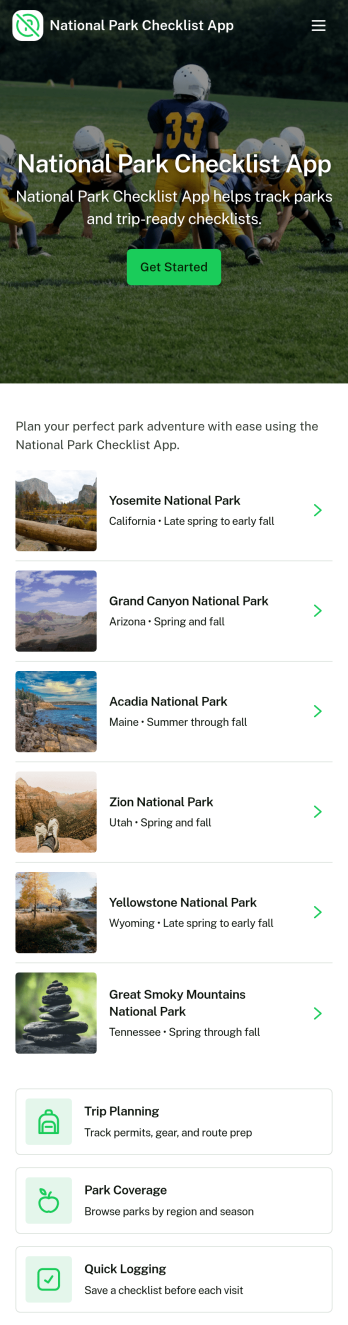
National Park Checklist App
National Park Checklist App helps travelers and outdoor groups stay organized while planning, packing, and tracking what’s left to do before a national park visit. Use it to keep park-specific checklists in one place, build a practical gear list for day hikes or multi-day trips, and jot down quick notes you don’t want to forget on the road. It’s a great fit for families, solo travelers, tour leaders, educators planning field trips, and anyone coordinating shared responsibilities for trip prep, packing status, and last-minute reminders.With Jotform, you can turn this kind of checklist-focused experience into a shareable, mobile-friendly app without coding. Start with this app template, then adjust pages, buttons, and lists with a drag-and-drop interface, connect forms for easy data collection, and keep your trip workflow moving with updates that are simple for everyone to follow. Publish with a link so your group can use self-service access to review checklists, add gear, and capture notes from anywhere.
Go to Category:Checklist Apps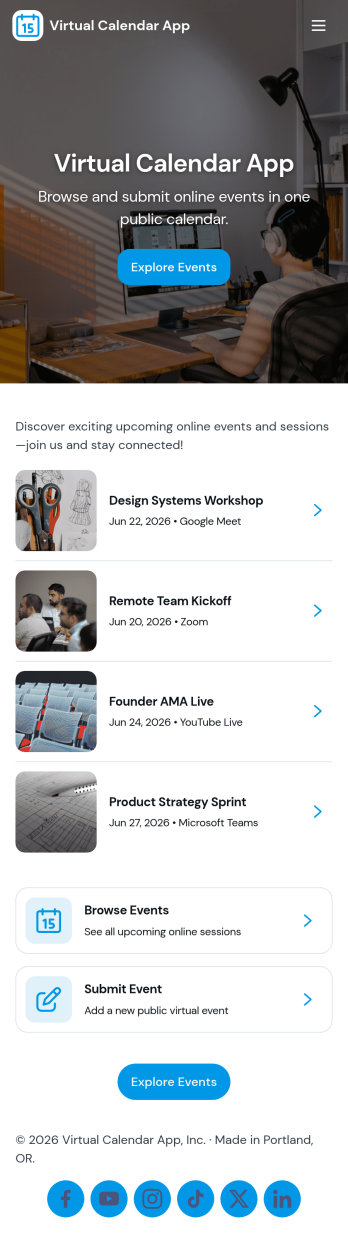
Virtual Calendar App
Virtual Calendar App helps individuals and teams capture events and keep a clear view of what’s happening today and what’s coming up next. Use it to collect event details through a simple add-event form, then browse an event list with quick navigation to Today and Upcoming views. It works well for remote teams coordinating meetings, coaches managing sessions, community groups tracking activities, and small businesses that need one shared place to record and review scheduled items without digging through messages.Jotform makes it easy to turn this virtual calendar into a polished self-service experience with its no-code app builder and drag-and-drop interface. Connect the app to your Jotform form and organize data collection into a lightweight workflow for adding and reviewing events, then share your app by link or QR code so stakeholders can stay aligned from any device. As your needs grow, you can expand pages, adjust navigation, and keep your calendar experience consistent with your branding.
Go to Category:Daily Planner Apps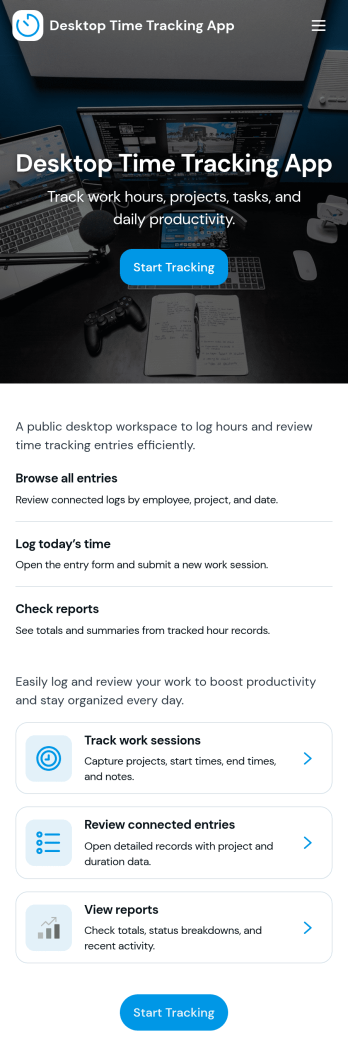
Desktop Time Tracking App
Desktop Time Tracking App gives teams a simple way to track working time from a computer while keeping daily activity organized around projects and history. It fits agencies, consultancies, remote teams, and operations groups that need a consistent process for starting a timer, reviewing a time dashboard, and adding time entries without digging through spreadsheets. Use it to capture hours for client work, internal initiatives, or support tasks, then review patterns over time to understand workload and improve planning.Built with Jotform, this app template turns time tracking into a self-service experience you can publish and share in minutes. Customize pages with a drag-and-drop interface, connect your time log form to a structured workflow, and keep data collection consistent across teammates. As your process evolves, you can update projects, refine the way entries are captured, and maintain a single place for desktop-friendly time logs, dashboards, and records.
Go to Category:Activity Tracking Apps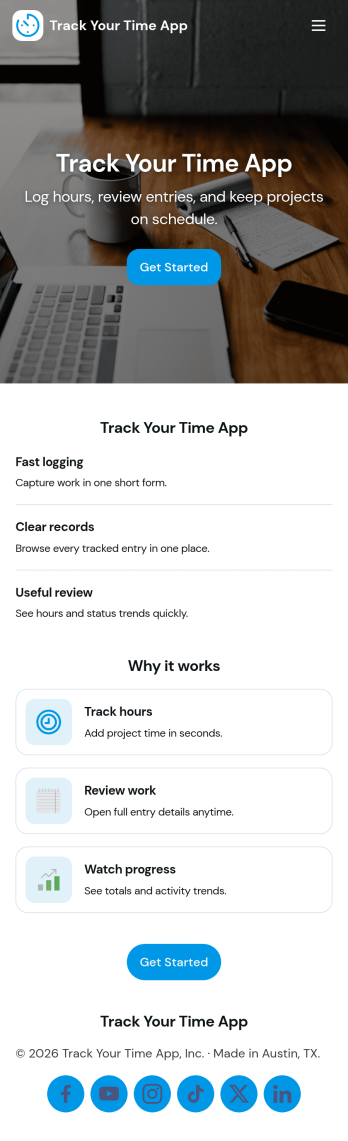
Track Your Time App
Track Your Time App helps individuals and teams record hours worked, review timesheets, and spot patterns in how time is spent across projects or tasks. It’s a practical fit for freelancers who bill by the hour, agencies balancing client work, managers who need weekly rollups, and anyone who wants a clear routine for logging time without relying on scattered notes. With quick actions like logging time entries and a timesheets view that organizes records by date, the app supports consistent tracking and easier follow-up when something is missing.Built with Jotform, this app template turns time tracking into a simple self-service experience you can share with your team from a link. Customize pages with a no-code app builder and a drag-and-drop interface, then connect your time entry form to structured data collection and ongoing workflow needs like internal reviews, status updates, and reporting. Jotform makes it easy to tailor the layout, adjust fields, and keep time logs organized as your workload grows.
Go to Category:Activity Tracking Apps