Regulatory Compliance Reference App brings your organization’s key regulations, checklists, and update notes into one easy-to-browse reference library. It’s built for compliance leads, operations managers, risk teams, and distributed departments that need a reliable place to review requirements by topic, confirm jurisdictions and effective dates, and keep internal guidance aligned with the latest reference status. With quick navigation to browse regulations, open source references, and use checklists tied to real responsibilities like owners and review frequency, teams can reduce time spent hunting for the right information and keep day-to-day decisions consistent.
Jotform makes it simple to publish this app template as a self-service resource without coding. Using a drag-and-drop interface, you can tailor pages, organize your reference lists, and connect the app to a form for ongoing data collection when new regulations, checklist updates, or internal notes need to be added. Share the finished app with a link or QR code, keep content current in one place, and support clearer workflows across teams with Jotform.
Related templates
Campus Safety App
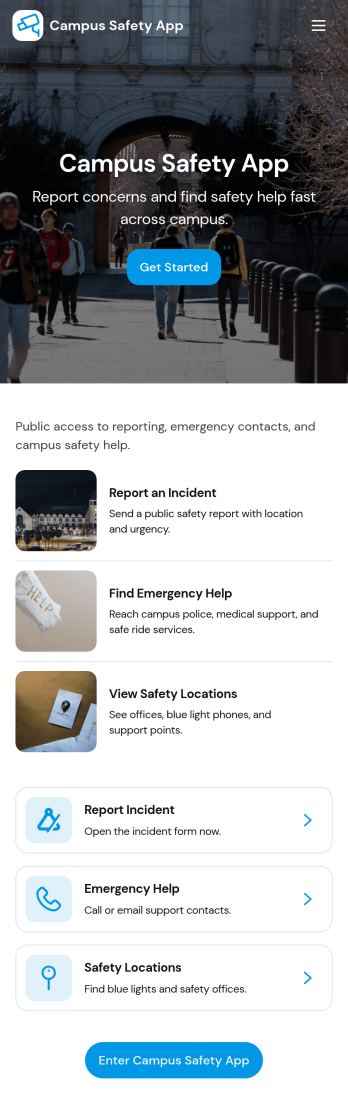
Campus Safety App gives schools a central place to support safer day-to-day operations by making it simple for students, staff, and visitors to report concerns and find help fast. It brings together incident reporting, a view into open incidents, and an organized set of safety resources so the right information is available when it matters. Whether you manage a university, community college, or K–12 campus, this app helps standardize how issues are raised, logged, and followed up while keeping key contacts and services within easy reach.With Jotform, you can tailor this app template to match your campus workflows using a no-code app builder and a drag-and-drop interface. Connect the app to forms and tables for consistent data collection, route updates through internal workflow steps, and publish a self-service experience you can share by link or QR code. From collecting incident details to guiding users toward resources and safety requests, Jotform makes it easier to keep information organized and accessible across your campus community.
Go to Category:Education Apps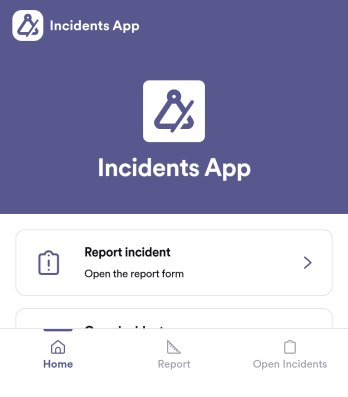
Incidents App
Incidents App gives teams a clear, consistent way to capture incident details the moment something happens and keep visibility on what’s still unresolved. It’s a practical fit for workplaces, schools, property teams, event operations, and service organizations that need staff to report issues quickly, then follow progress without hunting through emails or spreadsheets. With an in-app path to report an incident, review open incidents, and reference incident history, the app supports faster handoffs and better follow-through across shifts and locations.Built with Jotform, this app template pairs self-service reporting with organized recordkeeping so teams can collect data in one place and act on it. Use Jotform’s no-code app builder and drag-and-drop interface to tailor pages, wording, and navigation for your process, then connect the app to the underlying form and table for ongoing workflows. Share the app through a link or QR code, control who can access reporting views, and keep your incident information easy to search and manage as volume grows.
Go to Category:Log Apps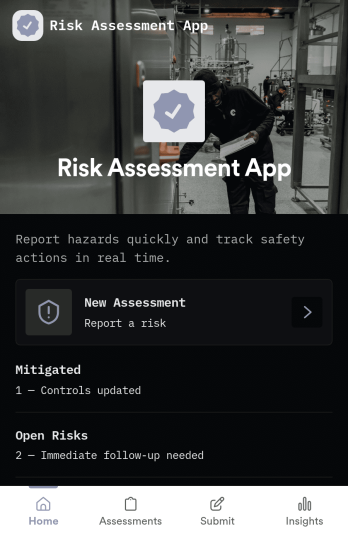
Risk Assessment App
Risk Assessment App helps teams capture new assessments and review open records in one place, so risk checks don’t get buried in email threads or scattered files. Use it to document hazards, rate likelihood and impact, and keep a clear log of what was assessed and when. It’s a practical fit for safety leads, operations managers, project teams, and supervisors who need a repeatable way to run assessments across sites, equipment, tasks, or events while keeping progress visible.Built with Jotform, this app template combines simple navigation with connected data collection to support day-to-day risk work. Create a new assessment through an embedded form, browse record lists for quick follow-up, and share the app as a self-service link for internal teams. With Jotform’s no-code app builder and drag-and-drop interface, you can tailor the layout, add your own fields, and evolve the workflow as your risk process changes.
Go to Category:Inspection Apps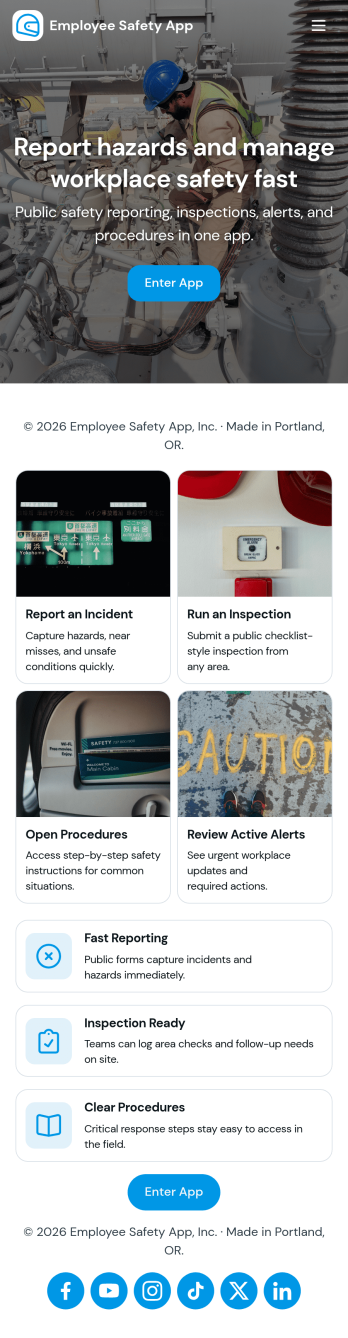
Employee Safety App
Employee Safety App brings key workplace safety actions into one place so teams can report incidents, run safety checks, and review logged issues without hunting for the right link or paper form. It fits companies with distributed crews, warehouses, job sites, clinics, or offices that want a consistent way to capture what happened, where it happened, and what immediate action was taken. Built-in navigation makes it easy to jump from reporting to an incident list, and the app can also surface quick emergency and safety lead contact options when time matters.With Jotform, you can turn this employee safety app template into a branded self-service experience using a no-code app builder and a drag-and-drop interface. Connect the app to your incident and safety check forms for reliable data collection, route updates through the right workflow, and keep records organized in one system for follow-up, training, and continuous improvement. Share the app by link or QR code so employees can access it on the go, then refine pages and content as your safety processes evolve.
Go to Category:HR Portal Apps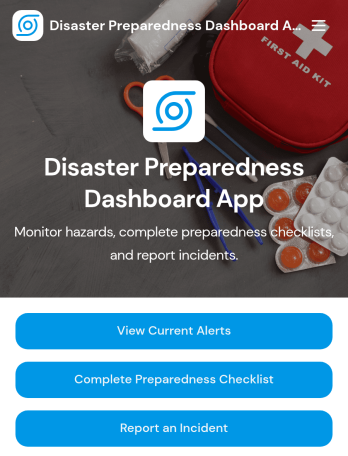
Disaster Preparedness Dashboard App
Disaster Preparedness Dashboard App brings current alerts, readiness tasks, and incident reporting into one place so people can act fast when conditions change. Use it to share timely updates, guide staff or residents through a preparedness checklist, and capture on-the-ground details through structured incident reports. It’s a practical fit for schools, nonprofits, property managers, community organizations, and operations teams that need a simple way to keep everyone informed and aligned before, during, and after an emergency.With Jotform, you can tailor this app template to match your procedures, branding, and communication needs without coding. Build pages with a drag-and-drop interface, connect buttons to forms for data collection, and keep information easy to navigate on any device. As your workflow evolves, update alerts, refine checklists, and route incident details to the right team so your preparedness plan stays organized and actionable.
Go to Category:Safety and Compliance Apps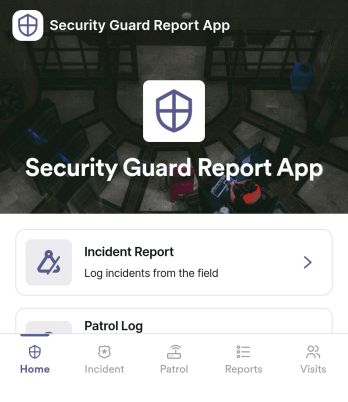
Security Guard Report App
Security Guard Report App helps security teams capture incidents, document shift activity, and confirm routine patrol checks in a consistent format across sites. It’s built for guard companies, property managers, event venues, and in-house security departments that need clear, time-stamped reporting without relying on paper notes or scattered messages. With dedicated areas for incident reports, shift logs, and patrol checks, supervisors get better visibility into what happened, when it happened, and what actions were taken during each assignment.Jotform makes it easy to turn this Security Guard Report App into a branded self-service workflow using a no-code app builder and a drag-and-drop interface. Connect pages to forms for fast data collection in the field, route key updates for review, and keep records organized for follow-up and internal reporting. Share the app with a link or QR code so guards can submit reports from any device, while managers can review entries and standardize operations across locations.
Go to Category:Log Apps