Student Time Management App helps learners plan what to do, when to do it, and how to stay on track during busy school weeks. Use it to capture tasks, map out study sessions, and build better focus habits in one place, making it easier to balance classes, homework, extracurriculars, and personal time. It’s a practical fit for high school and college students, tutors and academic coaches, and student support teams who want a simple way to organize priorities without jumping between multiple tools.
With Jotform, you can turn this app template into a personalized self-service planner using a no-code app builder and a drag-and-drop interface. Connect buttons to forms for data collection, review entries in organized lists, and keep a lightweight workflow for adding tasks, scheduling study sessions, and logging focus time. Share your Jotform app with a link so students can use it on the go, and update pages as routines and course loads change throughout the term.
Related templates
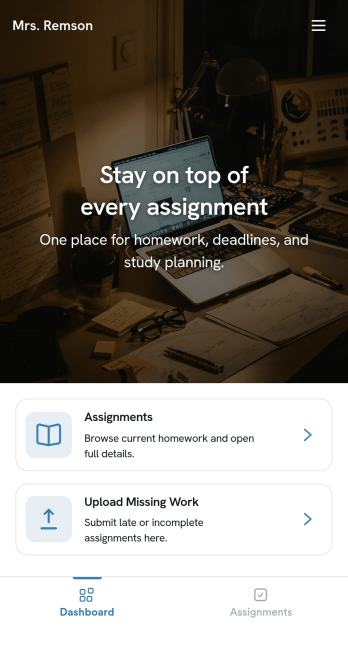
Homework Management App
A homework management app is used by teachers to collect homework assignments from their students. Give your students an easier way to submit homework for your remote or in-person classroom with a free Homework Management App from Jotform. Students can upload documents through the app’s homework or missing assignment forms, which you can view easily on any device from your secure online account.Need to make changes to this app template? Add or remove forms, update the app icon or background, include important information for your classroom, or add helpful links with no coding required. You can then copy and paste the app link to share your custom Homework Management App with your students, who can download it onto their computer, tablet, or smartphone to submit their homework instantly.
Go to Category:Classroom Management Apps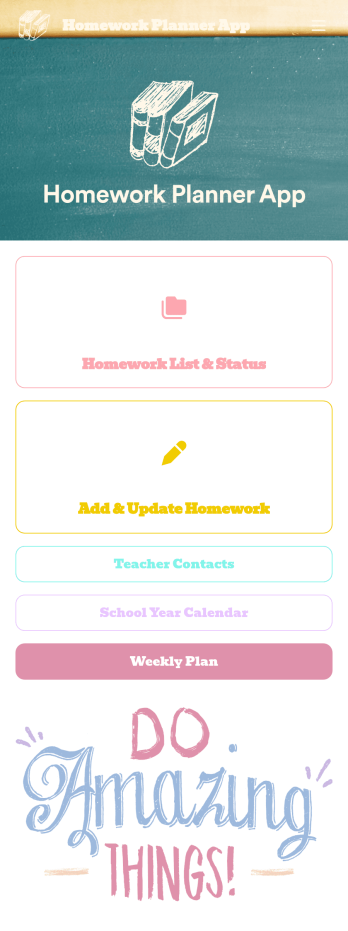
Homework Planner App
A homework planning app is a mobile application created by teachers and educators to help their students keep track of assignments and due dates. Use this ready-made Homework Planner App template from Jotform Apps to create your own in just a few easy clicks. Keep students updated on upcoming assignments, collect homework, list your office hours, and more.Want to make changes to how this Homework Planner App looks? No problem. With Jotform’s drag-and drop builder, you can add or remove forms, pick a background image, change font types, upload images and videos, select a unique app icon, and more. After you’re done customizing your app, simply embed it in your website or online portal for students to download.
Go to Category:Planner Apps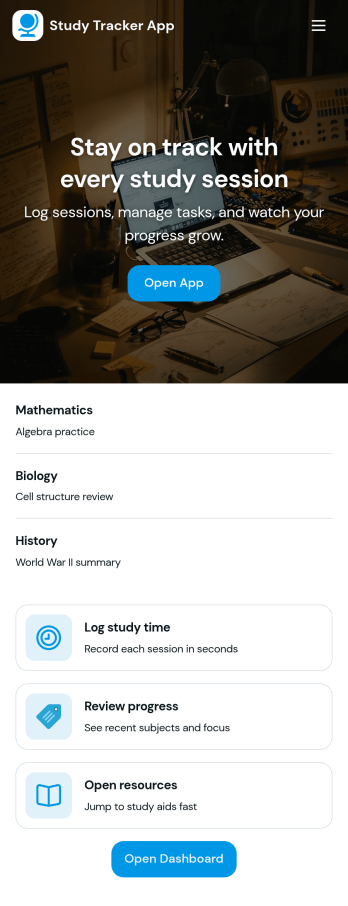
Study Tracker App
Study Tracker App helps students and lifelong learners build consistent study habits by logging study time, organizing sessions by subject, and keeping a clear view of progress over time. Use it to record each session with quick add buttons, revisit your top focus areas, and review what you covered across different topics. It’s a practical fit for high school and college students, exam takers, tutors, and study groups who want a simple way to track effort, spot patterns, and stay accountable without juggling multiple tools.Jotform makes it easy to turn this Study Tracker App into a personalized self-service experience using its no-code app builder and drag-and-drop interface. Connect your session logging form to your data collection workflow, present entries in clean lists and cards, and share the app with a link so it’s always available on any device. You can also tailor pages for progress review and study resources, helping you keep tracking and reference materials in one place with Jotform App Templates.
Go to Category:Education Apps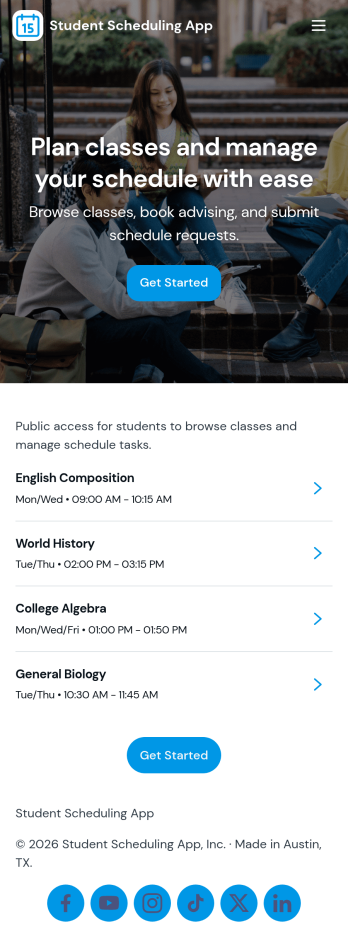
Student Scheduling App
A student scheduling app gives students and staff one place to request, book, and review academic support sessions without confusion about timing or availability. This template fits tutoring centers, advising offices, student success teams, and instructors who need a simple way to route session requests and keep daily plans visible. With quick access to book a session, view today’s schedule, and check my requests, it supports self-service scheduling while keeping requests organized for follow-up.Jotform makes it easy to publish this experience as a shareable app using a no-code app builder and a drag-and-drop interface. Connect the app to your Jotform form and linked data so students can send requests, staff can track updates in real time, and everyone can navigate schedules from any device. As your workflow changes, you can adjust pages, buttons, and lists in minutes, then share the updated app instantly with a link or QR code.
Go to Category:Scheduling Apps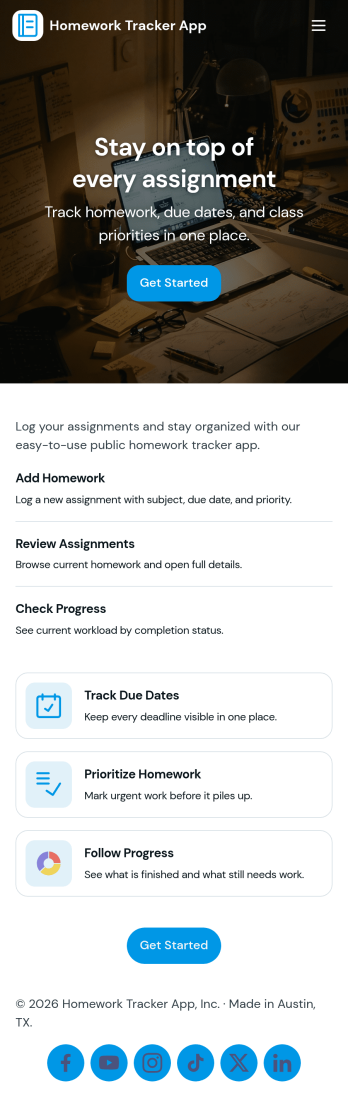
Homework Tracker App
Homework Tracker App helps students keep schoolwork organized by bringing assignments, work submission, and progress tracking into one place. Use it to view upcoming tasks, add new assignments quickly, mark items as high priority, and keep personal submission notes so nothing gets missed. It’s a practical fit for middle school, high school, college, tutoring programs, and homeschool routines where learners need a clear view of what’s due and what’s already been turned in.Built with Jotform, this app template combines self-service navigation with simple data collection through connected forms, so updates don’t depend on scattered messages or separate spreadsheets. Customize pages and buttons to match your subjects or class schedule, then share the app link with students or families for easy access on any device. With Jotform’s no-code app builder and drag-and-drop interface, you can adjust the layout, refine your workflow, and keep assignment records and submissions organized over time.
Go to Category:Education Apps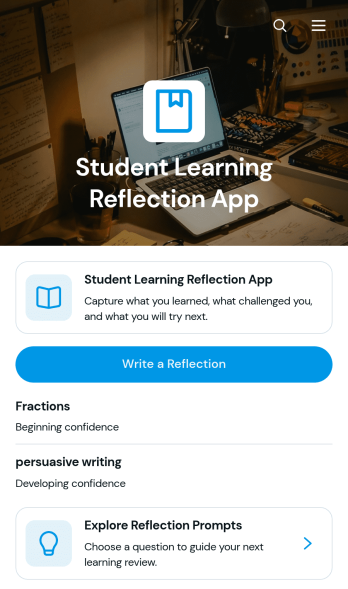
Student Learning Reflection App
The Student Learning Reflection App helps learners document what they studied, consider what challenged them, and identify a practical next step after a lesson or activity. It is useful for students, teachers, tutors, training providers, and educational programs that want to make reflection a consistent part of learning. Students can write reflections, explore prompts, and review entries organized by learning topic. Key details such as confidence and study format provide added context without making the process burdensome. The app works well for classroom lessons, independent study, tutoring sessions, project reviews, course checkpoints, and skill-development programs.Jotform makes this app template easy to adapt with a no-code app builder and an intuitive drag-and-drop interface. Educators can adjust pages, prompts, visual elements, and navigation to match a subject, grade level, or teaching approach. Connected forms and tables support data collection and keep reflection records organized within a practical workflow. Once customized, the app can be shared by direct link or QR code for convenient mobile access. Jotform App Templates also help schools and learning teams create branded self-service experiences that bring reflection activities and useful resources together in one accessible place.
Go to Category:Education Apps