
The Time Difference Calculator App is a ready-to-use resource for comparing times between locations and presenting the difference in a clear result view. It supports remote teams, international clients, travelers, event planners, educators, and service providers who need to coordinate across time zones. Users can enter relevant location details, calculate the difference, review results, and consult a time zone guide when additional context is needed. This focused experience reduces manual calculations, helps prevent scheduling mistakes, and makes it easier to plan meetings, deadlines, lessons, trips, support coverage, and virtual events.
Jotform Apps helps organizations turn practical tasks into accessible digital experiences without writing code. Start with this app template, then use the no-code app builder and drag-and-drop interface to adjust pages, navigation, content, colors, and fonts. You can connect forms and data collection tools, organize workflow resources, and provide convenient self-service access from phones, tablets, or computers. Jotform App Templates also make publishing simple, so the finished calculator can be shared through a direct link, QR code, or embedded experience for colleagues, customers, students, or community members.
Related templates
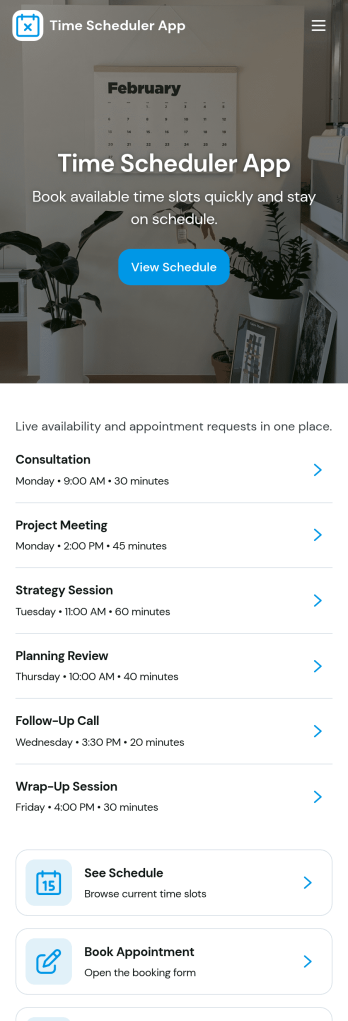
Time Scheduler App
Time Scheduler App helps individuals and teams publish available time slots and accept bookings in one simple place. It fits appointment-based businesses, shared resources, and anyone coordinating time-sensitive meetings, from consultants and tutors to clinics, salons, and small service teams. With clear actions like booking a slot, viewing open times, and checking availability, it reduces missed connections and keeps schedules organized without relying on scattered messages.Jotform makes it easy to turn this scheduling flow into a polished, shareable experience using its no-code app builder and drag-and-drop interface. Connect the app to your booking form for fast data collection, keep upcoming requests in one workflow, and share a link or QR code so people can self-service from any device. Customize pages, buttons, and branding to match how your schedule works, then update availability as your hours or capacity change.
Go to Category:Appointment & Booking Apps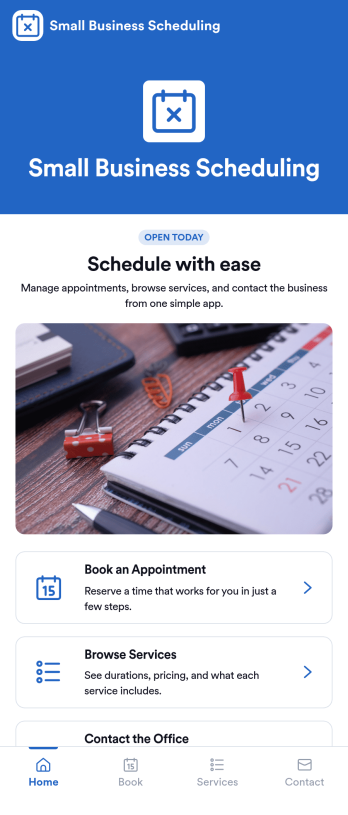
Small Business Scheduling App
A small business scheduling app helps service-based teams manage bookings in one place, so staff can see what’s happening today, add a new booking quickly, and keep customer requests organized. This template fits salons, studios, home service providers, consultants, and local shops that juggle multiple appointments and need an easy way to view schedules, capture booking details, and maintain a reliable list of upcoming work without relying on scattered notes or messages. With quick navigation to Today, New Booking, and an all-bookings view, it supports day-to-day coordination at the front desk or on the go.Jotform makes it simple to turn scheduling workflows into a polished, shareable experience using App Templates and a no-code app builder. Customize pages with a drag-and-drop interface, connect buttons to your booking form, and keep records organized through connected tables and request tracking. Publish your Small Business Scheduling App with a link for your team, update it anytime, and use Jotform for consistent data collection and smoother workflow management as your business grows.
Go to Category:Appointment & Booking Apps
Subcontractor Scheduling App
Subcontractor Scheduling App helps teams coordinate subcontractor workloads, assign jobs, and keep schedules visible in one place. It fits construction and home services businesses, project coordinators, and operations managers who juggle multiple crews, job sites, and changing timelines. With dedicated areas to schedule jobs, track availability, and share a job board, the app supports day-to-day dispatching without relying on scattered texts, spreadsheets, or last-minute calls.Built with Jotform, this app template turns scheduling into a simple self-service experience your team can keep up to date. Customize pages and cards with a drag-and-drop interface, connect the Create Assignment form to your workflow, and centralize ongoing data collection so assignments stay consistent and searchable. Share the app by link for quick access in the field, then update roles, branding, and navigation as your subcontractor network grows.
Go to Category:Construction Apps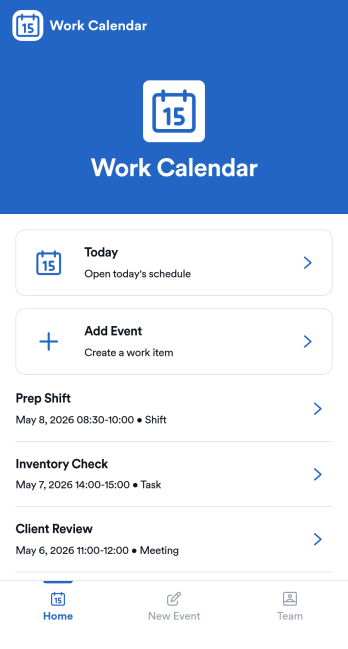
Work Calendar App
A work calendar app keeps schedules, shifts, and time-off needs in one place so teams know what’s happening today and what’s coming next. Use it to highlight today’s shift at a glance, view a weekly calendar for planning, and route upcoming requests to the right place, making it especially useful for managers coordinating coverage and employees checking their schedules. It fits retail, hospitality, clinics, field teams, and any workplace juggling rotating shifts, events, and schedule changes that need quick visibility without digging through messages.With Jotform, you can turn this work calendar app template into a branded self-service experience using a no-code app builder and a drag-and-drop interface. Connect buttons to forms for adding events and submitting requests, then organize updates in connected tables so your workflow stays consistent from request to review. Share the app through a link or QR code, collaborate on scheduling, and keep data collection and updates centralized as your team grows.
Go to Category:Daily Planner Apps
Youth Theatre Club Management App
Youth Theatre Club Management App brings performer registration, audition requests, rehearsal scheduling, attendance records, and production information into one accessible club management space. This app template is ideal for youth theatre coordinators, drama teachers, community arts groups, nonprofit program teams, and volunteers who need a clearer way to organize young performers and recurring activities. Families can submit registrations or club enquiries, while authorized team members can review performer details, add rehearsal sessions, record attendance, and maintain production records. By replacing scattered forms and disconnected updates with a consistent workflow, the app helps clubs reduce administrative work, prepare for rehearsals, monitor participation, and keep each production moving forward.Jotform App Templates make it easy to adapt this experience to the way a theatre club operates. Using Jotform’s no-code app builder and drag-and-drop interface, teams can customize pages, branding, navigation, and connected forms without writing code. Information can be organized in Jotform Tables, shared through a direct link or QR code, and supported by notifications and approval steps when needed. The finished app offers a mobile-friendly self-service destination for families and a practical operational resource for staff, helping everyone access relevant actions and information from one place.
Go to Category:School Management Apps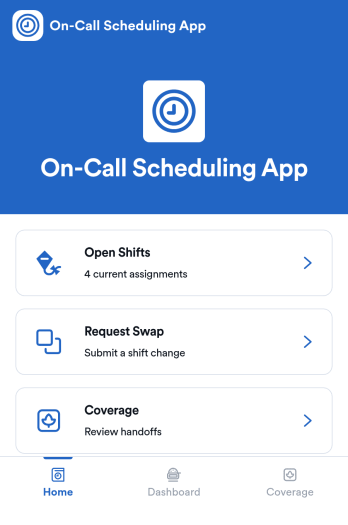
On-Call Scheduling App
On-Call Scheduling App helps teams coordinate after-hours coverage by giving staff one place to check open shifts, request a swap, and track coverage activity. It’s a practical fit for IT and operations groups, healthcare teams, maintenance crews, and any organization that runs rotating on-call duty and needs fewer missed handoffs. With dedicated areas for open shifts, swap requests, and coverage updates, the app keeps expectations clear and reduces confusion when schedules change at the last minute.Built with Jotform App Templates, this app template can be tailored in a no-code app builder using a drag-and-drop interface, so you can match your workflow without relying on developers. Connect pages to forms for fast data collection, route requests to the right people, and keep a simple coverage log that’s easy to review. When it’s time to roll it out, share the app in seconds for self-service access, and keep support handy with quick buttons for email or phone contact.
Go to Category:Information Technology Apps