أدوات مجانية لعرض المحتوى للمواقع الإلكترونية
اعرض المحتوى بوضوح واجذب الزوار باستخدام منشئ Jotform البسيط بدون كود.
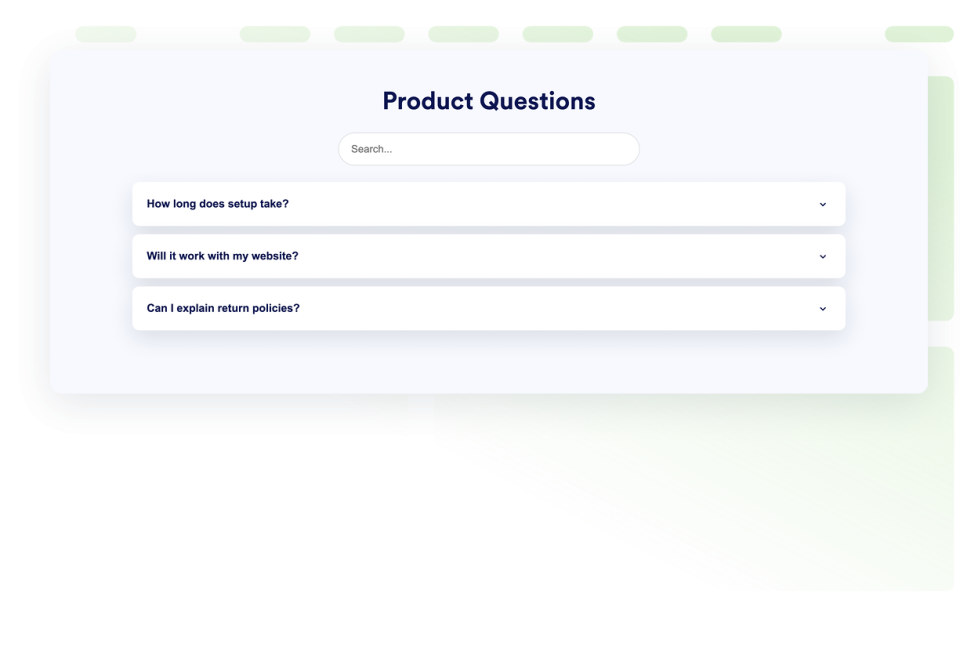
أسئلة متكررة ومتداولة
أضف أداة الأسئلة الشائعة قابلة للبحث إلى موقعك الإلكتروني. أنشئ أسئلة وأجوبة بأسلوب القائمة المنسدلة (الأكورديون) القابل للتوسعة مع تنسيق مخصص، وإجابات مدعومة بالوسائط، وتصميمات مرنة.
انتقل إلى الفئة:عرض المحتوىاستخدام الأداةأداة استطلاع الرأي
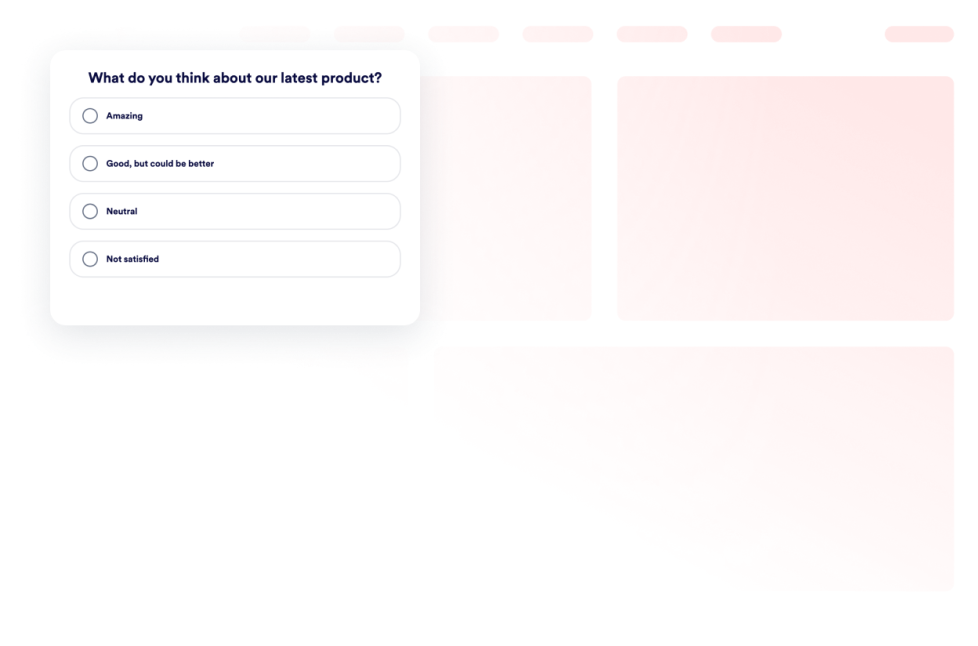
أضف أداة الاستطلاع إلى موقعك الإلكتروني. أنشئ الأسئلة، واجمع الأصوات، واعرض أعداد الأصوات أو النسب المئوية للنتائج، وخصص التصميم دون كتابة أي أكواد برمجية.
انتقل إلى الفئة:عرض المحتوىاستخدام الأداةأداة عرض الأفلام
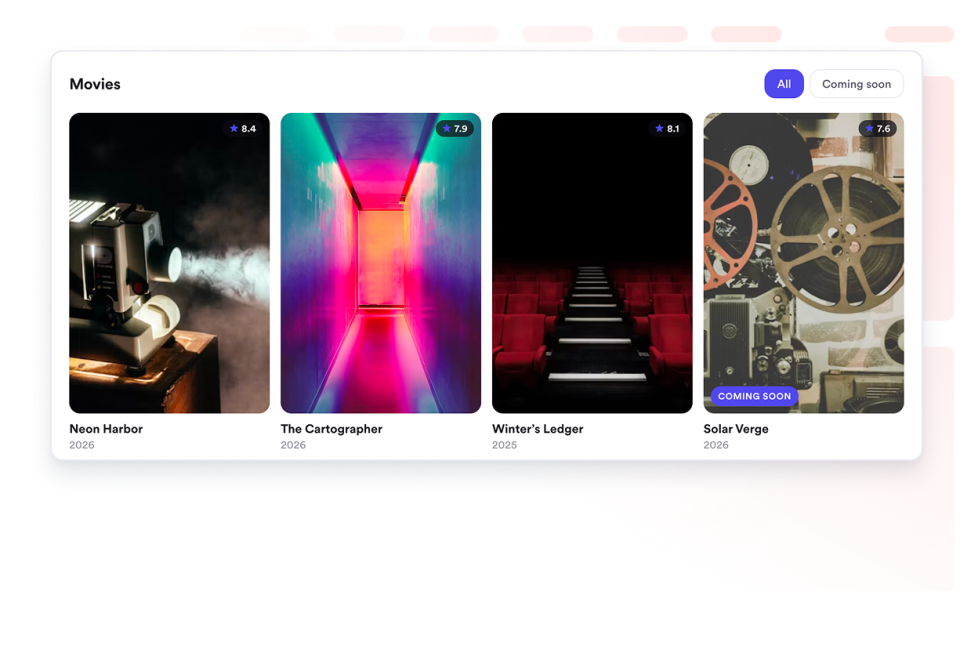
اعرض مجموعات الأفلام على موقعك الإلكتروني. أضف الملصقات والتقييمات والروابط في تخطيطات متجاوبة على شكل شبكة أو قائمة أو شريط تمرير.
انتقل إلى الفئة:عرض المحتوىاستخدام الأداةأداة الاقتباسات
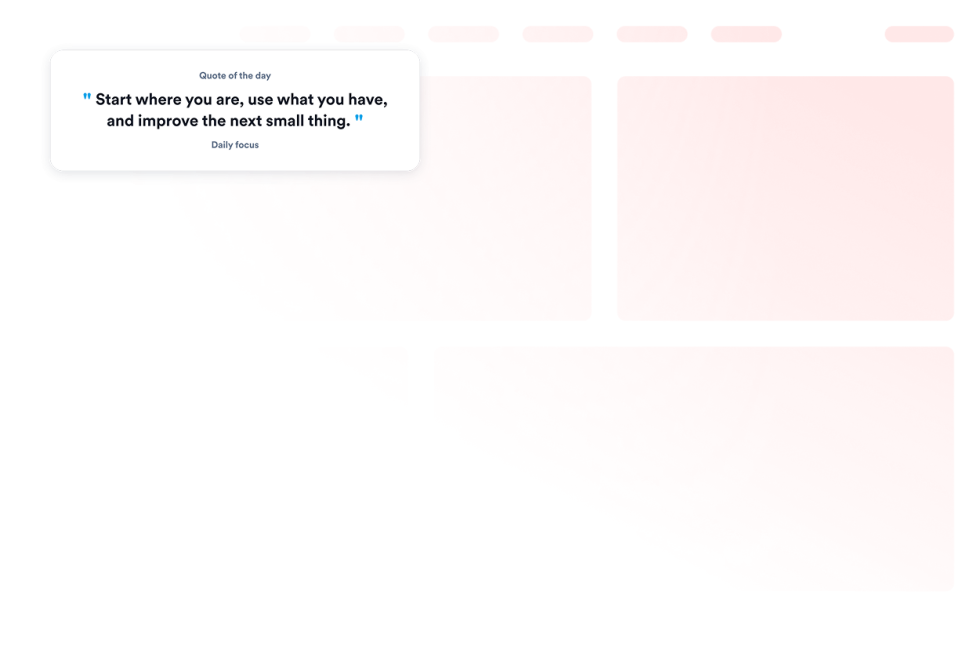
أضف أداة اقتباسات إلى موقعك الإلكتروني لعرض اقتباسات تحفيزية أو متعلقة بالإنتاجية أو القيادة أو الإبداع أو اليقظة الذهنية أو اقتباسات مخصصة، مع إمكانية التحكم في المظهر والخلفية ودرجة الظهور والحجم.
انتقل إلى الفئة:عرض المحتوىاستخدام الأداةشبكة
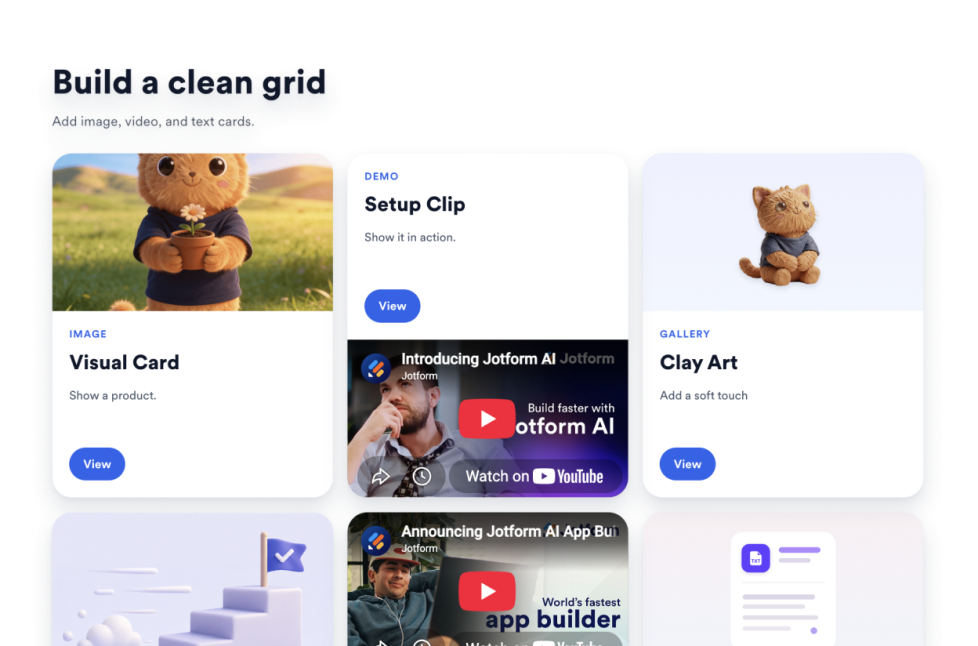
أضف أداة Grid إلى موقعك الإلكتروني لترتيب بطاقات الصور والفيديو والأيقونات والنصوص باستخدام التخطيطات والأعمدة والمسافات والروابط والأزرار وخيارات التنسيق.
انتقل إلى الفئة:عرض المحتوىاستخدام الأداةالكتاب المقدس
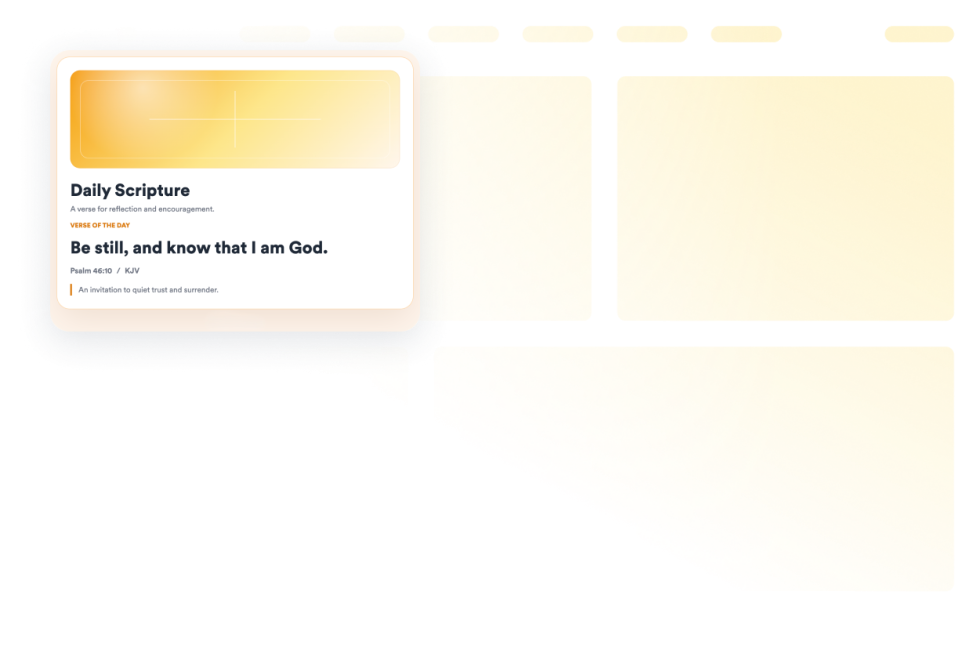
أضف أداة آية من الكتاب المقدس إلى موقعك الإلكتروني لعرض بطاقة نص مقدس عشوائية من KJV مع المراجع، والتأملات، والأعمال الفنية، وعناصر التحكم في التصميم.
انتقل إلى الفئة:عرض المحتوىاستخدام الأداةالجدول الزمني
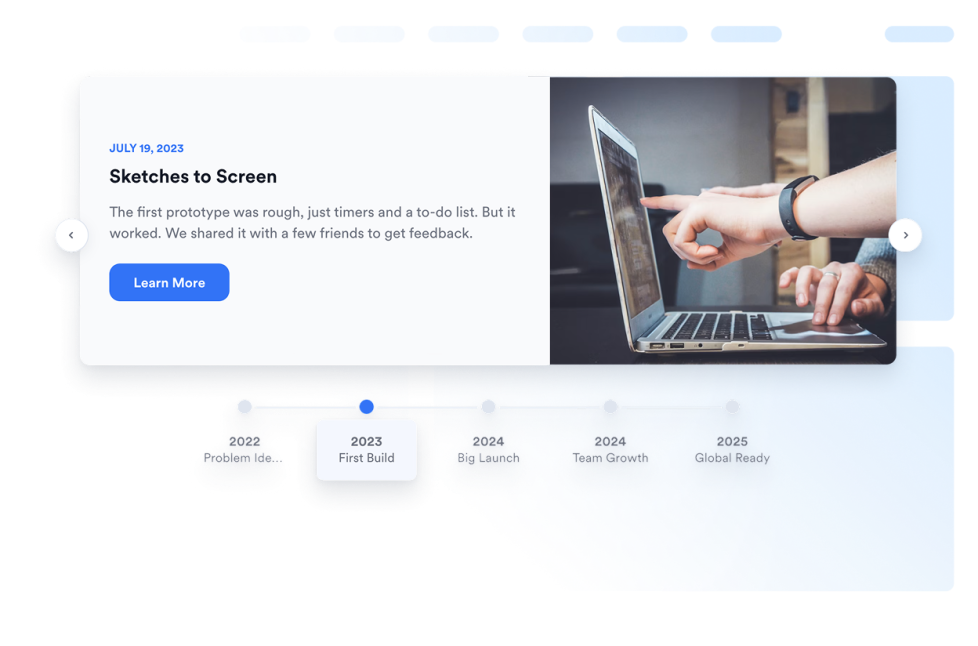
أضف أداة المخطط الزمني إلى موقعك الإلكتروني لعرض تاريخ الشركة، وإطلاق المنتجات، وجداول الفعاليات، والمحطات المهمة للمشروعات، والتحديثات في شكل قصص، مع إمكانية تخصيص التخطيطات، والعلامات، والألوان، والوسائط.
انتقل إلى الفئة:عرض المحتوىاستخدام الأداةمختار الألوان
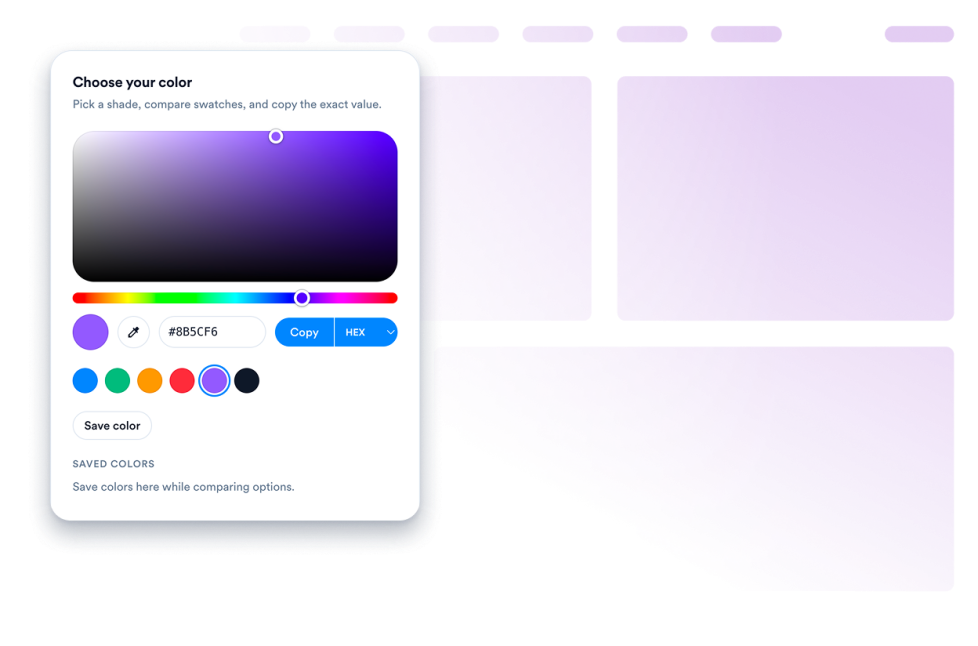
أنشئ أداة منتقي ألوان قابلة للتخصيص لموقعك الإلكتروني. اسمح للزوار باختيار الألوان، وعرض رموز الألوان، ونسخ القيم، ومطابقة لوحات الألوان باستخدام منشئ لا يتطلب كتابة التعليمات البرمجية.
انتقل إلى الفئة:عرض المحتوىاستخدام الأداةشريط تمرير بنمط الأكورديون
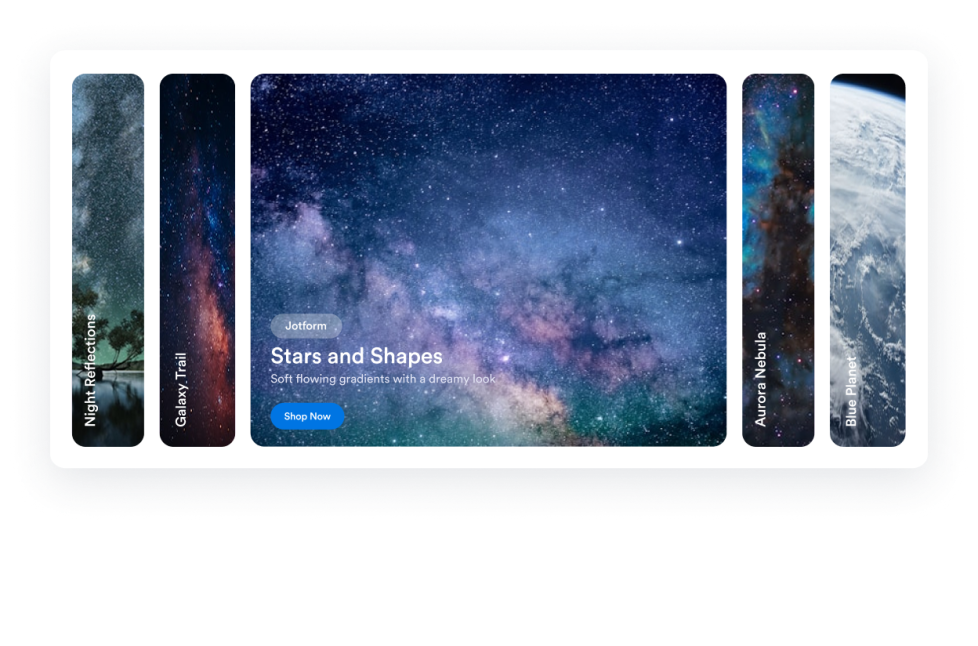
أضف أأداة شرائح الأكورديون إلى موقعك الإلكتروني لعرض لوحات الصور ومقاطع الفيديو القابلة للتوسيع، مع التفعيل عند التمرير أو النقر، وأزرار الإجراءات، والتشغيل التلقائي، والتراص المتجاوب، والأنماط المخصصة.
انتقل إلى الفئة:عرض المحتوىاستخدام الأداةحدث في مثل هذا اليوم
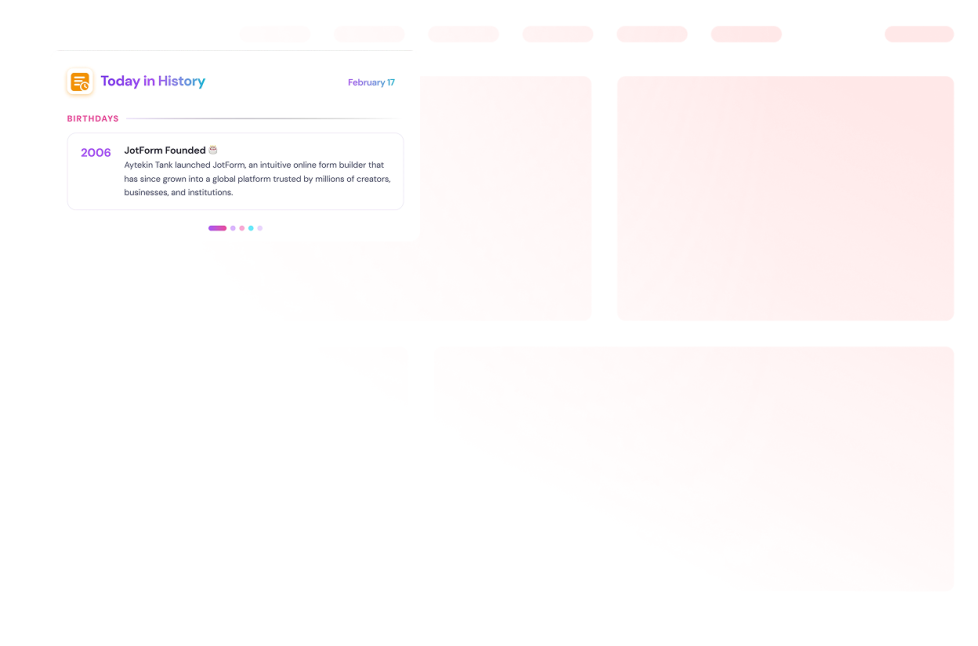
أضف أداة "حدث في مثل هذا اليوم" إلى موقعك الإلكتروني؛ حيث يمكنك عرض مقالات من ويكيبيديا مرتبطة بالتاريخ، واختيار الأقسام، وتحديد التواريخ، وتخصيص المظهر.
انتقل إلى الفئة:عرض المحتوىاستخدام الأداةنص ديناميكي
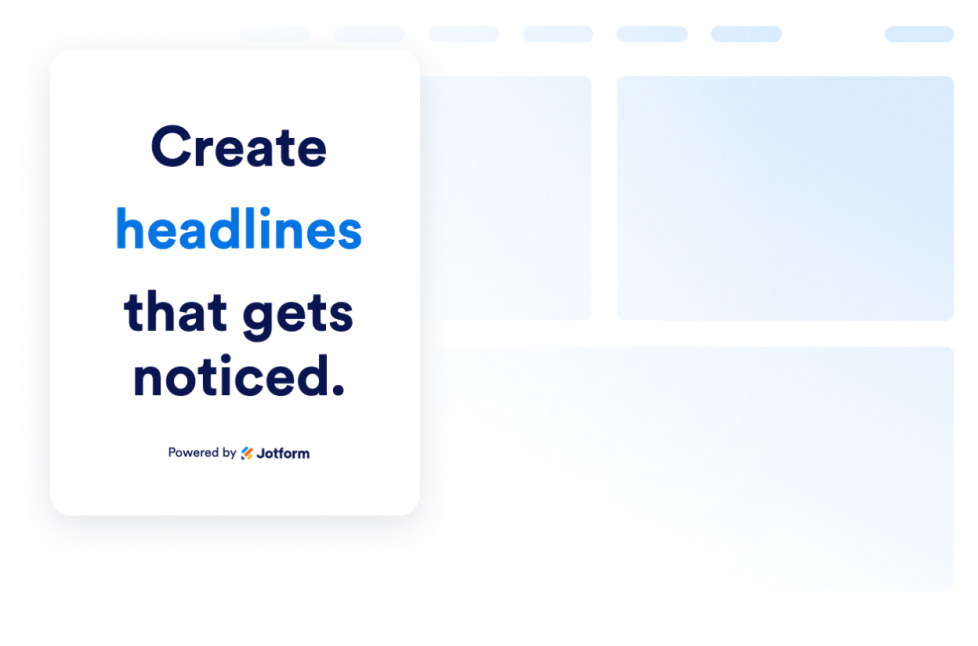
أنشئ أداة نص ديناميكي لتدوير عبارات العناوين الرئيسية، وتسليط الضوء على العروض، وتنسيق الرسائل المتحركة على المواقع الإلكترونية لأي جهاز.
انتقل إلى الفئة:عرض المحتوىاستخدام الأداةمقتطفات من الأكواد
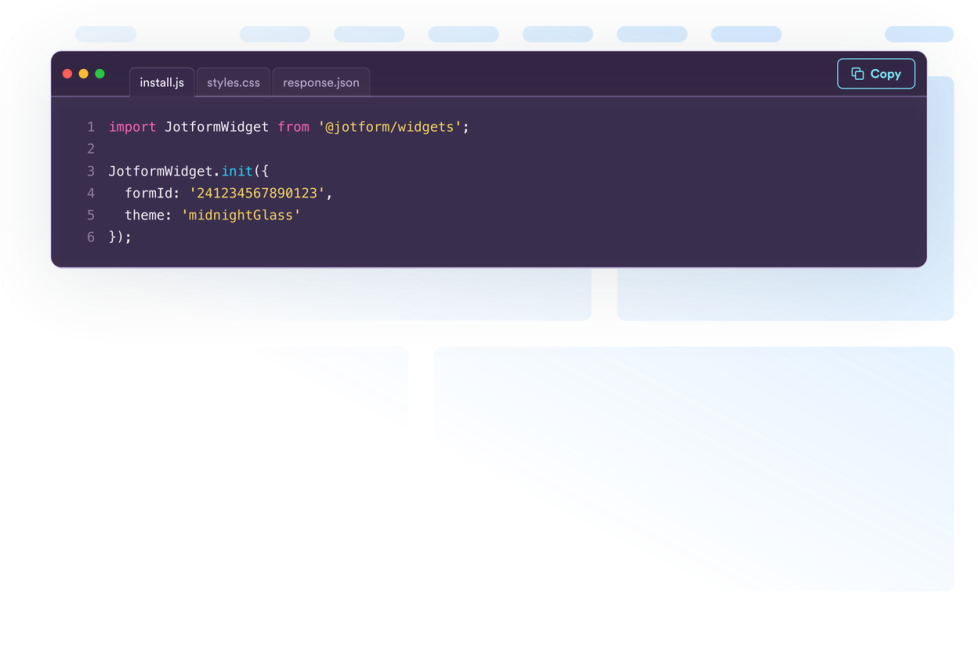
أنشئ أداة عرض المقاطع البرمجية مجانًا لعرض أمثلة HTML وCSS وJavaScript وAPI وغيرها الكثير. خصص التصميم وقم بتضمينه في أي موقع إلكتروني دون الحاجة إلى كتابة أكواد.
انتقل إلى الفئة:عرض المحتوىاستخدام الأداةمسرد المصطلحات
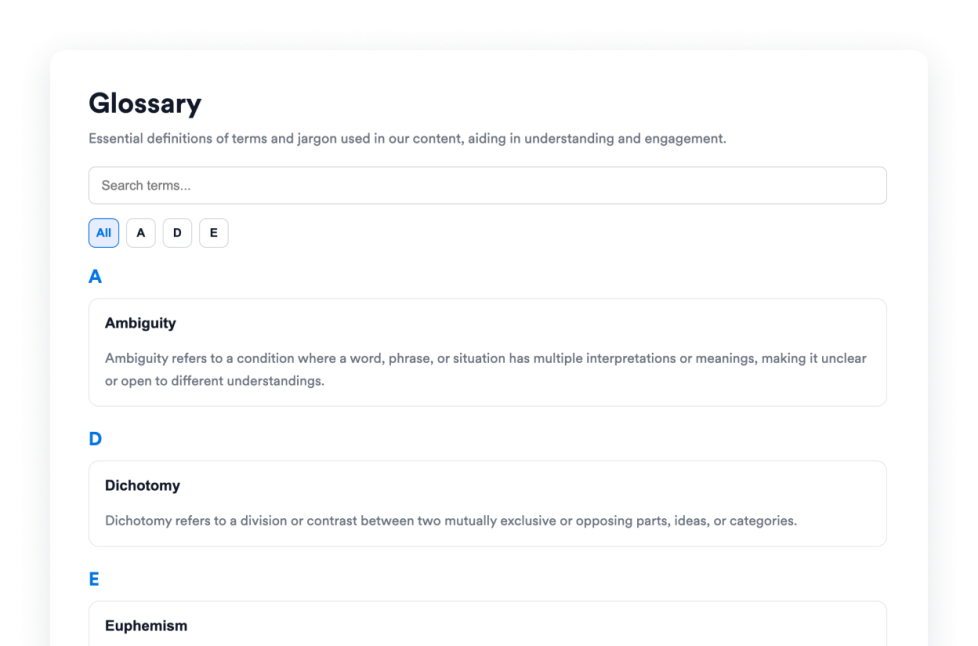
أضف أداة مصطلحات مجانية إلى موقعك الإلكتروني، تتضمن مصطلحات قابلة للبحث، وفلاتر من الألف إلى الياء، وتصميمات قائمة أو أكورديون، وتصميمات مخصصة لمراكز المساعدة والوثائق والدورات التدريبية.
انتقل إلى الفئة:عرض المحتوىاستخدام الأداةأداة لوحة الألوان
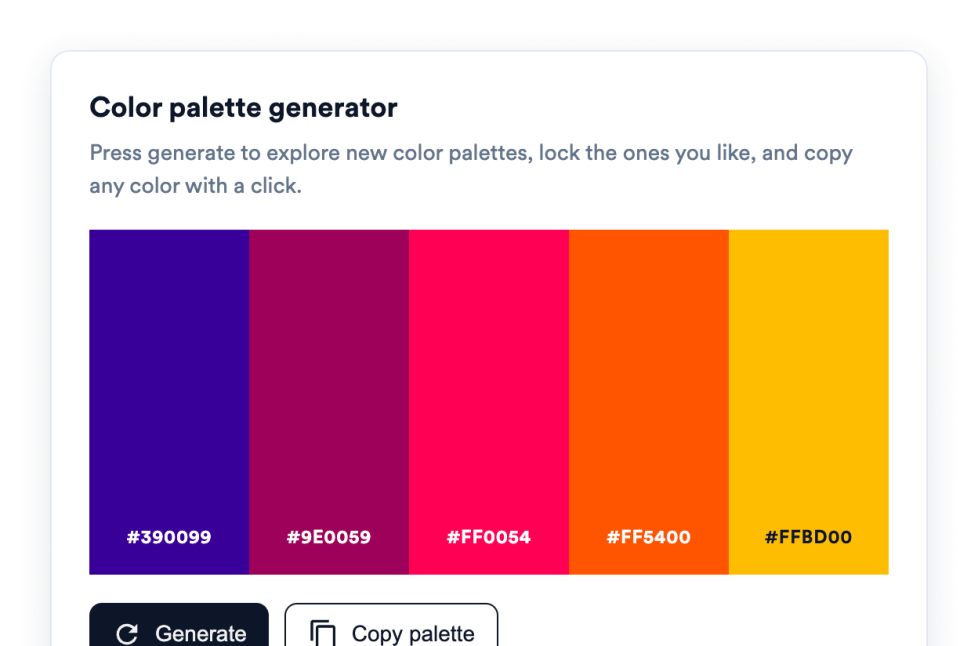
أضف أداة لوحة الألوان المتدرجة إلى موقعك لتمكين الزوار من إنشاء لوحات ألوان، وتثبيت الألوان التي تعجبهم، ونسخ رموز HEX بنقرة واحدة، دون الحاجة لكتابة أي كود.
انتقل إلى الفئة:عرض المحتوىاستخدام الأداةعفوًا، لم يتم العثور على نتيجة
No results match your search. Please try another keyword.
About Content Display Widgets
Content display widgets help you organize and present information on your website without custom code. These embeddable widgets can turn text, images, videos, data, and other information into sections that are easier for visitors to browse and understand.
With Jotform’s content display widgets, you can create FAQs, timelines, polls, content grids, glossaries, quote displays, code examples, dynamic text, and interactive image or video panels. They work well on business websites, landing pages, blogs, help centers, documentation pages, educational websites, portfolios, and online stores.
What can you do with content display widgets?
Content display widgets can help you:
- Organize common questions in a searchable FAQ
- Present company history, project milestones, or event schedules with a timeline
- Arrange text, images, videos, icons, links, and buttons in a content grid
- Build a searchable glossary with A-to-Z filtering
- Collect visitor opinions and display voting results with a poll
- Rotate headlines, announcements, or offers using dynamic text
- Display images and videos in an accordion slider
- Share formatted code snippets for tutorials and documentation
- Add interactive color pickers and color palettes
- Present quotes, movie collections, and other themed content in a structured format
Popular content display widget use cases
Content display widgets can be used wherever a website needs to present detailed information in a clear, compact format. An FAQ widget can organize answers on product, service, support, or policy pages. A Timeline widget can show a company’s history, an event schedule, product releases, or project milestones.
A Grid widget can arrange services, team members, resources, portfolio projects, images, or videos into a structured layout. For help centers, online courses, and documentation websites, a Glossary widget can make terms easier to search and browse, while a Code Snippets widget can display HTML, CSS, JavaScript, API examples, and other technical content.
Website owners can also use a Poll widget to ask visitors a question and display vote totals or percentages. Dynamic Text can rotate important messages or highlighted phrases, and an Accordion Slider can display expandable images, videos, descriptions, and buttons in a single interactive section.
Easy website widgets for any team
Embeddable content display widgets are useful for small businesses, marketing teams, educators, content creators, agencies, nonprofits, developers, online stores, and website owners that need to present information without relying on a developer or designer.
With Jotform, users can choose a widget, customize its content, settings, layout, and design, preview the result, and copy the embed code. They can then add the widget to a supported website editor or HTML section without custom code.
This makes it easier to add structured content to WordPress sites, website builders, custom websites, landing pages, blogs, and resource centers while keeping the design consistent with the surrounding page.
أدلة ذات صلة
To learn more about setting up and managing widgets, users can read Jotform’s guide on managing website widgets. The guide explains that users can create new widgets, edit existing widgets, copy embed codes, control widget visibility, and organize their widget assets from the My Website Widgets page.
Content Display Widgets FAQ
What are content display widgets?
Content display widgets are embeddable tools that organize and present website content in a clear, interactive format. They can display FAQs, timelines, polls, grids, glossaries, quotes, code examples, images, videos, and other information directly on a webpage.
What types of content can I display with these widgets?
Depending on the widget, you can display text, images, videos, icons, links, buttons, questions and answers, timeline entries, poll results, code snippets, color values, quotes, and movie information. Each widget provides settings tailored to its content type.
Where can I use content display widgets?
You can use them on landing pages, product pages, blogs, portfolios, help centers, documentation pages, online courses, event websites, and business websites. The right placement depends on what information visitors need and how you want them to browse it.
Do content display widgets require coding?
No. You do not need a developer or designer. You can customize the widget, copy the embed code, and add it to your website without custom code. The placement steps may vary depending on your website platform or page editor.


