

A quick guide to pick your ideal Quickbase alternative
- Jotform is for form-powered apps, approvals, and data collection
- Airtable is for a flexible spreadsheet-style database
- Smartsheet is for project and portfolio management
- Zoho Creator is for low-code custom apps in the Zoho ecosystem
- Microsoft Power Apps is for enterprise apps inside Microsoft 365
- Salesforce Platform is for CRM-driven enterprise apps
- Kissflow is for process automation and approvals
- Kintone is for database apps with built-in team collaboration
I’m that guy who tracks every aspect of their health. My smart ring is always on, and I order lab tests from multiple sources. But until I bring my data to my physician and he creates an action plan for me, I’m just sitting on a bunch of disconnected biomarkers.
For businesses, Quickbase is that physician. It’s a low-code platform that wrangles messy operational data into a single system, so teams can build internal apps, run workflows, and see what’s actually happening with their work.
Maybe you or your teammates aren’t super technical, making “low-code” less desirable. Or you just want a platform with a smaller price tag or a less complicated interface compared to Quickbase’s. In that case, you’ll want to shop around. Keep reading for what I consider the top Quickbase competitors, a list I’ve put together based on my experience testing apps, advice I’ve gotten from fellow builders, and word on the Reddit street.
What to look for in a Quickbase alternative
Just want my recommendations? Skip ahead.
The marketplace for work management platforms has grown considerably. So don’t go into your shopping experience without a sense of what you’re looking for. Otherwise, your search might take a while.
Here are all the details I considered while putting this list together:
- Setup complexity: Does this platform let you build apps without coding knowledge, or do you need some technical chops?
- Data structure and reporting: How does the platform handle data tables, the relationships between them, and the reports you pull from them?
- Data collection: What kinds of forms and portals can you build on the platform?
- Workflow automation: What automation and approval routing does it have out of the box?
- Views and dashboards: How can your team visualize the work? Are dashboards, calendars, and project timelines available? And within those views, is it easy to track your tasks?
- Integrations: Does it connect to the apps your team is already working with? Will you need an automation tool like Zapier or Make to extend what’s possible?
- Governance: Do the platform’s security features, such as permissions and compliance, meet your requirements?
- Cost: Are the plans affordable? Do plans get expensive as you scale? Are there platform minimums?
A high-level look at the 8 best Quickbase alternatives
I’ve noodled around in every app on this list or talked to someone who has. They range from lightweight alternatives to more full-blown enterprise solutions.
Note: The prices throughout this article reflect the cost of annual billing.
| Tool | Best for | Key features | Why it’s a good alternative | Pricing |
|---|---|---|---|---|
 Jotform |
Form-powered apps, approvals, and data collection |
Drag-and-drop app building, forms built directly into every app; no-code conditional logic |
Lets you collect requests, route approvals, generate documents, and take payments quickly, with an easy-to-use front end |
Free; paid plans from $34/month |
 Airtable |
Spreadsheet-style databases |
A relational database that behaves like a spreadsheet; eight ways to view the same records |
You get relational tables like you do with Quickbase, but it’s easier to use; anyone who can use a spreadsheet can build on it |
Free; paid plans from $20/seat/month |
 Smartsheet |
Project and portfolio management |
Project sheets with dependencies already built in; option to roll every sheet into a single status view |
You don’t have to assemble project management features from scratch |
Free 30-day trial; paid plans from $9/member/month |
 Zoho Creator |
Custom low-code apps in the Zoho ecosystem |
A scripting language made just for Zoho; native connections to 50 other Zoho apps |
You can customize your app beyond what’s possible in the visual editor and share data instantly with other Zoho apps |
Free 15-day trial; paid plans from $8/user/month |
 Microsoft Power Apps |
Enterprise apps inside Microsoft 365 |
Native ties to Microsoft tools; apps inherit your existing sign-in rules |
Workflows run seamlessly across Microsoft tools, and IT doesn’t have to secure a new system |
Free; paid plans from $20/user/month |
 Salesforce Platform |
CRM-driven enterprise apps |
Apps built on live customer data; option to get a cheaper license for staff who don’t need the CRM |
You can edit customer records directly instead of syncing them, without buying everyone a CRM seat |
Free 30-day trial; paid plans from $25/user/month |
 Kissflow |
Process automation and approvals |
Unlimited automated workflows on every plan; integrations with no per-connector surcharge |
Your bill doesn’t climb as your team automates more complex processes |
No publicly advertised free plan; paid plans from $2,500/month |
 Kintone |
Database apps with built-in team collaboration |
A comment thread on every record; field-level permissions |
Conversations about your data stay in one place, and you can control exactly who sees what data |
Free 30-day trial; paid plans from $24/user/month (minimum five users) |
1. Jotform
The best Quickbase alternative for no-code form-powered apps
Pros
- The easy drag-and-drop experience you get with Jotform’s Form Builder carries over to Jotform Apps, too.
- You can add forms to your apps. Users don’t have to clunkily navigate away from your app to submit info.
- Customize your app from scratch or start from one of more than 4,200 app templates.
- Need to capture a process while you’re on a job site or between meetings? Dictate your app ideas through voice prompts.
- Jotform offers 40-plus payment processor options (not just the major gateways), so your business can sell anywhere in the world. They don’t charge added transaction fees, either.
- Workflows built on Jotform don’t require coding knowledge, even if you’re adding conditional logic and parallel processing.
Cons
- It’s less suitable for enterprises that need bespoke solutions, like advanced relational databases or field-level security in forms.
- All plans but Enterprise are single-user. Only one person can be logged in at a time.
Jotform started as a drag-and-drop form builder back in 2006. All these years later, it’s evolved into a platform that lets you centralize everything that happens before or after form data flows in. I’ve found it easy to spin up apps with built-in forms and turn submissions into live, sortable databases. And from there, you can tap into more than 150 integrations to build workflows, including ones with e-signatures. I’m no guru at creating reports, but I can easily convert my data into a chart, table, or slide-ready visual and share it with anyone I’m working with.
Although this hasn’t bugged me, collaboration is more limited. And if you need to enforce field-level permissions or other intricate permissions structures, you won’t find that on Jotform. But for building and shipping apps quickly without having to wait on IT, it’s a great choice.
That prompt-based building experience is also available through ChatGPT and Claude. With Jotform App Builder for ChatGPT and Claude, you can describe a request and approval app, employee onboarding portal, inventory tracker, or client intake hub and generate a ready-to-use first version within your AI workspace.
Continue the conversation to customize its layout, forms, widgets, and branding; manage app users, access permissions, and collected data; and configure payments, workflows, and automation. Connect now to build, publish, and share apps with Jotform App Builder in ChatGPT and Claude.
Pricing
- Free plan: Build as many apps as you want, with up to five forms. Limited to 100 total submissions per month.
- Standard paid plans: From $34 per month to $99 per month, you can increase limits, such as how many forms you build, the number of payments you accept, and storage space.
- Enterprise plan: Custom pricing unlocks multiple teams and users, professional form and workflow building services, dedicated support, and more.
Pro Tip
In seconds, the Jotform AI App Builder can make you a production-ready app that matches your branding and runs on phones, tablets, and desktops so you can reach your audience wherever they are. Try building an app for free.
2. Airtable
The best Quickbase alternative for flexible, spreadsheet-style databases
Pros
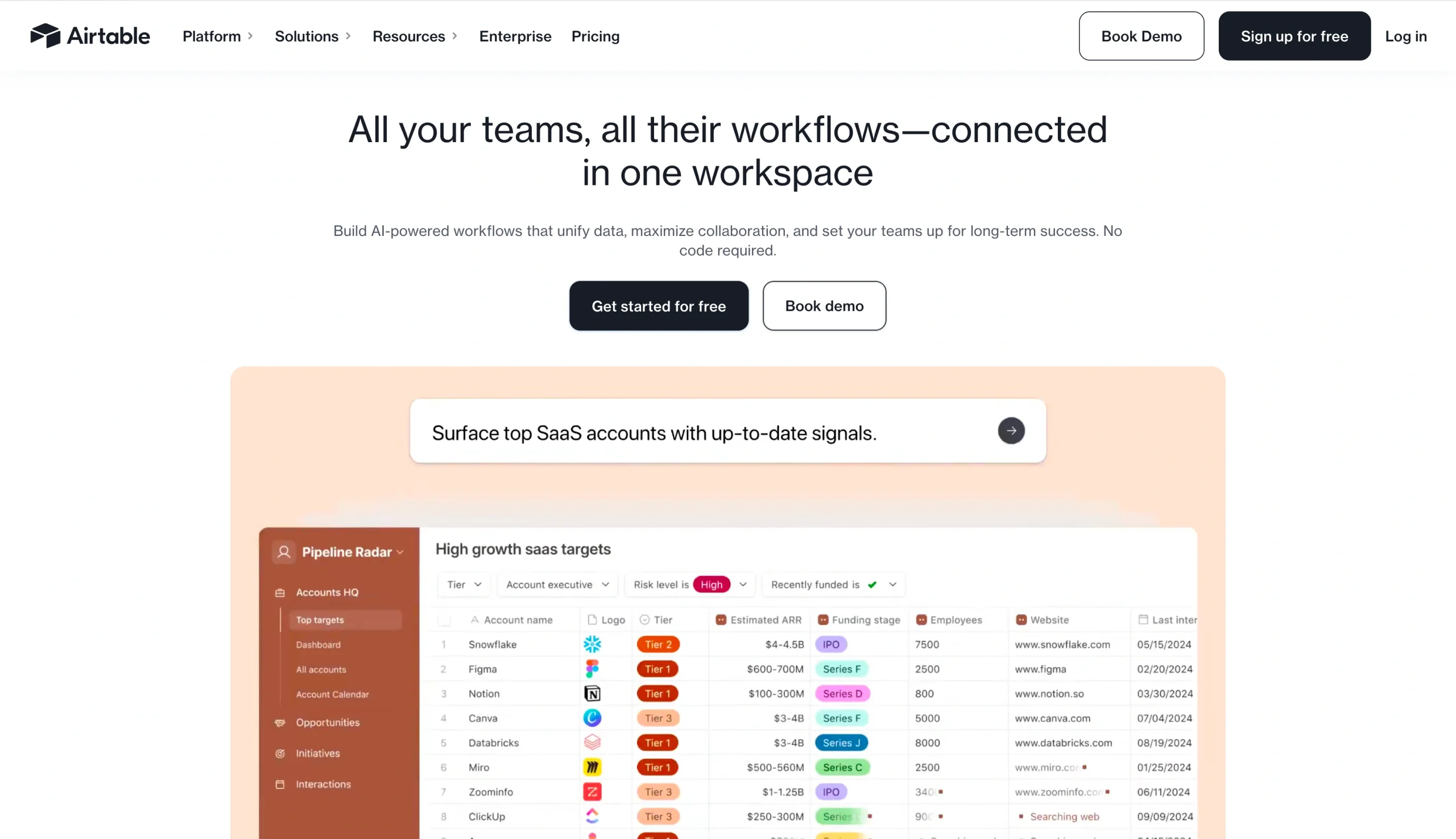
- It’s a relational database that’s as easy to use as a spreadsheet. Linking a record in one table to a record in another takes just a couple of clicks.
- There are eight ways to view the same data, including a grid, a kanban board, a calendar, and a timeline, so each person on your team can work in whichever one suits their job.
- Its AI builder can spin up tables, fields, and interfaces from a simple, plain-language description.
- The Free plan is pretty generous: You get unlimited databases and 1,000 records on each.
Cons
- You can only build portals on paid plans. Even then, it’s a paid add-on and you buy external-user seats in bundles.
- Any time you create records, analyze items or documents, conduct web searches, or generate images with the AI builder, you consume AI credits. It’s easy to blow through limits if you’re not careful.
- Some users have reported performance issues on databases with a lot of records.
In my line of work (writing), I have to have a content queue to keep my assignments straight. Mine lives in an Airtable database, a neat grid that organizes my assignments by status and keeps a rich history of everything I’ve published. For a quick way to interact with all my records, Airtable’s AI builder, Omni, lets me layer reporting and interface views on top of the tables so I don’t even have to touch the grid to update a record.
For a one-person operation or a tight-knit team, that’s plenty. If you’re shopping for a department, the cost or capacity might hinder you. Heavy AI usage can add up on your bill. And even though I haven’t personally tested this, I’ve heard that if your database exceeds 100,000 records, especially if it’s packed with linked records that connect your data, you could experience performance lag.
Pricing
- Free plan: Build unlimited databases, visualized in eight different ways. Caps you at 1,000 records per database. Comes with Omni, but limits you by credit usage.
- Standard paid plans: For $20 per seat, per month or $45 per seat, per month, you get more records per database, more automation runs, and more AI credits. You can also buy AI credit packs if you go over.
- Enterprise plan: Custom pricing unlocks AI credits per user, making app building more economical. Plus, governance like audit logs and advanced admin controls.
Pro Tip
Like Airtable but want to weigh other options for collaborative project management? Check out these 15 additional Airtable alternatives.
3. Smartsheet
The best Quickbase alternative for project and portfolio management

Pros
- If your team already uses Excel, Smartsheet’s grid structure will be familiar to them.
- Project sheets come preloaded with columns for dependencies, predecessors, and percent complete, so you don’t have to design a plan from scratch.
- You can roll dozens of individual project sheets into one status view, which makes it easy to identify work that’s slipping across the portfolio.
- Capacity planning shows you who’s booked across every project, so you can catch details like one person being assigned to three things at once.
- You can bundle sheets, dashboards, and forms into a single app for your team, so nobody has to hunt to find their tasks.
Cons
- The best project management features are unlocked on higher paid plans or sold as premium add-ons. So your total cost might be more than you think.
- There’s no free plan. The 30-day trial comes with Business plan features, but when it ends, your sheets go read-only for a month, then get deleted.
- If your team is not comfortable with Excel, learning how to use Smartsheet may take some time.
When your team has many projects going on at once — say, 40 store remodels or hundreds of client onboarding tasks — you want to be able to see progress and risks at a glance. You could build that on Quickbase, but it would likely involve a lot of schema design.
Smartsheet gets you there faster. A project sheet already comes with dependency columns, so you don’t have to design that in. You can roll your sheets into a single view that provides the project status and shows you who’s booked on multiple projects at once. WorkApps, their app builder, can centralize all your projects in an app, so as with Omni, your team doesn’t have to dig through a bunch of sheets to find their tasks.
The catch is that these features are gated behind higher-tier plans or even premium add-ons. And I’ll be the first to admit that its complex grid structure flusters me. I don’t particularly enjoy Excel, and if your team is the same, they may have a steep learning curve ahead of them.
Pricing
- Standard paid plans: For $9 per user, per month or $19 per user, per month, you can build unlimited sheets. “Members” refers to anyone with edit access to databases (not read-only viewers, which are free and unlimited). The higher tier unlocks unlimited automations.
- Enterprise plan: Custom pricing brings you features like enterprise-grade security, user management, and more AI tools.
- Advanced Work Management plan: Custom pricing. An all-inclusive tier with even more premium apps than Enterprise. Includes solutions for large project portfolios and multi-project roll-ups.
Don’t love the learning curve associated with Smartsheet? You’ve got choices. Read about the 16 other Smartsheet alternatives we recommended this year.
4. Zoho Creator
The best Quickbase alternative for low-code custom apps inside Zoho
Pros
- The free 15-day trial lets you test any paid plan, including Enterprise, so you can try advanced governance features before committing.
- If you’re already on Zoho One, the all-inclusive suite, Zoho Creator comes with your account.
- Zoho Creator’s visual workflow builder handles common automations without code.
- Zoho has its own scripting language that lets you extend what you can build visually.
- They also offer Flex, a high-tier alternative to the Enterprise plan. It’s useful if your organization has nonstandard needs, such as a lower tier with high-end add-ons.
Cons
- Portals are limited on the lower paid tiers, so they’re not great for external use until you reach Enterprise. Custom domains and rebranded mobile apps are paid add-ons below that.
- People report slow response times from Zoho Support, which can sting if you’re stuck on a problem you can’t work out yourself, such as issues related to the Zoho-specific Deluge language.
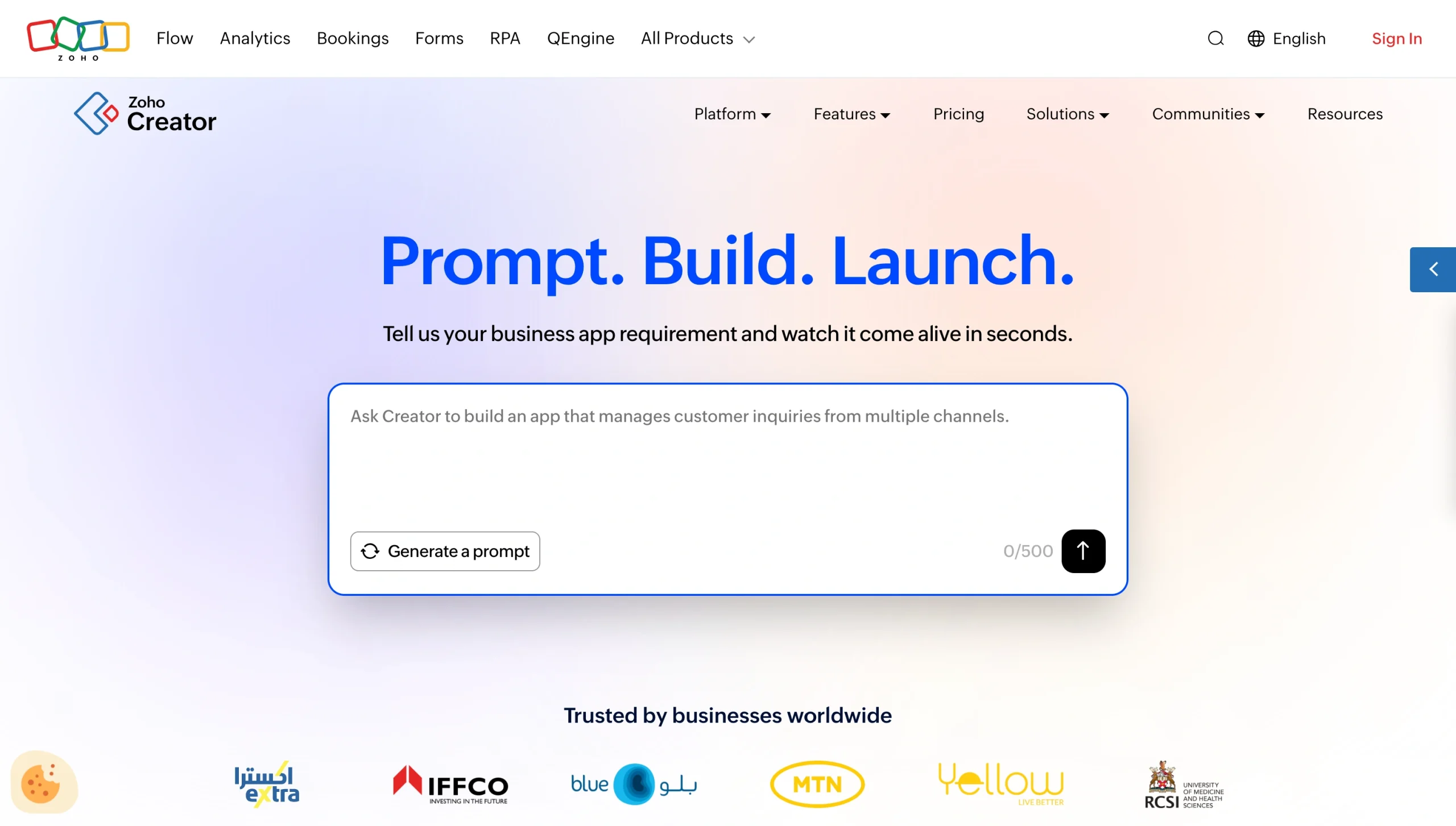
Businesses loyal to Zoho praise how highly integrated the platform is. It bundles nearly 50 different apps, including Zoho Creator, their app builder. To test it out, I created an inventory monitoring system for my boyfriend’s water softener installation business, and it provided an app with forms, approvals, and notifications from the simplest of prompts.
If you want to extend its automation capabilities, you (or, if you’re not technical, a developer) can use Deluge. That’s Zoho’s scripting language, and it lets you circumvent the annoying parts of connecting apps that you’d have to do with regular code, like OAuth authentication, webhooks, and complex API payloads.
If you’re not technical at all, though, that might be a deal-breaker. And even if you are, the fact that Deluge is specific to Zoho can come with its own set of problems. People have reported slow response times from Zoho Support, so if you need help customizing a complicated workflow with form actions, field actions, schedules, and functions, you may be on your own for a while.
Pricing
- Free plan: This differs from the free 15-day trial they offer. This is free forever, but it limits you to one user and one app.
- Standard paid plans: For $8 per user, per month or $20 per user, per month, you get features like developer tools, activity logs, and user roles and permissions. It’s worth noting the lower tier limits you to one app, but the higher tier opens the possibility for unlimited apps.
- Enterprise plan: For $25 per user, per month, you can collect payment on any tier, but Enterprise unlocks white-labeled, scalable portals plus more workflow, security, and integration options.
- Flex: Custom pricing is an à la carte option where you can hand-pick features and limits based on your business needs.
5. Microsoft Power Apps
The best Quickbase alternative for enterprise apps inside Microsoft 365

Pros
- It integrates natively with major Microsoft tools, so you’re not stuck maintaining brittle connectors.
- It handles data structures through Microsoft Dataverse, a relational database built for massive enterprise systems. It can handle large datasets smoothly, with row-level security.
- Microsoft Entra ID governs sign-in access. Your apps inherit the rules already protecting the rest of your stack.
- IT can see every app that’s been built, and they can control what data those apps touch.
- Pay-as-you-go billing through Azure lets you pilot an app without committing to seats.
Cons
- Citizen developers can build basic apps, but setting up complicated workflows will likely require help from IT.
- Licensing can get complicated, so you’ll want to budget for training that covers that as well as security and storage.
For companies that rely on Microsoft, Power Apps is a strong choice. It connects natively to Microsoft tools, so you don’t have to deal with weak connectors. For example, say a manager submits a new-hire request in an app you build. That can kick off a flow that creates a OneDrive folder, sets up onboarding tasks in Planner, and writes the results back to your app. And you can set up a Power BI dashboard to see every hire in progress at once.
Even though Quickbase offers solid controls of its own, Microsoft comes with more. Power Apps integrates deeply with Microsoft Entra ID, a system for securing your company’s digital tools. The same rules governing every other Microsoft product your company uses also cover the apps you build. And with the Power Platform Admin Center, IT can see every app that’s been built and control what data it touches.
Still, Power Apps isn’t the easiest platform to learn, so you may need to lean on IT for help. And because licensing is complicated, costs can be difficult to predict. It’s worth training your team on how licensing, security, and storage work together on the Power Platform.
Pricing
- Free plan: Comes with three developer environments and 750 automation flows per month for building and testing apps. Not meant for running production apps, though.
- Standard paid plans: $20 per user, per month with some newer agentic and AI features, or $12 per user, per month with a 2,000-seat minimum.
- Pay-as-you-go: $10 per active user, per app, per month, billed through Azure. Lets you build and share apps without committing to licenses up front, then pay only when users actually use them.
6. Salesforce Platform
The best Quickbase alternative for CRM-driven enterprise apps
Pros
- You can build directly on live Salesforce records with read-write access rather than maintaining a separate copy of that data in another app platform.
- The platform’s automation builder can easily handle approvals and record updates without code.
- Platform licenses cost a fraction of full CRM seats. Those who need the custom app but not the CRM don’t have to buy CRM seats.
- There are tons of visual building features with thousands of prebuilt components to choose from, but Salesforce also has a custom programming language, letting you work more customization into your apps if you hit a ceiling.
Cons
- There’s no free plan for running a real app. You get a 30-day trial and a free Developer Edition that’s meant for building and testing rather than running your business.
- Although it opens up your possibilities, their programming language requires actual coding knowledge. You’ll need a developer to use it.
- Licensing comes in layers. API access is an add-on below Enterprise, and premium support runs a percentage of your license fees.
- Unless your data already lives in Salesforce, the platform is likely overkill.
- Managing two license types (CRM and Platform) can be an administrative chore.
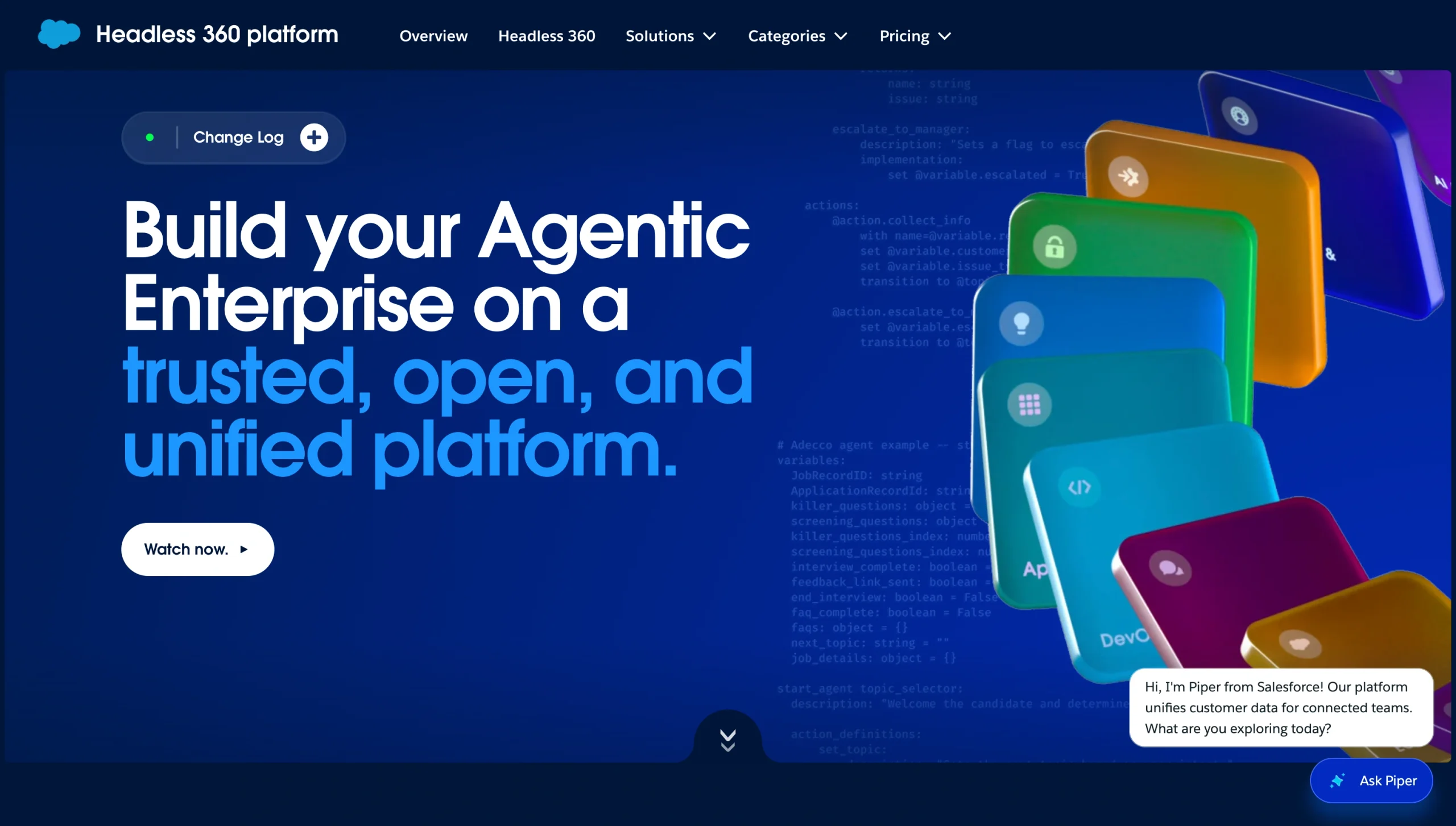
Maybe you need an app that revolves around customer data you’ve already stored in Salesforce. Quickbase can create connected Salesforce tables, but those fields are read-only. You can’t edit Salesforce data in them, so if you need to push changes back, you’d have to add workflow logic. That’s an unnecessary layer when you can just build an app right where your data lives with their app builder, Salesforce Platform.
Salesforce is a massive ecosystem that teams usually spend extra money on, either for training or getting Salesforce-specific devs to work on it. You’ll want to factor that cost into your decision. And the more customized your app is, the more you’ll need Apex, their proprietary coding language. It’s more complex than Zoho’s Deluge, so you’ll need to lean on a programmer for help. And although Platform seats are cheaper than CRM seats, API access, support, and sandboxes are all priced separately.
Pricing
- Standard paid plans: For $25 per user, per month or $100 per user, per month, you get the app builder, no-code automation, and read-write access to your CRM data. The lower tier caps you at 10 custom objects. The higher tier raises that to 110.
7. Kissflow
The best Quickbase alternative for process automation and approvals

Pros
- Every plan comes with unlimited automated workflows.
- Kissflow is built around approvals: When you submit a request form, it routes to the right people in the right order.
- There’s one flat plan that includes a set number of users, so pricing is more predictable than other options on this list.
- Kissflow doesn’t add per-connector surcharges, nor do they charge if someone uses an AI feature or moves data between apps.
Cons
- The most basic plan costs $2,500 per month. There’s no free plan and no self-serve option, at least not ones they advertise.
- There are about 40 prebuilt connectors. Anything outside that list means building the connection yourself, which requires technical help.
Most platforms on this list give you a database and let you add workflows on top of it. Kissflow is designed for building processes first, which makes it easier to build, monitor, and improve the repeatable ones. Kissflow also logs every action along a workflow’s path, which gives you a clear paper trail you can audit later. If requests keep stalling in the same place, you can pull the history and adjust your process accordingly.
What that costs you is flexibility on price. The lowest Kissflow tier is $2,500 per month. And even though the prebuilt connector list covers some big names, anything outside it requires building a connection yourself.
Pricing
Kissflow doesn’t explicitly list prices on its website. For a true quote, you’ll need to contact their sales team. But one page on their site from June 2026 mentions the following:
- Basic plan: Starts at $2,500. That covers a set number of users with workflow automation, app building, governance, and standard integrations.
- Enterprise plan: Custom pricing unlocks advanced governance, custom integrations, and dedicated support.
8. Kintone
The best Quickbase alternative for database apps with built-in team collaboration

Pros
- Every record carries its own comment thread, so questions about the data live right beside that data.
- You can group related apps into a single shared area along with a message board, announcements, and assignments.
- Permissions are granular. Set them by department, workspace, and app, down to individual records and fields.
- Process management handles branching criteria and all-or-any approvals, with full status history on every record.
- You can convert an existing spreadsheet into an app or start from the prebuilt app library.
Cons
- The mobile apps use the same dense layouts as the desktop version. Checking a record on your phone is fine, but filling out a long form will require lots of scrolling.
- The visual builder covers forms, views, filters, permissions, and approvals. Anything past that will require building it with code.
- The five user minimum puts the real floor at $120 per month.
Although Kintone seems like it overlaps with Airtable, Kintone is closer to a collaborative layer wrapped around a database. I love that each record has its own conversation thread. That lets you mention coworkers, post updates, and ask questions right where the data lives instead of in a disconnected chat message colleagues would have to hunt to find. And with Spaces, you can bundle multiple apps with a message board, announcements, and assignments, so every department or project can have its own workspace.
On mobile, the native apps reproduce the desktop’s dense layouts. And no-code customizations are limited. You can do things like build forms, views, filters, permissions, and multistep approvals visually, but changing how something behaves will require more technical skill.
Pricing
- Paid plan: $24 per user, per month. There’s a five-user minimum, so $120 per month is your actual starting price. You get everything in one plan: an app builder, spaces, granular permissions, process management, API access, and a security pack.
Interested in similar no-code platforms? Read our post on the 10 best Kintone competitors in 2026.
Why Jotform is the best Quickbase alternative for form-powered workflows
Quickbase isn’t the only platform in town for building apps. And depending on what you’re actually building, it may be more than what you need. Jotform has all the essentials covered, and none of it requires code:
- Jotform Tables for managing operational data
- Jotform Workflows for routing submissions
- Jotform Sign for collecting signatures
- Jotform Report Builder for visualizing your submission data
Anything you create is sharable, too, by link or QR code.
Ready to create your first no-code app or workflow? Get started with Jotform today.
FAQs about Quickbase alternatives
Yes. Most (but not all) of the apps on this list come with free plans or trials. You just have to factor in plan limits. And the free plans that come with Jotform and Airtable are generous enough to run something real on.
Quickbase’s paid plans start at $35 per user, per month. Several options on this list come with less expensive per-user costs. But you’ll want to evaluate the plan tiers to see which fulfill your other needs. A lower per-user cost doesn’t help you much if the features you want sit behind a higher tier or premium add-on or aren’t available at all.
It’s a low-code platform. It comes with visual building capabilities, but the platform is designed with the assumption that you’ll eventually write formulas, define relationships between tables, and configure automations that require some coding. Most platforms on this list are low-code, too. They just vary in how quickly you hit the ceiling of what you can build without coding.
Jotform is the best alternative. You build a form, let submissions flow into a database as records, and a workflow routes each one from there with approvals, e-signatures, payments, and documents. You don’t need to know how to code to build in any of those steps.
This article is for operations managers, project managers, department leads, IT admins, and citizen developers who use Quickbase for internal apps, databases, workflows, or reporting but want a simpler, more affordable, or more flexible alternative.


























Send Comment: