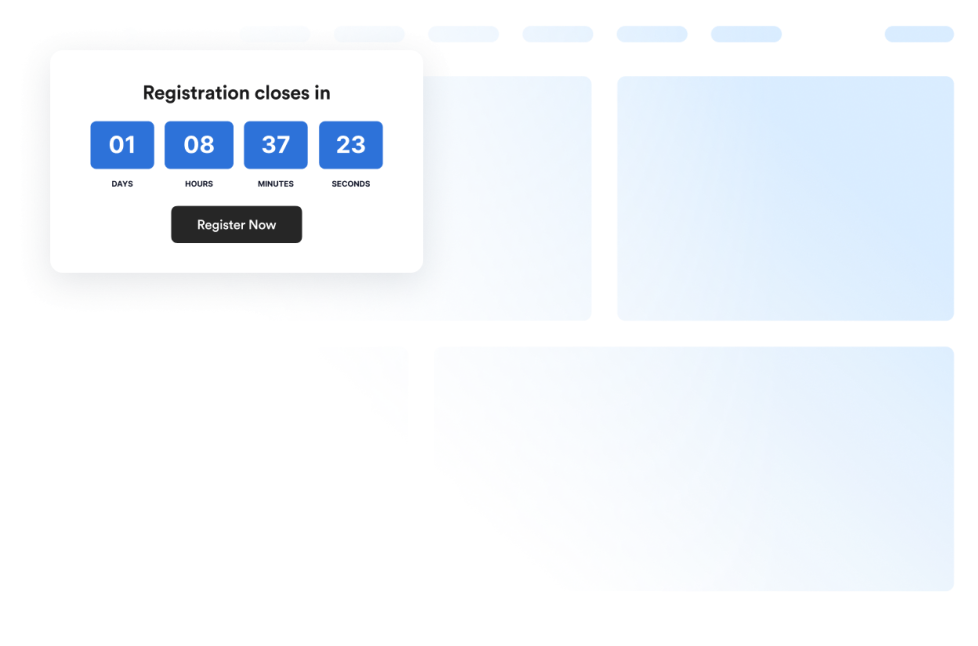
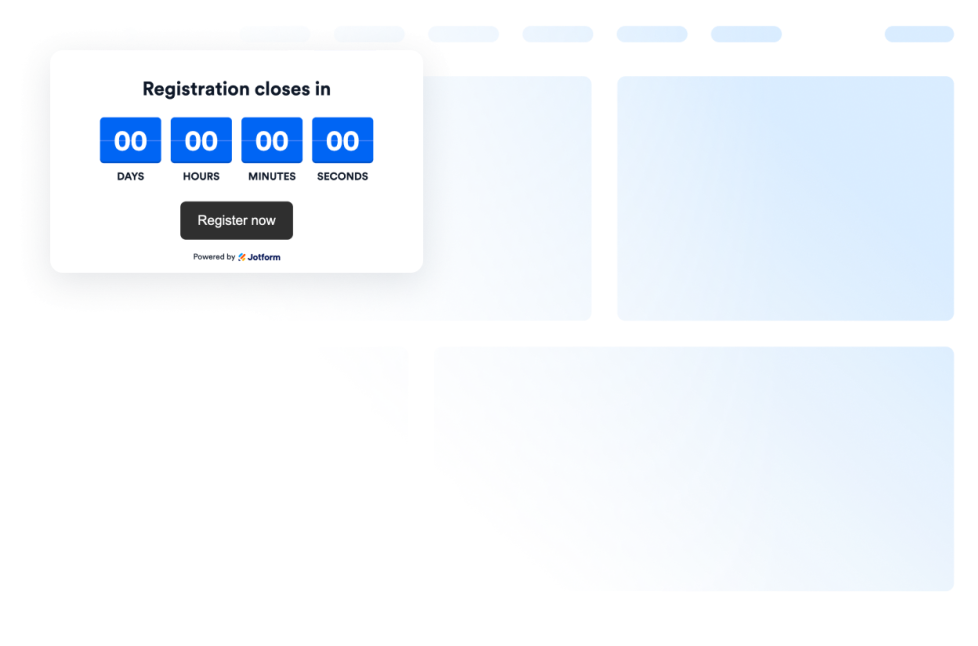
Counter widgets help you display important numbers, milestones, visitor activity, and time-based information on your website without custom code. These embeddable widgets can count down to a future date, count up from a past event, or highlight statistics and achievements.
With Jotform’s counter widgets, you can create visitor counters, countdown timers, animated number counters, birthday countdown clocks, and count-up displays. They work well on landing pages, event websites, product pages, campaign pages, nonprofit websites, portfolios, blogs, and business websites.
What can you do with counter widgets?
Counter widgets can help you:
- Display page activity with a customizable Visitor Counter
- Count down to a launch, event, deadline, promotion, or special date
- Highlight milestones and statistics using an animated Number Counter
- Add prefixes or postfixes such as currency symbols, percentages, and plus signs
- Include icons, labels, and links with displayed statistics
- Connect supported number counters to JSON-backed values
- Create a Birthday Countdown Clock that repeats annually
- Show elapsed time since a launch, anniversary, streak, or milestone
- Present important numbers in a compact, easy-to-scan format
Popular counter widget use cases
Counter widgets can be used when a date, duration, or number deserves more attention on a webpage. Businesses and creators can add a Countdown Timer for a product launch, registration deadline, event, campaign, or limited-time promotion.
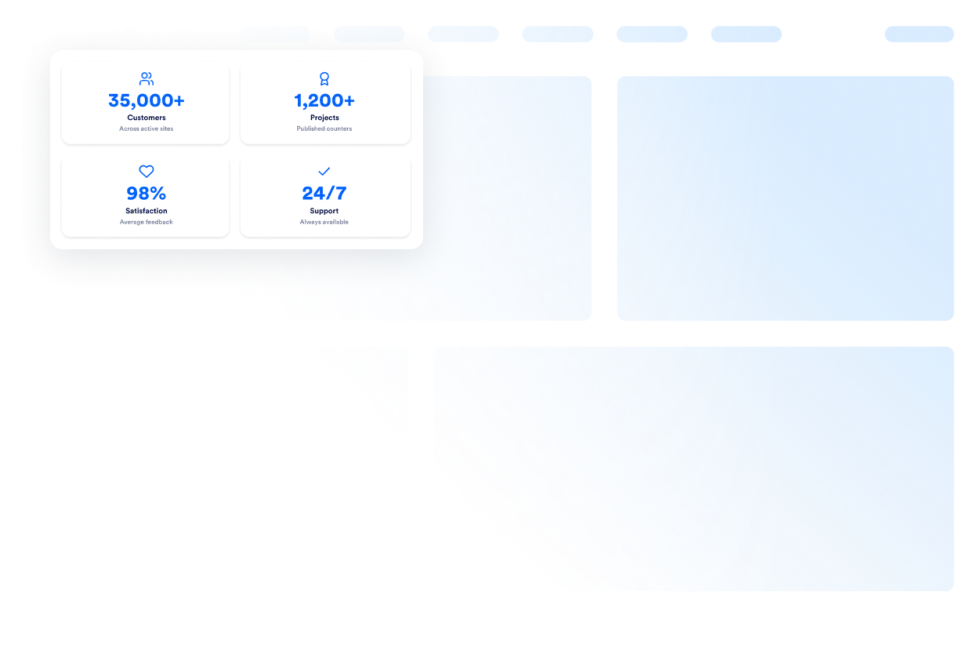
Organizations can use a Number Counter widget to display figures such as customers served, projects completed, donations raised, years in business, or other measurable milestones. Prefixes, postfixes, icons, and labels can provide context for each number.
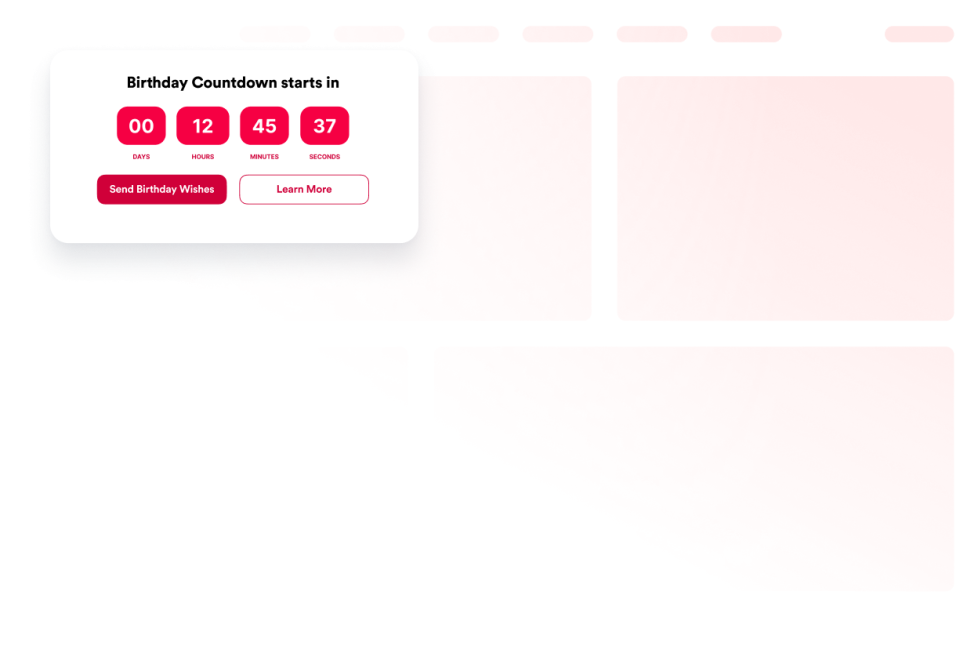
A Visitor Counter can display website activity, while a Count-Up widget can show how much time has passed since an opening date, a product launch, an anniversary, or an ongoing streak. A Birthday Countdown Clock can count down to a birthday and repeat each year, with customizable labels, colors, buttons, and end messages.
Easy website widgets for any team
Embeddable counter widgets are useful for small businesses, marketers, nonprofits, event organizers, online stores, educators, creators, and website owners who want to highlight numbers or dates without relying on a developer or designer.
With Jotform, users can choose a widget, set the number, date, labels, and display options, customize the design, preview the result, and copy the embed code. They can then add the counter to a supported website editor or HTML section without custom code.
This makes it easier to publish countdowns, elapsed-time displays, visitor counters, and important statistics while keeping the widget consistent with the rest of the website.
Weiterführende Anleitungen
To learn more about setting up and managing widgets, users can read Jotform’s guide on managing website widgets. The guide explains that users can create new widgets, edit existing widgets, copy embed codes, control widget visibility, and organize their widget assets from the My Website Widgets page.
What are counter widgets?
Counter widgets are embeddable website tools that display numbers or measure time. They can include visitor counters, countdown timers, animated statistics, birthday countdowns, and count-up displays.
What is the difference between a countdown, count-up, and number counter?
A countdown widget shows the time remaining until a future date. A count-up widget shows the time elapsed since a past date. A number counter highlights a numerical value or milestone, such as the number of projects completed or funds raised.
Where can I use counter widgets?
You can use counter widgets on landing pages, event pages, product launches, campaign pages, donation pages, About Us pages, portfolios, and business websites. Place the widget near the date, milestone, or message it supports.
Do counter widgets require coding?
No. You do not need a developer or designer. You can customize the widget, copy the embed code, and add it to your website without custom code. The exact placement process depends on your website platform or page editor.