Heading Element
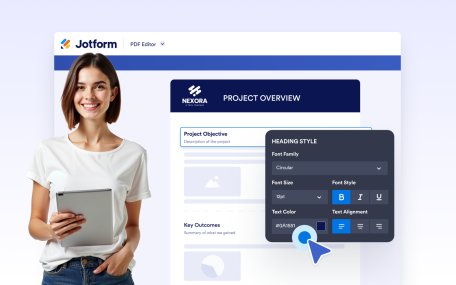
Add headings and subheadings to structure your document content clearly. Create well-defined sections with styled titles that improve readability and visual hierarchy.
Learn MorePDF Builder
Easily edit PDFs with our drag-and-drop PDF builder. Add text, images, fields, and more in just a few clicks.


Add headings and subheadings to structure your document content clearly. Create well-defined sections with styled titles that improve readability and visual hierarchy.
Learn More
Add consistent header content to every page of your document. Display titles, branding, images, or organization details with full text styling and background control.
Learn More
Add consistent footer content to every page of your document. Display branding, contact details, or additional information with flexible styling and background options.
Learn More
Create polished, professional PDFs faster using a visual PDF builder designed for simplicity and control.
Learn More
Design fully customized PDFs in minutes. Adjust layouts, styles, and visuals or apply a ready-made template to create polished documents with ease.
Learn More
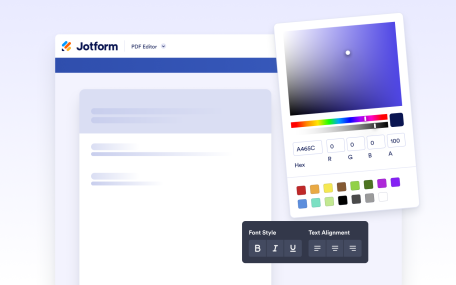
Create and format rich text content directly inside your document. Add styled text, tables, images, and structured layouts using a flexible editor designed for professional document creation.
Learn More
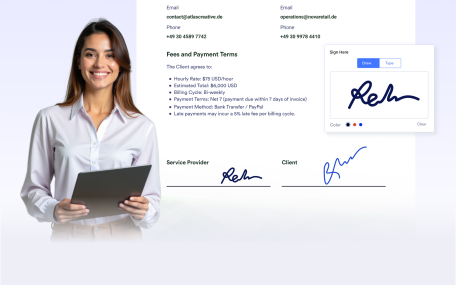
Add signature fields to your documents to prepare them for signing after delivery. Create documents ready for physical or digital signatures without requiring additional tools.
Learn More
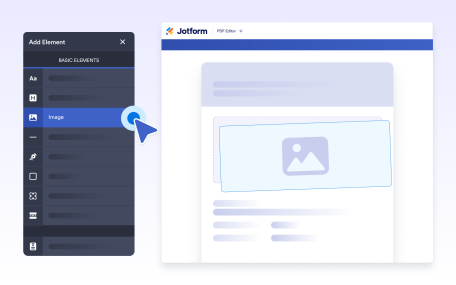
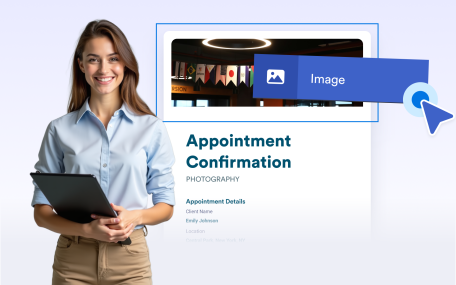
Add images to your documents to enhance visual design and branding. Place visuals anywhere in your layout to create polished, professional, and engaging document outputs.
Learn More
Use line separators to visually divide content and improve document structure. Create clear sections and cleaner layouts for easier reading and a more professional appearance.
Learn More
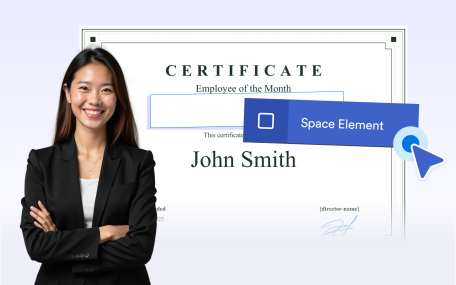
Use empty space to organize document layouts and improve readability. Add intentional spacing to separate sections or leave room for notes, comments, and annotations.
Learn More
Group related content inside boxes to create clear, structured sections. Highlight important information and apply backgrounds to organize and brand your document layouts.
Learn More
Undo or redo actions instantly while editing your document. Make changes confidently and refine layouts without losing progress or manually fixing mistakes.
Learn More
Automatically add page numbers to your documents for clear navigation and professional presentation. Keep numbering accurate as pages are added or removed.
Learn More
Control where new pages begin in your document using page breaks. Clearly separate sections, manage long or variable content, and create clean, structured PDFs ready for sharing or printing.
Learn More
Add QR codes to your documents to share links, messages, or personalized information. Customize the content, colors, and alignment to match your document.
Learn More
Organize information clearly with Jotform’s Table Element. Add structured rows and columns to your forms so users can easily view related information at a glance.
Learn More