Widgets de negocios gratuitos para sitios web

Haga crecer su marca e involucre a sus clientes con los widgets empresariales utilizando el sencillo creador sin código de Jotform.
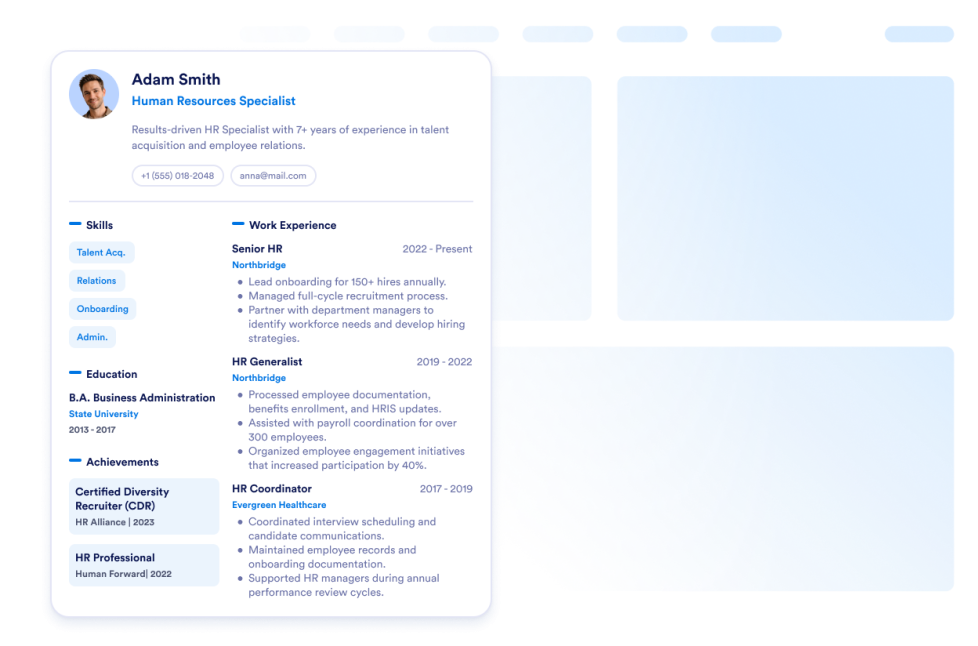
Currículum

Añada su currículum a su cv web. Con el Widget de Currículum de Jotform, puede informar fácilmente a los visitantes de su sitio web para que conozcan todo sobre usted.

Ir a la categoría:NegocioUsar widget
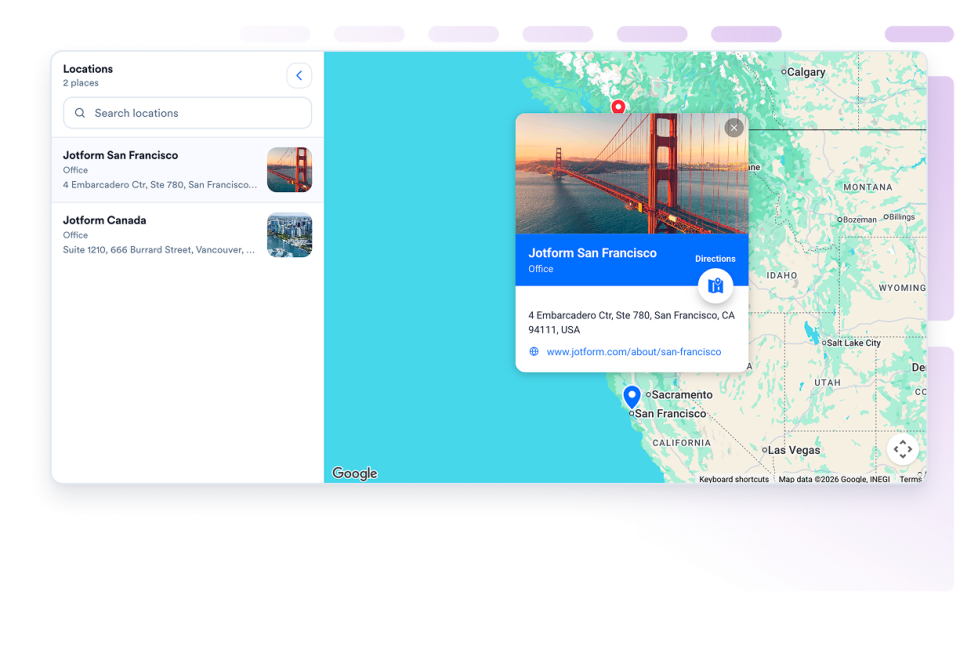
Google Maps

Agregue un widget google maps personalizable para mostrar sus tiendas, oficinas, sedes o áreas de servicio con detalles de contacto, horarios comerciales, fotos, categorías y enlaces de indicaciones.

Ir a la categoría:NegocioUsar widget
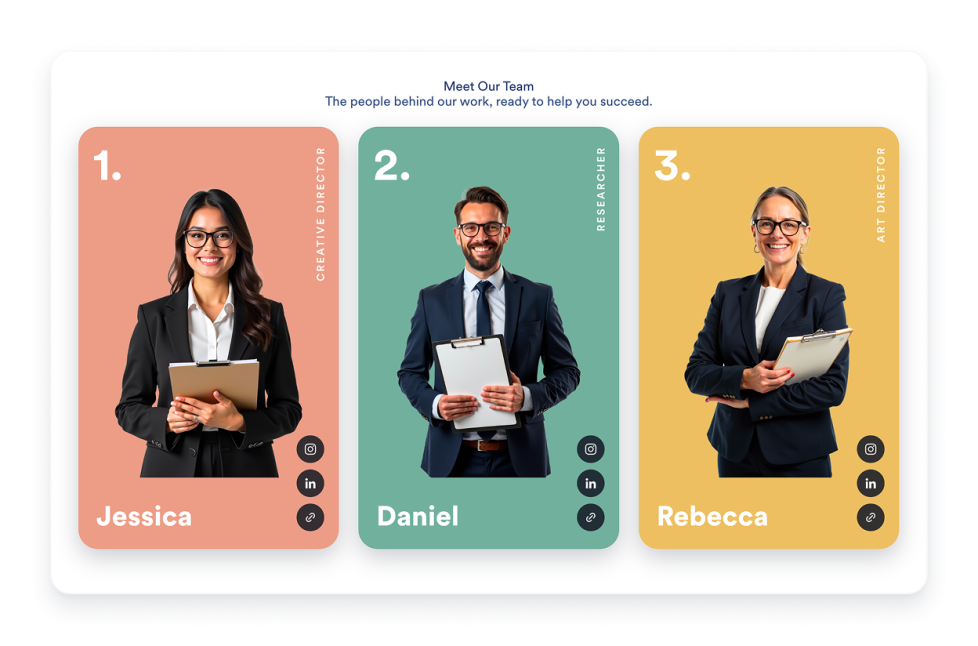
Presentación del Equipo

Cree un widget de presentación de nuestro equipo para su sitio web con tarjetas de perfil, diseños de plantilla, biografías de miembros, enlaces sociales, esquemas de color e integraciones adaptables.

Ir a la categoría:NegocioUsar widget
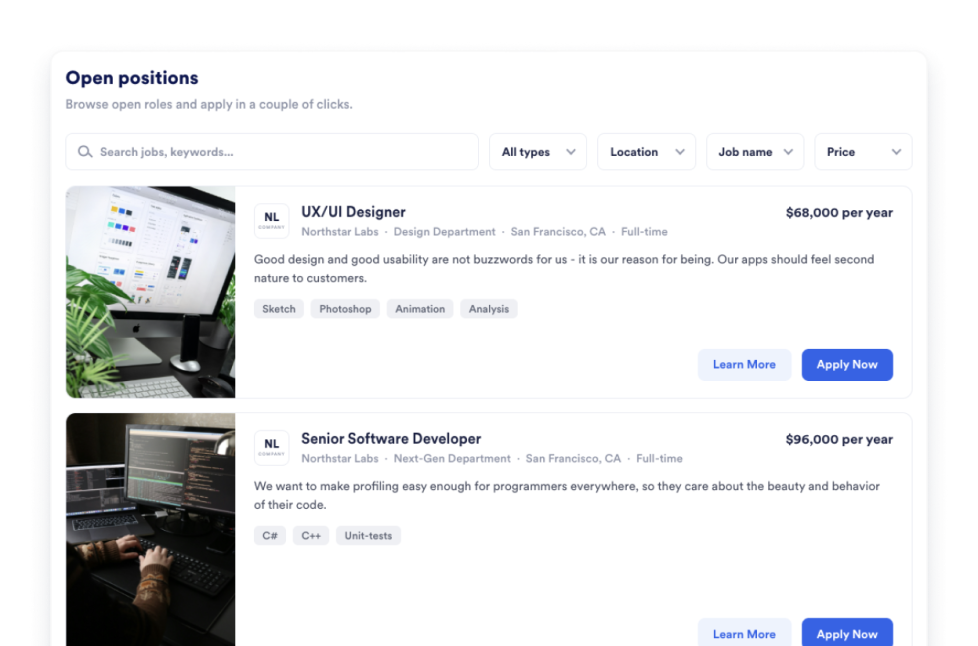
Bolsa de Trabajo

Añada un software para publicar ofertas de empleo a su sitio web en segundos. Personalice el diseño y el contenido, luego inserte el widget con el creador de widgets web sin código de Jotform.

Ir a la categoría:NegocioUsar widget
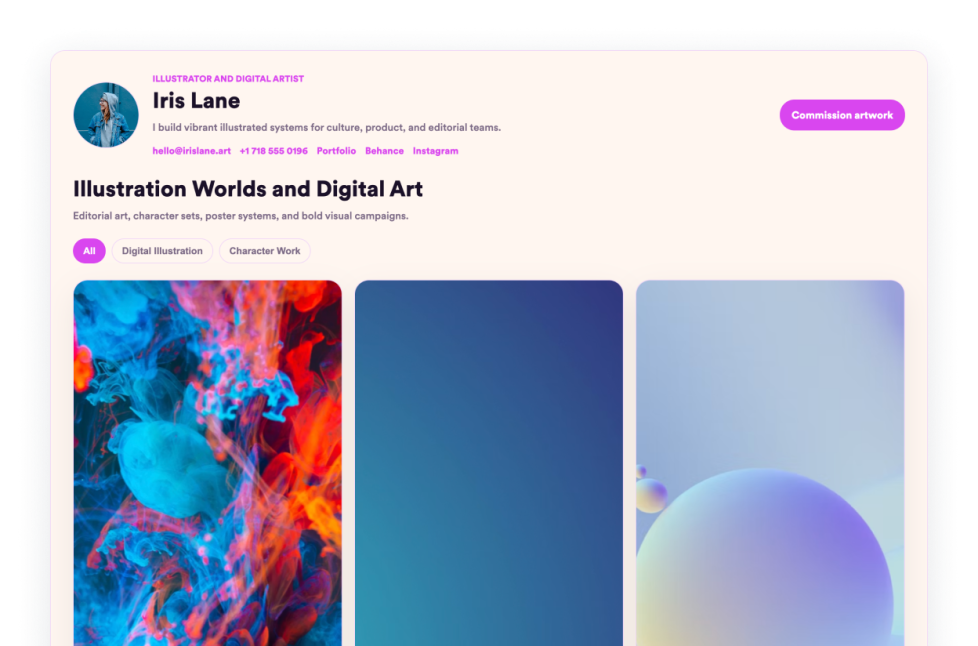
Portafolio

Presente sus mejores trabajos con el Widget de Portafolio de Jotform. Cree un portafolio en forma de galería impresionante, destaque proyectos e insértelo en cualquier sitio web sin necesidad de programar.

Ir a la categoría:NegocioUsar widget
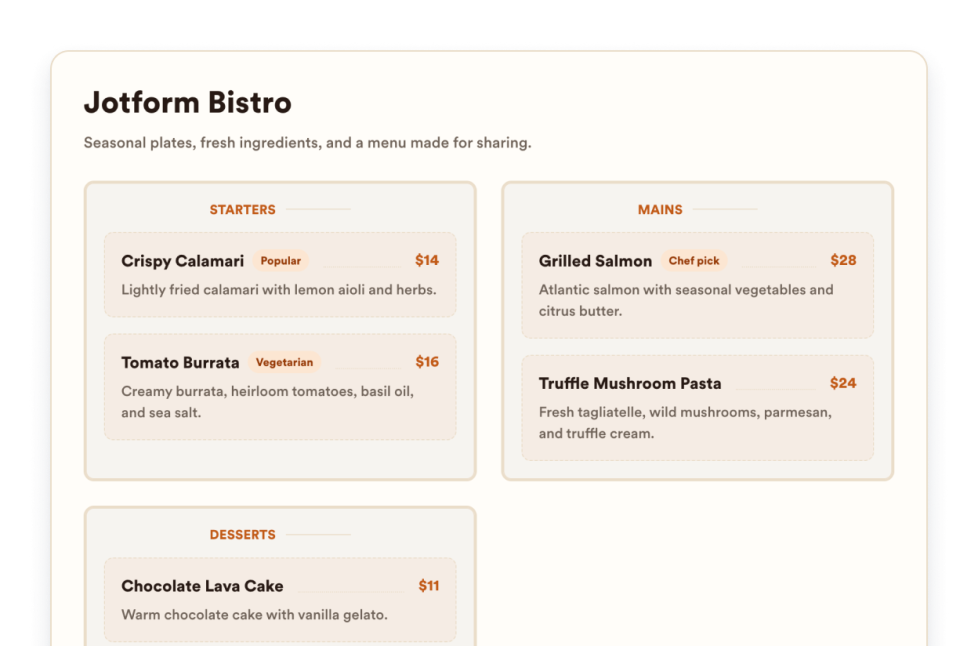
Menú del restaurante

Agregue un widget de menú adaptable a su sitio web con categorías editables, descripciones de productos, precios, insignias, diseños, temas y enlaces de reserva.

Ir a la categoría:NegocioUsar widget
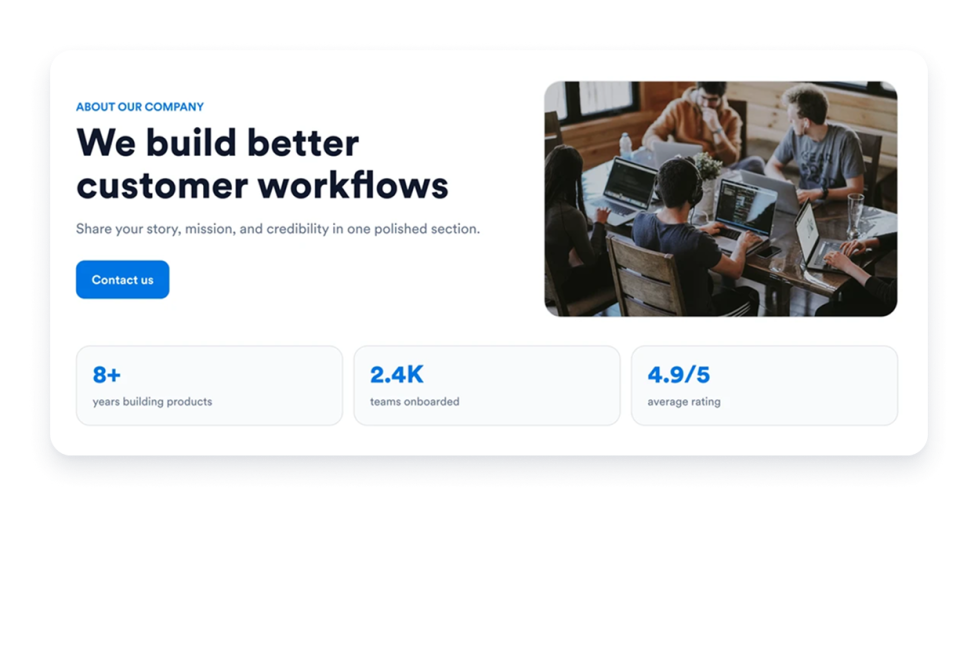
Acerca de nosotros

Agregue un widget de página sobre nosotros a su sitio web para mostrar la historia, la misión, los valores, los miembros del equipo y la identidad de marca de su empresa con un diseño profesional y personalizable.

Ir a la categoría:NegocioUsar widget
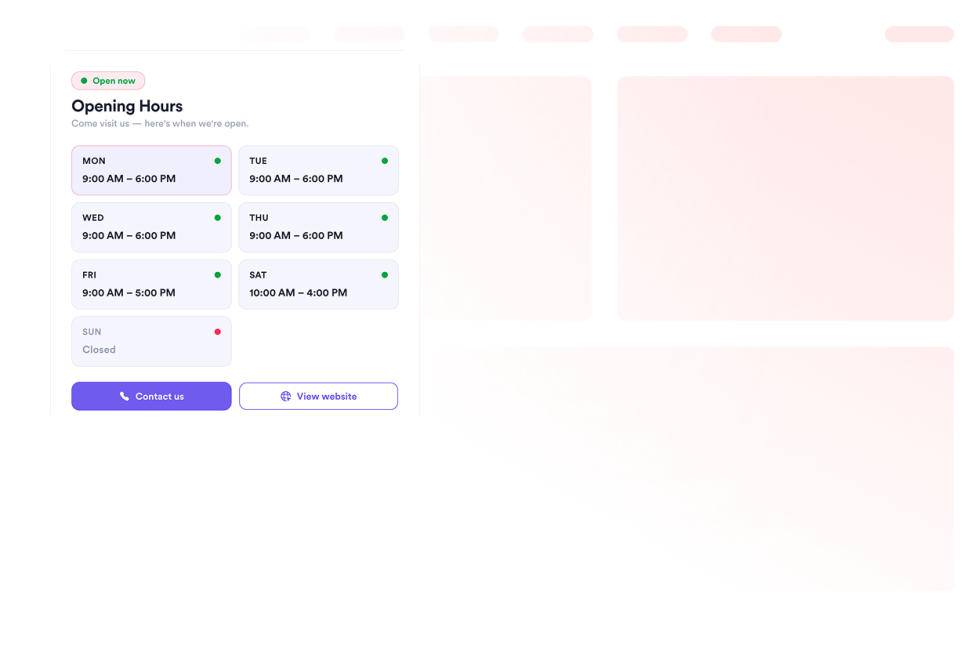
Business Hours

Agregue un widget de Horario Comercial a su sitio web para mostrar plantillas, combinaciones de colores, horarios de apertura, estado en tiempo real, datos de contacto, ubicación y botones de llamada a la acción.

Ir a la categoría:NegocioUsar widget
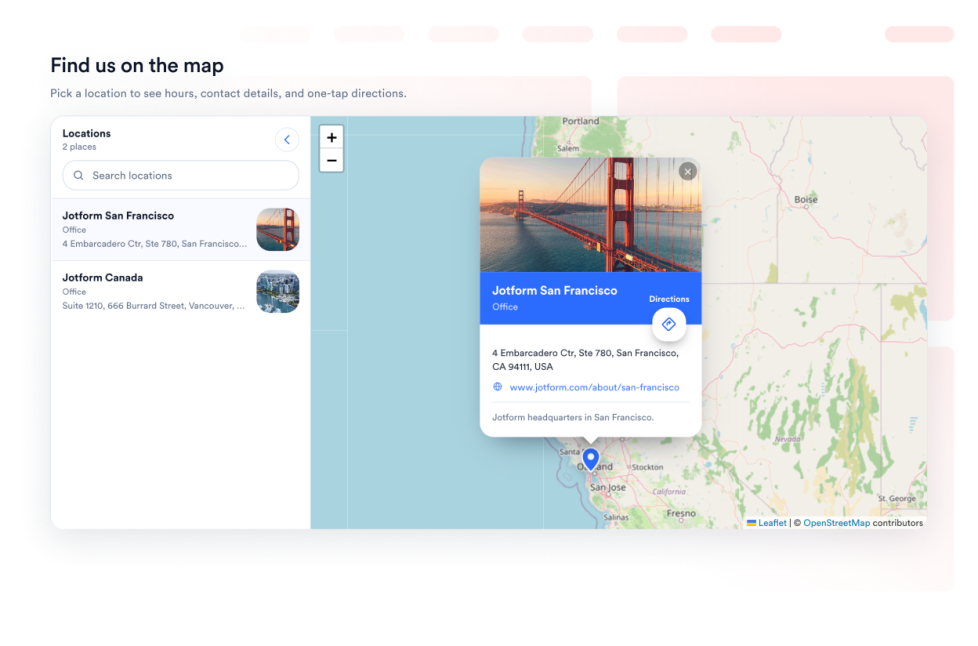
Open Street Map

Ofrezca a sus visitantes un localizador interactivo de ubicaciones de OpenStreetMap en su página web. Personalice las ubicaciones listadas y vincule cada lugar con las indicaciones de OpenStreetMap.

Ir a la categoría:NegocioUsar widget
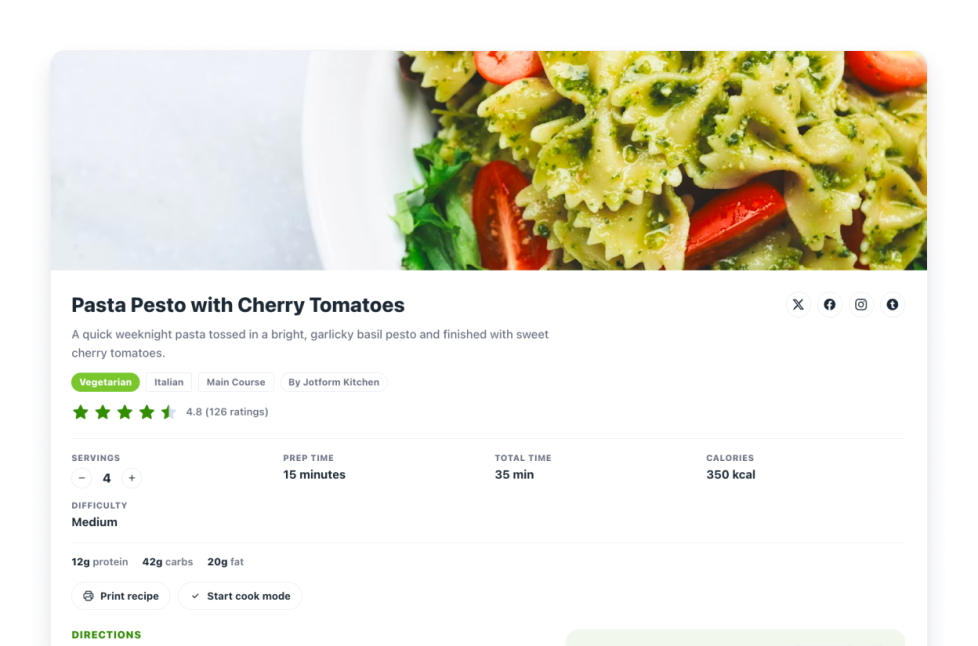
Recetas

Agregue una ficha de receta a su sitio web. Comparta fichas de recetas con imágenes, ingredientes, instrucciones, información nutricional, tiempos y controles de impresión, uso compartido y esquema.

Ir a la categoría:NegocioUsar widget
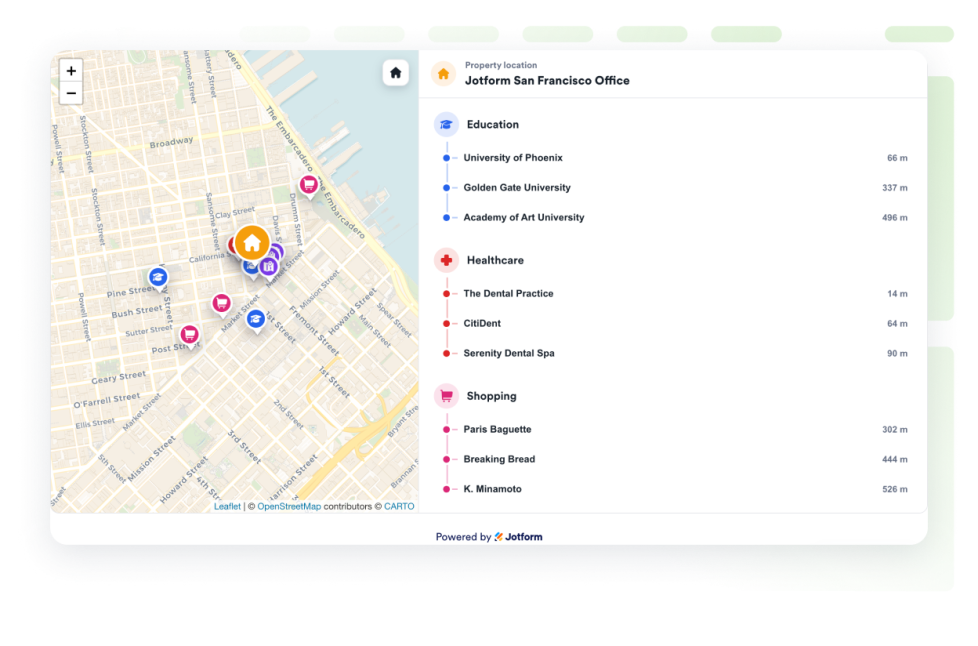
Real Estate Location Map

Añada un mapa de casas para mostrar una propiedad con OpenStreetMap, etiquetas de distancia y centros educativos, servicios de salud, transporte, parques y tiendas cercanos.

Ir a la categoría:NegocioUsar widget

About Business Widgets

Business widgets help companies present important information and useful resources directly on their websites without custom code. These embeddable widgets can introduce a team, display business hours and locations, share services or work samples, publish job openings, and provide visitors with practical business details.

With Jotform’s business widgets, you can create restaurant menus, team showcases, portfolios, business hours displays, location maps, job boards, About Us sections, resumes, and recipe cards. They can be added to business websites, service pages, contact pages, restaurant websites, real estate listings, career pages, portfolios, and local business landing pages.

What can you do with business widgets?

Business widgets can help you:

  • Display menu categories, item descriptions, prices, and reservation links with a Restaurant Menu widget
  • Introduce employees using team profiles, photos, roles, biographies, and social links
  • Present projects and work samples in a Portfolio widget
  • Show opening hours, contact details, location information, and current business status
  • Help visitors find stores, offices, venues, or service areas with Google Maps or OpenStreetMap
  • Publish available positions on an embeddable Job Board
  • Share your company’s history, mission, values, and team in an About Us section
  • Add a professional resume to a personal or business website
  • Display recipes with ingredients, instructions, images, nutrition details, and preparation times
  • Show real estate locations and nearby schools, transportation, parks, stores, or healthcare services

Popular business widget use cases

Business widgets can support many types of companies and independent professionals. Restaurants can use a Restaurant Menu widget to present food and drink categories, prices, descriptions, and reservation links. Local businesses can add a Business Hours widget and an interactive map so customers can check opening times, contact the business, and find directions.

Agencies, freelancers, photographers, designers, and consultants can use a Portfolio widget to display completed projects. Companies can add a Team Showcase or About Us widget to help visitors learn about their employees, background, mission, and values.

Recruiters and growing businesses can publish available roles with a Job Board widget. Real estate professionals can use a Real Estate Location Map to show a property and nearby services, while businesses with multiple locations can display offices, stores, or service areas using a map widget.

Easy website widgets for any team

Embeddable business widgets are useful for small businesses, restaurants, agencies, freelancers, real estate professionals, recruiters, local service providers, creators, and growing teams that want to share useful information without relying on a developer or designer.

With Jotform, users can select a widget, customize the content, settings, layout, and design, preview how it will appear, and copy the embed code. They can then add the widget to a supported website editor or HTML section without custom code.

This gives business owners and team members a practical way to update their website with company information, team profiles, operating hours, locations, job listings, and other visitor resources.

Guías relacionadas

To learn more about setting up and managing widgets, users can read Jotform’s guide on managing website widgets. The guide explains that users can create new widgets, edit existing widgets, copy embed codes, control widget visibility, and organize their widget assets from the My Website Widgets page.

Business Widgets FAQ

What are business widgets?

Business widgets are embeddable website tools that help companies display information and resources for customers, applicants, and other visitors. They can include menus, business hours, maps, team profiles, portfolios, job boards, company information, and resumes.

What types of businesses can use business widgets?

Business widgets can be used by restaurants, local businesses, agencies, freelancers, real estate companies, professional service providers, recruiters, creators, and organizations with multiple locations. The best widget depends on what information visitors need from the business.

Where should I add business widgets?

You can add business widgets to homepages, About Us pages, contact pages, service pages, career pages, property listings, restaurant pages, and portfolio pages. Place each widget close to the related information or action so visitors can find it easily.

Do business widgets require coding?

No. You do not need a developer or designer. You can customize the widget, copy the embed code, and add it to your website without custom code. The exact embedding steps depend on the website platform or page editor you use.