Widget Bisnis Gratis untuk Situs Web
Kembangkan brand Anda dan libatkan pelanggan dengan widget bisnis menggunakan pembuat tanpa kode yang sederhana dari Jotform.
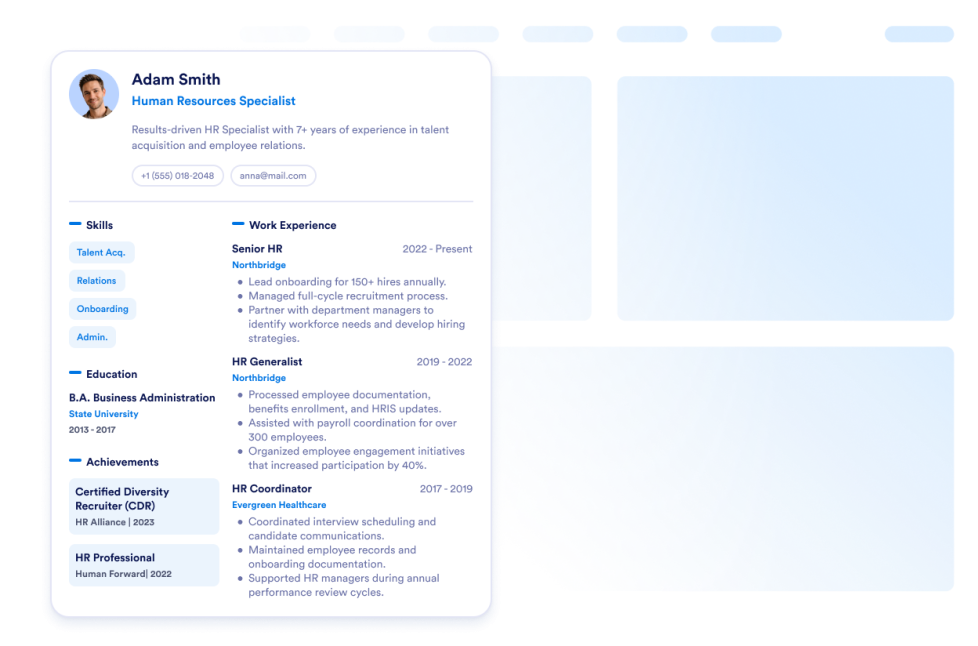
CV
Tambahkan resume Anda ke situs web Anda. Dengan Widget Resume Jotform, Anda dapat dengan mudah memberi tahu pengunjung situs web Anda untuk mempelajari segala hal tentang Anda.
Buka Kategori:BisnisGunakan WidgetGoogle Maps
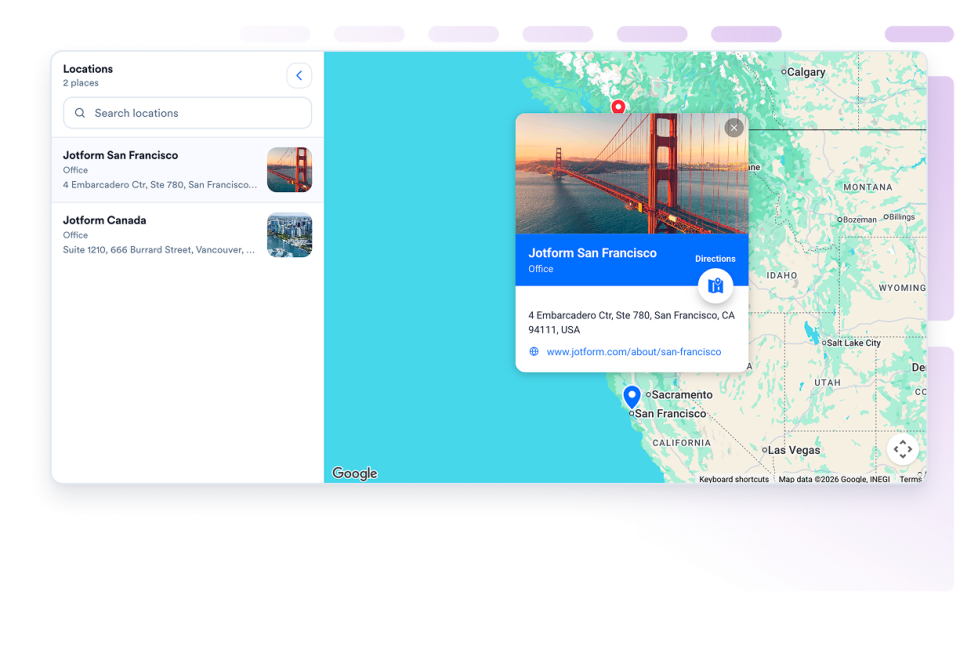
Tambahkan widget Google Maps yang dapat disesuaikan untuk menampilkan toko, kantor, tempat acara, atau area layanan Anda dengan detail kontak, jam operasional, foto, kategori, dan tautan petunjuk arah.
Buka Kategori:BisnisGunakan WidgetPajangan Tim
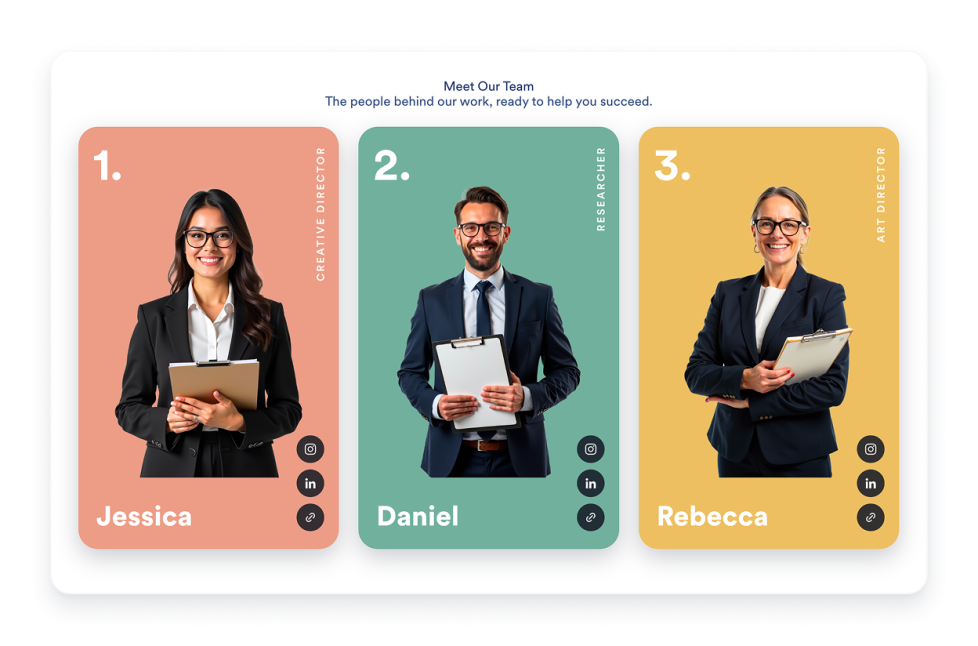
Buat widget Team Showcase untuk situs web Anda dengan kartu profil tim, tata letak templat, bio anggota, tautan sosial, skema warna, dan penyematan responsif.
Buka Kategori:BisnisGunakan WidgetPapan Lowongan Kerja
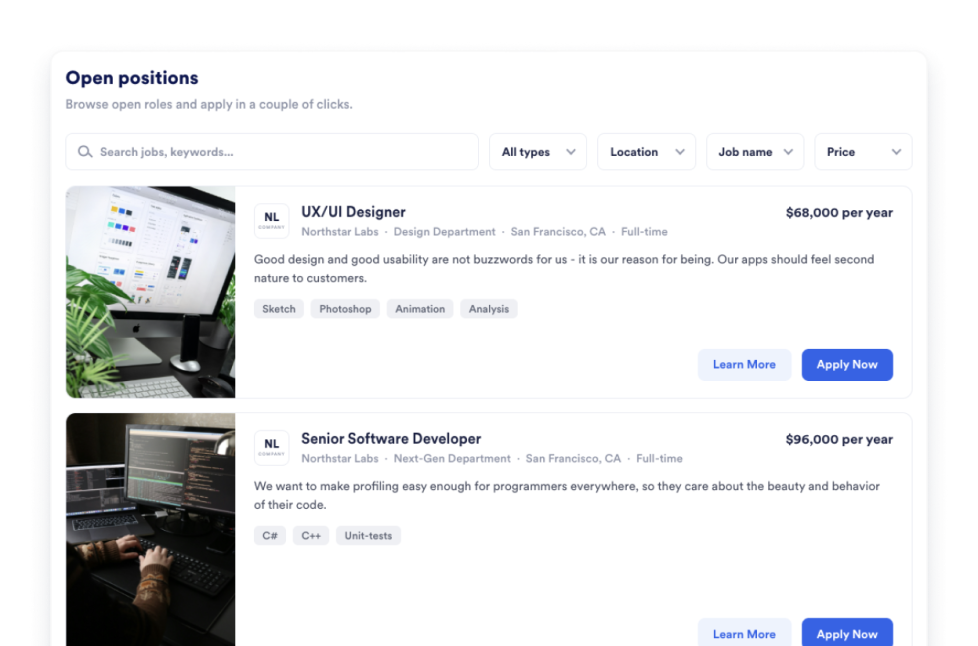
Tambahkan portal lowongan kerja ke situs web Anda dalam hitungan detik. Sesuaikan desain dan konten, lalu sematkan widget dengan pembuat widget situs web tanpa kode dari Jotform.
Buka Kategori:BisnisGunakan WidgetPortofolio
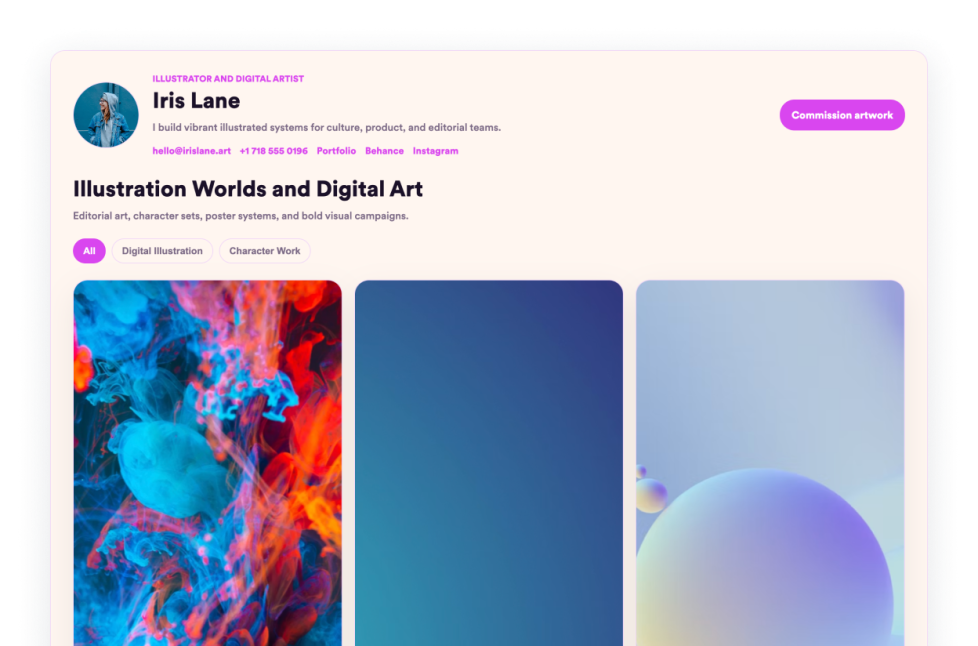
Tampilkan karya terbaik Anda dengan Widget Portofolio Jotform. Buat portofolio online yang memukau, soroti proyek, dan sematkan di situs web mana pun tanpa perlu coding.
Buka Kategori:BisnisGunakan WidgetMenu Restoran
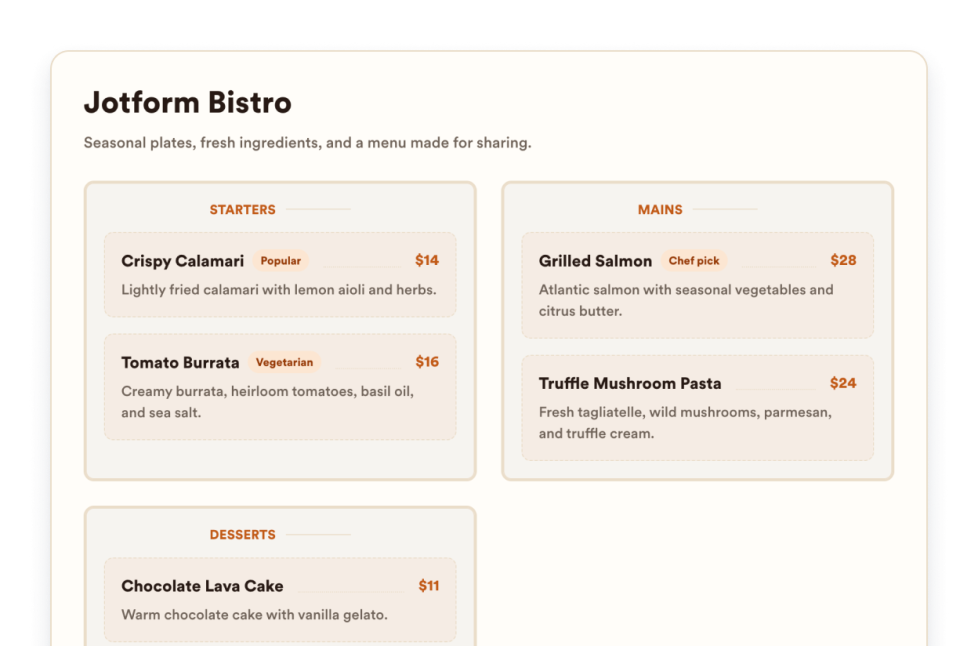
Tambahkan widget menu responsif ke situs web Anda dengan kategori yang dapat diedit, deskripsi item, harga, lencana, tata letak, tema, dan tautan reservasi.
Buka Kategori:BisnisGunakan WidgetTentang Kami
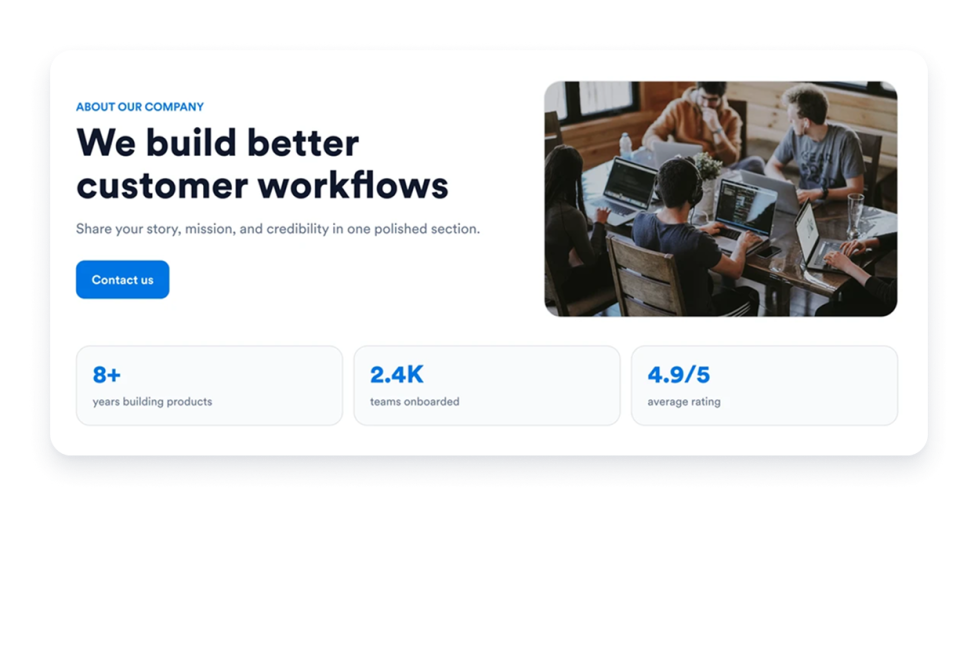
Tambahkan Widget halaman tentang kami ke situs web Anda untuk menampilkan kisah, misi, nilai, anggota tim, dan identitas merek perusahaan Anda dengan desain profesional yang dapat disesuaikan.
Buka Kategori:BisnisGunakan WidgetJam Operasional
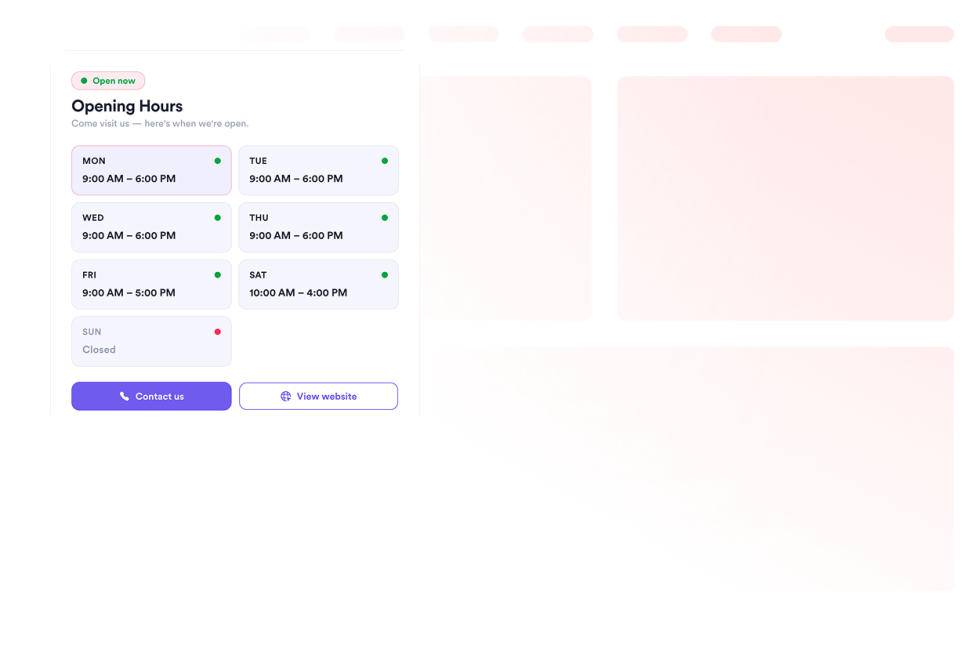
Tambahkan widget Jam Operasional ke situs web Anda untuk menampilkan templat, skema warna, jam operasional, status langsung, detail kontak, lokasi, dan tombol ajakan bertindak.
Buka Kategori:BisnisGunakan WidgetOpen Street Map
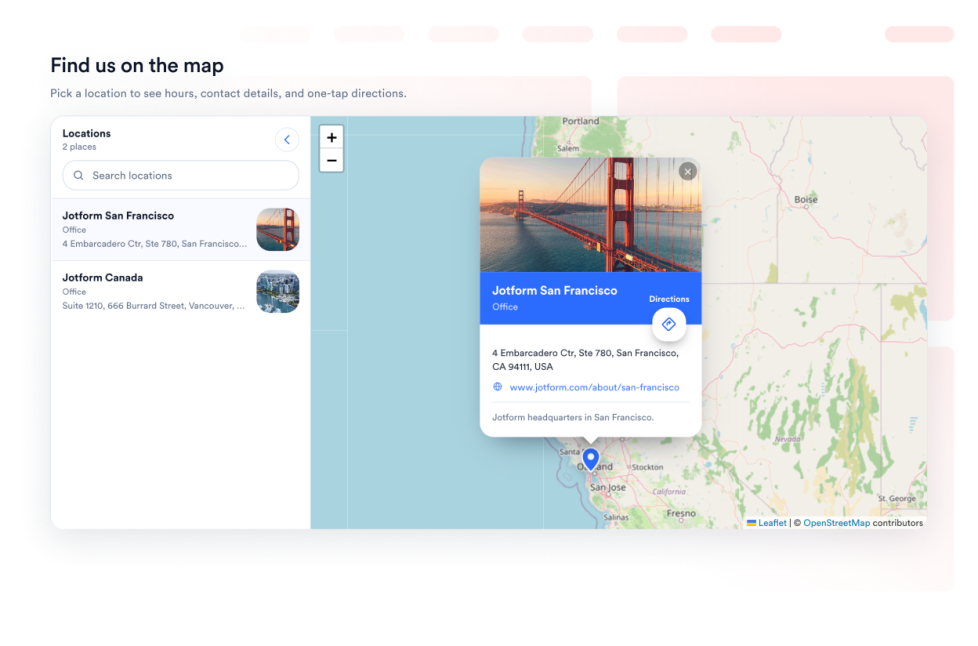
Berikan pengunjung Anda fitur pencari lokasi OpenStreetMap interaktif di halaman web Anda. Sesuaikan lokasi yang tercantum dan tautkan setiap tempat ke petunjuk arah OpenStreetMap.
Buka Kategori:BisnisGunakan WidgetResep
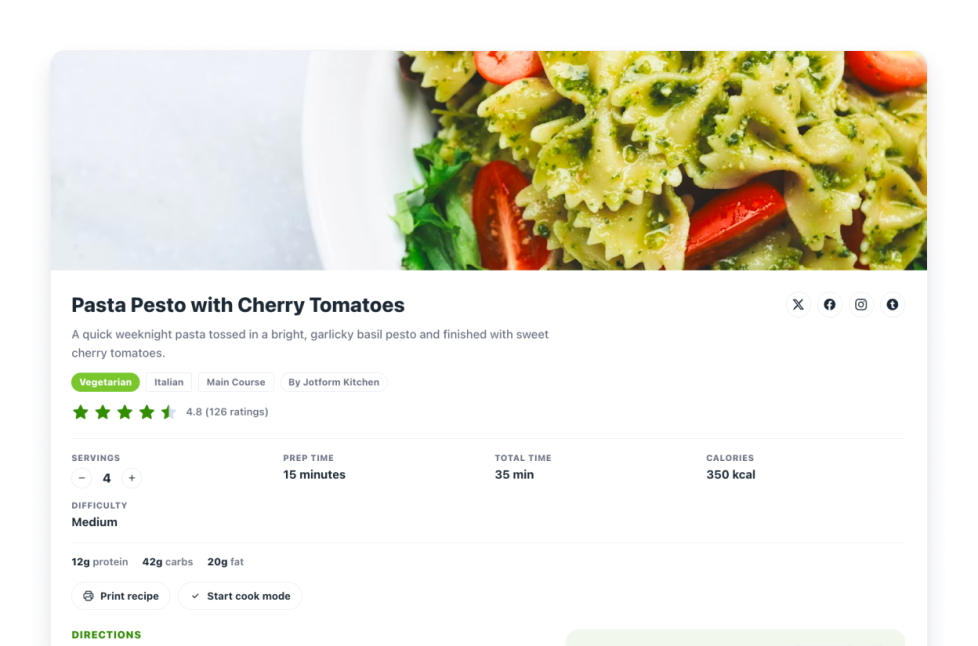
Tambahkan Widget Kartu Resep ke situs web Anda. Bagikan kartu resep dengan gambar, bahan, petunjuk, nutrisi, waktu, cetak, berbagi, dan kontrol skema.
Buka Kategori:BisnisGunakan WidgetReal Estate Location Map
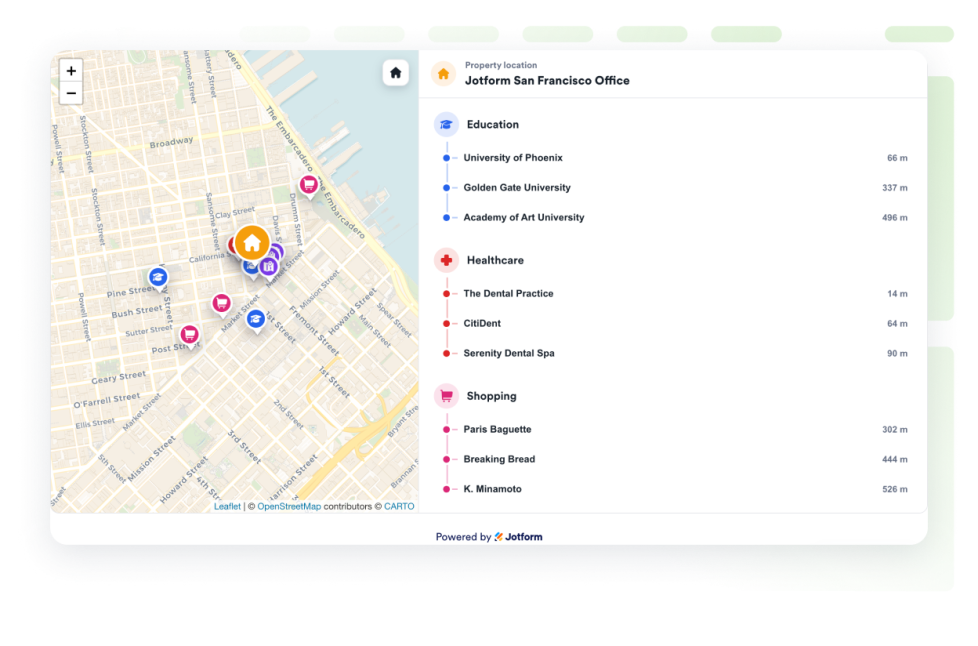
Tambahkan peta lokasi perumahan untuk menampilkan satu properti dengan OpenStreetMap, label jarak, serta pendidikan, layanan kesehatan, transit, taman, dan toko terdekat.
Buka Kategori:BisnisGunakan WidgetUps, Tidak Ada Hasil yang Ditemukan
No results match your search. Please try another keyword.
About Business Widgets
Business widgets help companies present important information and useful resources directly on their websites without custom code. These embeddable widgets can introduce a team, display business hours and locations, share services or work samples, publish job openings, and provide visitors with practical business details.
With Jotform’s business widgets, you can create restaurant menus, team showcases, portfolios, business hours displays, location maps, job boards, About Us sections, resumes, and recipe cards. They can be added to business websites, service pages, contact pages, restaurant websites, real estate listings, career pages, portfolios, and local business landing pages.
What can you do with business widgets?
Business widgets can help you:
- Display menu categories, item descriptions, prices, and reservation links with a Restaurant Menu widget
- Introduce employees using team profiles, photos, roles, biographies, and social links
- Present projects and work samples in a Portfolio widget
- Show opening hours, contact details, location information, and current business status
- Help visitors find stores, offices, venues, or service areas with Google Maps or OpenStreetMap
- Publish available positions on an embeddable Job Board
- Share your company’s history, mission, values, and team in an About Us section
- Add a professional resume to a personal or business website
- Display recipes with ingredients, instructions, images, nutrition details, and preparation times
- Show real estate locations and nearby schools, transportation, parks, stores, or healthcare services
Popular business widget use cases
Business widgets can support many types of companies and independent professionals. Restaurants can use a Restaurant Menu widget to present food and drink categories, prices, descriptions, and reservation links. Local businesses can add a Business Hours widget and an interactive map so customers can check opening times, contact the business, and find directions.
Agencies, freelancers, photographers, designers, and consultants can use a Portfolio widget to display completed projects. Companies can add a Team Showcase or About Us widget to help visitors learn about their employees, background, mission, and values.
Recruiters and growing businesses can publish available roles with a Job Board widget. Real estate professionals can use a Real Estate Location Map to show a property and nearby services, while businesses with multiple locations can display offices, stores, or service areas using a map widget.
Easy website widgets for any team
Embeddable business widgets are useful for small businesses, restaurants, agencies, freelancers, real estate professionals, recruiters, local service providers, creators, and growing teams that want to share useful information without relying on a developer or designer.
With Jotform, users can select a widget, customize the content, settings, layout, and design, preview how it will appear, and copy the embed code. They can then add the widget to a supported website editor or HTML section without custom code.
This gives business owners and team members a practical way to update their website with company information, team profiles, operating hours, locations, job listings, and other visitor resources.
Panduan terkait
To learn more about setting up and managing widgets, users can read Jotform’s guide on managing website widgets. The guide explains that users can create new widgets, edit existing widgets, copy embed codes, control widget visibility, and organize their widget assets from the My Website Widgets page.
Business Widgets FAQ
What are business widgets?
Business widgets are embeddable website tools that help companies display information and resources for customers, applicants, and other visitors. They can include menus, business hours, maps, team profiles, portfolios, job boards, company information, and resumes.
What types of businesses can use business widgets?
Business widgets can be used by restaurants, local businesses, agencies, freelancers, real estate companies, professional service providers, recruiters, creators, and organizations with multiple locations. The best widget depends on what information visitors need from the business.
Where should I add business widgets?
You can add business widgets to homepages, About Us pages, contact pages, service pages, career pages, property listings, restaurant pages, and portfolio pages. Place each widget close to the related information or action so visitors can find it easily.
Do business widgets require coding?
No. You do not need a developer or designer. You can customize the widget, copy the embed code, and add it to your website without custom code. The exact embedding steps depend on the website platform or page editor you use.


