Security widgets help website owners add visitor controls, content restrictions, consent choices, and security-related information to their websites without custom code. These embeddable widgets can help manage access to selected content, communicate cookie choices, discourage common copying actions, and display security badges.
With Jotform’s security widgets, you can add age verification, cookie consent banners, content lockers, ad block notices, right-click controls, and security badge displays. They can be used on business websites, online stores, blogs, membership pages, resource libraries, media websites, and age-restricted pages.
Security widgets provide specific on-page controls. They do not replace website security configuration, legal review, identity verification, or digital rights management.
What can you do with security widgets?
Security widgets can help you:
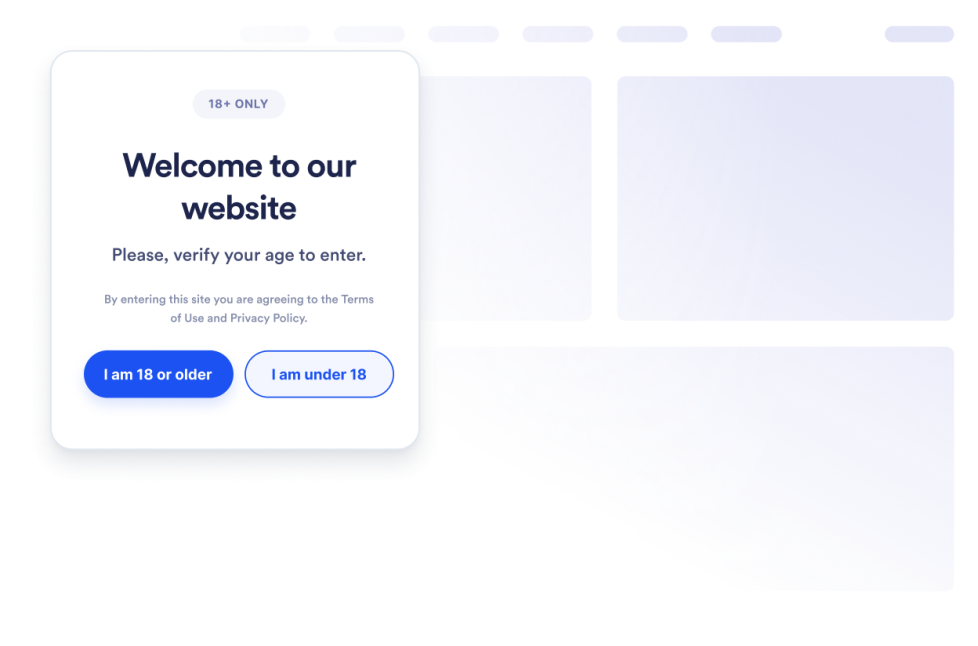
- Gate age-restricted content with an Age Verification widget
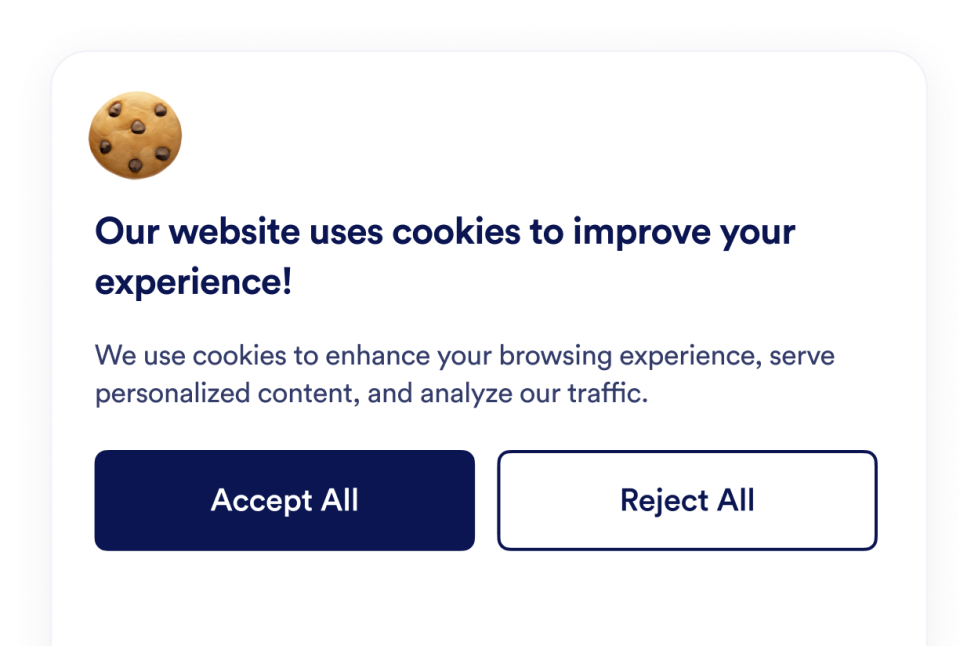
- Display a customizable Cookie Consent banner
- Collect visitor cookie choices and organize them into preference categories
- Control selected scripts based on cookie preferences
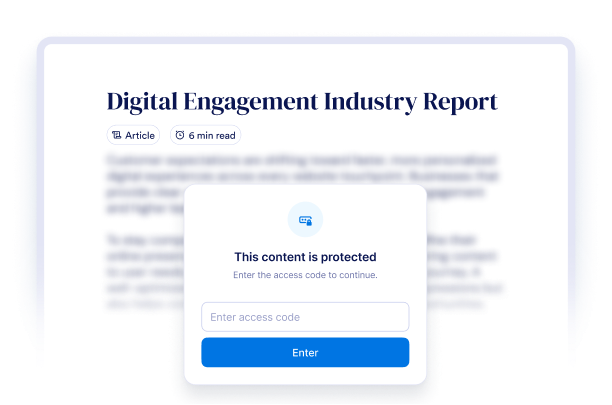
- Lock an entire page or a selected section with a Content Locker
- Ask visitors for an access code, email address, age confirmation, or answer before revealing content
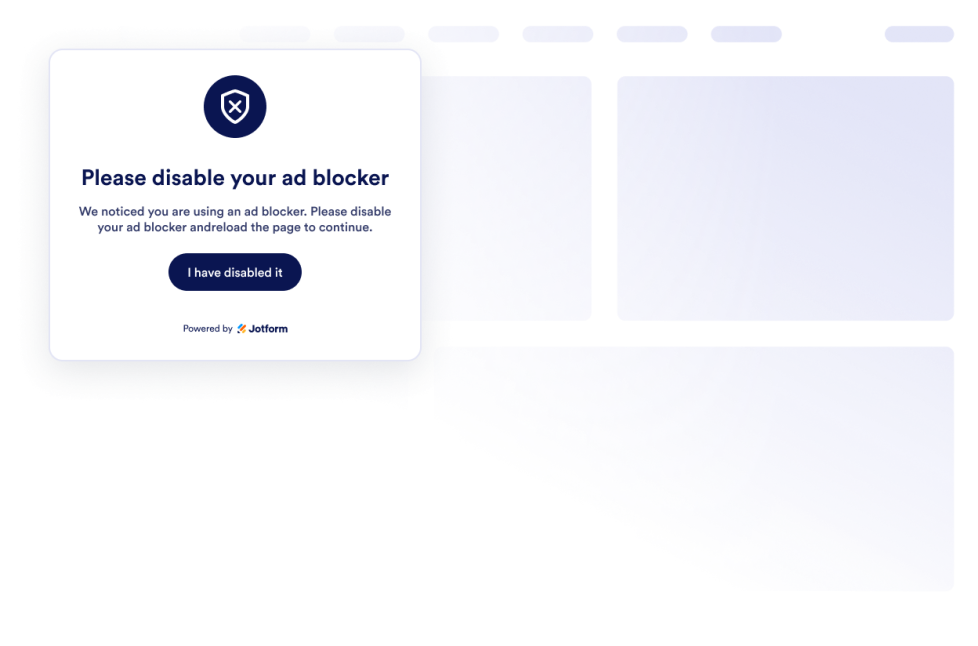
- Detect common ad-blocking behavior and display a customizable notice
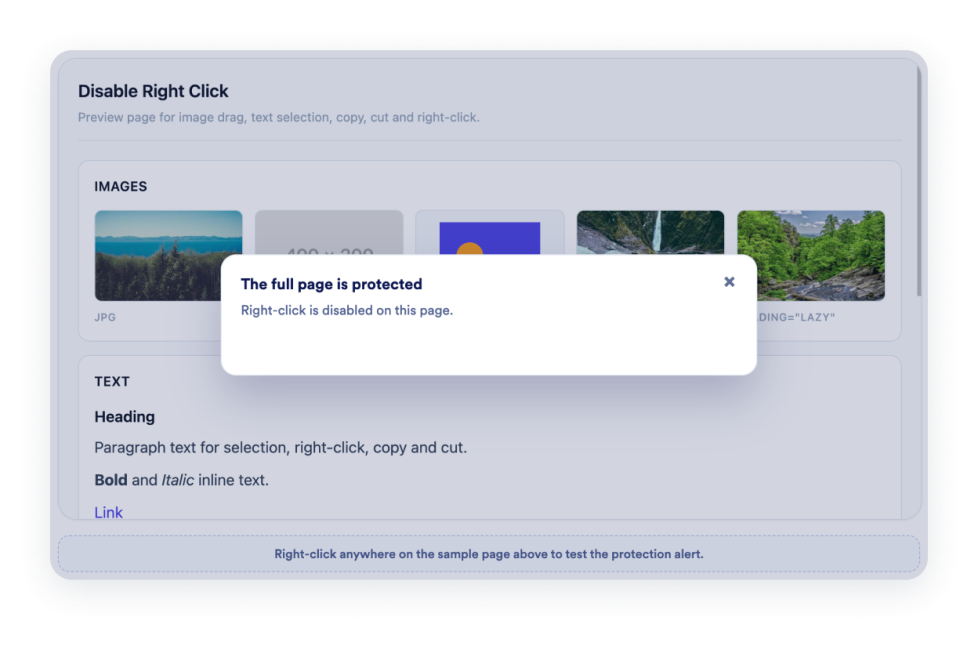
- Disable right-click, dragging, text selection, or copy actions on selected content
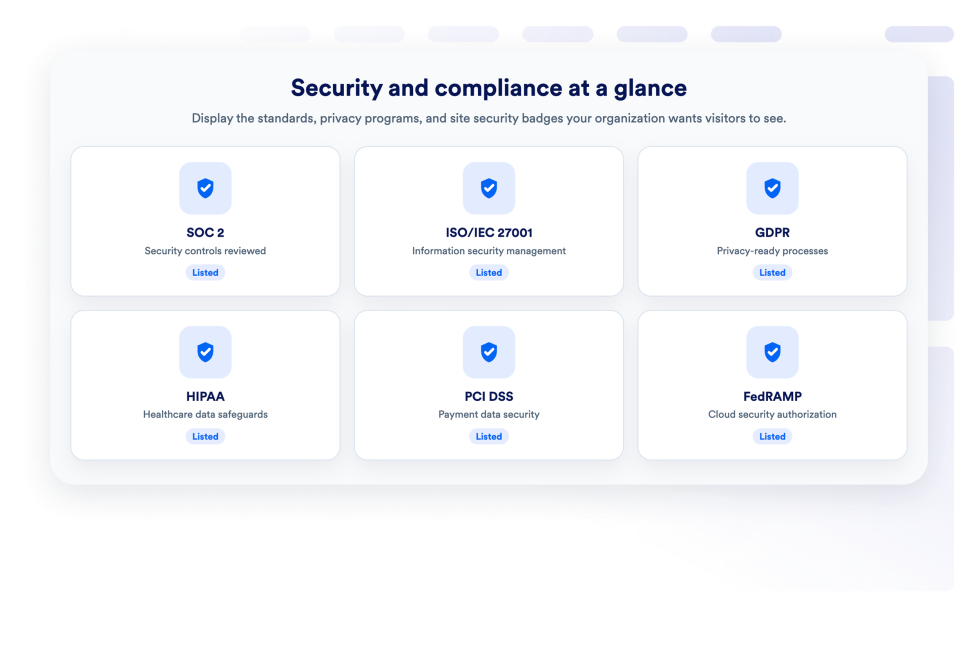
- Display preset or custom security badges with logos, links, and buttons
Popular security widget use cases
Security widgets can be used when a website needs a clear visitor check or content control. Businesses that publish age-sensitive material can use an Age Verification widget to ask visitors to confirm their age before viewing the page.
A Cookie Consent widget can display a cookie banner, present preference categories, collect visitor choices, and control selected scripts. Website owners should configure the widget according to their own cookie practices and applicable legal requirements.
Publishers, educators, membership websites, and businesses offering downloadable resources can use a Content Locker to restrict an entire page or a specific section. Visitors can unlock the content using an access code, an email address, an age check, or a custom question-and-answer.
An Ad Block Checker can detect common ad-blocking behavior and ask visitors to disable their blocker, reload the page, or continue when dismissal is allowed. A Disable Right Click widget can discourage common copying, dragging, and selection actions on images or text. A Security widget can display relevant security badges, provided the website is authorized to use the displayed logos or claims.
Easy website widgets for any team
Embeddable security widgets are useful for small businesses, publishers, online stores, educators, membership websites, content creators, nonprofits, and website owners that need basic visitor controls without relying on a developer or designer.
With Jotform, users can select a widget, customize its messages, controls, settings, and design, preview the result, and copy the embed code. They can then add the widget to a supported website editor or HTML section without custom code.
This makes it easier to add consent choices, access steps, notices, and visitor-side content controls while keeping the widget consistent with the website’s design.
Guide correlate
To learn more about setting up and managing widgets, users can read Jotform’s guide on managing website widgets. The guide explains that users can create new widgets, edit existing widgets, copy embed codes, control widget visibility, and organize their widget assets from the My Website Widgets page.
What are security widgets?
Security widgets are embeddable website tools that add visitor controls or communicate security-related information. They can include age gates, cookie consent banners, content lockers, ad block notices, right-click controls, and security badges.
Does a cookie consent widget make my website legally compliant?
A cookie consent widget can help you display cookie information, collect visitor choices, organize preference categories, and control selected scripts. Compliance requirements vary by location and website, so the widget must be configured to align with your specific cookie practices and applicable laws.
Does disabling right-click completely prevent content from being copied?
No. A Disable Right Click widget can discourage common right-click, drag, selection, and copy actions, but it cannot guarantee complete prevention of copying. Determined visitors may still be able to access or reproduce content through other methods.
Do security widgets require coding?
No. You do not need a developer or designer. You can customize the widget, copy the embed code, and add it to your website without custom code. The exact placement steps depend on your website platform or page editor.