無料アクセスカウンターウィジェット
Show your website’s page views and IP-based unique visitor counts with a free, customizable Visitor Counter Widget. Choose the metrics and time periods to display, add an optional activity chart, and match your website’s style without coding.
訪問者カウンターウィジェットの作成方法
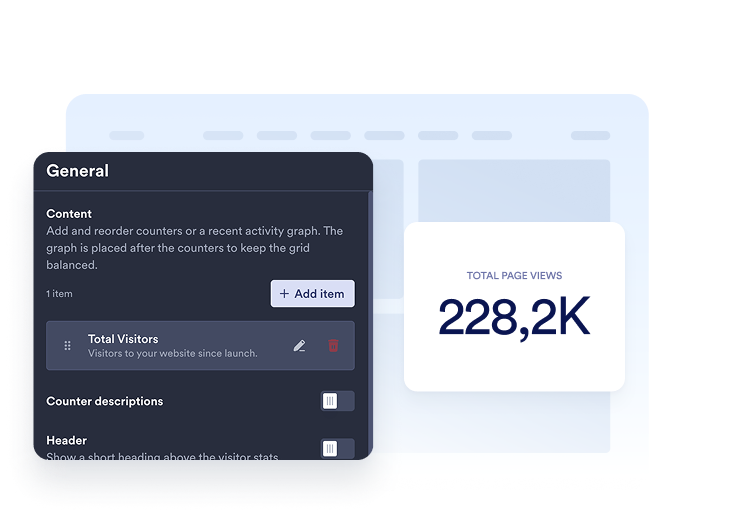
Choose your metrics
Add the counters you want to display. Choose a time period and select page views or unique visitors for each item, then customize its title and description.
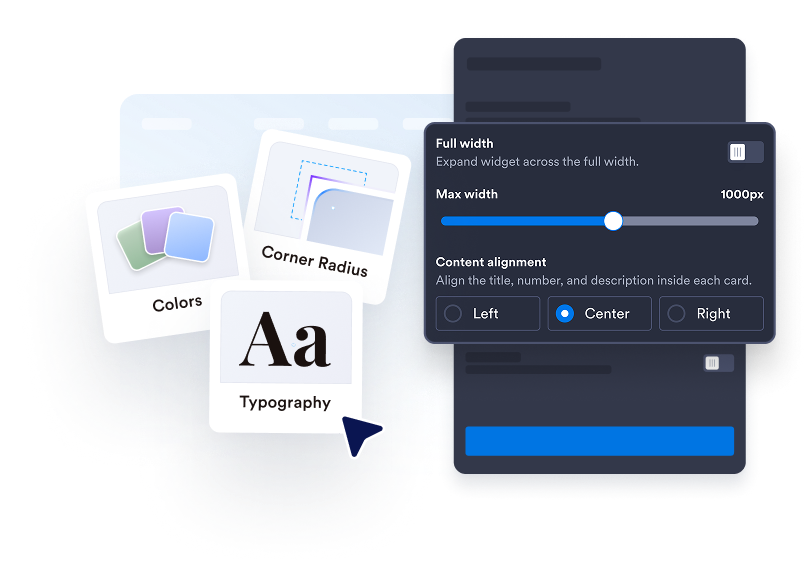
Customize your counter
Choose Cards, Inline, Mini, or Vertical. Adjust colors, spacing, number formatting, and width. Add a line, area, bar, or pie chart in supported layouts.

ウェブサイトに埋め込む
埋め込みコードをカスタムHTMLまたは埋め込みブロックに貼り付け、ページを公開してウェブサイトウィジェットを表示します。
Make your website activity easy to see
Choose the numbers that matter
Display page views or IP-based unique visitors for today, yesterday, this week, this month, this year, or all time. Add multiple counters, reorder them, and write a clear title and description for each.
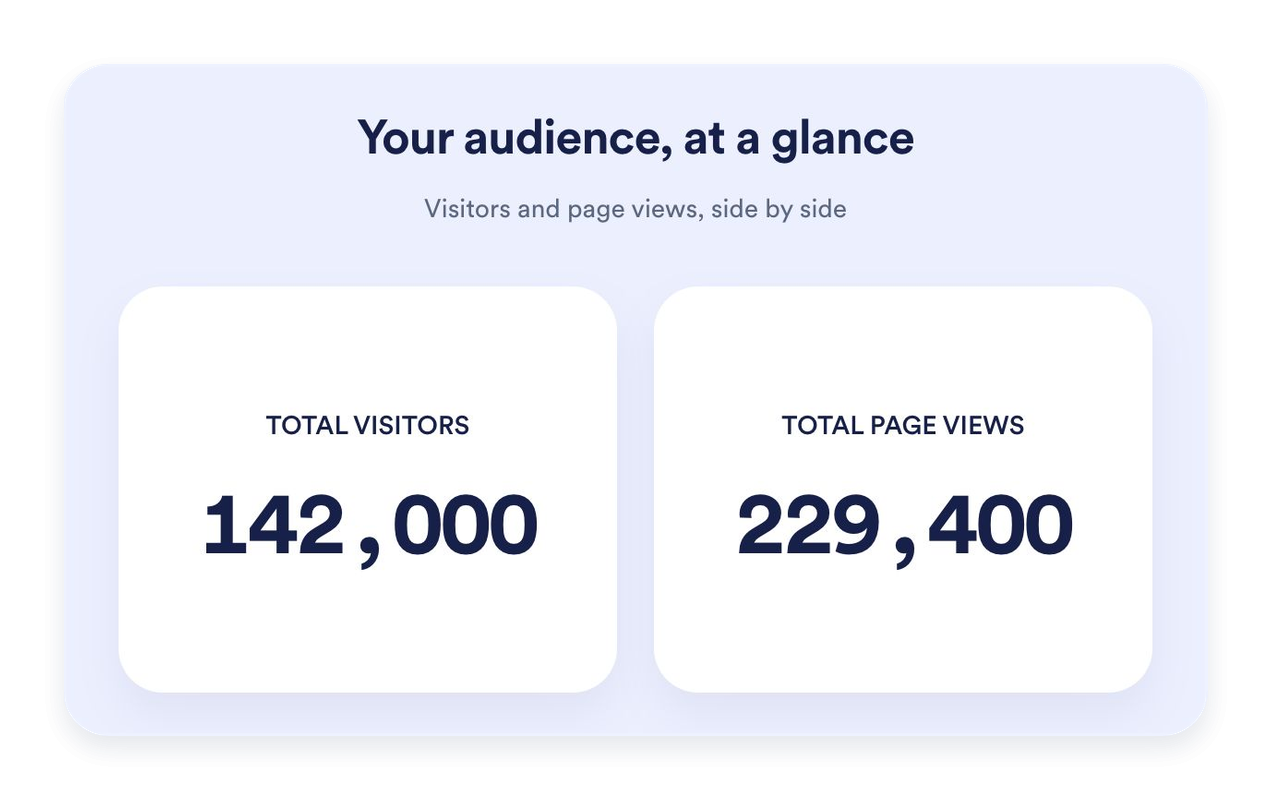
Find the right fit for your page
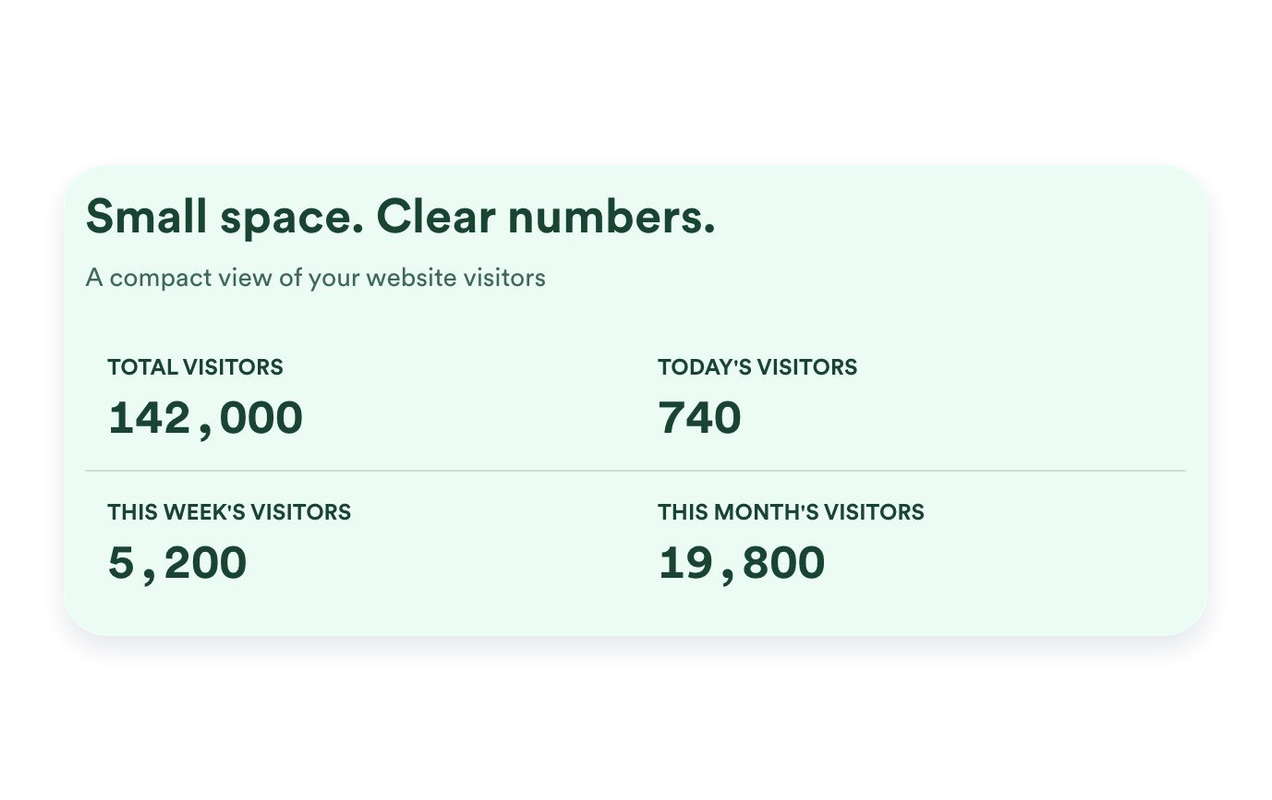
Use Cards to highlight individual metrics, Inline for a compact section, Mini for a simple count-only display, or Vertical for a stacked layout. Set a maximum width and adjust spacing to fit your website.
Put recent activity in context
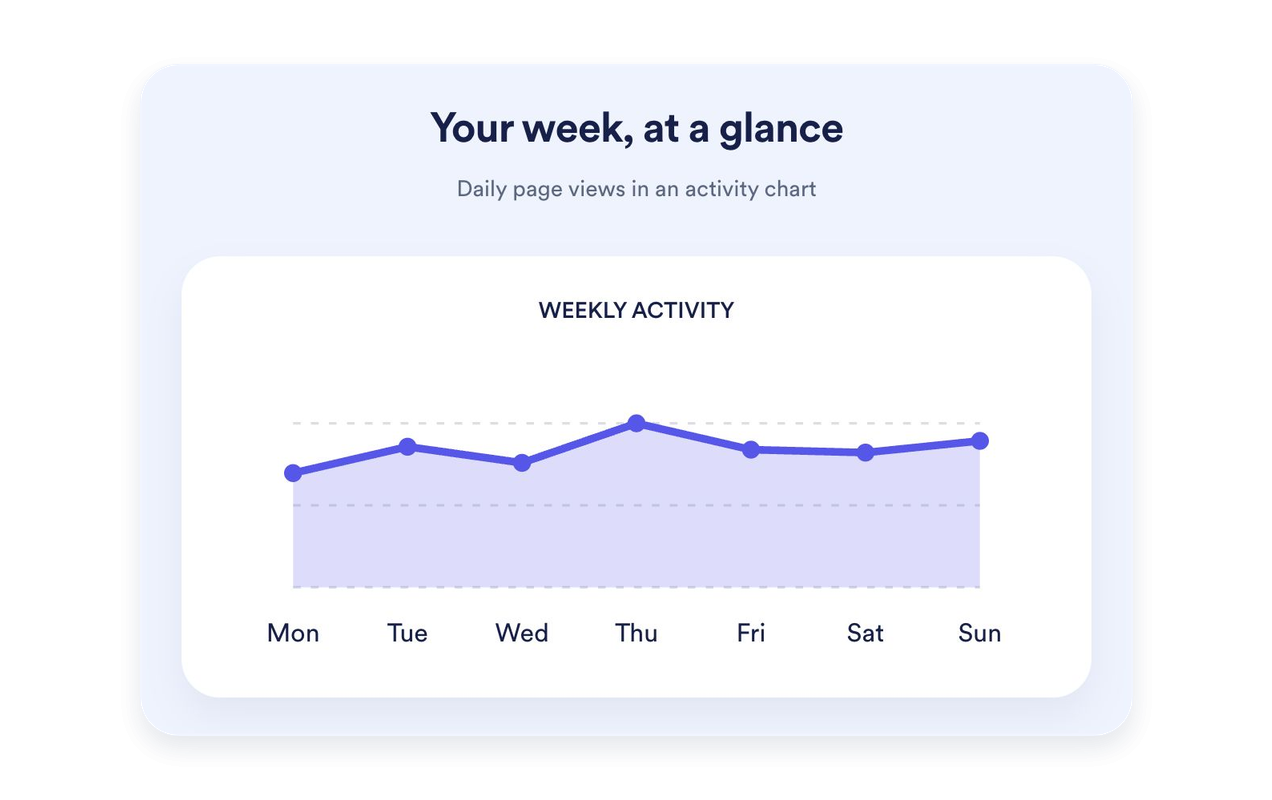
Show the last seven days of page views as a line, area, bar, or pie chart. Give the chart its own title and description. Charts are available in Cards, Inline, and Vertical; Mini keeps the focus on counts.
Style your counter to match your website
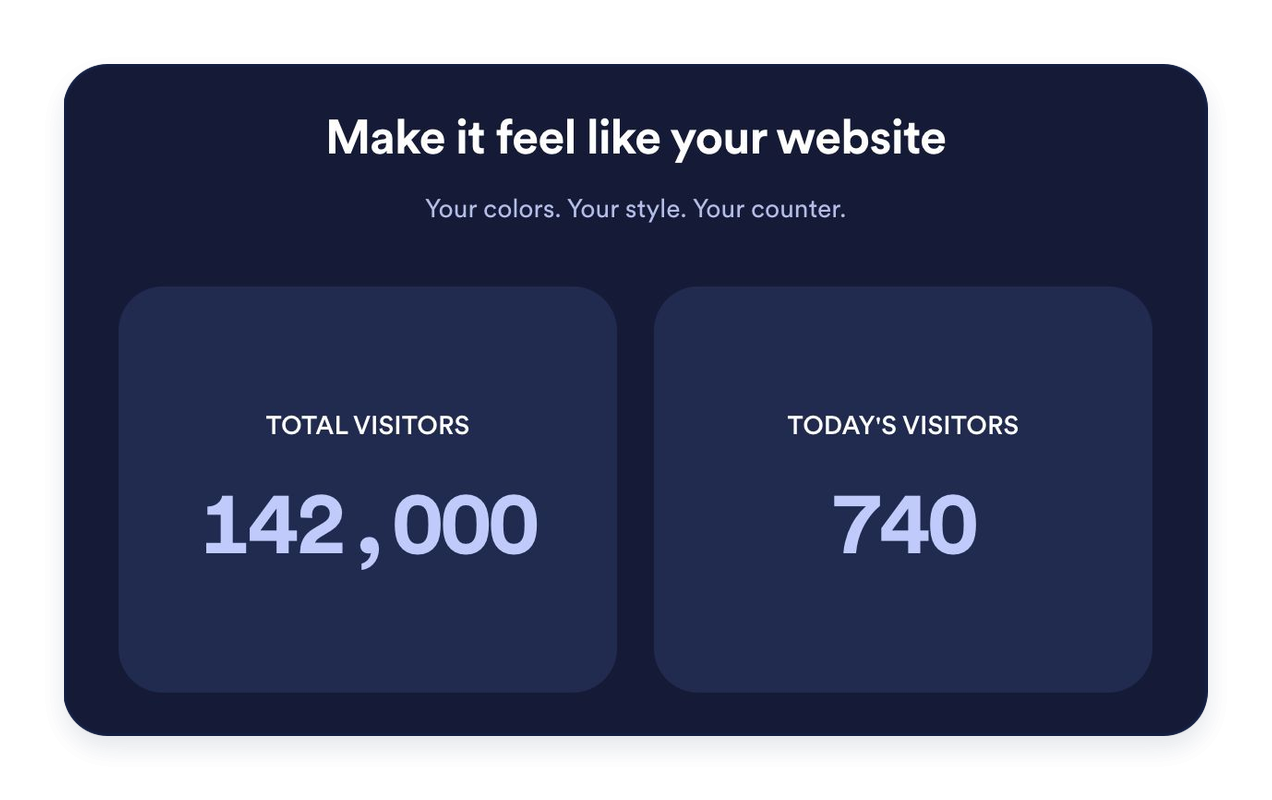
Choose light, dark, or custom colors. Customize backgrounds, typography, number formatting, card corners, and alignment. Add an optional heading and message to introduce your stats.
Jotformウェブサイトウィジェットが選ばれる理由
Jotformのウィジェットは、ウェブサイトをよりインタラクティブにし、コンバージョンを高めます。星評価やお客様の声のスライダーから、社会的証明のポップアップ、メディア埋め込みまで、多彩なツールが利用可能です。フォームやランディングページにウィジェットを追加して、データ収集、証明の表示、リードの獲得を実現しましょう。コーディングは不要です。
シンプルな埋め込みコードで、Jotformウィジェットをウェブサイトに追加できます。ウィジェットをカスタマイズし、見た目をプレビューして、カスタムHTMLや埋め込みブロックに対応したあらゆるページに貼り付けるだけ。開発者は一切不要です。
Jotformウェブサイトウィジェットを使って、リードの獲得、お客様のフィードバックの表示、社会的証明の掲載、メディアの埋め込み、便利なウェブページツールの追加ができます。各ウィジェットは、訪問者がウェブサイトから直接あなたのビジネスとやり取りできるようサポートします。
ウィジェットの設定、カスタマイズ、埋め込み、トラブルシューティングでサポートが必要な場合、Jotformのカスタマーサポートチームが24時間365日対応します。必要なときに助けがあると分かっているので、安心して前に進めます。
アクセスカウンターウィジェットの活用場所
Place a visitor counter where a short summary of website activity is useful. Choose the metrics and layout that fit the page.
Website homepages: Highlight all-time page views or recent activity near your main content.
Blog footers: Add an Inline or Mini counter without taking attention away from your articles.
Landing pages: Use Cards to give selected metrics a clear, readable presentation.
Sidebars: Stack counters in a Vertical layout for narrower page areas.
Community websites: Display page views and IP-based unique visitor counts with clear labels.
Event and launch pages: Highlight today’s or this week’s recorded activity.
Jotformフォーム作成ツールで、リードを有料顧客へと変えましょう
Jotformで、エンゲージメントをアクションへと変えましょう。リードの獲得、決済の回収、返信の自動化まで、すべてを一か所で実現する強力なフォームを作成できます。すべての回答はJotform受信トレイに届き、そこからフォローアップしたり、お気に入りのアプリと連携したりできます。
無料で今すぐ始める
よくある質問 (FAQ)
What is a Visitor Counter Widget?
A Visitor Counter Widget displays recorded page views and IP-based unique visitor counts on your website. Choose which counters and time periods to show, customize their appearance, and embed the widget without coding.
How are page views and unique visitors counted?
Can I choose which counters appear?
Can I set a starting value?
どのレイアウトが利用できますか?
Can I add a graph?
デザインをカスタマイズできますか?
Do I need to code to add the counter?
Does the counter work on mobile?
Is the Visitor Counter Widget free?
Which website platforms are supported?