Convert Submission into PDF Document
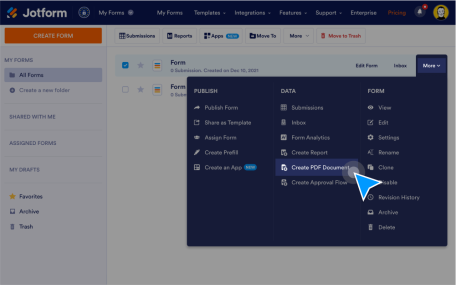
Convert Submission into PDF Document easily. Generate PDFs for single or multiple form submissions.
გაიგეთ მეტიAdvanced Form Options
Take your forms even further with our Advanced Form Options. Whether you want to add multilingual support, create offline forms, or make your forms smarter with conditional logic — Jotform includes dozens of powerful built-in features to enhance the way your users interact with your forms.
Convert Submission into PDF Document easily. Generate PDFs for single or multiple form submissions.
გაიგეთ მეტი
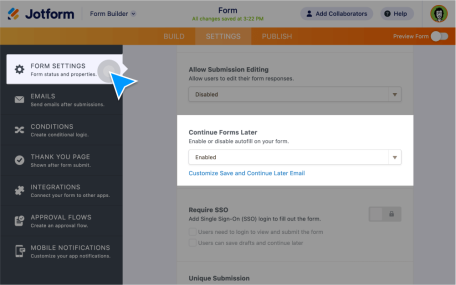
აქციეთ არასრული ჩანაწერები საჭირო მონაცემებად. საშუალება მიეცით მომხმარებლებს შეინახონ თავიანთი პროგრესი და დაასრულონ ფორმის შევსება მოგვიანებით.
გაიგეთ მეტი
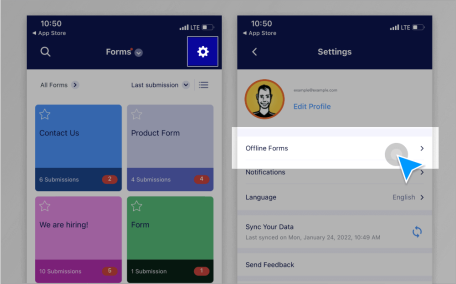
Collect data offline with Jotform Mobile Forms, our free mobile app! Responses collected offline will be instantly saved and automatically synced to your Jotform account when you reconnect to the internet.
გაიგეთ მეტი
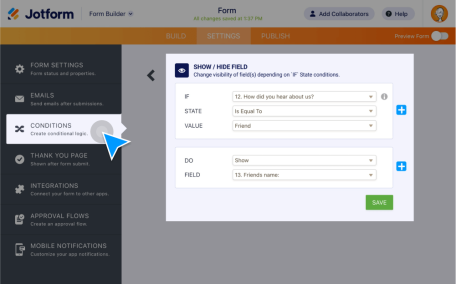
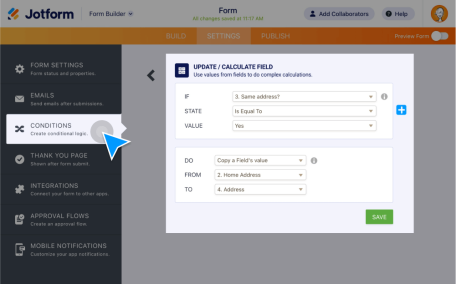
გახადეთ თქვენი ჭკვიანი ფორმები უფრო მეტად ჭკვიანი პირობითი ლოგიკის გამოყენებით. გამართეთ თქვენი ფორმა რათა აჩვენოს ან დამალოს ფორმის ველები, გაუგზავნეთ იმეილები კონკრეტულ მომხმარებლებს, აჩვენეთ განსხვავებული მადლობის შეტყობინებები და მრავალი სხვა - ყველაფერი იმის მიხედვით თუ როგორ შეავსებს მომხმარებელი თქვენს ფორმას.
გაიგეთ მეტი
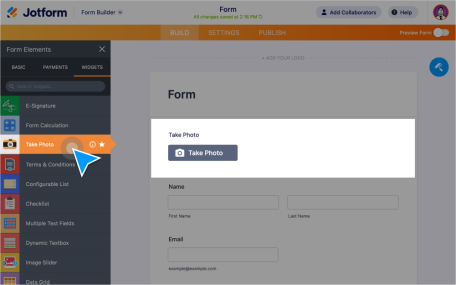
Let users upload, take, and preview images within your form. Create a file upload form without any coding and collect images from users from any device.
გაიგეთ მეტი
აირჩიეთ თუ როდის გსურთ გამოხმაურებების მიღება. ავტომატურად გამორთეთ ან გააქტიურეთ თქვენი ფორმა კონკრეტულ თარიღზე ან სასურველი რაოდენობის გამოხმაურებების მიღებისას.
გაიგეთ მეტი
გაზარდეთ ფორმის ჩართულობა მოსაუბრე ფორმების გამოყენებით რომლებიც წარმოადგენენ ერთ კითხვას თითოეულ გვერდზე. აღმოაჩინეთ Jotform ბარათების ყველა მძლავრი ფუნქციონალი!
გაიგეთ მეტი
შექმენით ფორმის შევსების პერსონალიზირებული გამოცდილება თქვენი მომხმარებლებისათვის. გამოიყენეთ პირობითი ლოგიკა რათა ჩასვათ წინა კითხვების პასუხები შემდგომ შეკითხვებში.
გაიგეთ მეტი
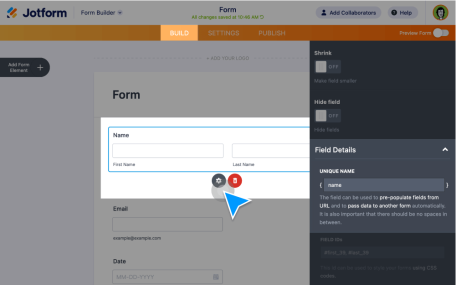
Make it easier for customers, clients, or coworkers to fill out your forms by using pre-populated forms. Pre-populate form fields from previous submissions, other forms, Excel files, and more!
გაიგეთ მეტი
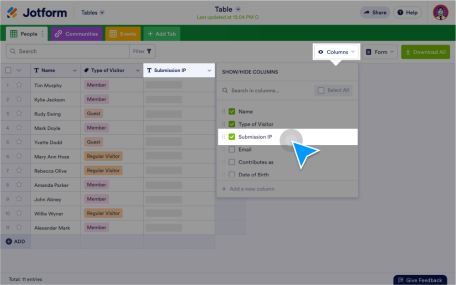
Access IP addresses of the form respondents easily. Generate a report with IP address data to understand customer demographics.
გაიგეთ მეტი
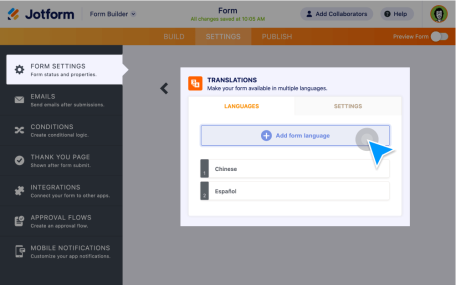
გსურთ მიაღწიოთ უფრო ვრცელ აუდიტორიას ონლაინ? დაამატეთ თქვენი ფორმის თარგმანები, რათა საშუალება მისცეთ მომხმარებლებს შეავსონ იგი თავიანთ მშობლიურ ენაზე.
გაიგეთ მეტი
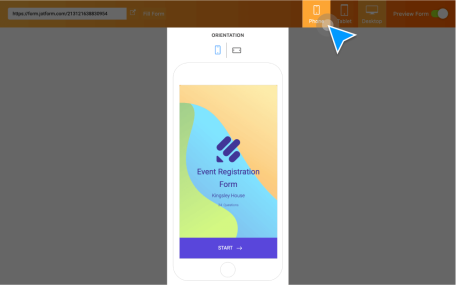
გაამარტივეთ თქვენი ონლაინ ფორმების შევსება ნებისმიერ მოწყობილობაზე. შექმენით ფორმები და გამოკითხვები რომლებიც მორგებულია ნებისმიერ კომპიუტერზე, პლანშეტზე ან სმარტფონზე.
გაიგეთ მეტი

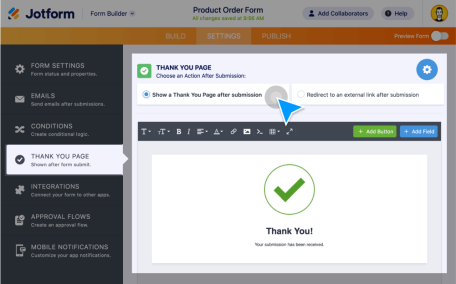
Want to display a Thank You Page after form completion? It’s easy with Jotform! Either make your own custom Thank You page or redirect your users to a certain page.
გაიგეთ მეტი
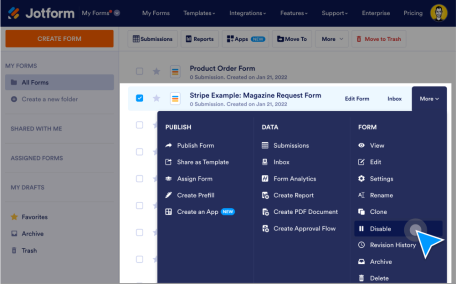
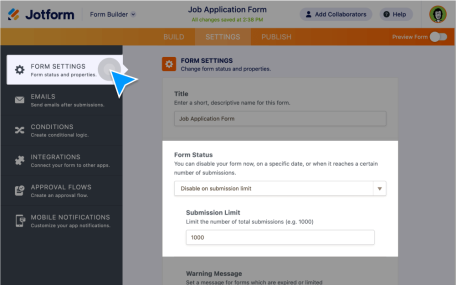
ავტომატურად გამორთეთ თქვენი ფორმა როგორც კი მიაღწევს სასურველი რაოდენობის ჩანაწერებს ან მოქმედების ამოწურვის თარიღს, ან თუნდაც დუბლიკატი ჩანაწერების მიღებისას.
გაიგეთ მეტი


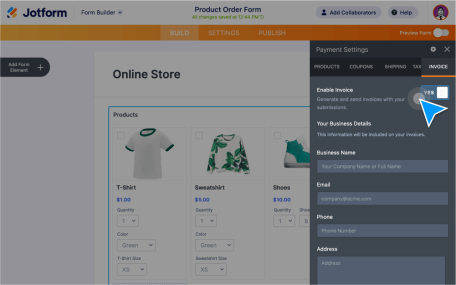
Create custom invoices with your own branding and automatically send them out with every form submission.
გაიგეთ მეტი
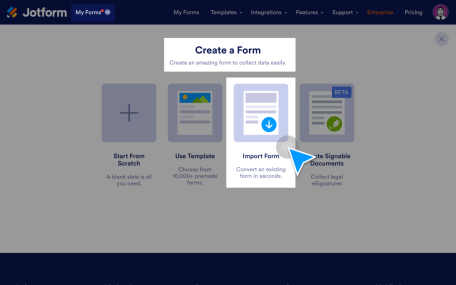
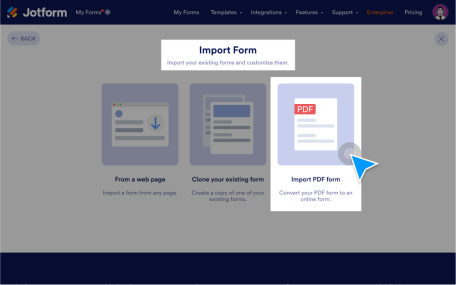
Import your fillable PDFs and turn them into powerful online forms that are easy to fill out from any device. Plus, keep the original PDF layout.
გაიგეთ მეტი

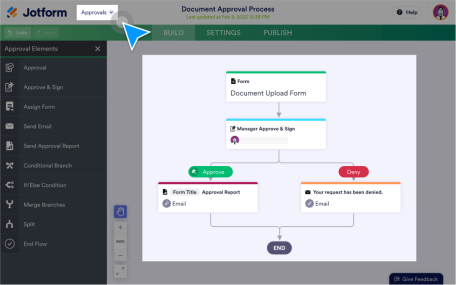
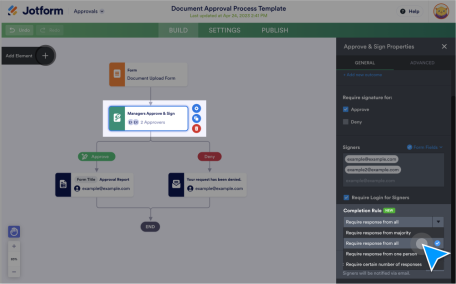
Streamline the decision-making process with Jotform Group Approvals for your company. Let multiple people submit their approvals, keep track of their activity and oversee your approval process.
გაიგეთ მეტი
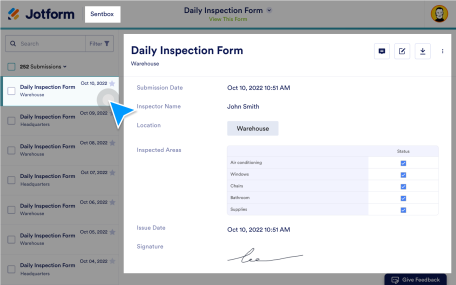
Keep submissions organized, collaborate with others, and find exactly what you’re looking for with search filters. View or edit your submissions through Jotform Sent box.
გაიგეთ მეტი
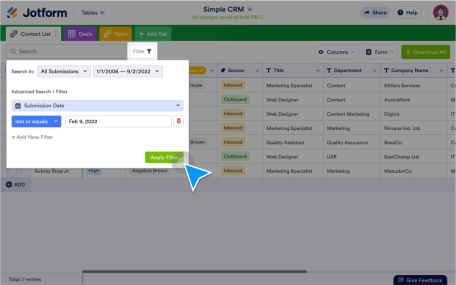
Make the most of your submission data by finding exactly what you need with easy-to-apply search filters in Jotform Tables, Jotform Inbox, and Jotform Report Builder.
გაიგეთ მეტი
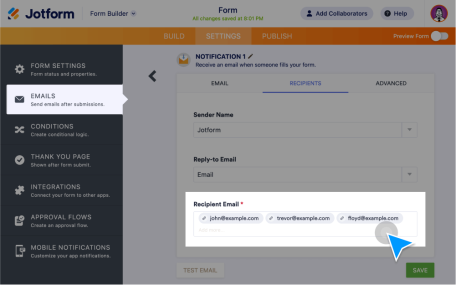
Send form submissions to your teammates fast. Forward form data via email, Jotform Inbox, or Jotform Tables. Easy to set up with no coding required.
გაიგეთ მეტი
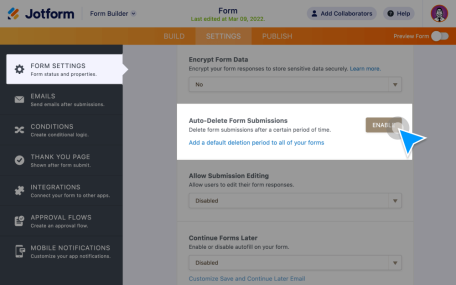
Store form submissions in your email inbox or other third-party apps instead of Jotform. Delete submissions from your Jotform account automatically.
გაიგეთ მეტი
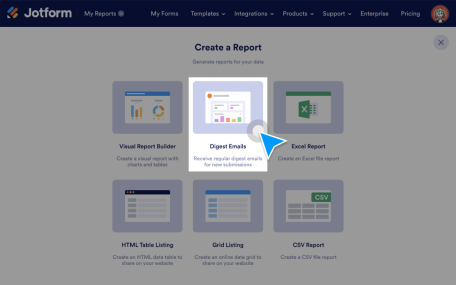
Receive daily, weekly, and monthly submission updates on selected forms in a single email.
გაიგეთ მეტი
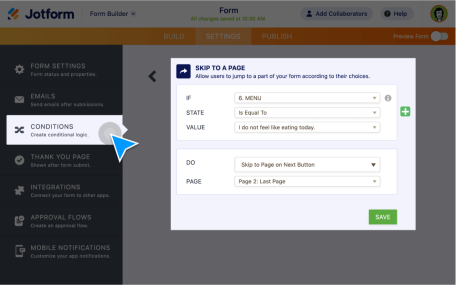
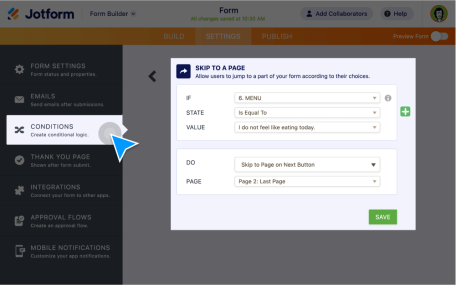
დააჩქარეთ ფორმის შევსების პროცესი და მიიღეთ ფორმის მონაცემები უფრო სწრაფად გამოტოვების ლოგიკის გამოყენებით! ის იყენებს პირობითი ლოგიკის ფუნქციონალს რათა გამოტოვოთ კონკრეტული კითხვები ან გვერდები - მომხმარებლის პასუხების შესაბამისად.
გაიგეთ მეტი
Make your forms more interactive with Jotform jump logic! Features include showing/hiding or skipping fields based on user answers.
გაიგეთ მეტი
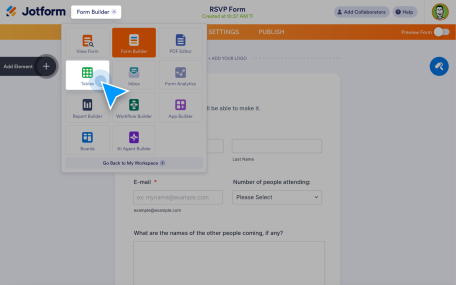
Automatically send every form response into a powerful spreadsheet-style workspace. With Jotform Tables, you can turn form submissions to tables instantly — so your data is organized, searchable, and ready to work with the moment someone hits submit.
გაიგეთ მეტი
Instead of forwarding requests or creating tasks one by one, you can automatically route data, assign ownership, and trigger the following actions.
გაიგეთ მეტი
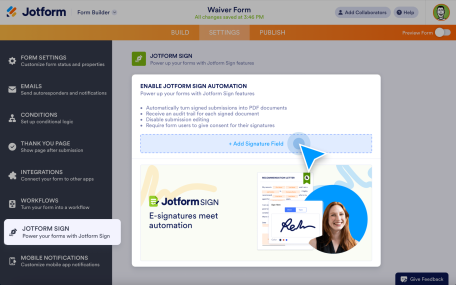
Create online forms with signature fields and collect secure e-signatures in minutes.
გაიგეთ მეტი
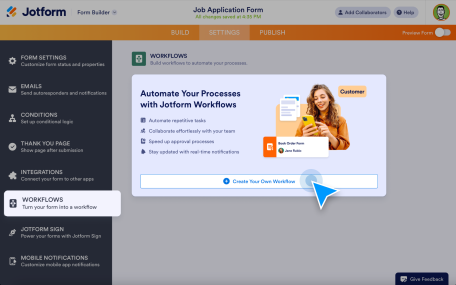
Automation features help you turn form submissions into automatic, repeatable processes.
გაიგეთ მეტი
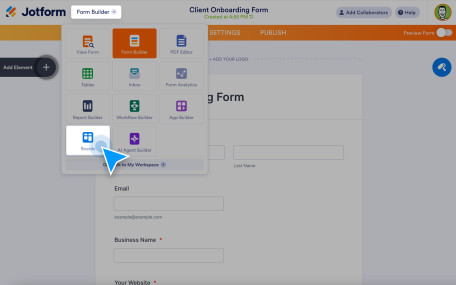
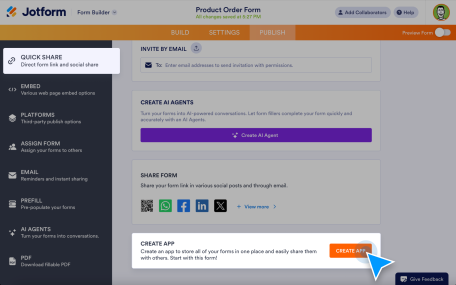
Instead of sending separate form links, organize multiple forms into one branded app that works on any device.
გაიგეთ მეტი
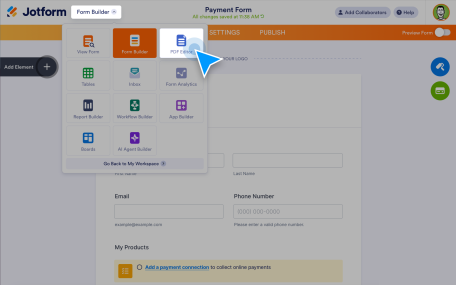
Create multiple PDF documents from a single form, preview them, and download completed copies whenever needed.
გაიგეთ მეტი