Gratis zakelijke widgets voor websites

Laat je merk groeien en betrek klanten met zakelijke widgets via de eenvoudige no-code builder van Jotform.
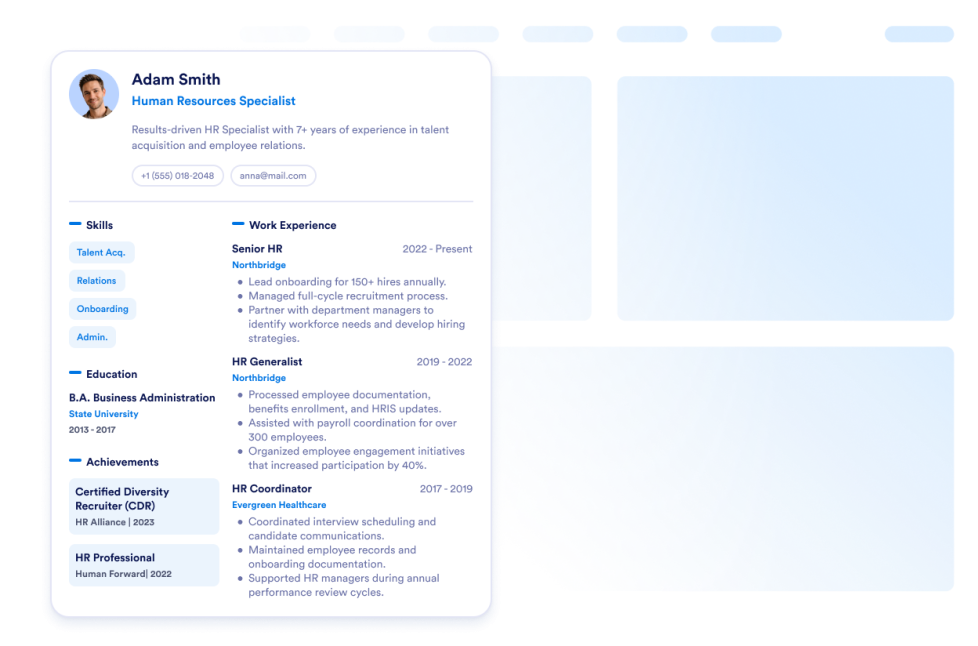
Cv

Zet je cv online op je website. Met de cv-widget van Jotform kun je je cv online zetten en bezoekers eenvoudig alles over jou laten weten.

Ga naar categorie:ZakelijkGebruik widget
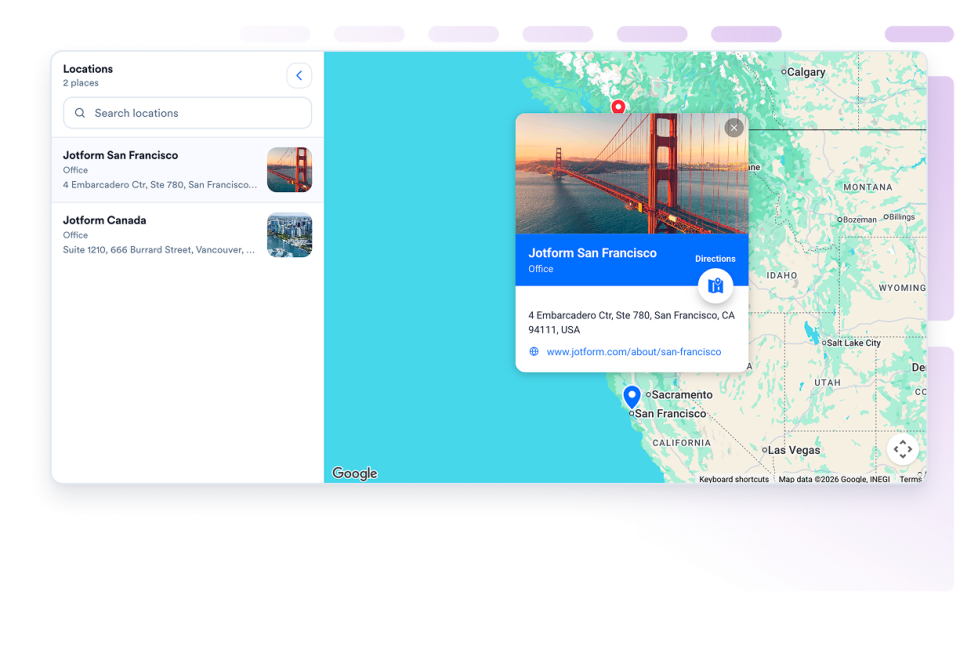
Google Maps

Voeg een aanpasbare google maps widget toe om je winkels, kantoren, locaties of servicegebieden weer te geven, inclusief contactgegevens, openingstijden, foto's, categorieën en links met routebeschrijvingen.

Ga naar categorie:ZakelijkGebruik widget
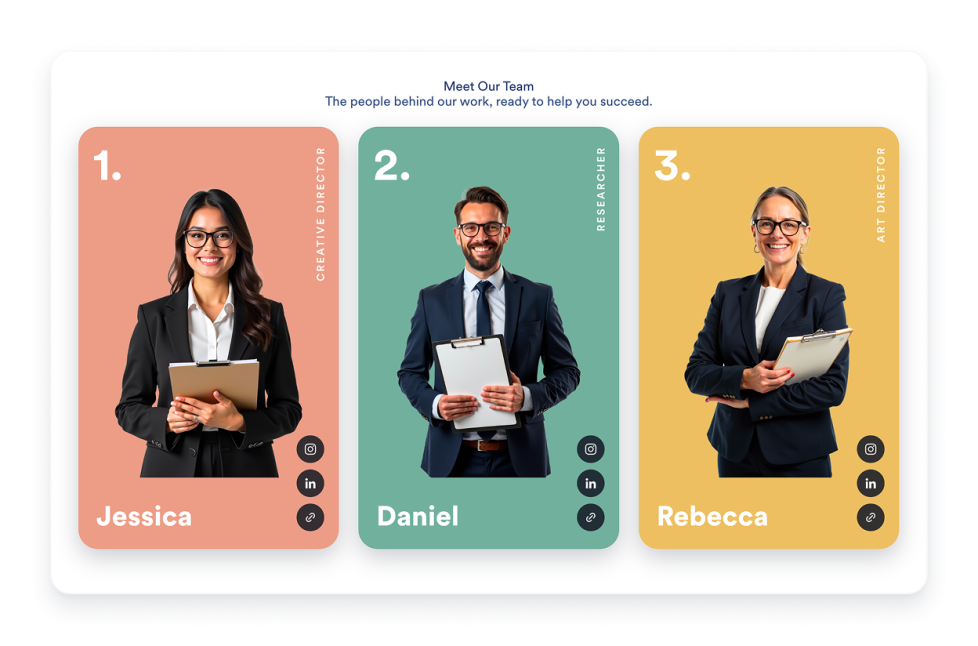
Teamoverzicht

Maak een teampagina-widget voor je website met profielkaarten, templatelay-outs, bio's van teamleden, socialmedialinks, kleurenschema's en responsieve embeds.

Ga naar categorie:ZakelijkGebruik widget
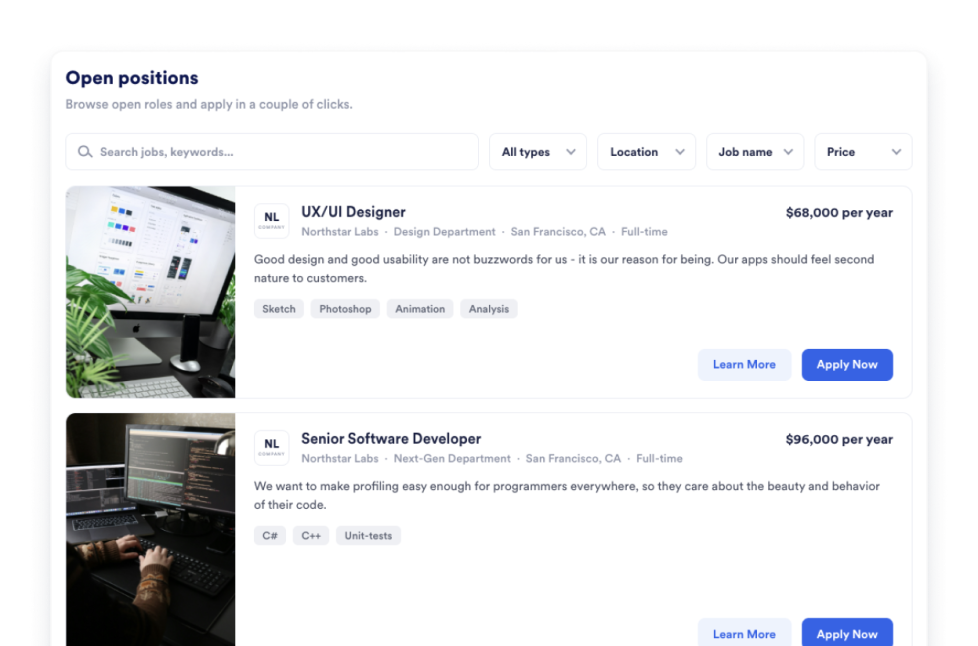
Vacaturebord

Voeg in enkele seconden een vacaturebank toe aan je website. Pas het ontwerp en de content aan en sluit vervolgens de vacature-widget in met de no-code website-widgetbouwer van Jotform.

Ga naar categorie:ZakelijkGebruik widget
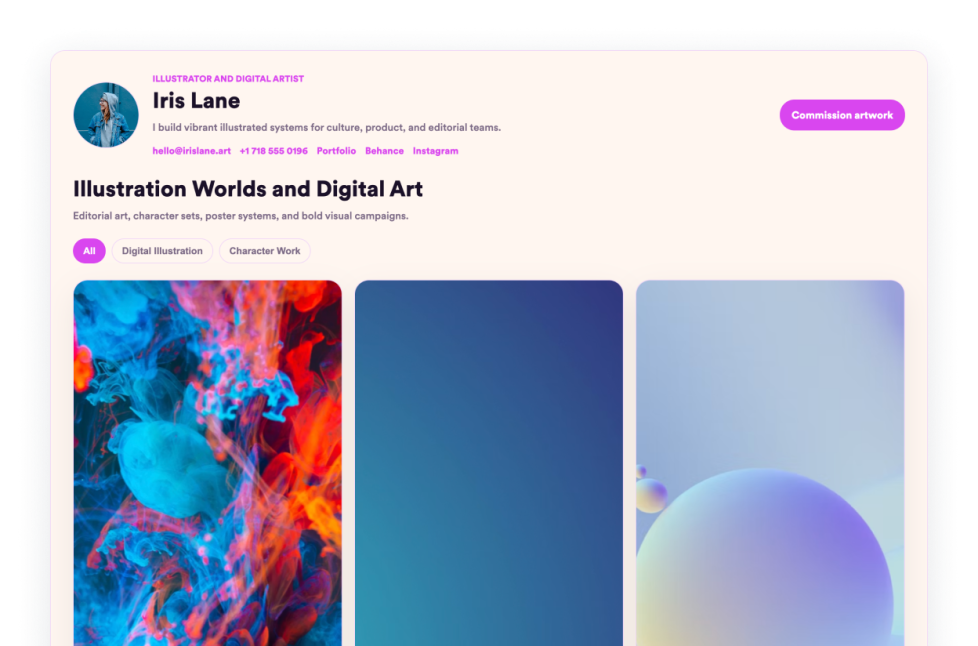
Portfolio

Showcase your best work with Jotform's Portfolio Widget. Create a stunning portfolio gallery, highlight projects, and embed it on any website with no coding required.

Ga naar categorie:ZakelijkGebruik widget
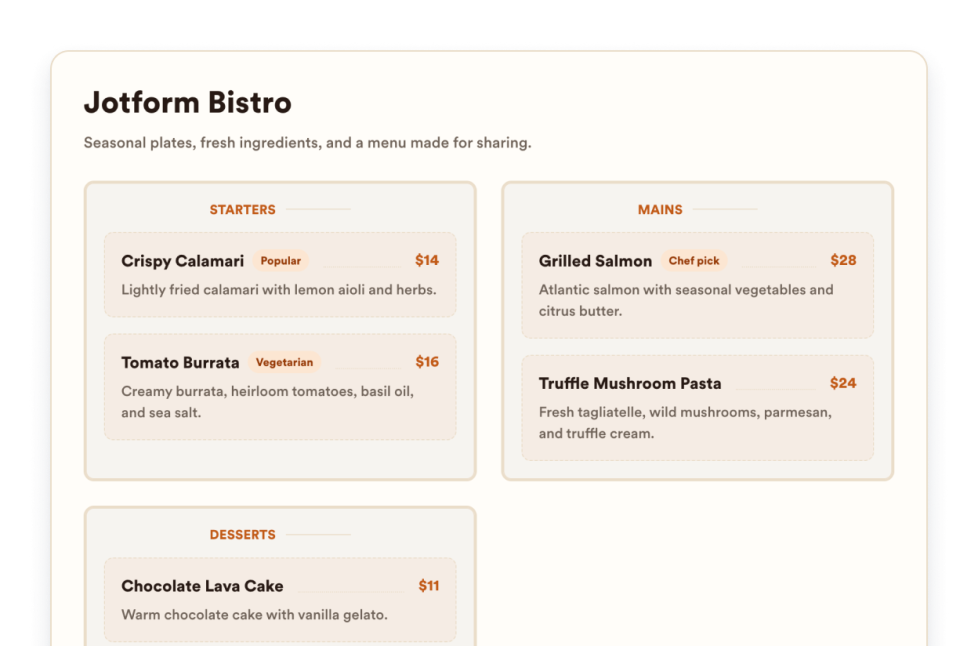
Menukaart

Voeg een mobielvriendelijke menukaart-widget toe aan je website met aanpasbare categorieën, productbeschrijvingen, prijzen, badges, lay-outs, thema's en reserveringslinks.

Ga naar categorie:ZakelijkGebruik widget
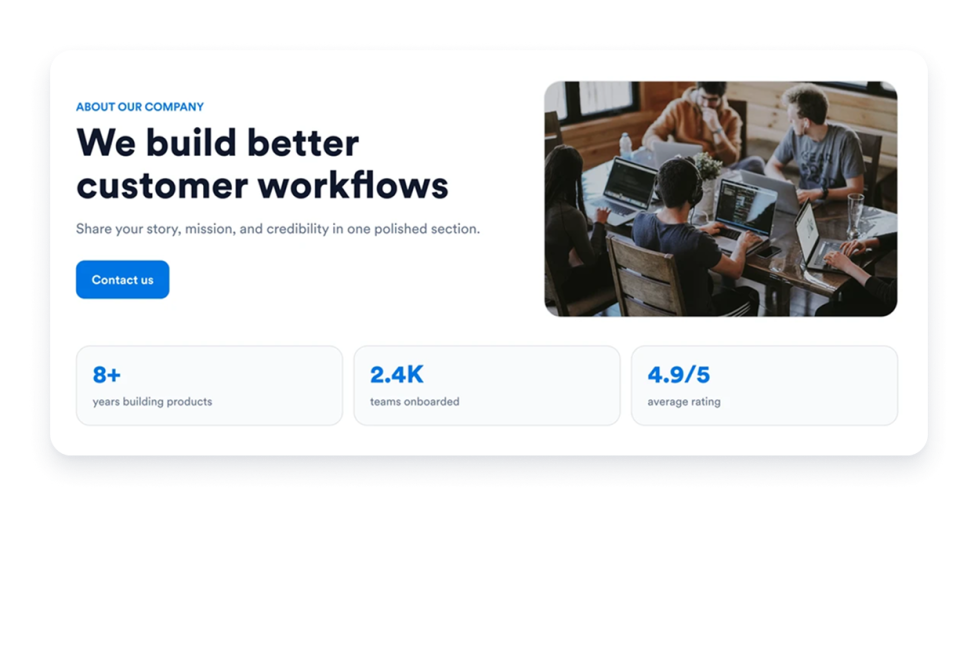
Over ons

Voeg een over ons-widget aan je website toe om het verhaal, de missie, de waarden, de teamleden en de merkidentiteit van je bedrijf met een aanpasbaar, professioneel ontwerp te presenteren.

Ga naar categorie:ZakelijkGebruik widget
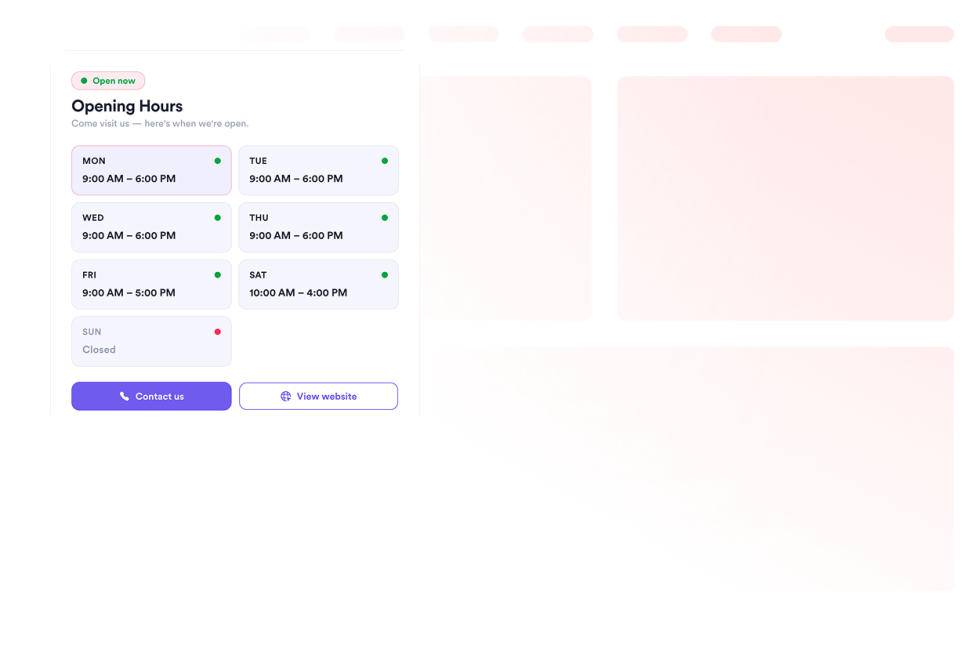
Kantooruren

Voeg een openingstijden-widget toe aan je website en pas de templates en kleuren aan. Toon openingstijden, de actuele status, contactgegevens, de locatie en call-to-action-knoppen.

Ga naar categorie:ZakelijkGebruik widget
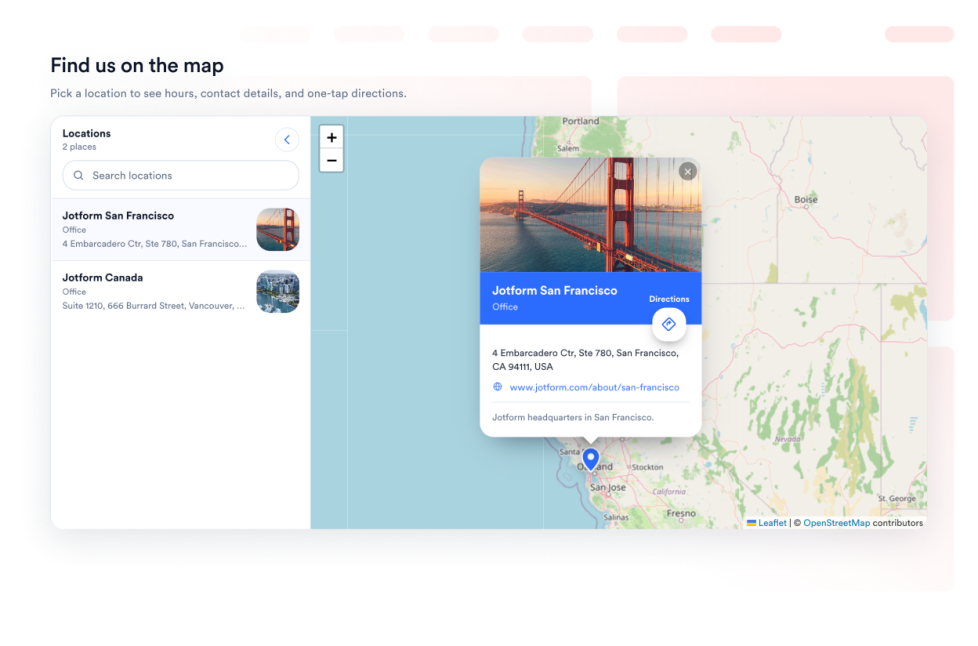
Open Street Map

Bied je bezoekers een interactieve locatiezoeker met OpenStreetMap op je webpagina. Pas de vermelde locaties aan en koppel elke plek aan een routebeschrijving via OpenStreetMap.

Ga naar categorie:ZakelijkGebruik widget
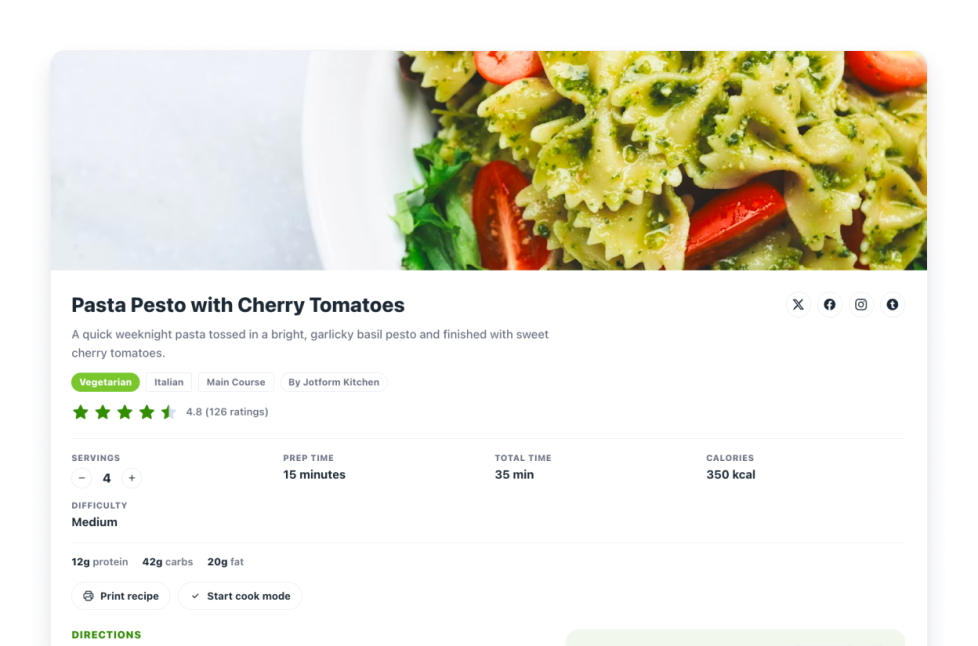
Recepten

Voeg een receptenkaart-widget toe aan je website. Deel receptenkaarten met afbeeldingen, ingrediënten, bereidingswijze, voedingswaarde, timing, afdruk-, deel- en schema-opties.

Ga naar categorie:ZakelijkGebruik widget
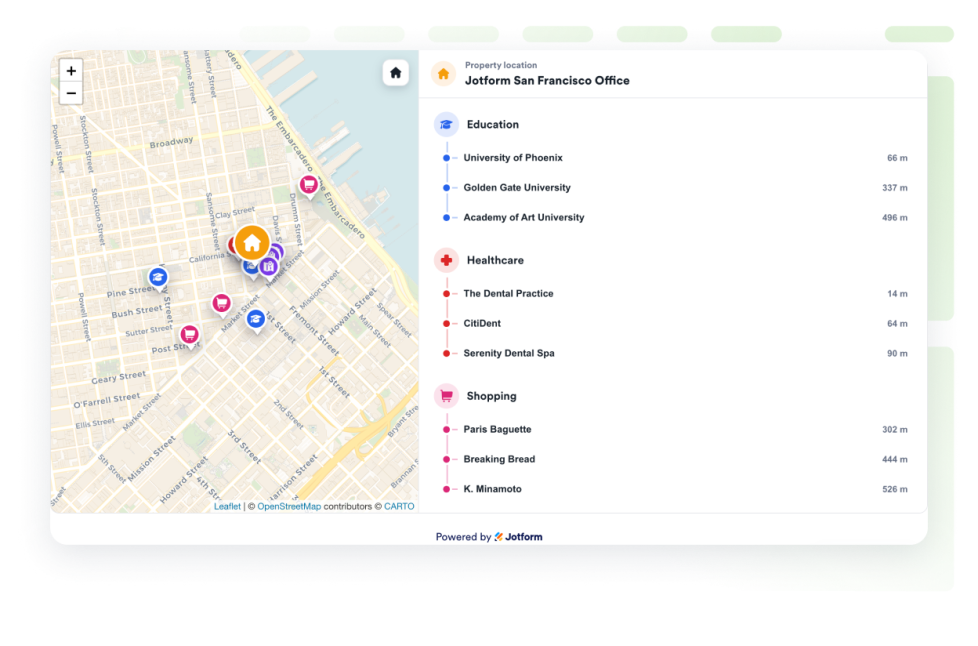
Real Estate Location Map

Voeg een woningkaart toe om één woning te tonen met OpenStreetMap, afstandslabels en onderwijs, zorg, openbaar vervoer, parken en winkels in de buurt.

Ga naar categorie:ZakelijkGebruik widget

About Business Widgets

Business widgets help companies present important information and useful resources directly on their websites without custom code. These embeddable widgets can introduce a team, display business hours and locations, share services or work samples, publish job openings, and provide visitors with practical business details.

With Jotform’s business widgets, you can create restaurant menus, team showcases, portfolios, business hours displays, location maps, job boards, About Us sections, resumes, and recipe cards. They can be added to business websites, service pages, contact pages, restaurant websites, real estate listings, career pages, portfolios, and local business landing pages.

What can you do with business widgets?

Business widgets can help you:

  • Display menu categories, item descriptions, prices, and reservation links with a Restaurant Menu widget
  • Introduce employees using team profiles, photos, roles, biographies, and social links
  • Present projects and work samples in a Portfolio widget
  • Show opening hours, contact details, location information, and current business status
  • Help visitors find stores, offices, venues, or service areas with Google Maps or OpenStreetMap
  • Publish available positions on an embeddable Job Board
  • Share your company’s history, mission, values, and team in an About Us section
  • Add a professional resume to a personal or business website
  • Display recipes with ingredients, instructions, images, nutrition details, and preparation times
  • Show real estate locations and nearby schools, transportation, parks, stores, or healthcare services

Popular business widget use cases

Business widgets can support many types of companies and independent professionals. Restaurants can use a Restaurant Menu widget to present food and drink categories, prices, descriptions, and reservation links. Local businesses can add a Business Hours widget and an interactive map so customers can check opening times, contact the business, and find directions.

Agencies, freelancers, photographers, designers, and consultants can use a Portfolio widget to display completed projects. Companies can add a Team Showcase or About Us widget to help visitors learn about their employees, background, mission, and values.

Recruiters and growing businesses can publish available roles with a Job Board widget. Real estate professionals can use a Real Estate Location Map to show a property and nearby services, while businesses with multiple locations can display offices, stores, or service areas using a map widget.

Easy website widgets for any team

Embeddable business widgets are useful for small businesses, restaurants, agencies, freelancers, real estate professionals, recruiters, local service providers, creators, and growing teams that want to share useful information without relying on a developer or designer.

With Jotform, users can select a widget, customize the content, settings, layout, and design, preview how it will appear, and copy the embed code. They can then add the widget to a supported website editor or HTML section without custom code.

This gives business owners and team members a practical way to update their website with company information, team profiles, operating hours, locations, job listings, and other visitor resources.

Gerelateerde handleidingen

To learn more about setting up and managing widgets, users can read Jotform’s guide on managing website widgets. The guide explains that users can create new widgets, edit existing widgets, copy embed codes, control widget visibility, and organize their widget assets from the My Website Widgets page.

Business Widgets FAQ

What are business widgets?

Business widgets are embeddable website tools that help companies display information and resources for customers, applicants, and other visitors. They can include menus, business hours, maps, team profiles, portfolios, job boards, company information, and resumes.

What types of businesses can use business widgets?

Business widgets can be used by restaurants, local businesses, agencies, freelancers, real estate companies, professional service providers, recruiters, creators, and organizations with multiple locations. The best widget depends on what information visitors need from the business.

Where should I add business widgets?

You can add business widgets to homepages, About Us pages, contact pages, service pages, career pages, property listings, restaurant pages, and portfolio pages. Place each widget close to the related information or action so visitors can find it easily.

Do business widgets require coding?

No. You do not need a developer or designer. You can customize the widget, copy the embed code, and add it to your website without custom code. The exact embedding steps depend on the website platform or page editor you use.