Build the forms your Shopify store needs
Create customizable contact forms, registration forms, online booking forms, pre-order forms, customer feedback forms, and more to collect the information your team needs and act on it.
Get the App - It’s FreeTell us about your business and we’ll send pricing tiers within two business days.
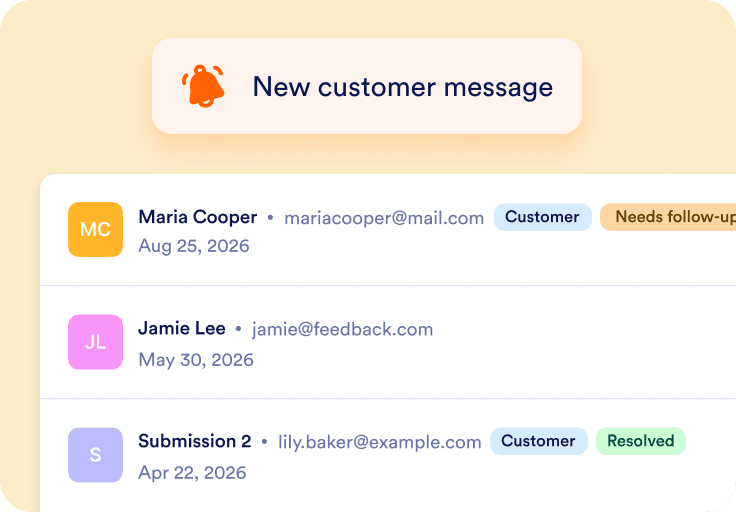
New customer message from your store
Get started in 3 simple steps

Get the app
Install the Jotform - Form Builder from the Shopify App Store and start creating your first form.

Embed on your store
Add your form to any page and start collecting inquiries, requests, feedback, and more.

Collect responses
Receive submissions from your customers and use reports and analytics to track responses and gain insights.

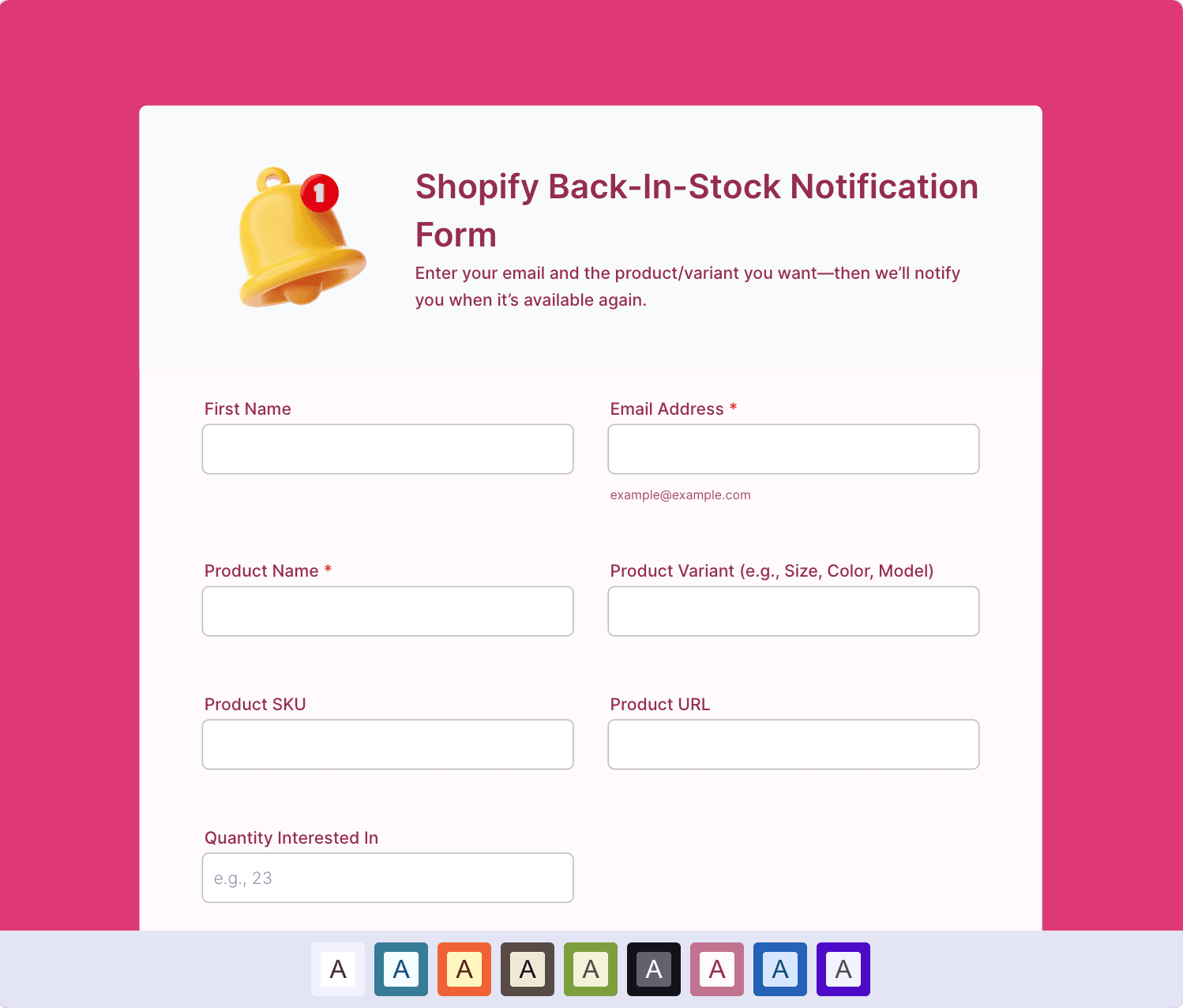
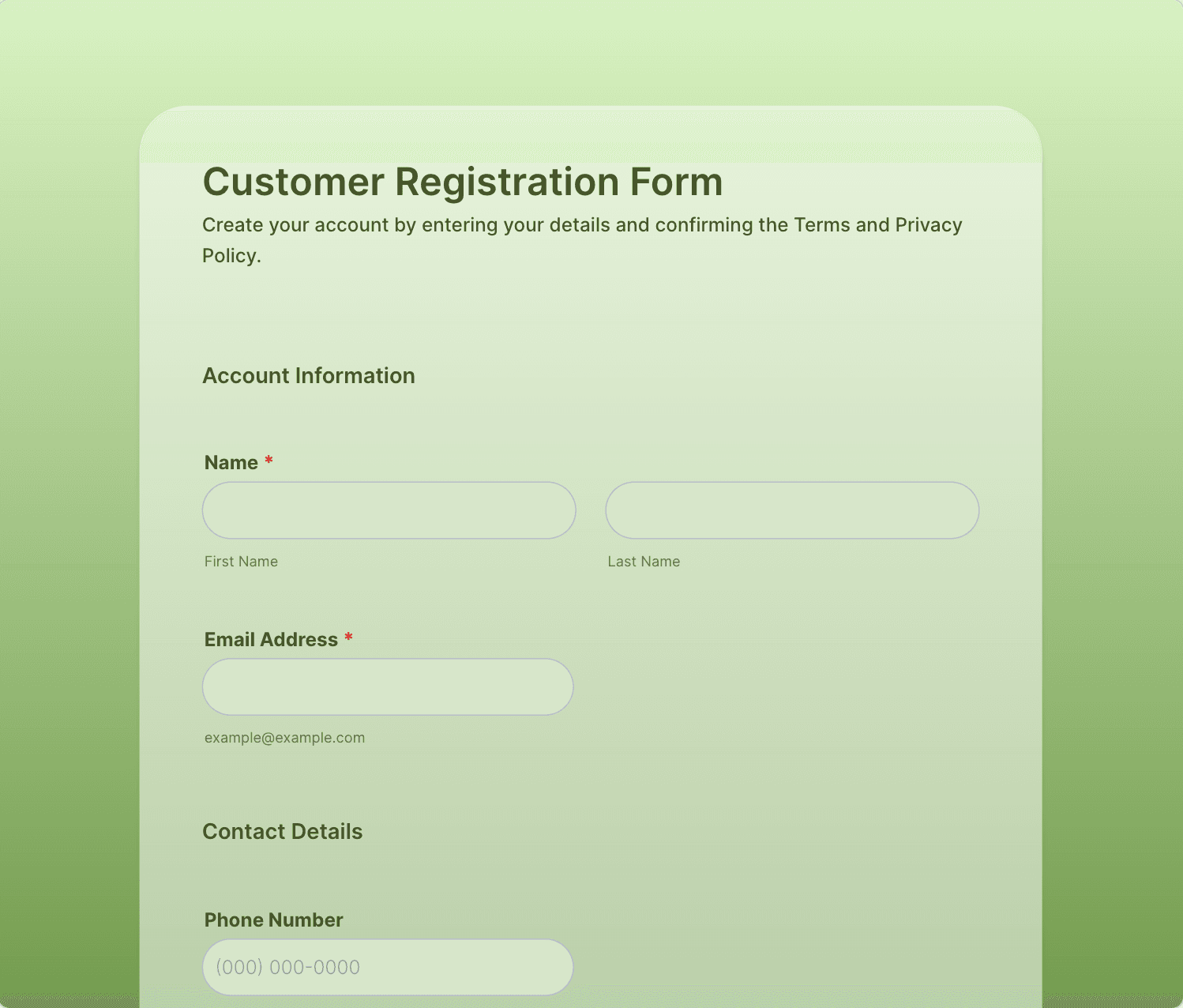
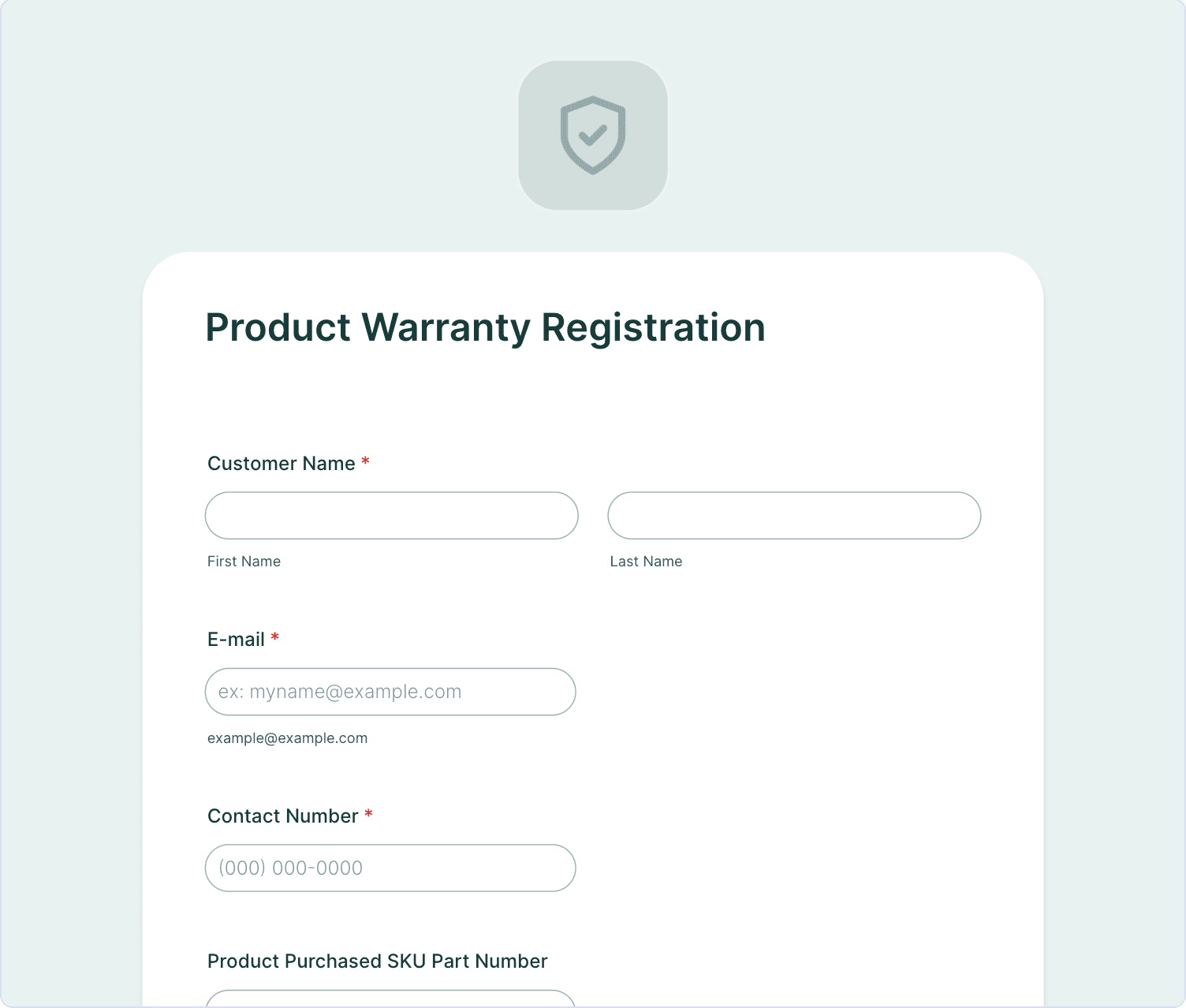
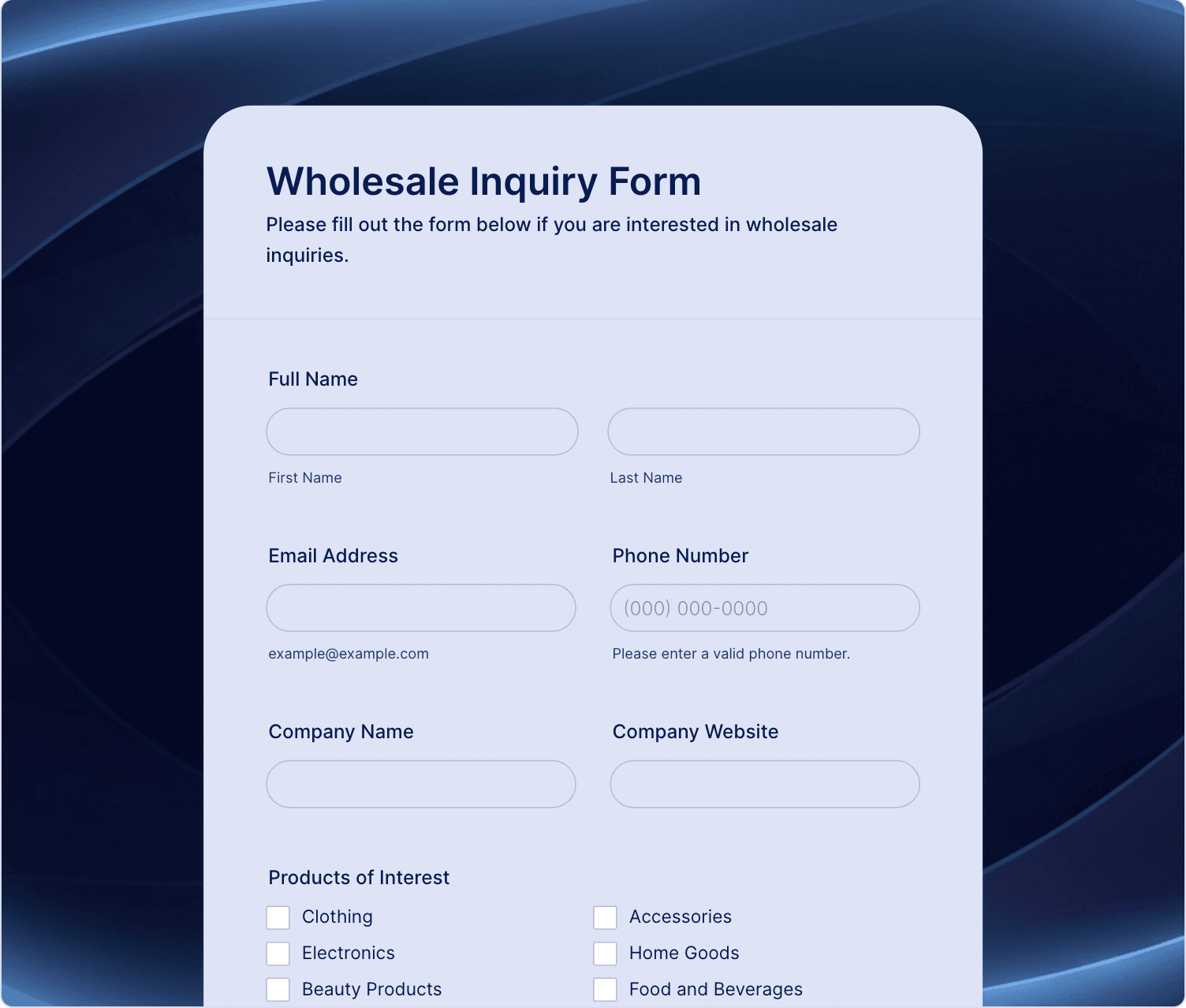
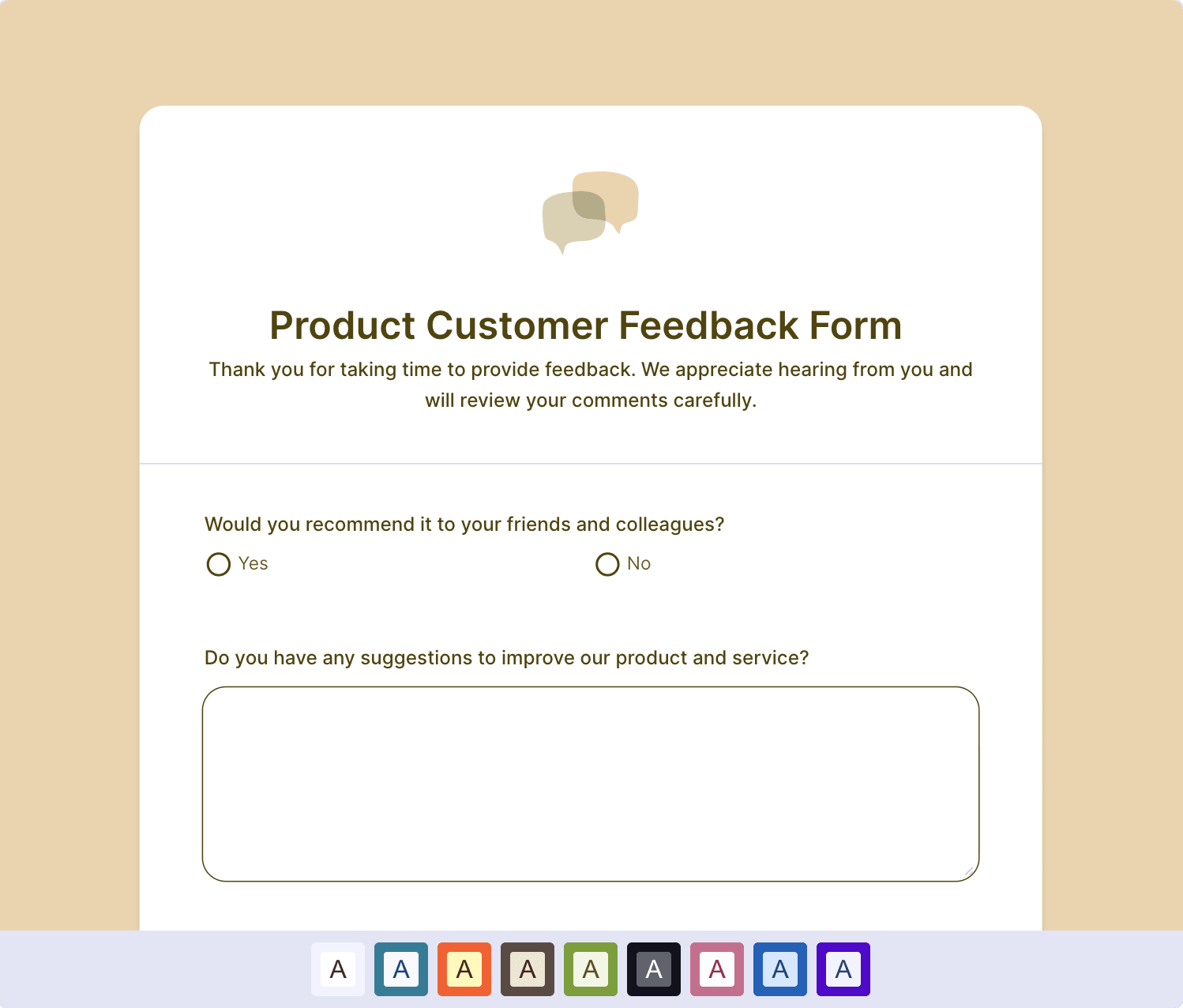
Browse templates and find your perfect fit
Explore 20,000+ free form templates for wholesale, product feedback, pre-orders, event sign-ups, and more. Customize any template to match your needs.
See All Templates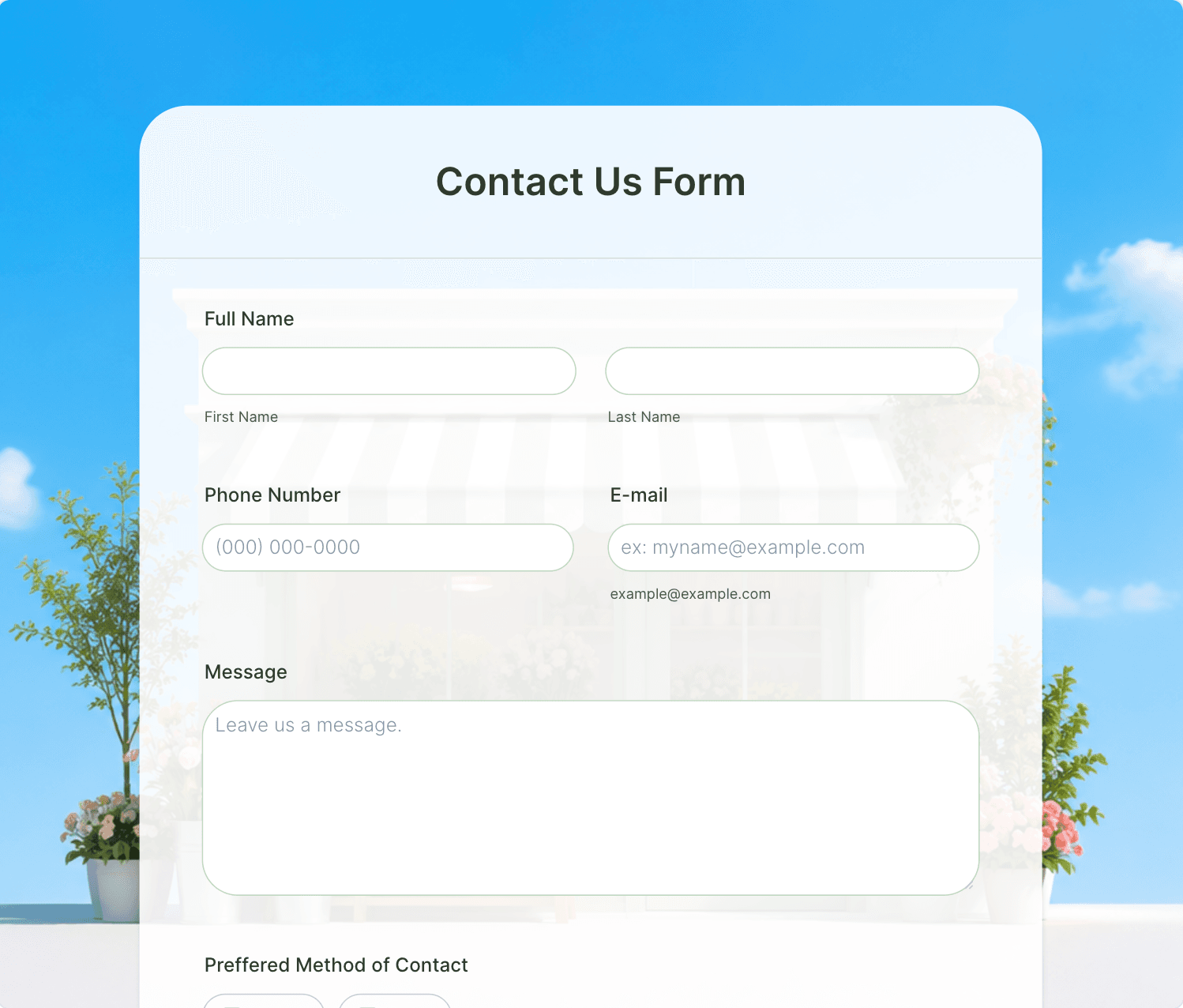
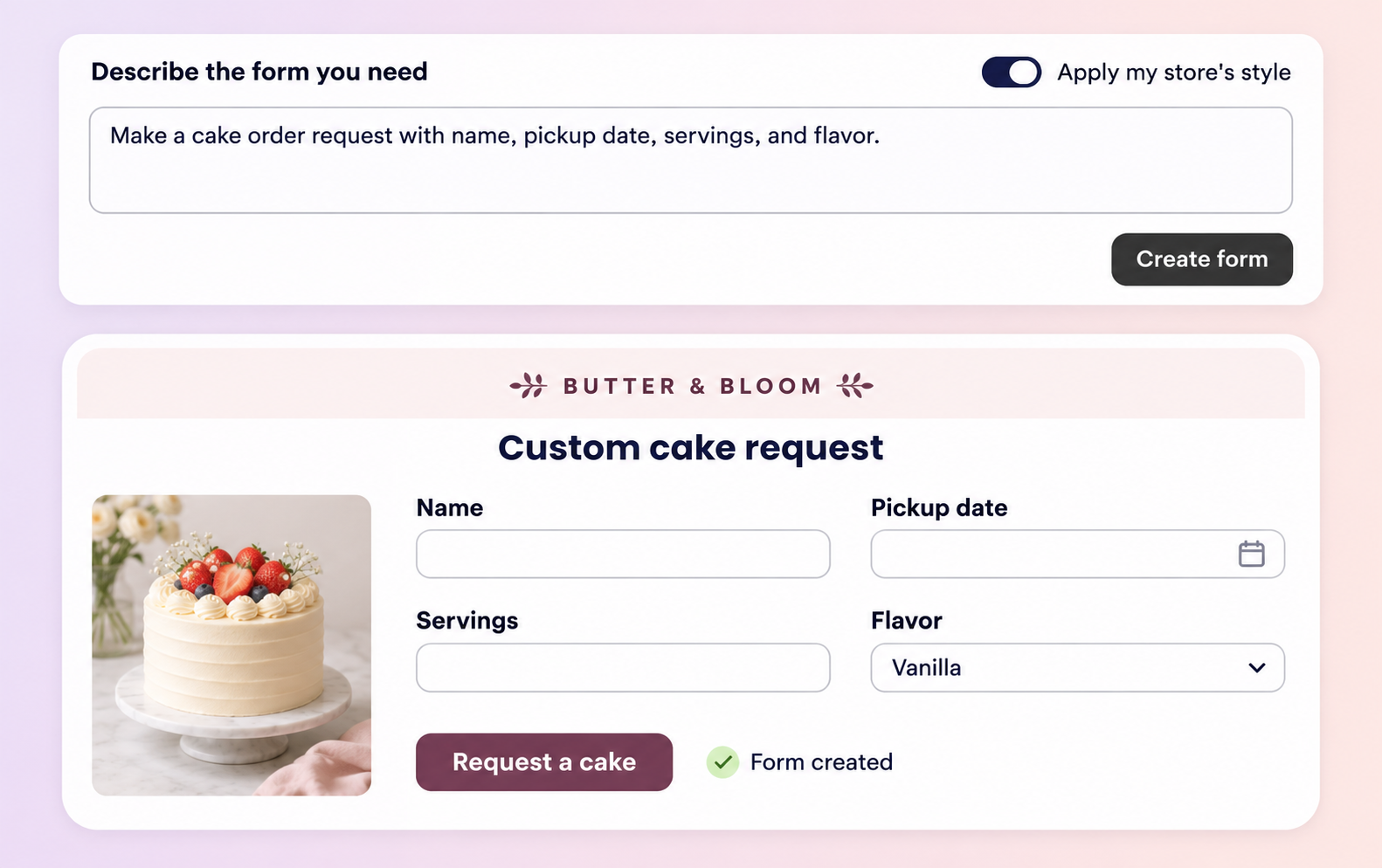
Describe your form and get it instantly
Tell AI exactly what your store needs and generate a fully customized form from scratch. Create anything from wholesale applications to product inquiries, tailored to your unique business needs.


Connect to the tools your business already uses
Connect form submissions to the tools your business already uses. Build automated workflows with Shopify Flow or integrate with popular apps like Google Sheets, Slack, Mailchimp, and more to fit your specific business needs.

Every submission can start a workflow
Jotform Form Builder adds a Form is Submitted trigger to Shopify Flow. Narrow it down with conditions, like which form was sent or the submitter’s email, then choose what happens next from Flow’s actions.
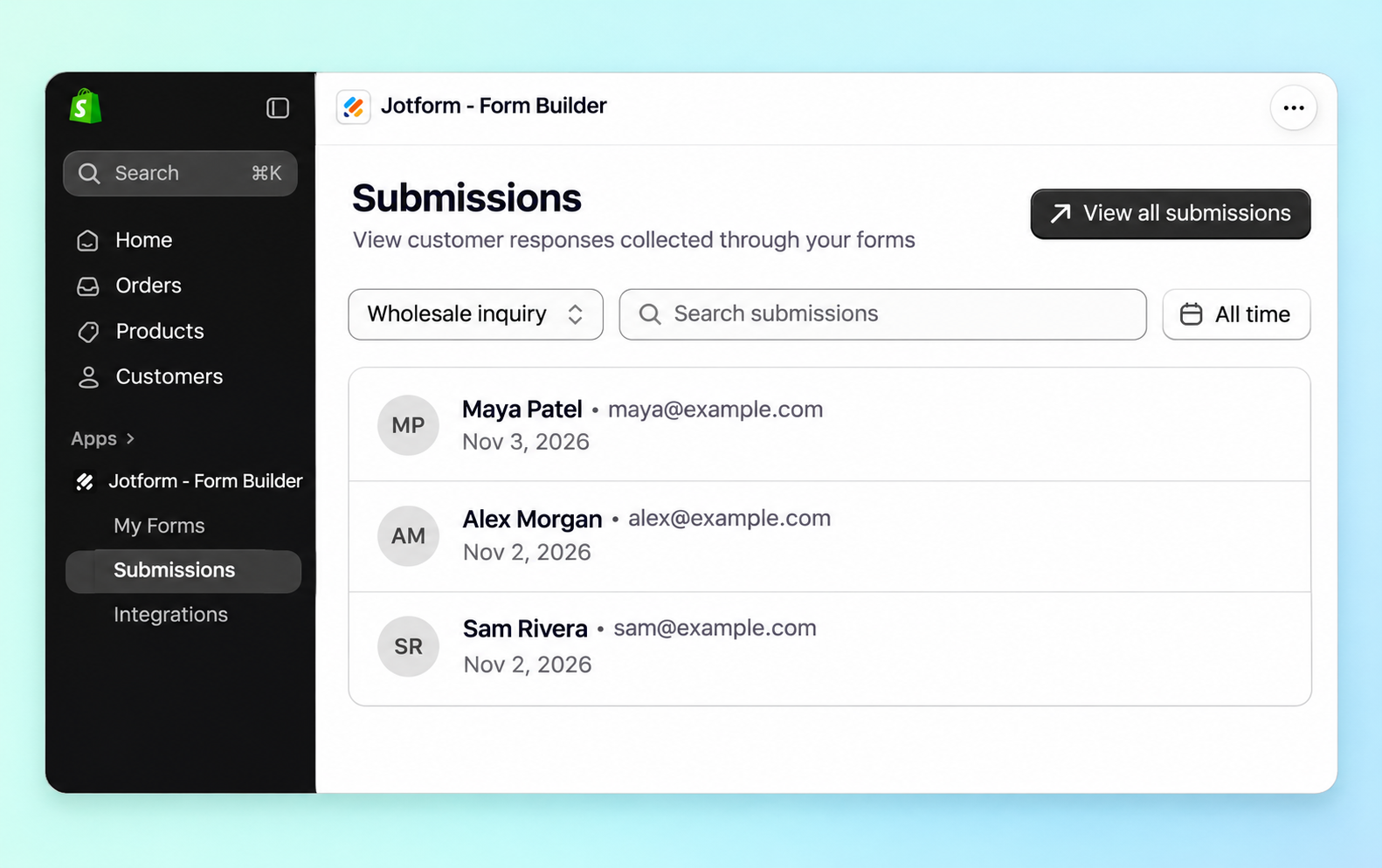
Manage submissions without leaving Shopify
Embed custom forms and surveys directly into your Shopify store, making it easy for customers to submit information and complete requests without leaving your storefront or interrupting their shopping experience.
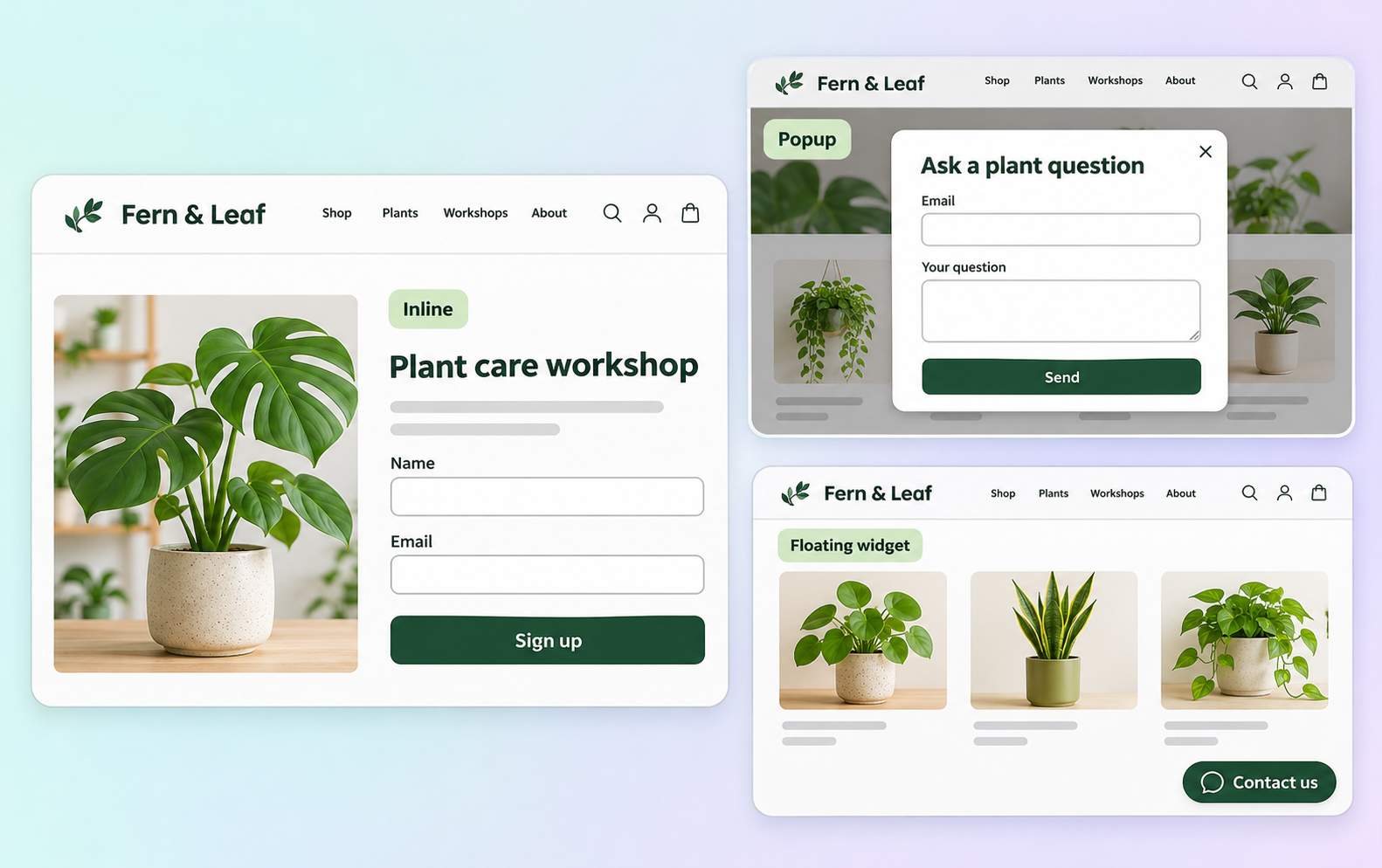
Forms that feel like part of your store
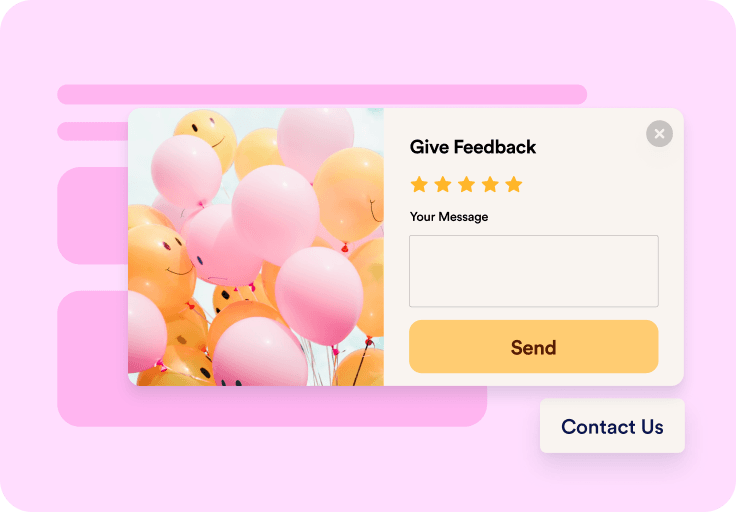
Embed inline on a product page, pop up at the right moment, or float as a persistent widget. Every form matches your brand, fonts, colors, and layout all customizable.
Start collecting what your store needs
Install free, publish your first form, and connect it to Shopify Flow when you're ready.
Get the App — It’s Free!FAQ
Jotform for Shopify is a no-code form builder designed for Shopify store owners. It allows you to easily create and embed contact, order, registration, booking, feedback, and payment forms directly into any page of your storefront. Collect leads, orders, customer requests, and payments all in one place. Choose from over 20,000 free, ready-made templates or create your own from scratch to build professional forms in minutes.