Net Promoter Score Widget
Create Your Own Net Promoter Score Widget in Seconds for Your Website
Create a responsive Give feedback button for your website, customize how it looks, edit the form questions guests answer, and review submitted data in Jotform.
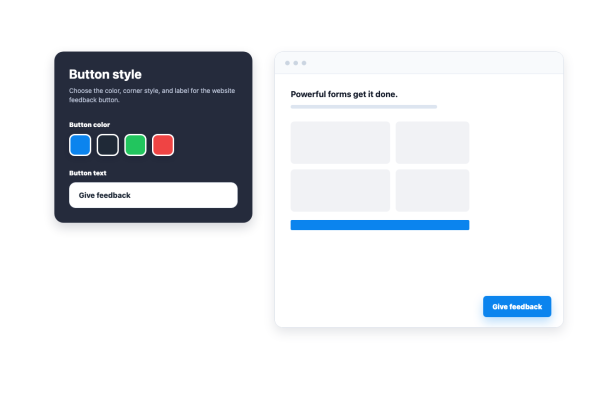

Control the Feedback Button Position
Set the button distance from the page edge and choose whether it appears on desktop, mobile, or both.
Layout controls:
Side offsetVertical offsetDesktopMobile
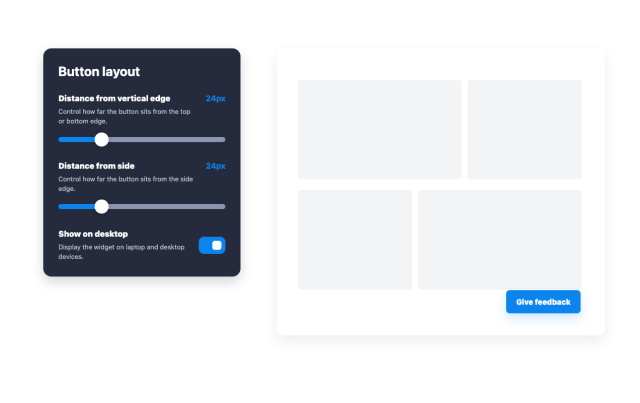
Customize Button Colors and Text
Change the button color, corner style, and label so the Give feedback button matches your website.
Style controls:
Button colorButton textCorner stylePreview
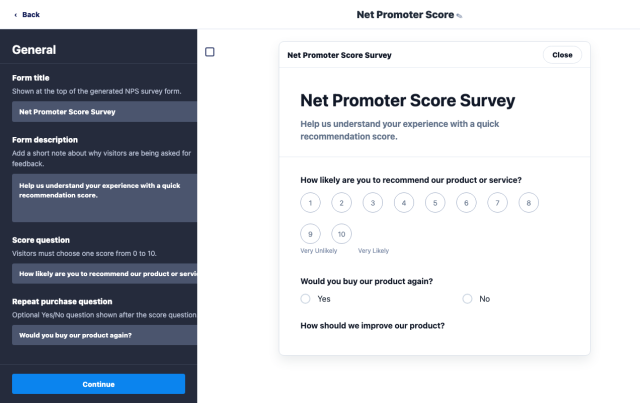
Edit the Form Questions
Update the NPS question, buy-again question, improvement prompt, and form labels before publishing.
Editable content:
Form titleScore questionFollow-up questionsSubmit text
Review Client Feedback Data
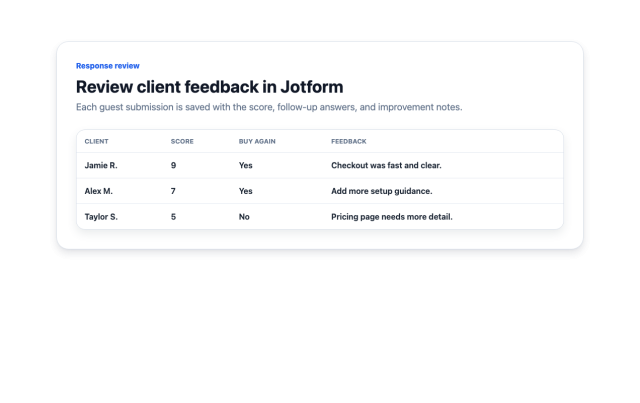
Open Jotform to review each guest response, including the score, buy-again answer, and written feedback.
Response data:
ScoreBuy againFeedbackSubmissions