Popup Widget

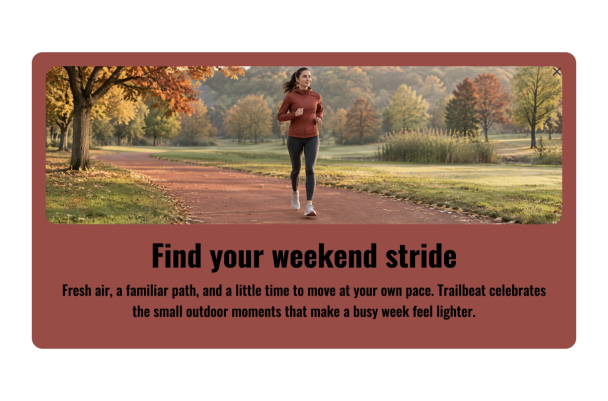
Trailbeat Weekend Stride for Popup

Share an outdoor movement note with an original panoramic park-running photograph, a warm brick-red modal, and bold black Oswald typography. Trailbeat places the full runner image above centered copy about making time for fresh air at your own pace.
Trailbeat Weekend Stride for Popup

More Popup Styles

Nocturne Table Evening Dining Popup984 Used

Nocturne Table Evening Dining Popup

Introduce an evening dining edit with original candlelit restaurant photography, a black modal, and crisp white Inter typography. Nocturne Table places centered dining copy beside a right-side photograph of two distinct dishes and a table set for two. Visitors can close the announcement and reopen it from the evening dining launcher. The restaurant is fictional; no live reservation, menu, pricing, discount, ordering, or checkout service is connected.

Cedar & Fork Seasonal Lunch Popup211 Used

Cedar & Fork Seasonal Lunch Popup

Introduce a seasonal lunch edit with original roasted-vegetable and farro bowl photography, a warm peach background, and dark Roboto typography. Cedar & Fork places centered kitchen copy beside a right-side food image with the full bowl visible. Visitors can close the announcement and reopen it from the seasonal lunch launcher. The kitchen is fictional; no live menu, restaurant reservation, ordering, pricing, discount, or checkout service is connected.

Moonlit Makers Halloween Craft Popup139 Used

Moonlit Makers Halloween Craft Popup

Introduce a cozy Halloween craft edit with original paper-cut pumpkin and friendly ghost artwork, a deep plum modal, orange Rubik headline, and a peach sample-code panel. Moonlit Makers pairs left-side artwork with centered copy about lanterns, ornaments, and handmade decorations. Visitors can copy the sample craft code, close the popup, and reopen it from the Halloween launcher. The shop and code are fictional; no store, discount redemption, ordering, or checkout service is connected.

Solace Paper Singles Day Popup112 Used

Solace Paper Singles Day Popup

Introduce a thoughtful stationery edit with an original 11.11 journal illustration, warm parchment background, dark Montserrat typography, and a crimson explore button. Solace Paper pairs left-side artwork with centered copy about journals, writing tools, and desk treasures. Visitors can close the popup and reopen it from the stationery launcher. The boutique is fictional and the reserved example-domain button is a demonstration link; no inventory, discounts, ordering, or checkout service is connected.

How to create a Popup widget

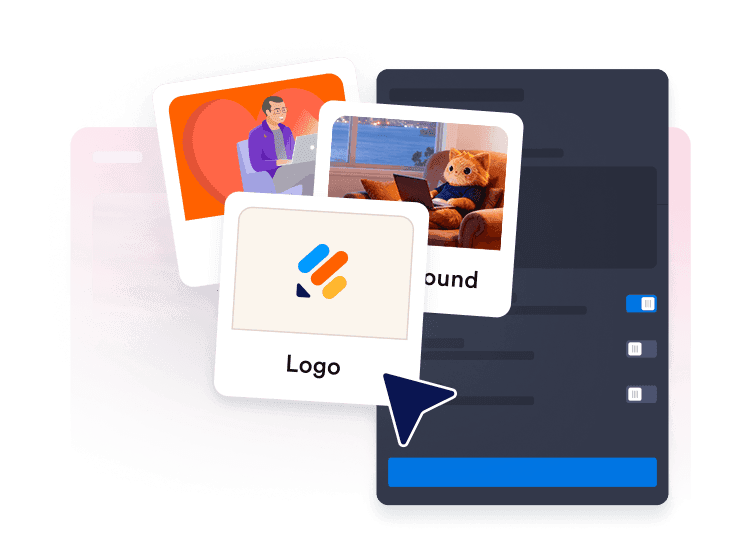
Customize content and timing

Customize content and timing

Start by adding your copy and colors, buttons, forms, triggers, targeting, close behavior, and display frequency.
Choose your popup format

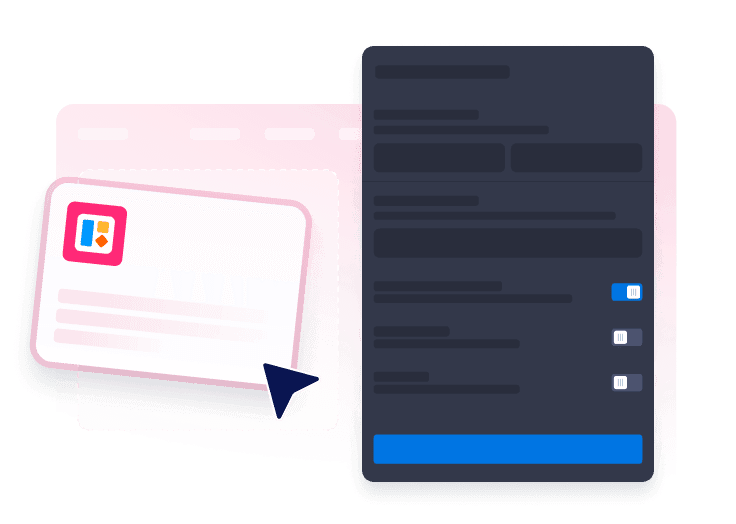
Choose your popup format

Pick a layout from centered popup, top bar, bottom bar, slide-in, or floating promotions.
Embed it on your website

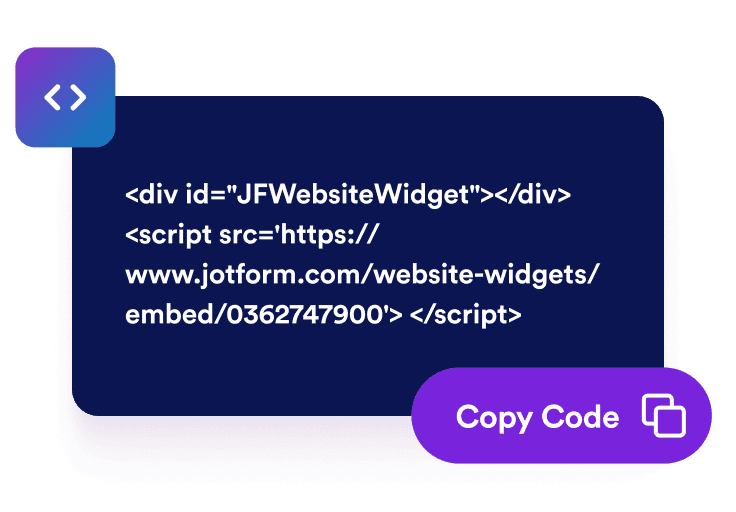
Embed it on your website

Preview the popup, copy the embed code, and publish it on any page where visitors should see your offer.

Capture attention with popups that fit your campaign

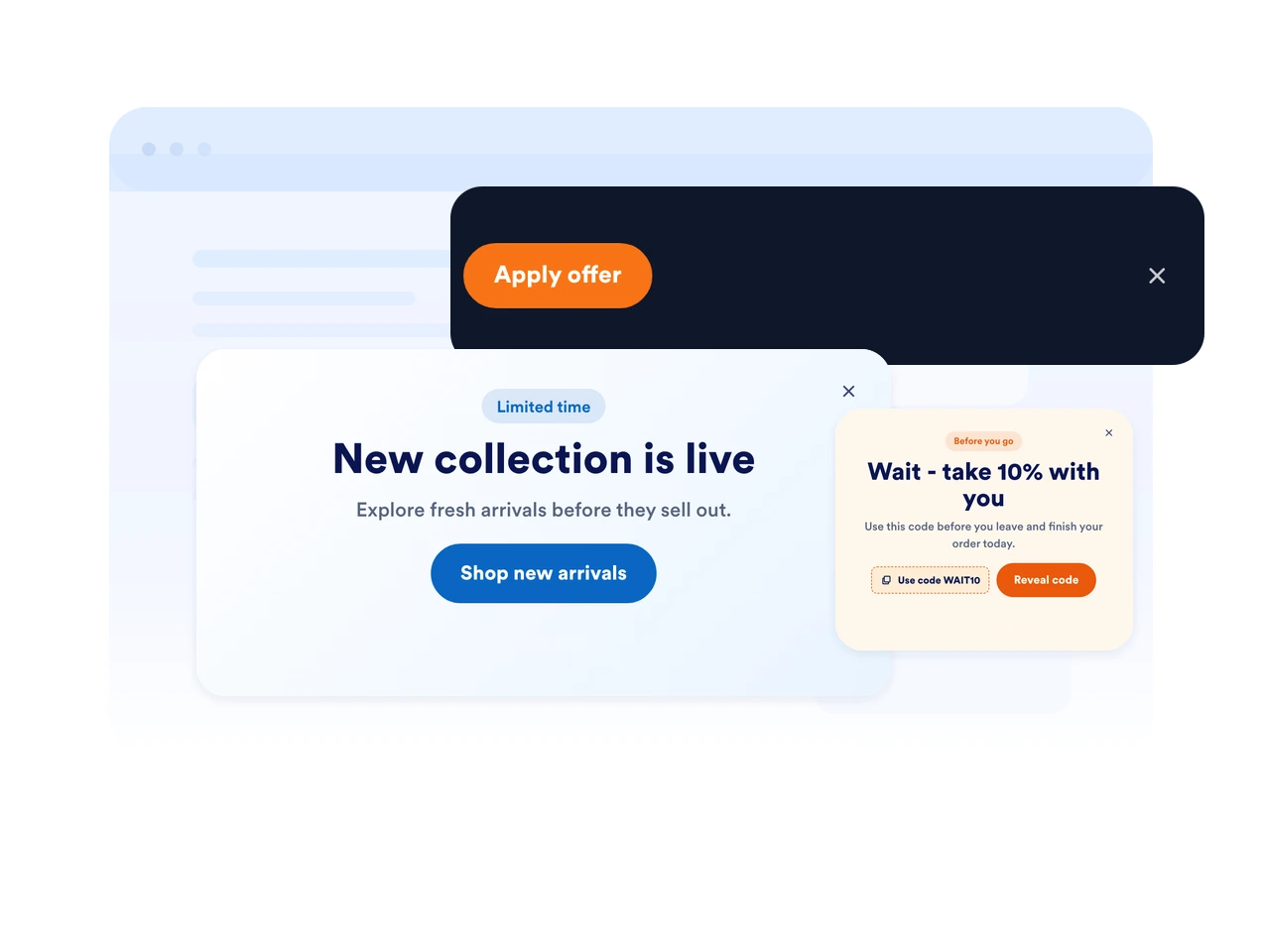
Use popups, bars, slide-ins, and floating offers

Pick the display style that fits your page. Show a focused modal, a fixed top or bottom bar, a side slide-in, or a compact floating callout.
Use popups, bars, slide-ins, and floating offers

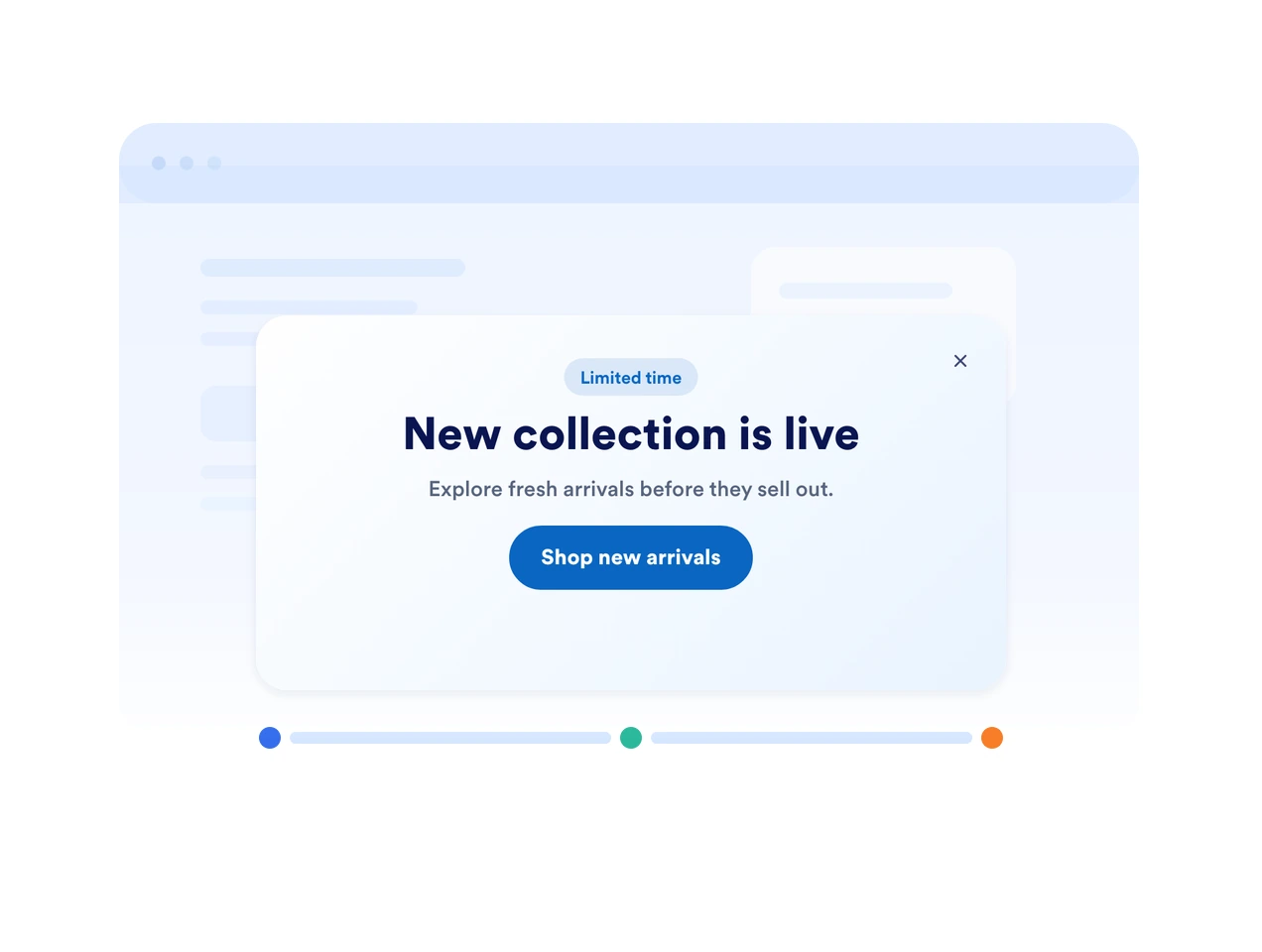
Trigger messages at the right moment

Show your popup on page load, after a delay, on scroll, on exit intent, or when a visitor clicks a button. Match timing to the decision point.
Trigger messages at the right moment

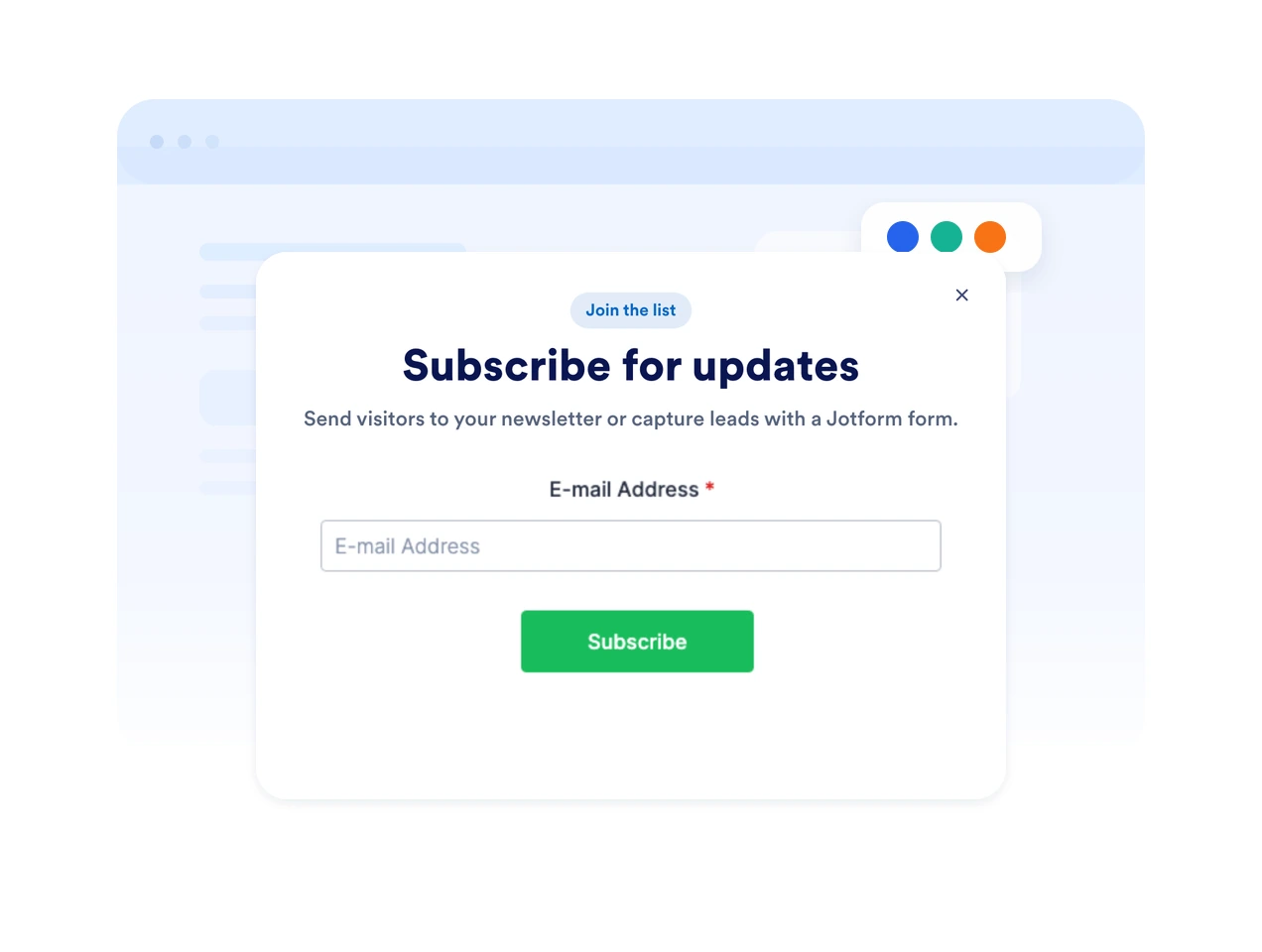
Match every message to your brand

Customize colors, rounded corners, spacing, imagery, button styles, and form fields so your popup feels native to your website.
Match every message to your brand

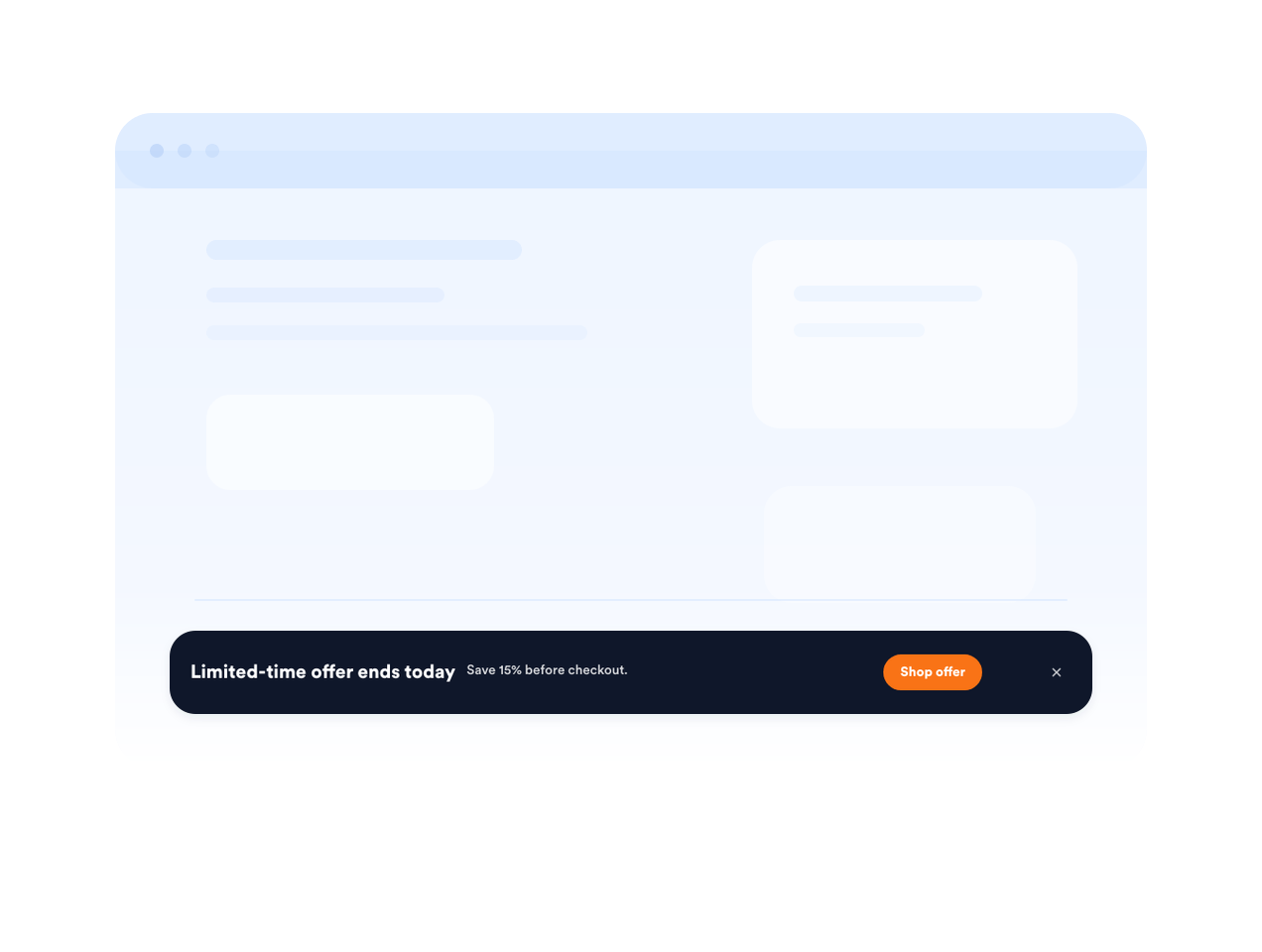
Keep urgent offers visible with fixed bars

Use a fixed top or bottom bar for shipping deadlines, sale reminders, event registration, or important service updates.
Keep urgent offers visible with fixed bars

How to embed your Popup into WordPress

1Get your embed code

After customizing your Jotform website widget, click Try it on your website for free, and copy the generated embed code.

2Open the page editor

Go to the WordPress post or page where you want to display the widget, then add a new block.

3Add a Custom HTML block

Select Custom HTML and paste your Jotform website widget embed code into the HTML field.

4Update and view

Click Update or Publish, then open the page to check your embedded widget.

Why Jotform Website Widgets stand out

Jotform’s widgets make your website more interactive and increase conversions. There are many tools available, from star ratings and testimonial sliders to social proof popups and media embeds. Add widgets to your forms or landing pages to collect data, display proof, and capture leads — no coding required.

Embed widgets without coding

Add Jotform widgets to your website with a simple embed code. Customize the widget, preview how it looks, and paste it into any page that supports custom HTML or embed blocks, all without a developer.

Build more interactive pages

Use Jotform Website Widgets to collect leads, show customer feedback, display social proof, embed media, or add helpful web page tools. Each widget helps visitors interact with your business directly from your website.

Get support when you need it

If you need help setting up, customizing, embedding, or troubleshooting your widget, Jotform’s customer support team is available 24-7. You can move forward with confidence, knowing that help is there when you need it.

Where to use your Popup widget

Add popups and bars wherever a timely message can help visitors subscribe, buy, book, or continue to the next step.

E-commerce product pages to promote discounts, bundles, shipping offers, or limited-stock alerts.

Checkout and cart pages to recover abandoning shoppers with coupon codes or support prompts.

Newsletter and content pages to grow your email list with downloadable resources or updates.

Event and webinar pages to remind visitors about registration deadlines and upcoming sessions.

Homepage announcements to highlight launches, seasonal campaigns, or service updates.

Landing pages for ads to keep a focused offer visible while visitors compare details.

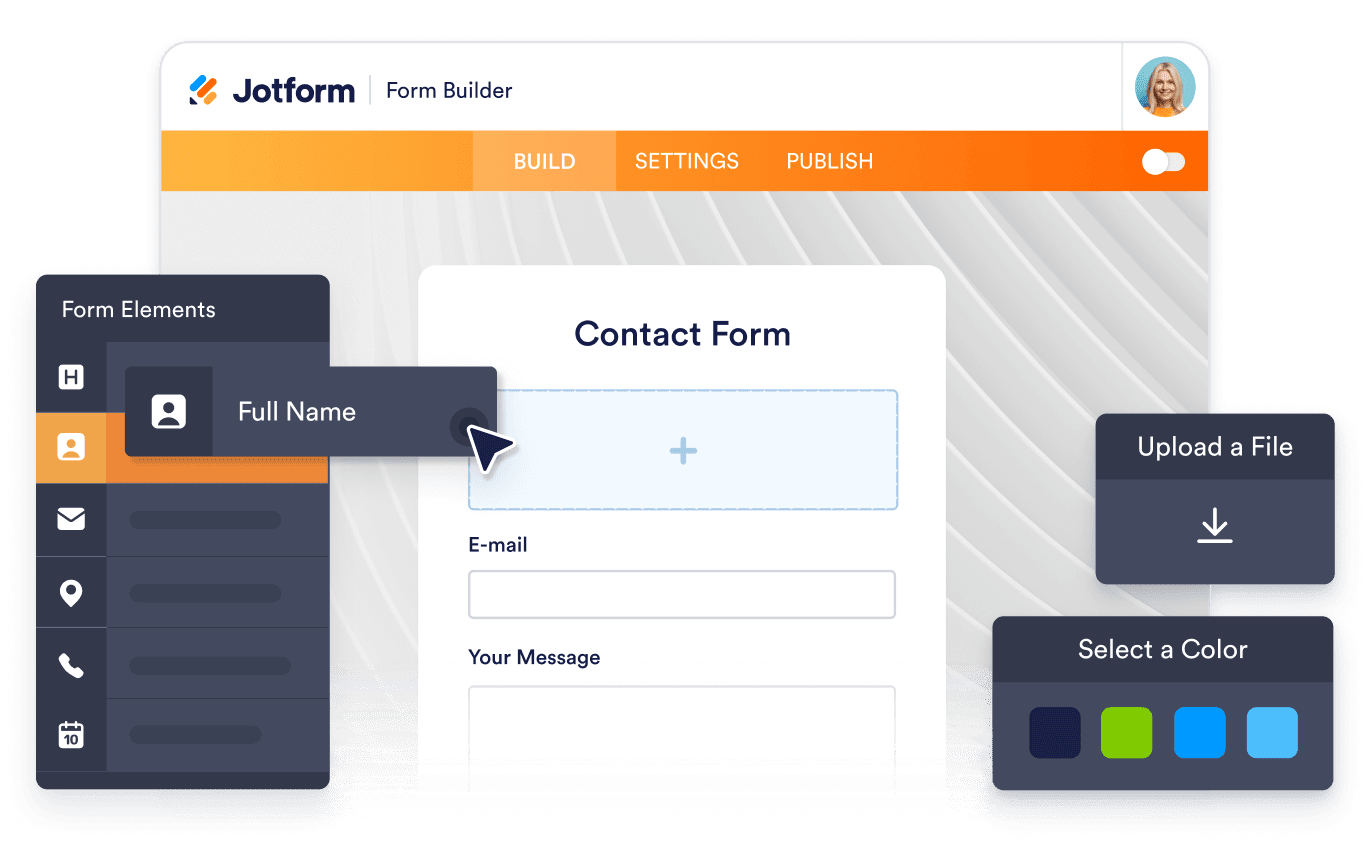
Convert leads into paying customers with the Jotform Form Builder

Turn engagement into action with Jotform. Create powerful forms that capture leads, collect payments, and automate responses, all in one place. Every submission lands in your Jotform Inbox, where you can follow up or connect with your favorite apps.

Get Started — It’s Free!
Convert leads into customers

FAQ

  • A Popup widget is an embeddable website message that appears as a modal, bar, slide-in, or floating callout. It helps promote offers, collect leads, announce updates, and guide visitors to forms or links.