
Soft Compact Weather Card
We couldn't create your widget. Please try again.
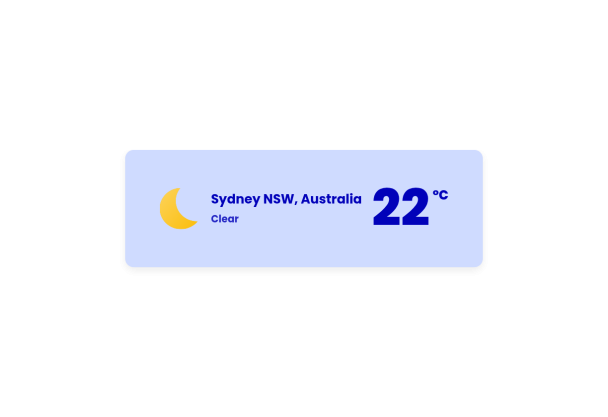
We couldn't create your widget. Please try again.

We couldn't create your widget. Please try again.

We couldn't create your widget. Please try again.

We couldn't create your widget. Please try again.
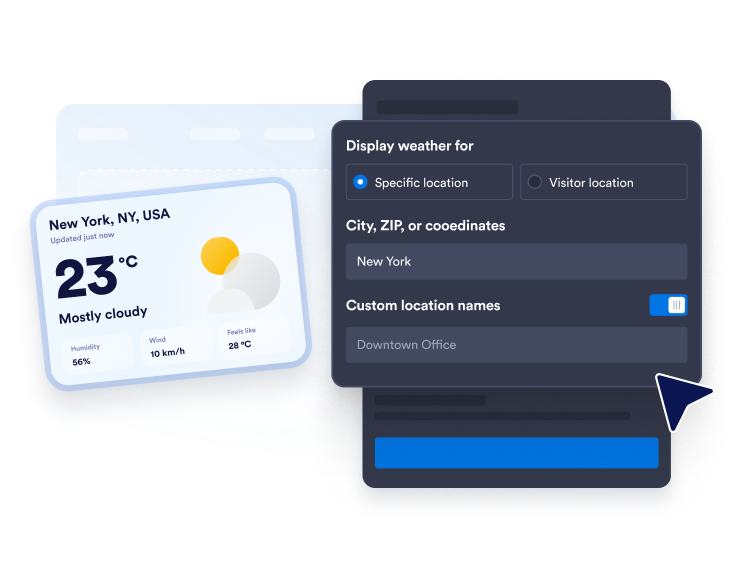
Enter a city, ZIP code, or coordinates for a fixed forecast. You can also use visitor-location mode when you want the widget to display weather based on the visitor’s location.
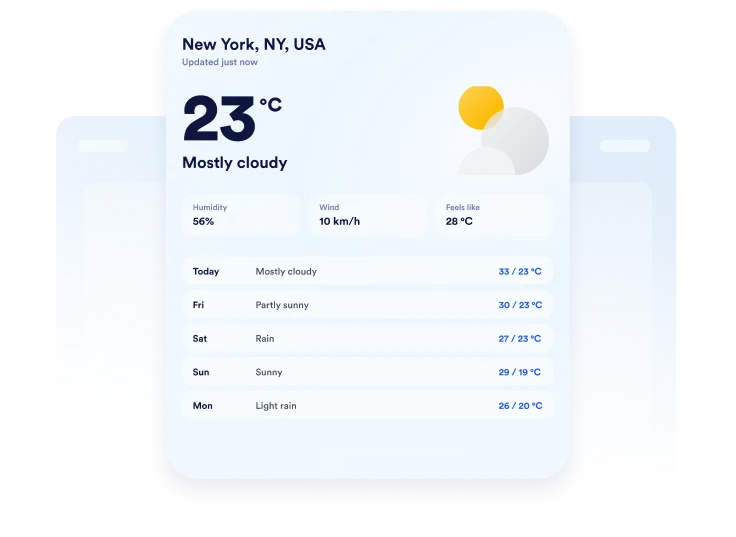
Choose Fahrenheit or Celsius, set the forecast length, and decide which details to show. Depending on the layout, you can include temperature, humidity, wind, and feels-like information.
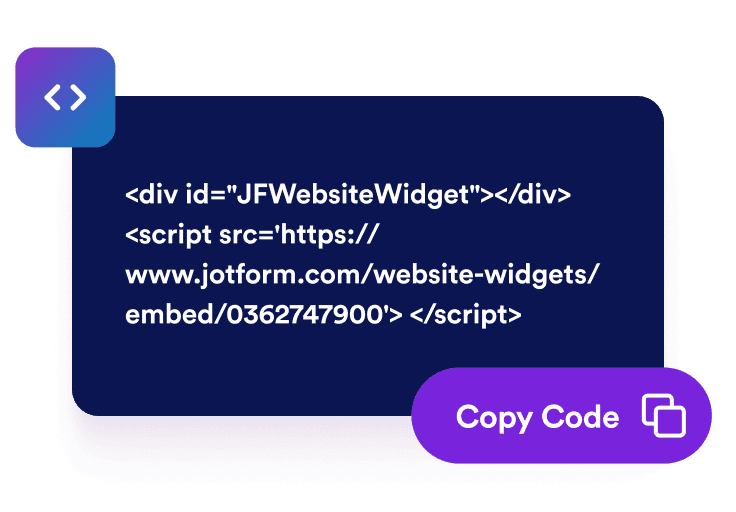
Customize the colors, preview the responsive weather card, and copy the generated embed code. Paste it into a custom HTML or embed block, then publish your page and check the display.
Display weather for a city, ZIP code, or set of coordinates that matters to your audience. Add a custom location label to make the forecast more relevant to a hotel, venue, school, tour destination, or local business.
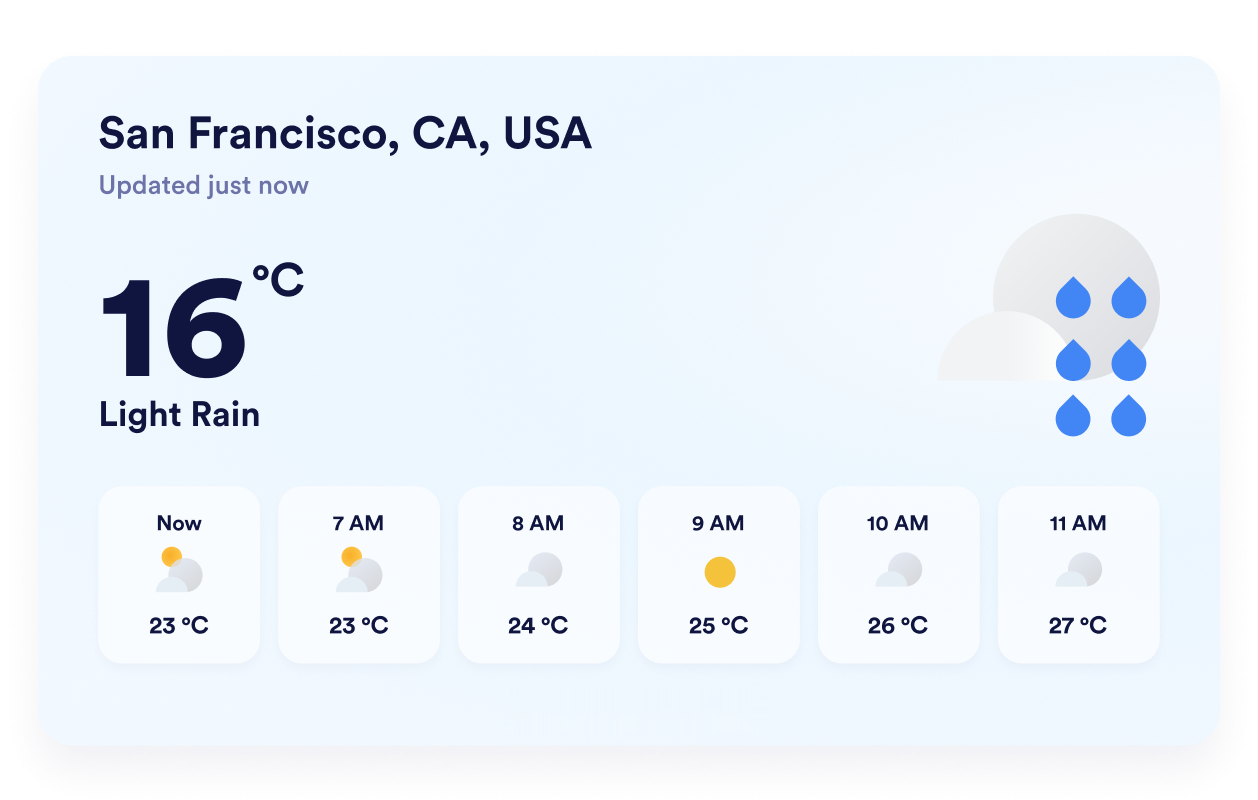
Select a detailed, daily, hourly, current-weather, or temperature-only layout based on your available space. This flexibility lets you present a complete forecast or keep the widget focused on the weather details visitors need most.
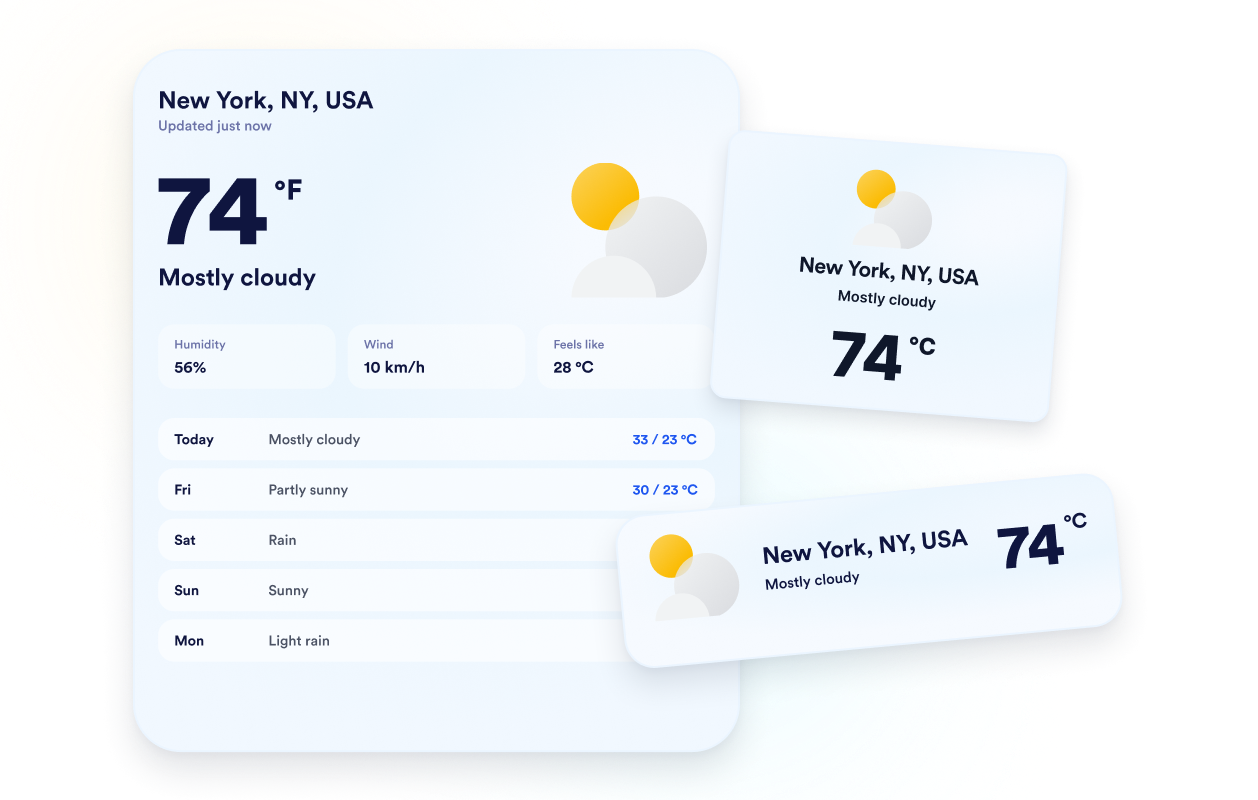
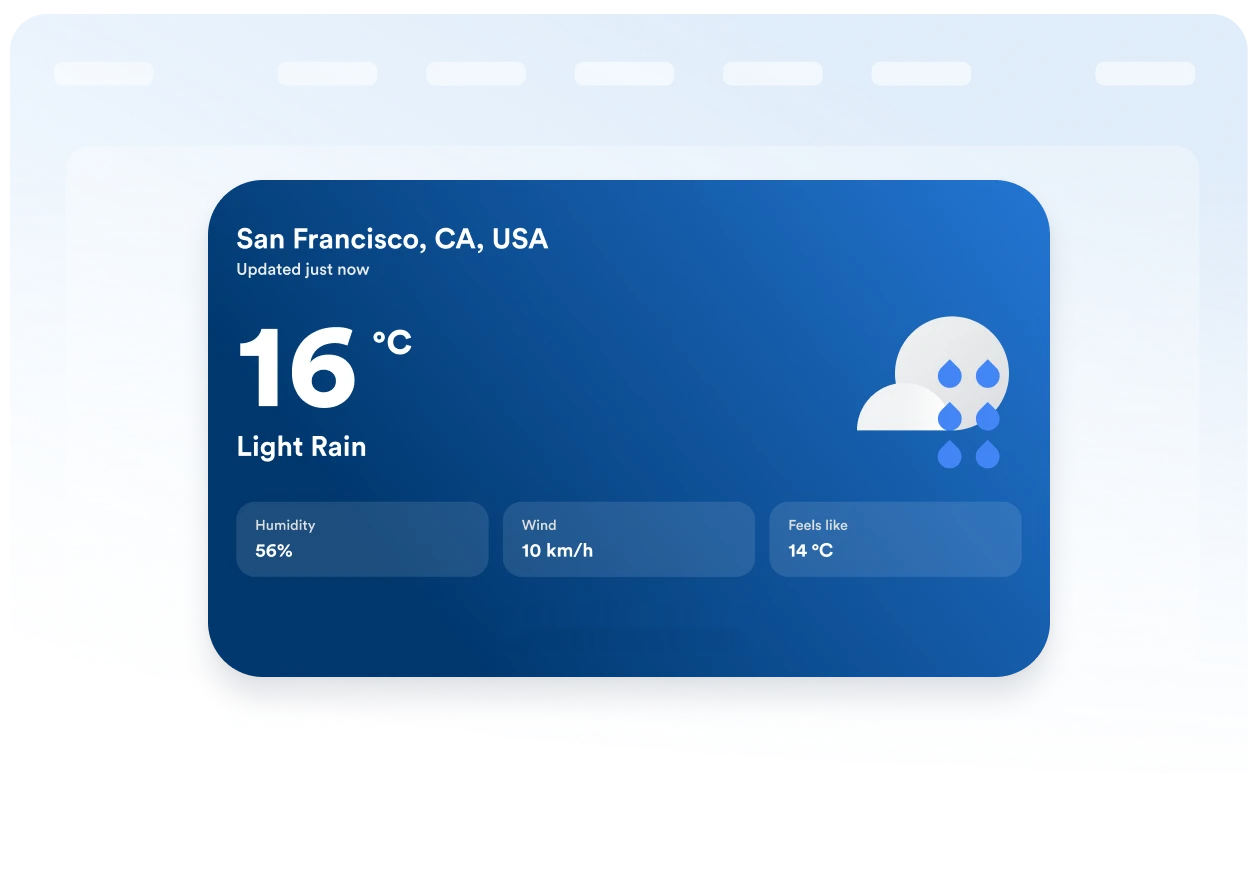
Choose a themed background or solid color, then adjust the card, forecast rows, text, accent colors, width, and corner radius. These visual controls help the weather widget fit naturally into your existing page design.
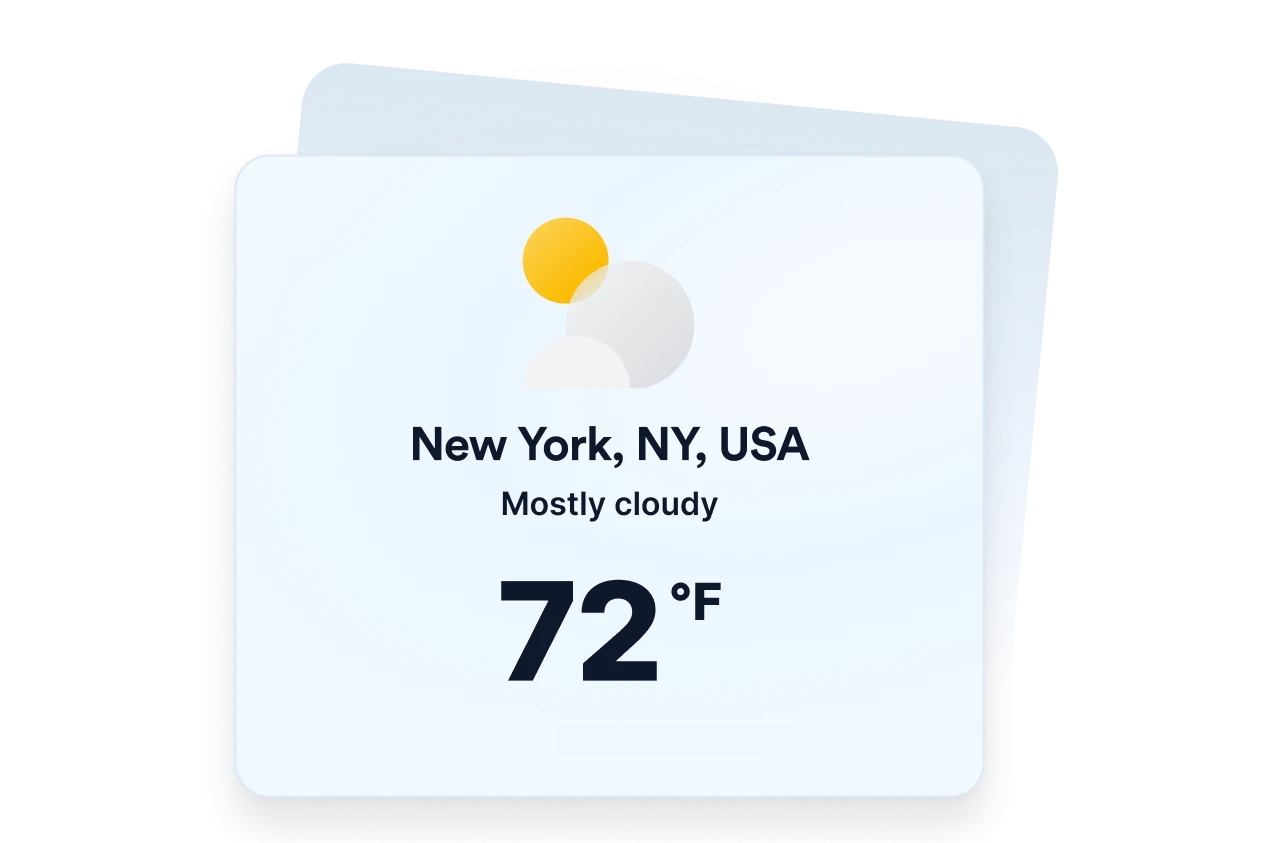
Display temperatures in Fahrenheit or Celsius and translate the widget’s core labels for your audience. Responsive behavior and desktop and mobile visibility controls help keep weather information clear across different screen sizes.
Jotform’s widgets make your website more interactive and increase conversions. There are many tools available, from star ratings and testimonial sliders to social proof popups and media embeds. Add widgets to your forms or landing pages to collect data, display proof, and capture leads — no coding required.
Add Jotform widgets to your website with a simple embed code. Customize the widget, preview how it looks, and paste it into any page that supports custom HTML or embed blocks, all without a developer.
Use Jotform Website Widgets to collect leads, show customer feedback, display social proof, embed media, or add helpful web page tools. Each widget helps visitors interact with your business directly from your website.
If you need help setting up, customizing, embedding, or troubleshooting your widget, Jotform’s customer support team is available 24-7. You can move forward with confidence, knowing that help is there when you need it.
Add relevant weather information to pages where conditions may affect a visitor’s plans, preparation, or decision.
Hotel and resort pages to help guests prepare for local conditions before their stay.
Event pages to show attendees the expected weather before an outdoor or in-person event.
Tour and activity pages to help travelers plan clothing, equipment, and booking dates.
School and community pages to share local conditions with families, students, and residents.
Sports and recreation pages to help visitors prepare for outdoor games, facilities, or activities.
Local business websites to provide useful weather context before customers visit.
Turn engagement into action with Jotform. Create powerful forms that capture leads, collect payments, and automate responses, all in one place. Every submission lands in your Jotform Inbox, where you can follow up or connect with your favorite apps.
Get Started — It’s Free!
A Weather widget displays current conditions and forecast information directly on a website. Depending on the selected layout, visitors can review temperatures, daily or hourly forecasts, humidity, wind, and feels-like conditions without leaving the page.