

Task / Project Management Automation

Program Management Workflow
An automated process that guides community initiatives from partnership inquiry through planning, approval, and program readiness.
Go to Category:Approvals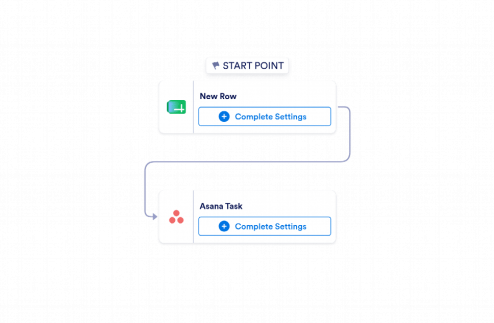
Google Sheets to Asana Automation
Use Jotform's Google Sheets to Asana Automation to turn new spreadsheet rows into Asana tasks with row values and source row IDs.
Go to Category:Operations & Productivity Automation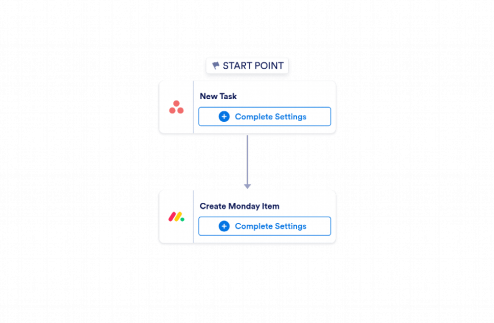
Asana to monday.com Automation
Use Jotform’s Asana to monday.com Automation to create monday.com items from new Asana tasks with assignee, due date, status, and task link included.
Go to Category:Task / Project Management Automation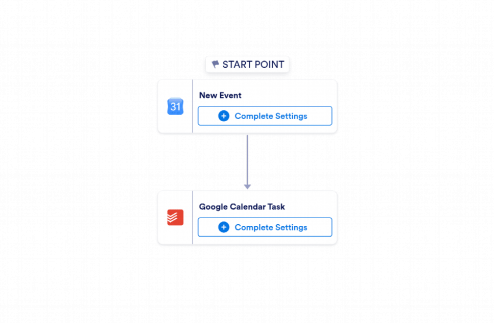
Google Calendar to Todoist Automation
Use Jotform’s Google Calendar to Todoist Automation to turn new calendar events into Todoist tasks with event details, links, and schedules.
Go to Category:Task / Project Management Automation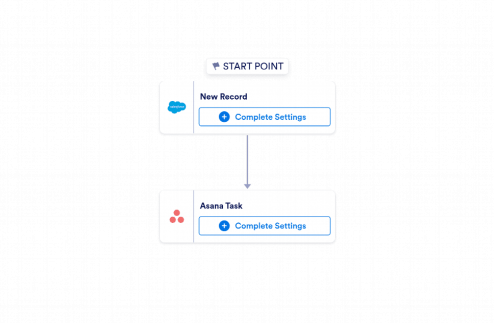
Salesforce to Asana Automation
Use Jotform's Salesforce to Asana Automation template to create Asana tasks from new Salesforce records and keep sales handoffs organized.
Go to Category:Task / Project Management Automation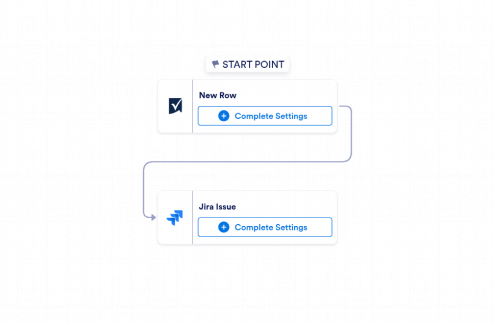
Smartsheet to Jira Automation
Use Jotform’s Smartsheet to Jira Automation template to create Jira issues from new Smartsheet rows and keep incoming work organized, visible, and ready for follow-up.
Go to Category:Task / Project Management Automation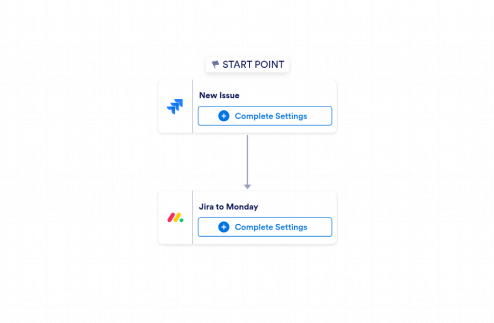
Jira to monday.com Automation
Use Jotform’s Jira to monday.com Automation to create monday.com items from new Jira issues with key details, improving handoffs, tracking, and task management.
Go to Category:Task / Project Management Automation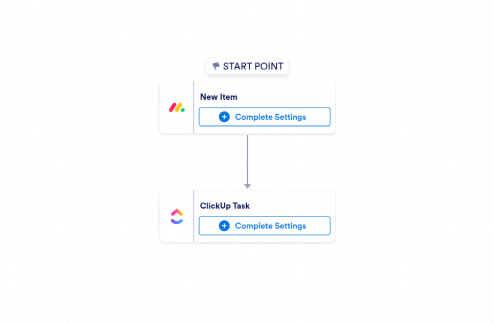
monday.com to ClickUp Automation
Use Jotform’s monday.com to ClickUp Automation template to create ClickUp tasks from new monday.com items with task details, owner, status, due date, and item link.
Go to Category:Task / Project Management Automation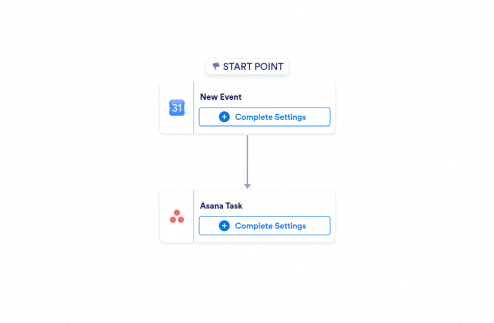
Google Calendar to Asana Automation
Use Jotform’s Google Calendar to Asana Automation to turn new calendar events into Asana tasks with key event details captured automatically.
Go to Category:Task / Project Management Automation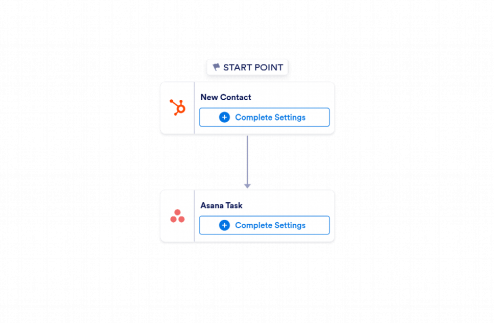
HubSpot to Asana Automation
Use Jotform’s HubSpot to Asana Automation template to turn new HubSpot contacts into Asana tasks with key details for faster follow-up and better task management.
Go to Category:Task / Project Management Automation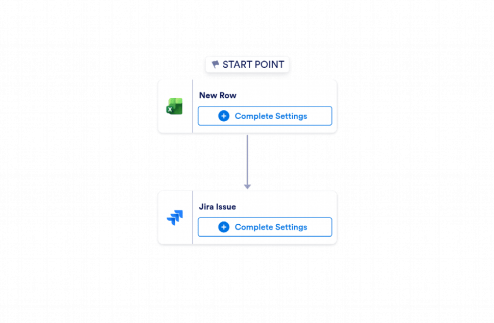
Microsoft Excel to Jira Automation
Use Jotform's Microsoft Excel to Jira Automation to turn new Excel rows into Jira issues and keep tasks, requests, and follow-up work organized.
Go to Category:Task / Project Management Automation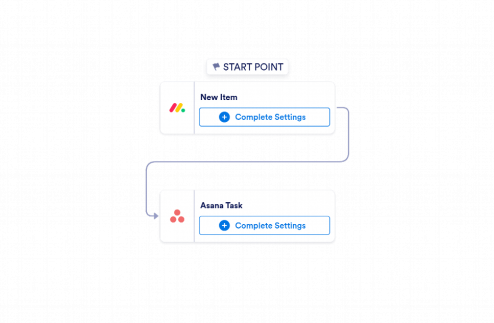
monday.com to Asana Automation
Jotform's monday.com to Asana Automation template creates Asana tasks from new monday.com items with key details, helping teams reduce manual re-entry and keep projects moving.
Go to Category:Task / Project Management Automation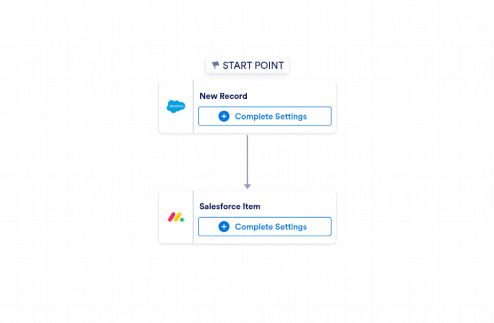
Salesforce to monday.com Automation
Use Jotform’s Salesforce to monday.com Automation to create monday.com items from new Salesforce records and keep tasks organized without manual data entry.
Go to Category:Task / Project Management Automation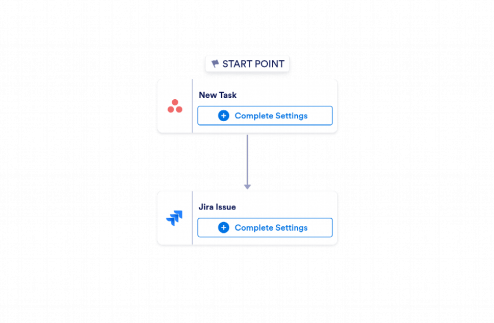
Asana to Jira Automation
Use Jotform’s Asana to Jira Automation template to create Jira issues from new Asana tasks with key details, links, and status tracking.
Go to Category:Task / Project Management Automation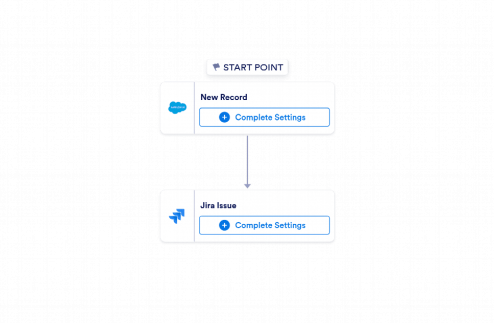
Salesforce to Jira Automation
Use Jotform’s Salesforce to Jira Automation template to create Jira issues from new Salesforce records and keep follow-up tasks organized and trackable.
Go to Category:Task / Project Management Automation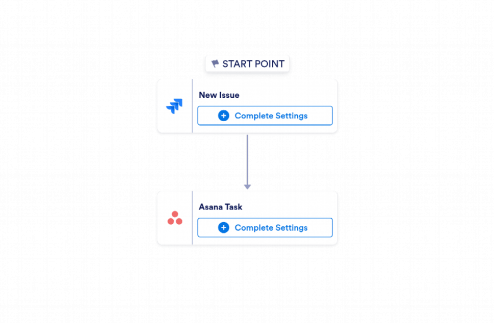
Jira to Asana Automation
Use Jotform's Jira to Asana Automation to turn new Jira issues into Asana tasks with key details, links, and status updates for faster project handoffs.
Go to Category:Task / Project Management Automation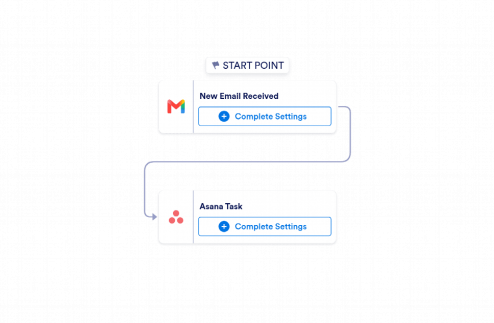
Gmail to Asana Automation
Use Jotform’s Gmail to Asana Automation to turn new emails into Asana tasks with sender details, subject, received time, and an email excerpt.
Go to Category:Task / Project Management Automation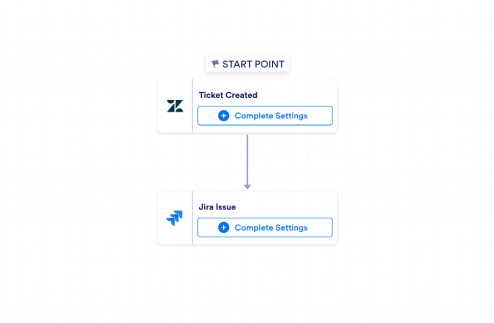
Zendesk to Jira Automation
Use Jotform's Zendesk to Jira Automation to convert new Zendesk tickets into Jira issues with requester details, priority, status, and ticket links for easier follow-up.
Go to Category:Task / Project Management AutomationAbout Task / Project Management Automation Workflow Templates
Task / Project Management Automation Templates Workflow Templates are meticulously designed digital workflow templates that streamline and enhance the task and project management processes within organizations. These templates are crafted to address common operational use cases such as task allocation, project tracking, approval processes, and resource management. By utilizing these templates, businesses can effortlessly manage complex projects, ensure timely approvals, and maintain seamless communication across departments. Real-world workflows facilitated by these templates include project initiation, task assignment, milestone tracking, and deadline management, enabling organizations to achieve their project goals efficiently and systematically.
Jotform Workflows stands out as the premier online workflow builder for managing task and project operations, offering an intuitive and powerful platform that enables users to create and customize workflow templates with ease. With Jotform’s drag-and-drop interface, businesses can automate approvals, assign tasks, send notifications, and execute other critical workflow actions seamlessly. The platform supports centralized progress tracking and data management through Jotform Inbox and Jotform Tables, providing users with real-time insights and a comprehensive view of their workflow activities. By leveraging Jotform Workflows, organizations can enhance their operational efficiency and ensure that all project-related tasks are handled with precision and professionalism.
Why Use Task / Project Management Automation Templates?
- Task / Project Management Automation Templates streamline the workflow process, ensuring that all tasks are completed accurately and on time. By automating repetitive tasks, these templates help to minimize human error and maintain a high standard of quality throughout the project lifecycle. This automation ensures that all team members are aligned with project objectives and deliverables.
- Speed is a critical factor in project management, and these templates accelerate the overall workflow by automating task assignments and approvals. With automated notifications and reminders, team members are promptly alerted to their responsibilities and deadlines, significantly reducing project delays and enhancing productivity.
- Process consistency is maintained through the use of predefined workflow templates, which ensure that every task follows the same process path. This consistency is vital for maintaining quality control, as it provides a structured approach to handling tasks and projects, reducing variability and ensuring that all actions conform to established standards.
- Accountability is enhanced as each task and approval is clearly assigned to specific team members. Task assignments within the workflows ensure that everyone knows their role and responsibilities, leading to increased ownership of the outcomes. This clarity in assignment helps to motivate team members to complete their tasks efficiently and effectively.
- Professional data handling is a core benefit of using these templates, as they provide a secure and organized way to manage and store project data. Jotform’s platform ensures that all information is centralized and easily accessible, enabling decision-makers to retrieve the data needed for informed decision-making promptly. This accessibility supports transparency and reliability in project management.
Common Problems Solved by Task / Project Management Automation Templates
- Manual follow-ups are often time-consuming and prone to oversight. These workflow templates automate the follow-up process by sending automated notifications and reminders, ensuring that all tasks are completed on schedule without the need for constant manual intervention. This automation reduces the burden on project managers and improves overall efficiency.
- Disconnected processes can lead to inefficiencies and miscommunication. Task / Project Management Automation Templates integrate various workflow components into a seamless process, ensuring that all team members and stakeholders are connected and informed at each step. This integration fosters better collaboration and coordination among team members.
- Approval delays are a common bottleneck in project management. By utilizing automated approvals within the workflow templates, organizations can expedite the approval process, reducing wait times and accelerating project timelines. This feature ensures that decisions are made swiftly and that projects progress smoothly without unnecessary interruptions.
- Unclear responsibilities can lead to confusion and decreased productivity. These templates clearly define and assign tasks to specific individuals or teams, eliminating ambiguity and ensuring that everyone understands their roles within the project. This clarity helps to improve focus and drive project success.
- Lost information poses a significant risk to project integrity and success. With centralized data management provided by Jotform Tables, these templates ensure that all project-related information is securely stored and easily retrievable, reducing the risk of data loss and enhancing data accessibility for all authorized users.
Matching Use Cases to Features
- For task allocation, the Drag-and-Drop Workflow Builder enables users to visually assign tasks to team members, ensuring that responsibilities are clear and tasks are distributed efficiently across the team. This feature simplifies task management and enhances team coordination.
- When managing project timelines, Conditional Logic can be employed to adapt the workflow based on project milestones or deadlines, allowing the process to adjust dynamically to changing project needs. This flexibility helps ensure that projects remain on track and deadlines are consistently met.
- For approval processes, Automated Approvals streamline decision-making by routing requests to the appropriate approvers and automatically progressing the workflow based on their responses. This feature minimizes delays and ensures that approvals are handled promptly and efficiently.
- Task Assignments are crucial for ensuring accountability within projects. By assigning tasks directly to team members through the workflow, it becomes clear who is responsible for each action item, enhancing individual accountability and ensuring timely task completion.
- Payment Requests can be incorporated into workflows where financial transactions or reimbursements are required, automating the payment process and ensuring that all financial actions are tracked and completed efficiently. This automation reduces manual processing errors and accelerates financial workflows.
- Electronic Signature Requests are essential for securing approvals and agreements within project management workflows. This feature allows documents to be signed digitally, streamlining the approval process and ensuring that all necessary documentation is completed without delay.
- Third-Party Integrations facilitate seamless data exchange between Jotform Workflows and other business systems, such as Google Drive or Slack. This integration ensures that information flows smoothly between platforms, supporting comprehensive project management and communication.
How to Create a Task / Project Management Automation Templates
- Browse the Template List for a Task / Project Management Automation Templates workflow template or start with a blank workflow. This step provides a foundation for your workflow, either by selecting a predesigned template that aligns with your project needs or by creating a custom workflow from scratch.
- Customize the workflow steps, assignments, conditions, and actions using the Drag-and-Drop Workflow Builder. This customization allows you to tailor the workflow to your specific project requirements, ensuring that all relevant tasks, approvals, and conditions are appropriately set.
- Activate the workflow, connect it to the appropriate starting form, and monitor its progress through Jotform Inbox or Jotform Tables. This step ensures that the workflow is fully operational and that you can track its progress in real-time, making necessary adjustments as the project evolves.
Top Use Cases for Task / Project Management Automation Templates
- For Managers: Task / Project Management Automation Templates provide managers with a comprehensive tool to oversee projects from start to finish. These templates enable managers to assign tasks, set deadlines, monitor progress, and ensure that all team members are aligned with project goals. By automating routine processes, managers can focus on strategic decision-making and guiding their teams towards successful project completion.
- For Teams: Teams benefit from clear task assignments and streamlined communication facilitated by these templates. With automated notifications and progress tracking, team members are always informed about their responsibilities and deadlines, reducing the need for manual check-ins and follow-ups. This clarity and coordination help teams work more efficiently and collaborate effectively to achieve project objectives.
- For Customers: Customers experience improved service delivery and transparency when organizations use Task / Project Management Automation Templates. By automating workflows, businesses can provide timely updates, quicker response times, and more accurate information to their customers. This level of service enhances customer satisfaction and builds trust in the organization's ability to deliver on promises.
Summarizing Task / Project Management Automation Templates
Task / Project Management Automation Templates offer significant business value by streamlining project processes, enhancing team collaboration, and improving overall efficiency. By automating routine tasks and approvals, these templates free up valuable time for strategic planning and innovation. The centralized data management and real-time progress tracking features provide organizations with the insights needed to make informed decisions and ensure project success. Ultimately, these templates help organizations achieve their project goals with precision and professionalism.
Frequently Asked Questions
1) Is it free to create Task / Project Management Automation Templates on Jotform?
Yes, Jotform offers a range of free features and templates, allowing users to create and customize Task / Project Management Automation Templates without incurring costs.
2) Are the workflow templates and submitted data secure?
Jotform prioritizes data security by implementing advanced encryption and secure data storage practices, ensuring that all workflow templates and submitted data are protected.
3) Do I need coding knowledge to build a Task / Project Management Automation Templates?
No, Jotform’s Drag-and-Drop Workflow Builder allows users to create and customize templates without any coding knowledge, making it accessible to all users.
4) How does conditional logic route participants through different workflow paths?
Conditional logic uses predefined rules based on form responses or other criteria to direct participants along specific workflow paths, ensuring that each participant follows the appropriate process.
5) Can these workflow templates be used on mobile devices?
Yes, Jotform Mobile Forms enables users to access and manage workflow templates on mobile devices, providing flexibility and convenience for on-the-go project management.
6) Can multiple tasks or approvals run simultaneously in a workflow?
Yes, Jotform supports parallel processing, allowing multiple tasks or approvals to proceed concurrently, which can significantly speed up the workflow process.
7) How can I track assigned tasks, completed steps, and workflow progress?
Progress can be tracked through Jotform Inbox or Jotform Tables, which provide real-time updates on task assignments, completed steps, and overall workflow status.
8) What event starts a Jotform workflow?
A Jotform workflow is typically initiated when a participant submits the form associated with that workflow, triggering the automated process.