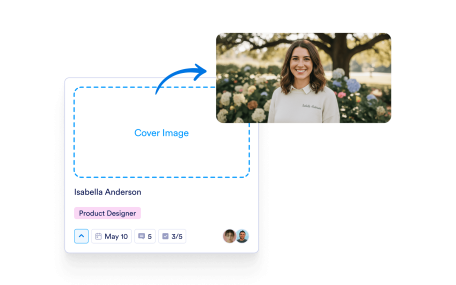
Learn More: Add a Cover ImageAdd a Cover ImageAdd a cover image to each task to highlight what matters and give quick visual context.
Learn More: Print or Download TasksPrint or Download TasksPrint or download any task to share updates offline, review in meetings, or keep a paper copy for reference.
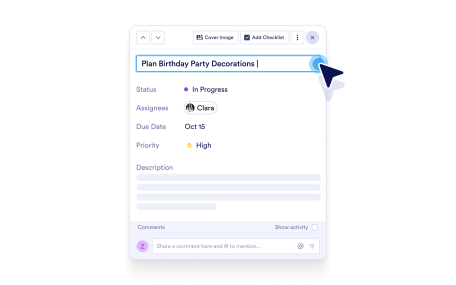
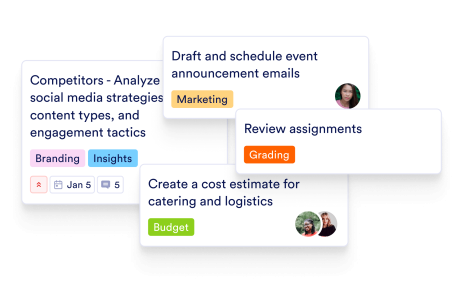
Learn More: Name Your TaskName Your TaskGive tasks clear, custom names so your team instantly understands what needs to be done.
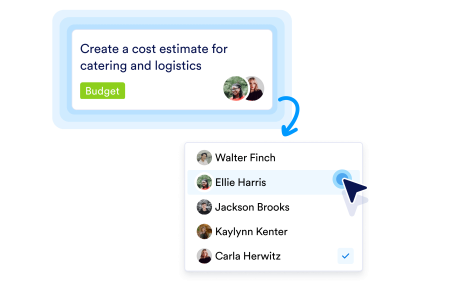
Learn More: Assign Tasks to Team MembersAssign Tasks to Team MembersAssign tasks to the right people with a single click, ensuring clear ownership and a smooth workflow progression.
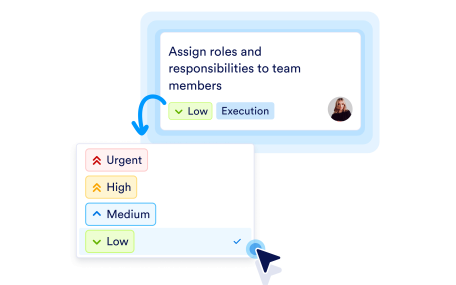
Learn More: Set Priority Levels for TasksSet Priority Levels for TasksSet priorities to clearly indicate what matters most, so everyone knows what to tackle first.
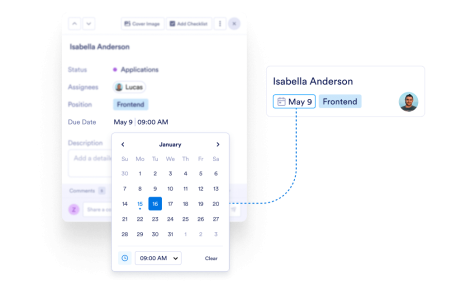
Learn More: Add a Due DateAdd a Due DateAdd due dates to keep work on schedule and make sure nothing slips past a deadline.
Learn More: Add Tags to Easy OrganizationAdd Tags to Easy OrganizationAdd tags to groups and filter tasks fast, making your board easier to organize and scan.
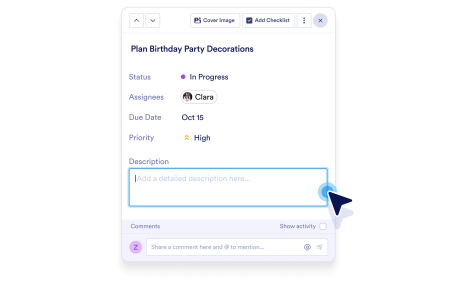
Learn More: Describe the TaskDescribe the TaskAdd rich descriptions to share context, requirements, and next steps inside each task.
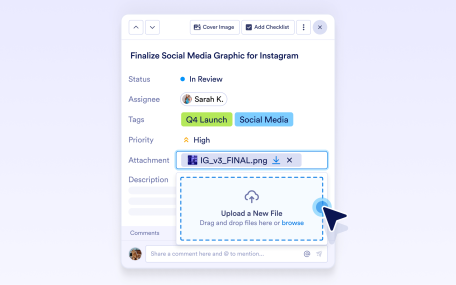
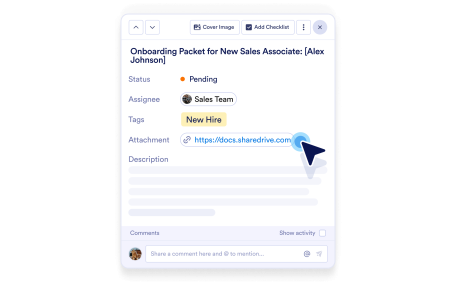
Learn More: Attach FilesAttach FilesAttach files to tasks so all related documents and assets stay in one place.
Learn More: Add Links for Quick AccessAdd Links for Quick AccessAdd URLs to tasks for one-click access to docs, pages, or any helpful resource.
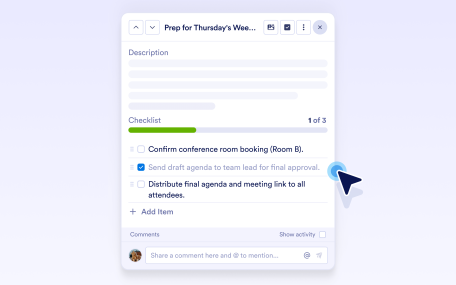
Learn More: Add a Checklist for Easy TrackingAdd a Checklist for Easy TrackingAdd a checklist to break tasks into clear steps and track progress as each item is completed.
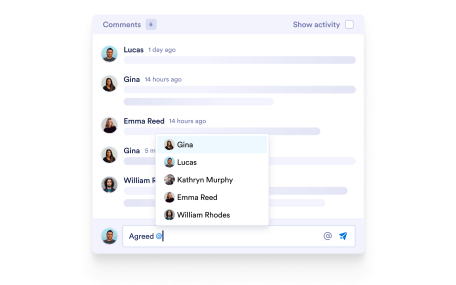
Learn More: Comment on TasksComment on TasksAdd comments to discuss updates, ask questions, and collaborate without leaving the task.
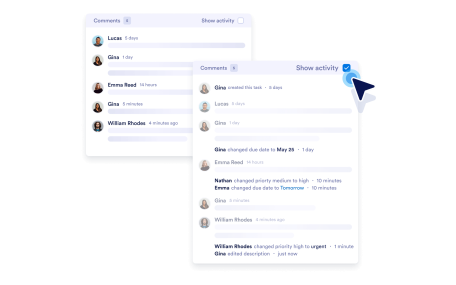
Learn More: View the Activity LogView the Activity LogView the activity log to see every update, comment, and change over time, so task history stays clear and transparent.
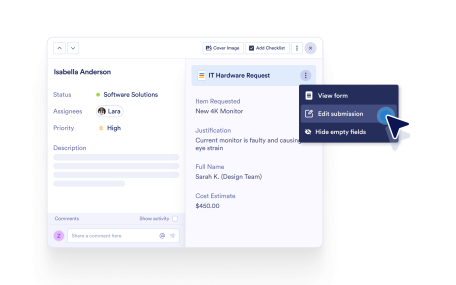
Learn More: View Submission InfoView Submission InfoView connected form submission details inside a task for the full request context.
Learn More: Edit Form SubmissionEdit Form SubmissionView connected form submission details inside a task for the full request context.
Learn More: View Conversation DetailsView Conversation DetailsView AI Agent conversation details in tasks to always have the complete interaction context.
Learn More: View Sign Document AnswersView Sign Document AnswersView submitted answers and signing details inside tasks created from Jotform Sign documents, keeping context and approvals in one place.