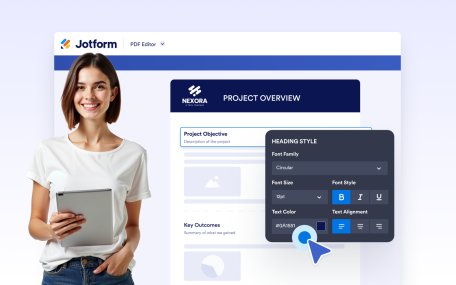
詳細はこちら: Heading ElementHeading Element見出しや小見出しを追加して、ドキュメントの内容を明確に構成できます。スタイル付きのタイトルで明確なセクションを作成し、読みやすさと視覚的な階層を向上させます。
詳細はこちら: Page HeaderPage Headerドキュメントの全ページに統一されたヘッダーコンテンツを追加できます。タイトル、ブランディング、画像、組織の詳細情報を、テキストスタイルと背景の完全なコントロールとともに表示できます。
詳細はこちら: Page FooterPage Footerドキュメントの全ページに統一されたフッターコンテンツを追加できます。ブランディング、連絡先、その他の情報を、柔軟なスタイリングと背景オプションで表示しましょう。
詳細はこちら: Drag and Drop BuilderDrag and Drop BuilderCreate polished, professional PDFs faster using a visual PDF builder designed for simplicity and control.
詳細はこちら: PDF DesignerPDFデザイナーDesign fully customized PDFs in minutes. Adjust layouts, styles, and visuals or apply a ready-made template to create polished documents with ease.
詳細はこちら: Text ElementText ElementCreate and format rich text content directly inside your document. Add styled text, tables, images, and structured layouts using a flexible editor designed for professional document creation.
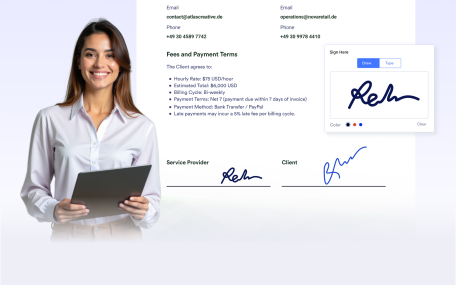
詳細はこちら: Signature ElementSignature ElementAdd signature fields to your documents to prepare them for signing after delivery. Create documents ready for physical or digital signatures without requiring additional tools.
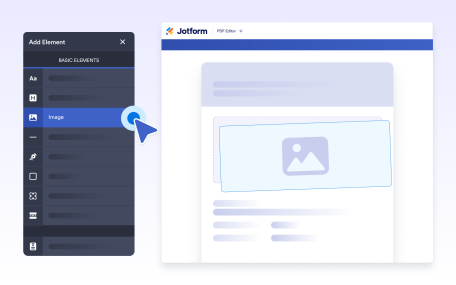
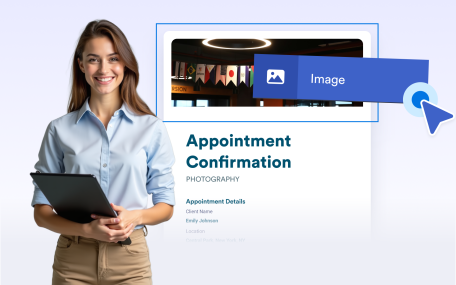
詳細はこちら: Image ElementImage ElementAdd images to your documents to enhance visual design and branding. Place visuals anywhere in your layout to create polished, professional, and engaging document outputs.
詳細はこちら: Line ElementLine ElementUse line separators to visually divide content and improve document structure. Create clear sections and cleaner layouts for easier reading and a more professional appearance.
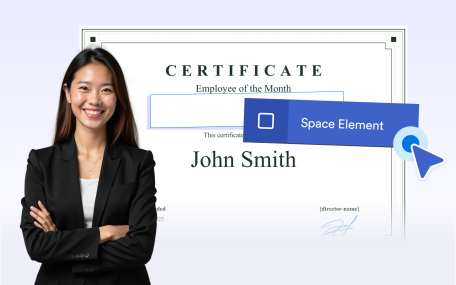
詳細はこちら: Empty Space空白のスペースUse empty space to organize document layouts and improve readability. Add intentional spacing to separate sections or leave room for notes, comments, and annotations.
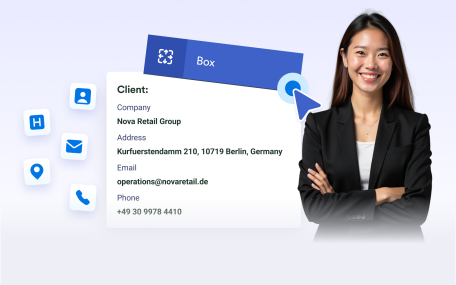
詳細はこちら: Box ElementBox ElementGroup related content inside boxes to create clear, structured sections. Highlight important information and apply backgrounds to organize and brand your document layouts.
詳細はこちら: Undo/RedoUndo/RedoUndo or redo actions instantly while editing your document. Make changes confidently and refine layouts without losing progress or manually fixing mistakes.
詳細はこちら: Page NumberingPage NumberingAutomatically add page numbers to your documents for clear navigation and professional presentation. Keep numbering accurate as pages are added or removed.
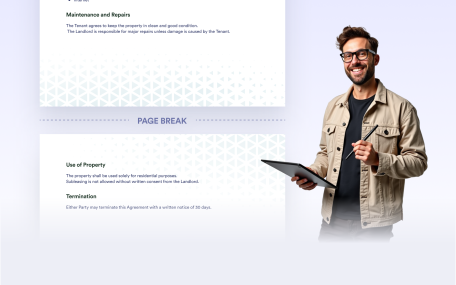
詳細はこちら: Page Break改ページ改ページを使用して、ドキュメント内の新しいページの開始位置をコントロールできます。セクションを明確に分離し、長いコンテンツや可変コンテンツを管理し、共有や印刷に適したクリーンで構造化されたPDFを作成できます。
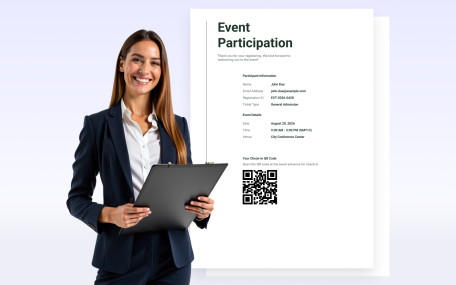
詳細はこちら: QR Code ElementQR Code ElementAdd QR codes to your documents to share links, messages, or personalized information. Customize the content, colors, and alignment to match your document.
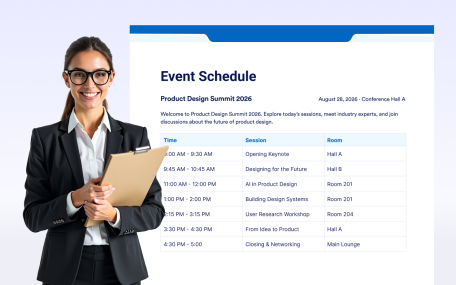
詳細はこちら: Table ElementTable ElementOrganize information clearly with Jotform’s Table Element. Add structured rows and columns to your forms so users can easily view related information at a glance.