Web Siteleri için Ücretsiz İçerik Görüntüleme Widget'ları

Jotform'un basit, kodlama gerektirmeyen oluşturucusunu kullanarak içeriği net bir şekilde sunun ve ziyaretçilerin ilgisini çekin.
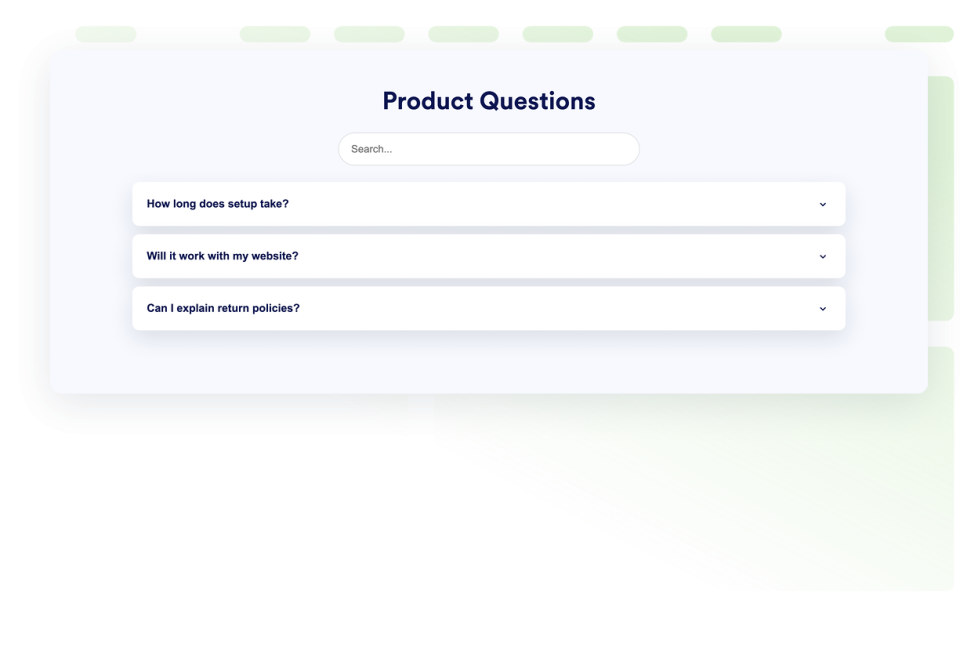
SSS

Web sitenize aranabilir bir SSS widget'ı ekleyin. Özel tasarım seçenekleri, zengin medya içerikleri ve esnek yerleşim düzenleriyle akordeon yapısında SSS'ler hazırlayın.

Kategoriye git:İçerik GörüntülemeWidget'ı Kullan
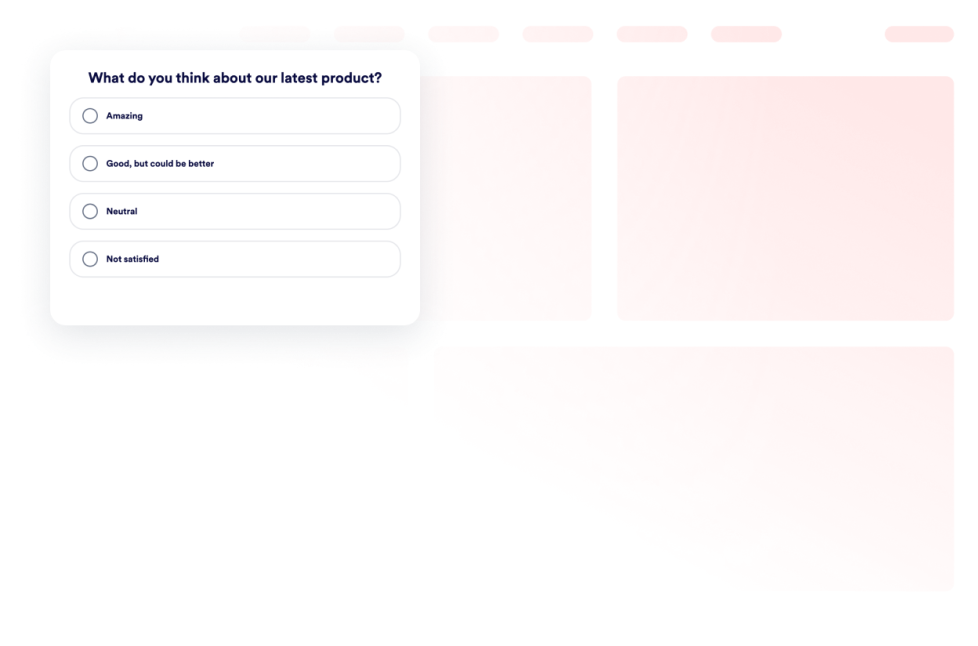
Poll Widget

Web sitenize bir tek sorulu anket widget'ı ekleyin. Kod yazmadan anket oluşturun, oy toplayın, sonuçları sayı veya yüzde olarak gösterin ve stilleri özelleştirin.

Kategoriye git:İçerik GörüntülemeWidget'ı Kullan
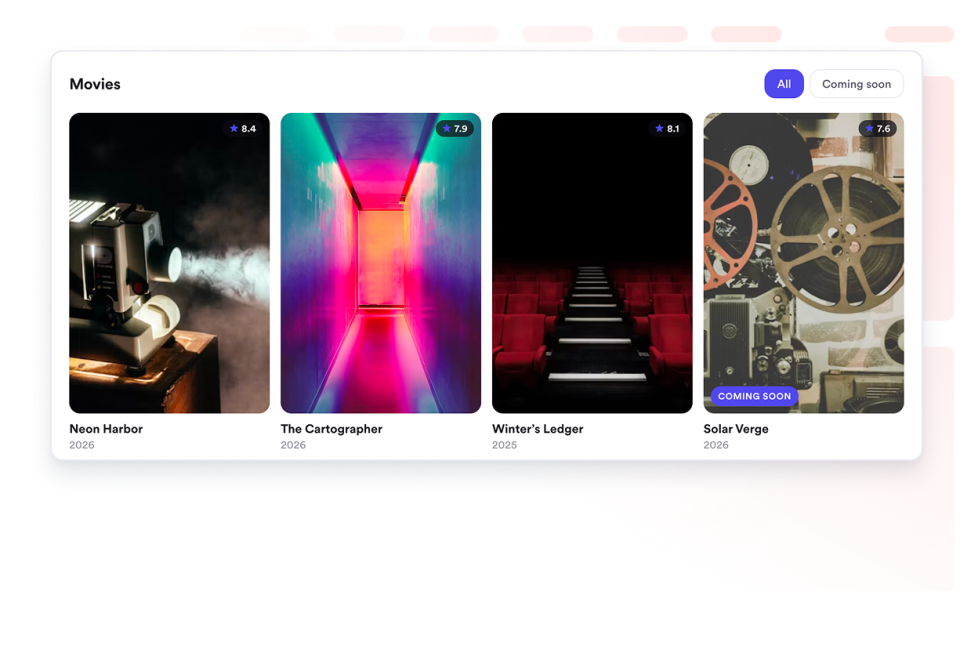
Movie Widget

Web sitenizde film koleksiyonlarını sergileyin. Duyarlı ızgara, liste veya kaydırmalı düzenlere posterler, puanlar ve bağlantılar ekleyin.

Kategoriye git:İçerik GörüntülemeWidget'ı Kullan
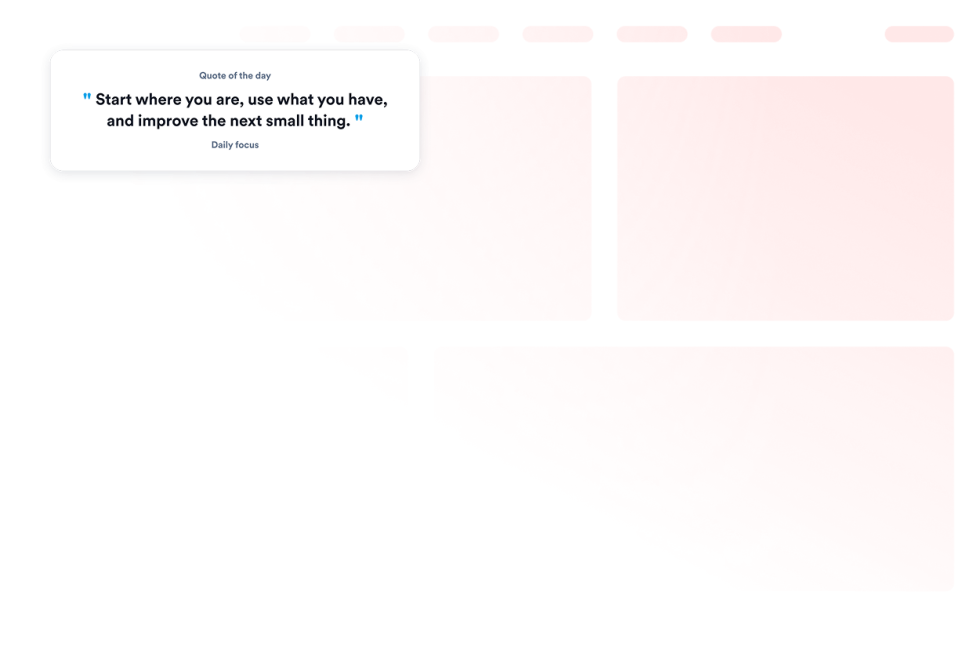
Alıntı Widget'ı

Web sitenize tema, arka plan, görünürlük ve boyut kontrolleriyle motivasyon, verimlilik, liderlik, yaratıcılık, farkındalık veya özel alıntılar gösteren bir Quote Widget'ı ekleyin.

Kategoriye git:İçerik GörüntülemeWidget'ı Kullan
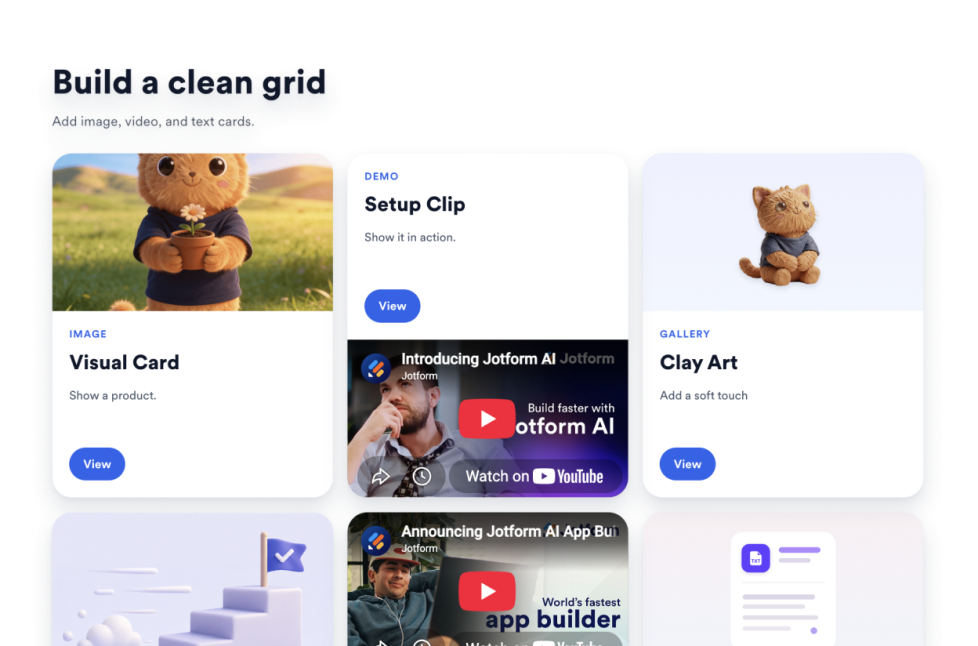
Izgara

Görselleri, videoları, simge ve metin kartlarını düzenlemek için web sitenize bir Grid widget'ı ekleyin; düzenler, sütunlar, boşluklar, bağlantılar, butonlar ve stil seçenekleriyle özelleştirin.

Kategoriye git:İçerik GörüntülemeWidget'ı Kullan
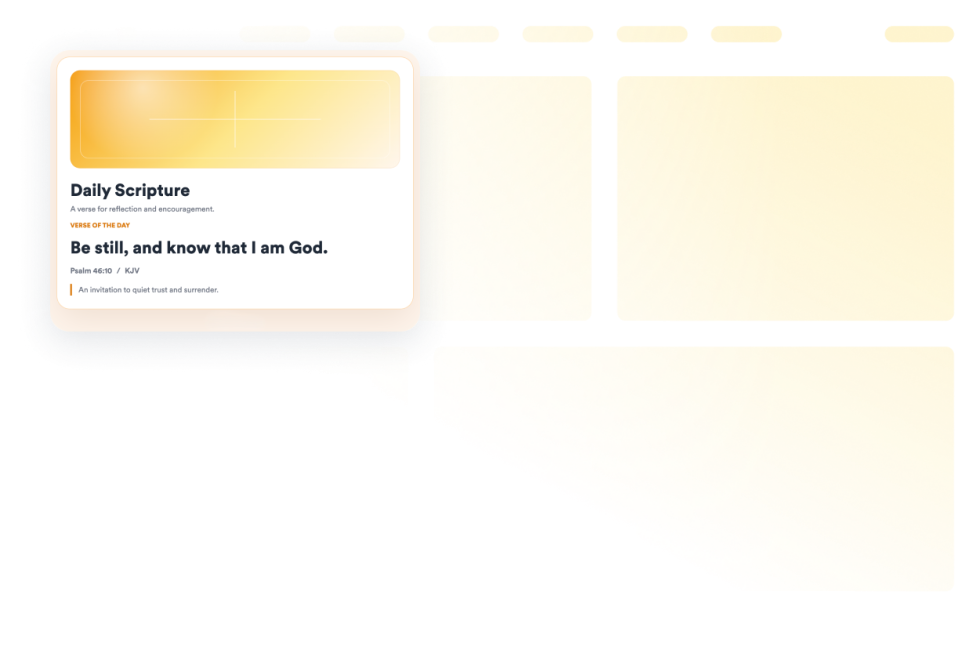
İncil Ayeti

Rastgele bir KJV Kutsal Kitap kartını referanslar, yorumlar, görseller ve stil kontrolleriyle görüntülemek için web sitenize bir İncil Ayeti Widget'ı ekleyin.

Kategoriye git:İçerik GörüntülemeWidget'ı Kullan
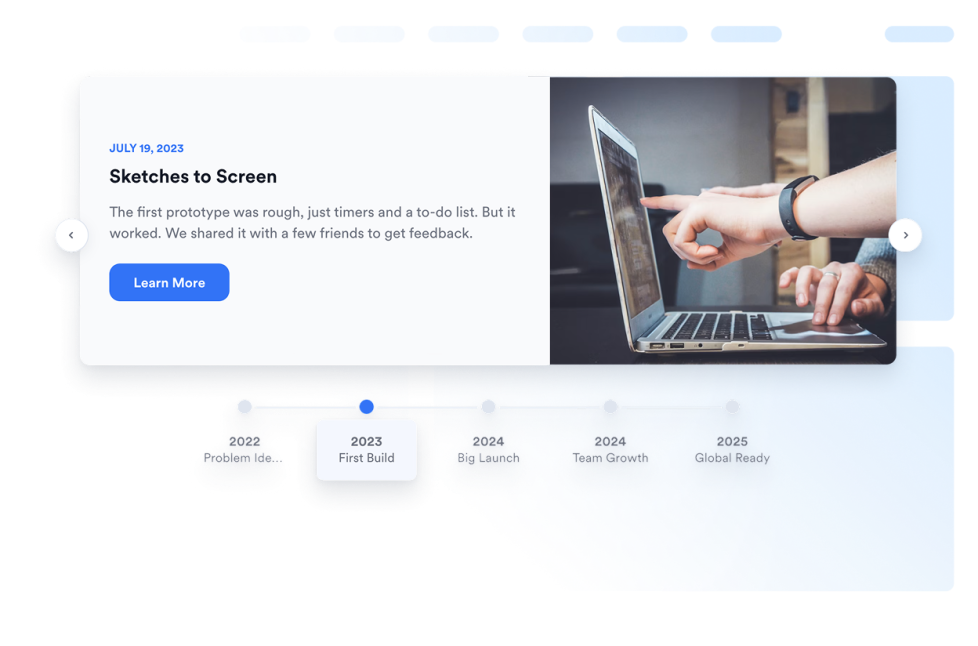
Zaman Çizelgesi

Şirket geçmişini, ürün lansmanlarını, etkinlik programlarını, proje dönüm noktalarını ve hikaye tabanlı güncellemeleri düzenlenebilir düzenler, işaretçiler, renkler ve medyayla göstermek için web sitenize bir zaman çizelgesi oluşturma widget'ı ekleyin.

Kategoriye git:İçerik GörüntülemeWidget'ı Kullan
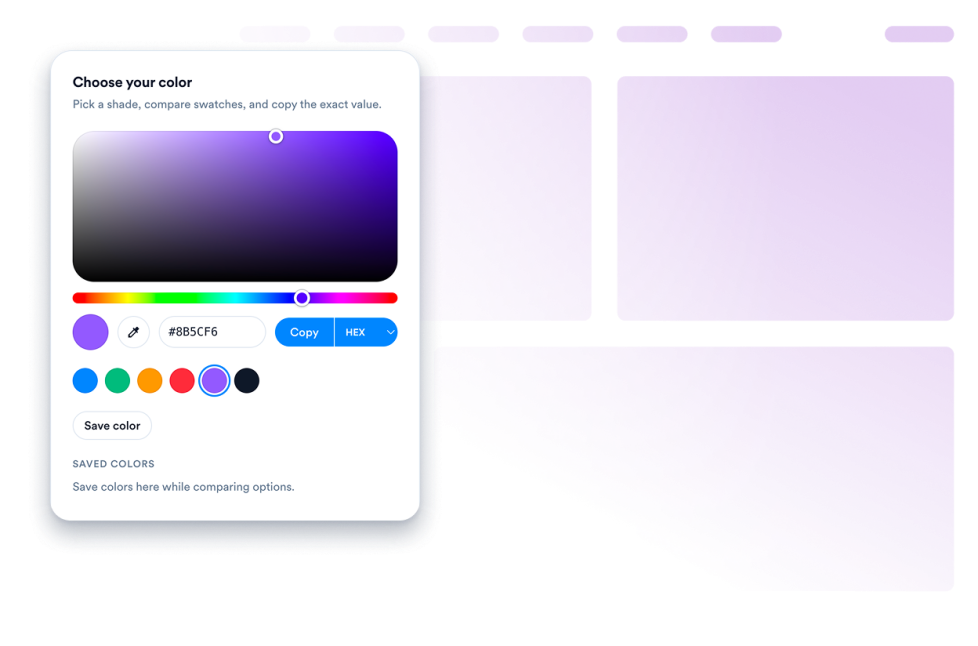
Renk Seçici Eklenti

Web siteniz için özelleştirilebilir bir Renk Seçici Eklenti Widget'ı oluşturun. Kod gerektirmeyen bir oluşturucuyla ziyaretçilerin renk seçmesine, renk kodlarını görüntülemesine, değerleri kopyalamasına ve paletleri eşleştirmesine olanak tanıyın.

Kategoriye git:İçerik GörüntülemeWidget'ı Kullan
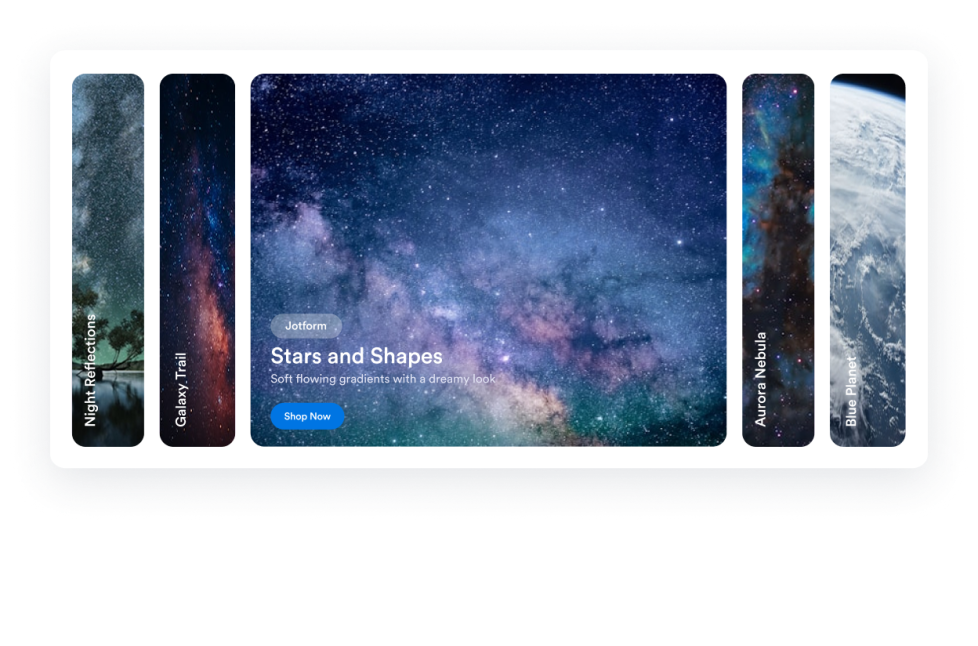
Akordeon Kaydırıcı

Web sitenize bir Akordeon Kaydırcı widget'ı ekleyerek üzerine gelme veya tıklama ile etkinleştirme, CTA butonları, otomatik oynatma, duyarlı yığınlama ve özel stiller sunan genişletilebilir resim ve video panelleri gösterin.

Kategoriye git:İçerik GörüntülemeWidget'ı Kullan
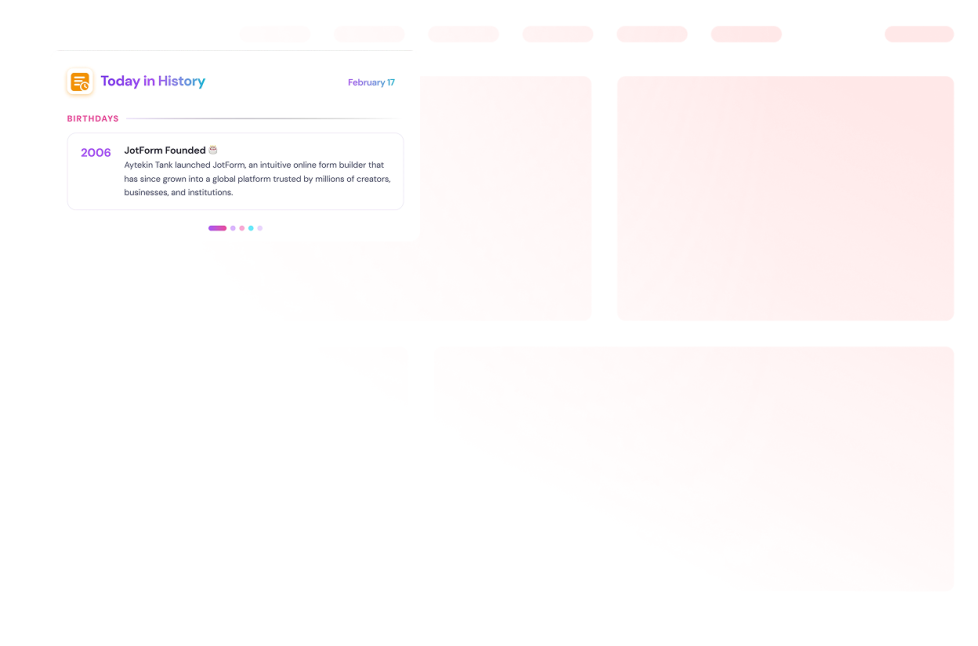
Tarihte Bugün

Web sitenize bir tarihte bugün Widget'ı ekleyin. Wikipedia'nın tarihe dayalı kayıtlarını gösterin, bölümleri seçin, tarihleri ayarlayın ve stilleri özelleştirin.

Kategoriye git:İçerik GörüntülemeWidget'ı Kullan
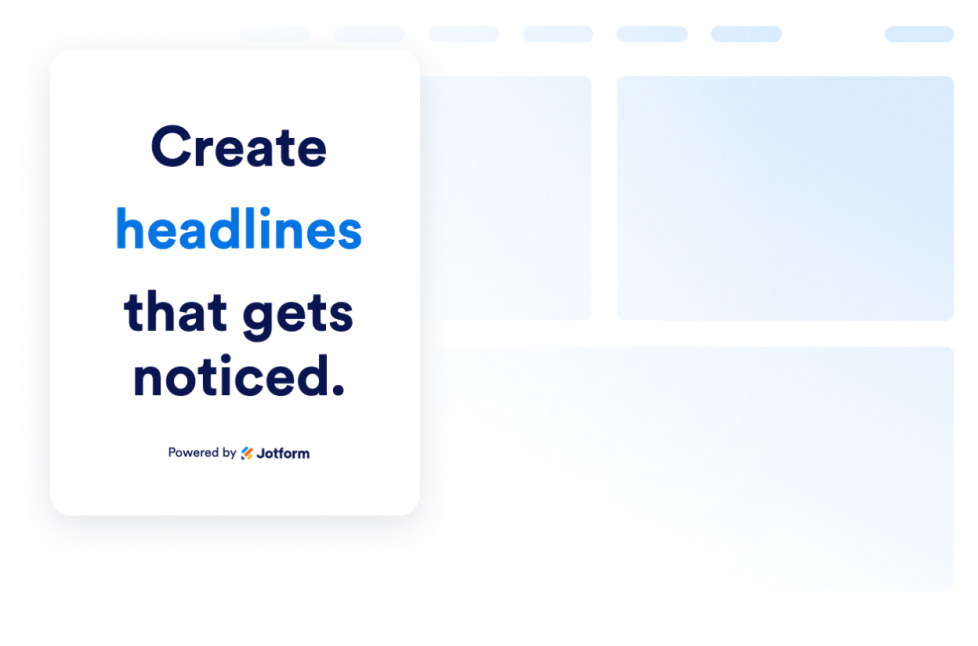
Animasyonlu Yazı

Başlık ifadelerini döndürmek, teklifleri öne çıkarmak ve her cihaz için animasyonlu web sitesi mesajlarını stilize etmek amacıyla bir Animasyonlu Yazı Widget'ı oluşturun.

Kategoriye git:İçerik GörüntülemeWidget'ı Kullan
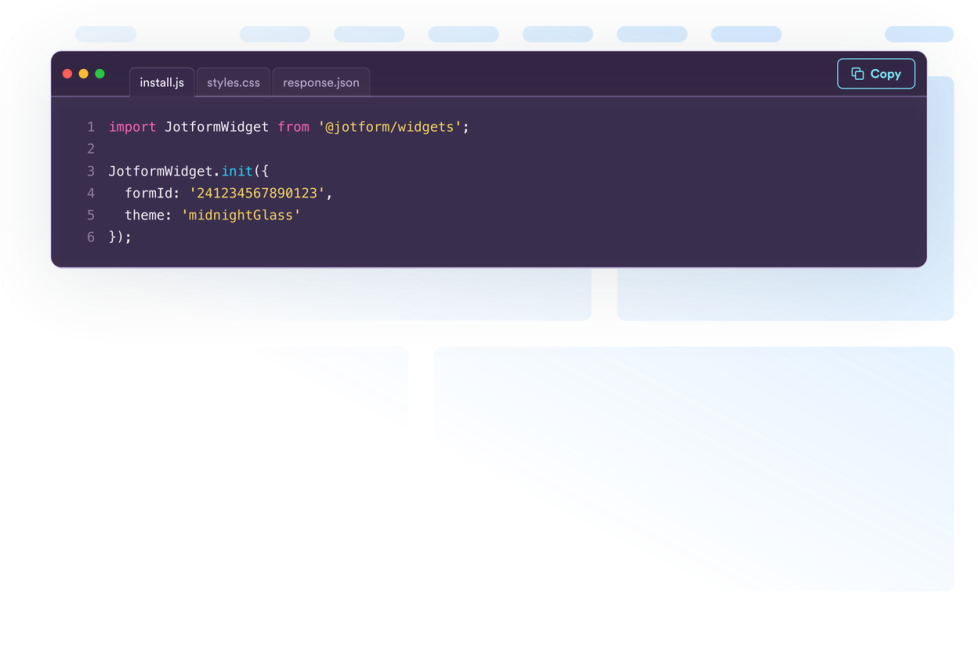
Kod Bloğu

Ziyaretçilerinize HTML, CSS, JavaScript, API örnekleri ve daha fazlasını göstermek için ücretsiz bir kod bloğu widget'ı oluşturun. Tasarımı özelleştirin ve hiçbir kodlama bilgisi gerektirmeden herhangi bir web sitesine yerleştirin.

Kategoriye git:İçerik GörüntülemeWidget'ı Kullan
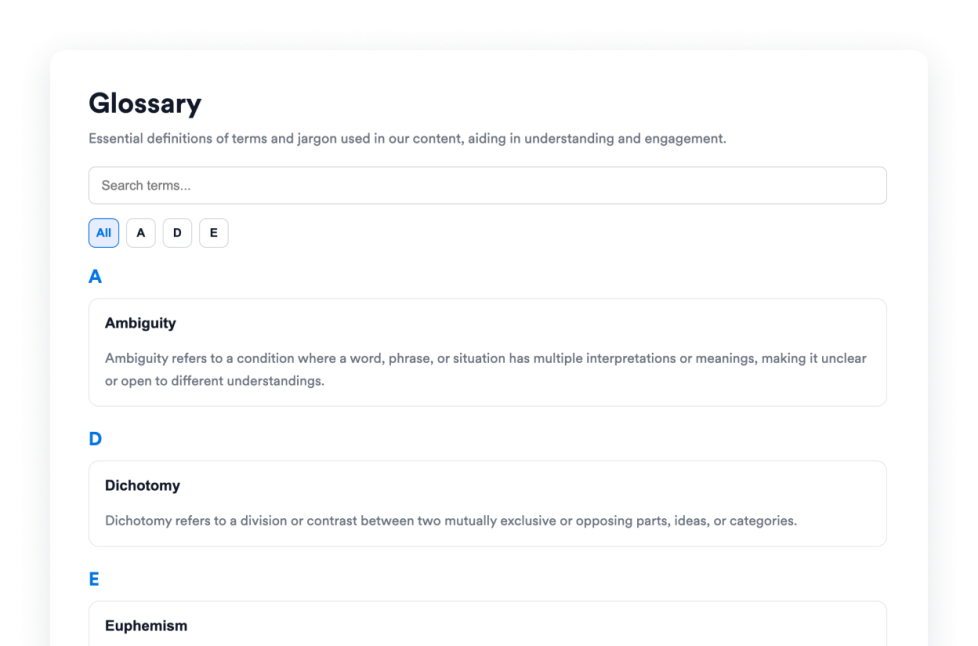
Terimler Sözlüğü

Yardım merkezleri, dokümanlar ve kurslar için aranabilir terimler, A–Z filtreleri, liste veya akordeon düzenleri ve özel stiller sunan ücretsiz bir sözlük widget'ını web sitenize ekleyin.

Kategoriye git:İçerik GörüntülemeWidget'ı Kullan
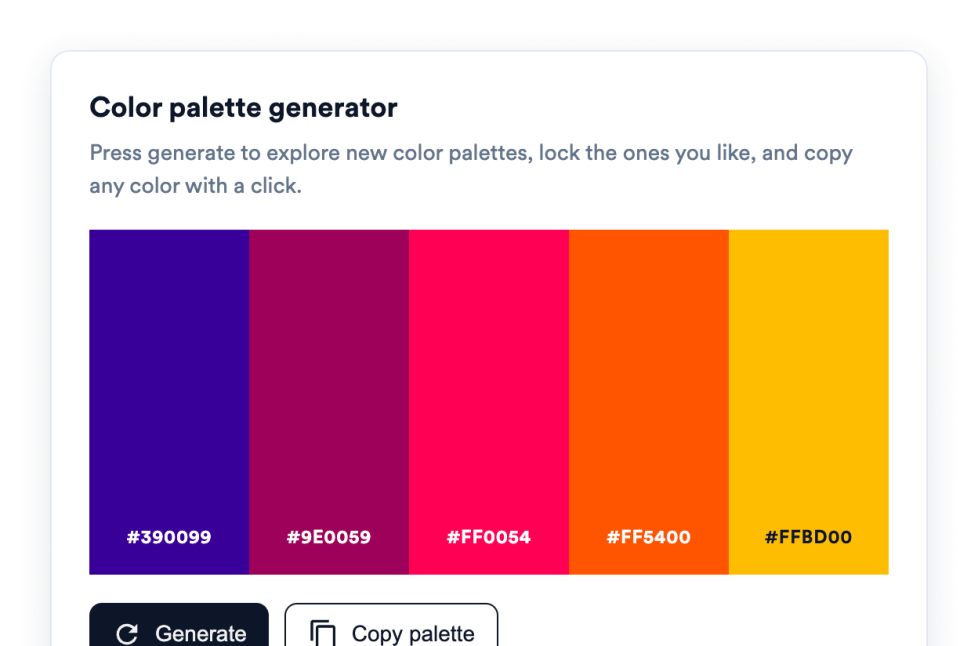
Renk Paleti Oluşturma Widget'ı

Renk Paleti Oluşturma widget'ı ekleyerek ziyaretçilerinizin renk paletleri oluşturmasına, beğendikleri renkleri kilitlemesine ve HEX değerlerini tek tıkla kopyalamasına olanak tanıyın. Kodlama gerekmez.

Kategoriye git:İçerik GörüntülemeWidget'ı Kullan

About Content Display Widgets

Content display widgets help you organize and present information on your website without custom code. These embeddable widgets can turn text, images, videos, data, and other information into sections that are easier for visitors to browse and understand.

With Jotform’s content display widgets, you can create FAQs, timelines, polls, content grids, glossaries, quote displays, code examples, dynamic text, and interactive image or video panels. They work well on business websites, landing pages, blogs, help centers, documentation pages, educational websites, portfolios, and online stores.

What can you do with content display widgets?

Content display widgets can help you:

  • Organize common questions in a searchable FAQ
  • Present company history, project milestones, or event schedules with a timeline
  • Arrange text, images, videos, icons, links, and buttons in a content grid
  • Build a searchable glossary with A-to-Z filtering
  • Collect visitor opinions and display voting results with a poll
  • Rotate headlines, announcements, or offers using dynamic text
  • Display images and videos in an accordion slider
  • Share formatted code snippets for tutorials and documentation
  • Add interactive color pickers and color palettes
  • Present quotes, movie collections, and other themed content in a structured format

Popular content display widget use cases

Content display widgets can be used wherever a website needs to present detailed information in a clear, compact format. An FAQ widget can organize answers on product, service, support, or policy pages. A Timeline widget can show a company’s history, an event schedule, product releases, or project milestones.

A Grid widget can arrange services, team members, resources, portfolio projects, images, or videos into a structured layout. For help centers, online courses, and documentation websites, a Glossary widget can make terms easier to search and browse, while a Code Snippets widget can display HTML, CSS, JavaScript, API examples, and other technical content.

Website owners can also use a Poll widget to ask visitors a question and display vote totals or percentages. Dynamic Text can rotate important messages or highlighted phrases, and an Accordion Slider can display expandable images, videos, descriptions, and buttons in a single interactive section.

Easy website widgets for any team

Embeddable content display widgets are useful for small businesses, marketing teams, educators, content creators, agencies, nonprofits, developers, online stores, and website owners that need to present information without relying on a developer or designer.

With Jotform, users can choose a widget, customize its content, settings, layout, and design, preview the result, and copy the embed code. They can then add the widget to a supported website editor or HTML section without custom code.

This makes it easier to add structured content to WordPress sites, website builders, custom websites, landing pages, blogs, and resource centers while keeping the design consistent with the surrounding page.

İlgili kılavuzlar

To learn more about setting up and managing widgets, users can read Jotform’s guide on managing website widgets. The guide explains that users can create new widgets, edit existing widgets, copy embed codes, control widget visibility, and organize their widget assets from the My Website Widgets page.

Content Display Widgets FAQ

What are content display widgets?

Content display widgets are embeddable tools that organize and present website content in a clear, interactive format. They can display FAQs, timelines, polls, grids, glossaries, quotes, code examples, images, videos, and other information directly on a webpage.

What types of content can I display with these widgets?

Depending on the widget, you can display text, images, videos, icons, links, buttons, questions and answers, timeline entries, poll results, code snippets, color values, quotes, and movie information. Each widget provides settings tailored to its content type.

Where can I use content display widgets?

You can use them on landing pages, product pages, blogs, portfolios, help centers, documentation pages, online courses, event websites, and business websites. The right placement depends on what information visitors need and how you want them to browse it.

Do content display widgets require coding?

No. You do not need a developer or designer. You can customize the widget, copy the embed code, and add it to your website without custom code. The placement steps may vary depending on your website platform or page editor.