Web Siteleri için Ücretsiz Web Sitesi Deneyimi Widget'ları

Jotform'un basit, kod gerektirmeyen oluşturucusuyla gezinmeyi, erişilebilirliği ve etkileşimi geliştirin.
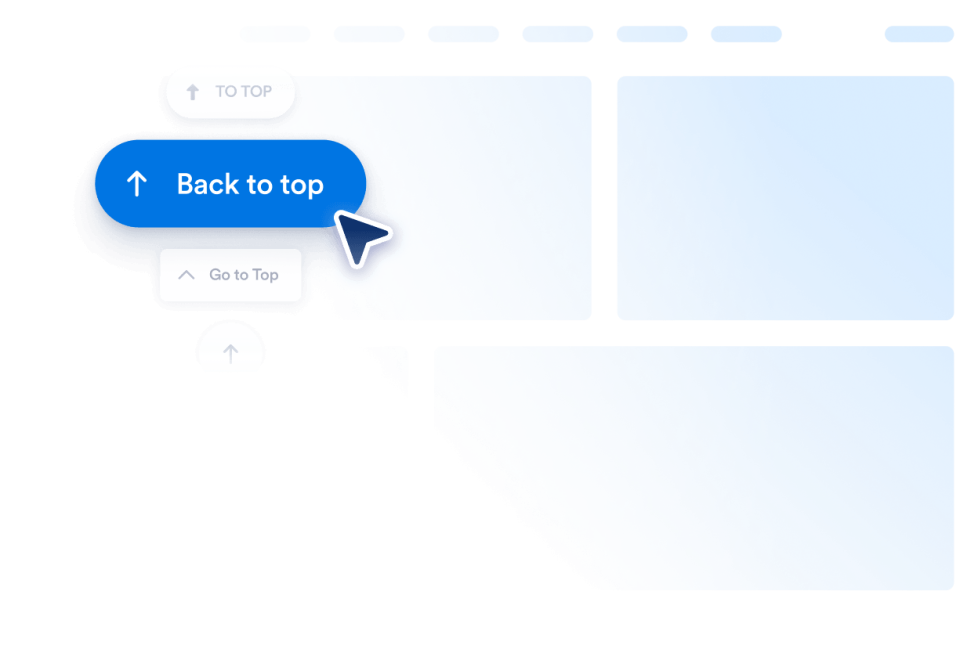
Yukarı Çık Butonu

Web sitenize saniyeler içinde Yukarı Çık Butonu widget'ı ekleyin. Özelleştirilebilir ve kod gerektirmeyen bu buton sayesinde ziyaretçileriniz sayfanın en üstüne kolayca dönebilir. Widget'ı sitenizde istediğiniz yere yerleştirebilirsiniz.

Kategoriye git:Web Sitesi DeneyimiWidget'ı Kullan
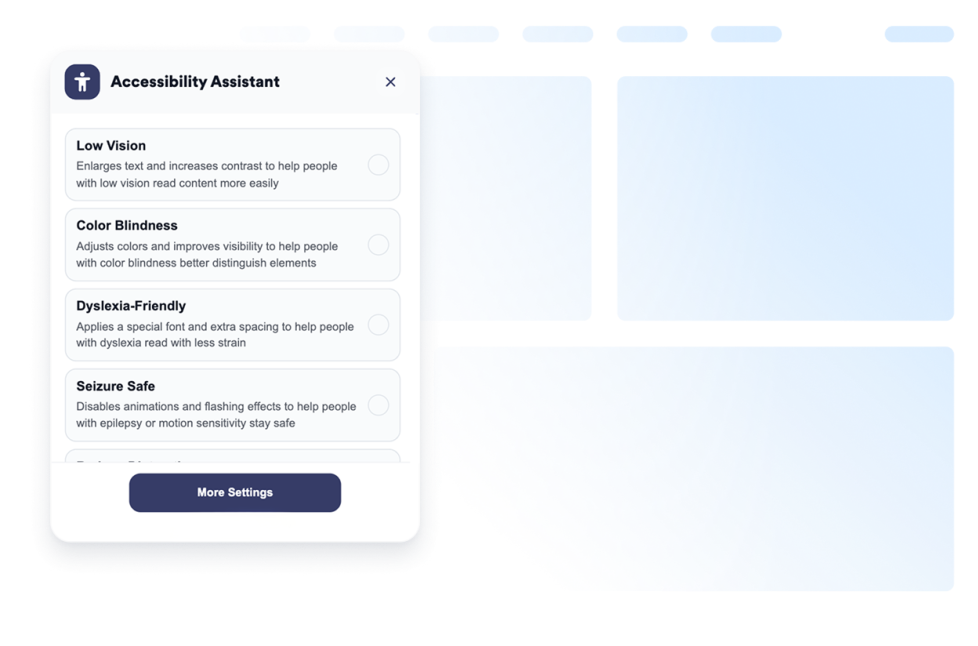
Erişilebilirlik

Ziyaretçilerin kontrast, metin boyutu, aralık ve hareketi ayarlamasına yardımcı olmak için özelleştirilebilir bir erişilebilirlik menüsü ekleyin. Hazır erişilebilirlik modları sunun ve kullanıcı tercihlerini kod yazmadan hatırlayın.

Kategoriye git:Web Sitesi DeneyimiWidget'ı Kullan
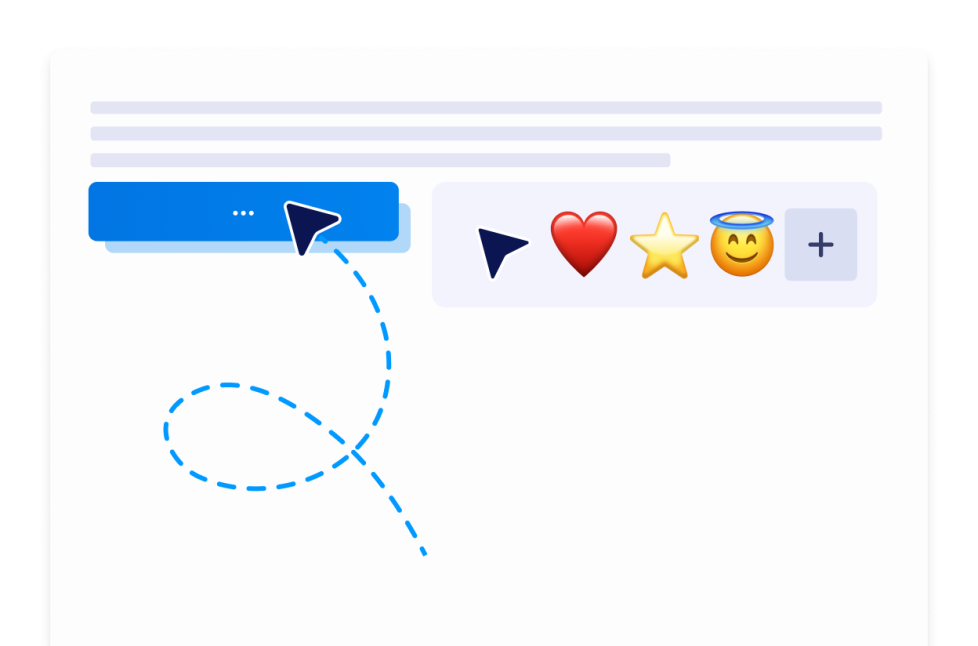
Özel İmleç

Custom Cursor Widget ile bir imleç stili seçebilir, nasıl göründüğünü ve hareket ettiğini özelleştirebilir, etkileşimli efektler ekleyebilir ve kod yazmadan web sitenize yerleştirebilirsiniz.

Kategoriye git:Web Sitesi DeneyimiWidget'ı Kullan
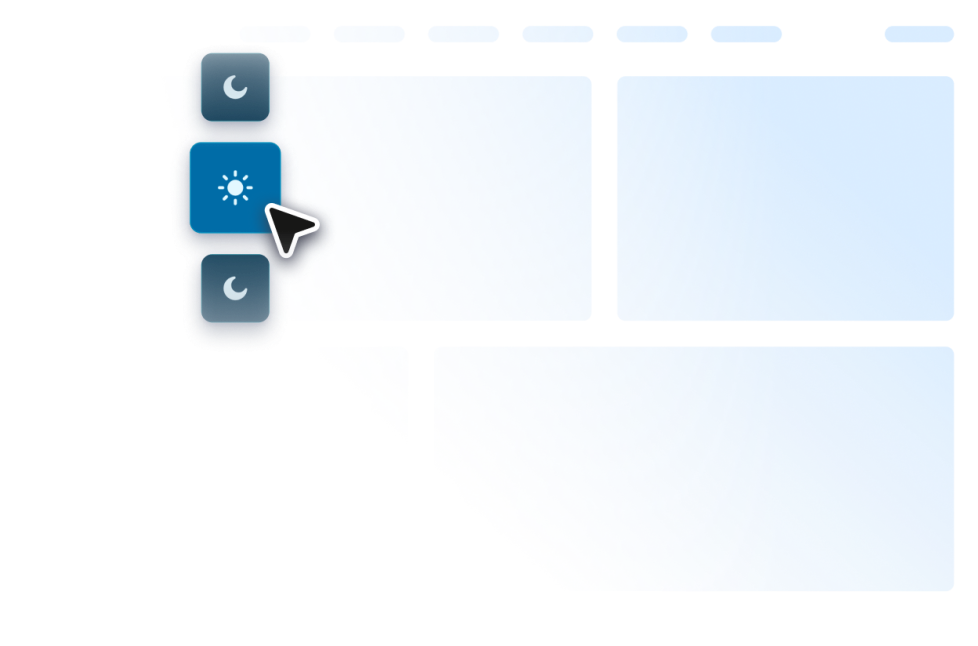
Karanlık Mod

Web sitenize düşük ışıkta gezinme için özelleştirilebilir bir Karanlık Mod Widget'ını ekleyin. Renkleri, konumu, zamanlamayı ve stilleri kod gerektirmeyen bir widget'ta ayarlayın.

Kategoriye git:Web Sitesi DeneyimiWidget'ı Kullan
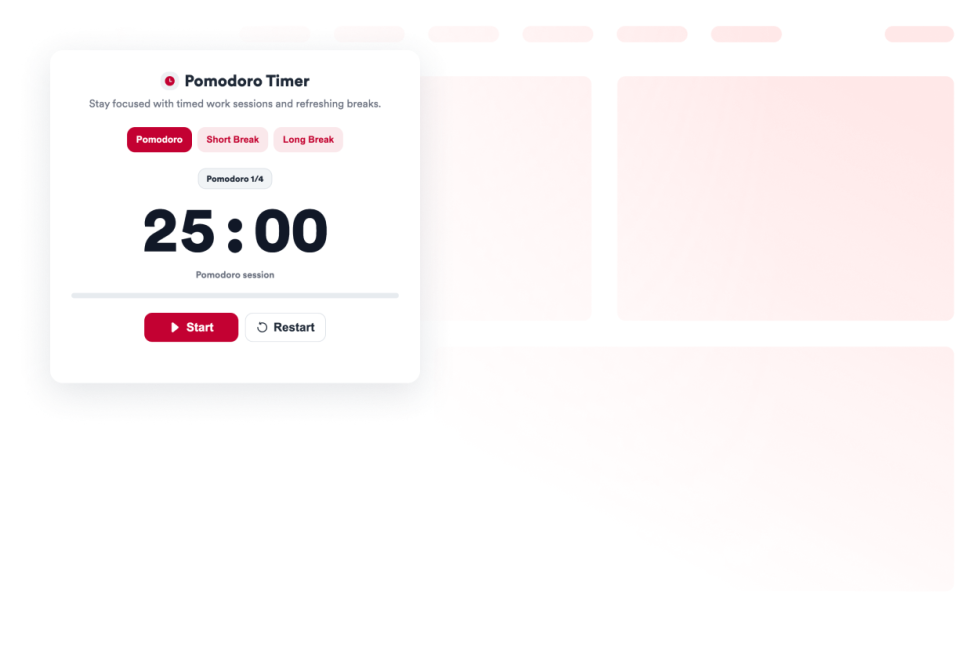
Pomodoro

Odaklanmış çalışma oturumları, kısa molalar, uzun molalar, alarm sesleri ve özel stiller için web sitenize bir Pomodoro Widget'ı ekleyin.

Kategoriye git:Web Sitesi DeneyimiWidget'ı Kullan
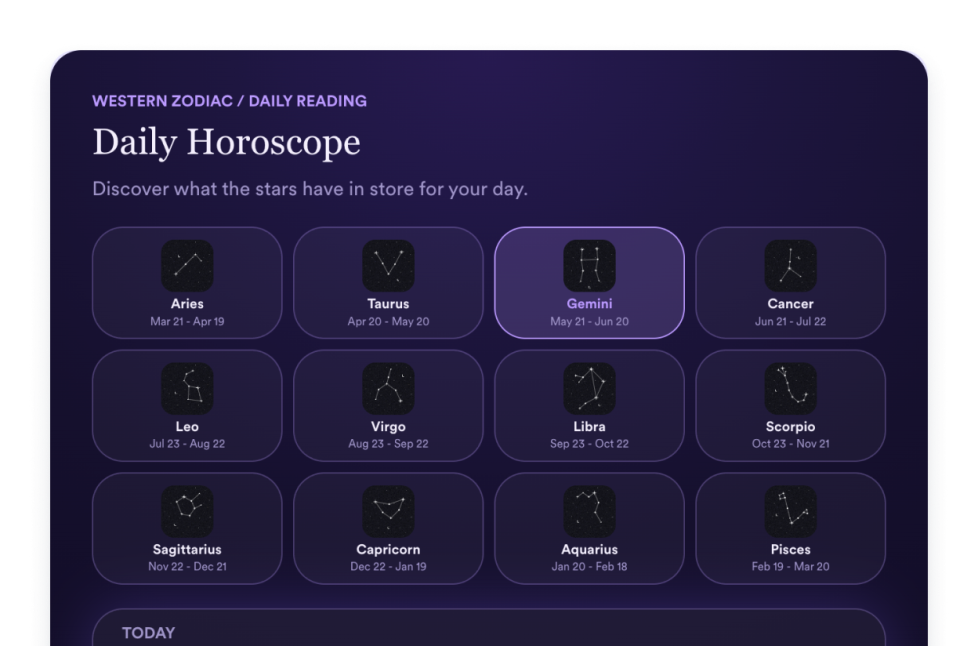
Burç

Burç yorumlarını, burç seçicileri, liste, ızgara, kaydırıcı ve öne çıkan düzenleri, renkleri, CTA'ları ve özel CSS'i paylaşmak için web sitenize bir Horoskop widget'ı ekleyin.

Kategoriye git:Web Sitesi DeneyimiWidget'ı Kullan
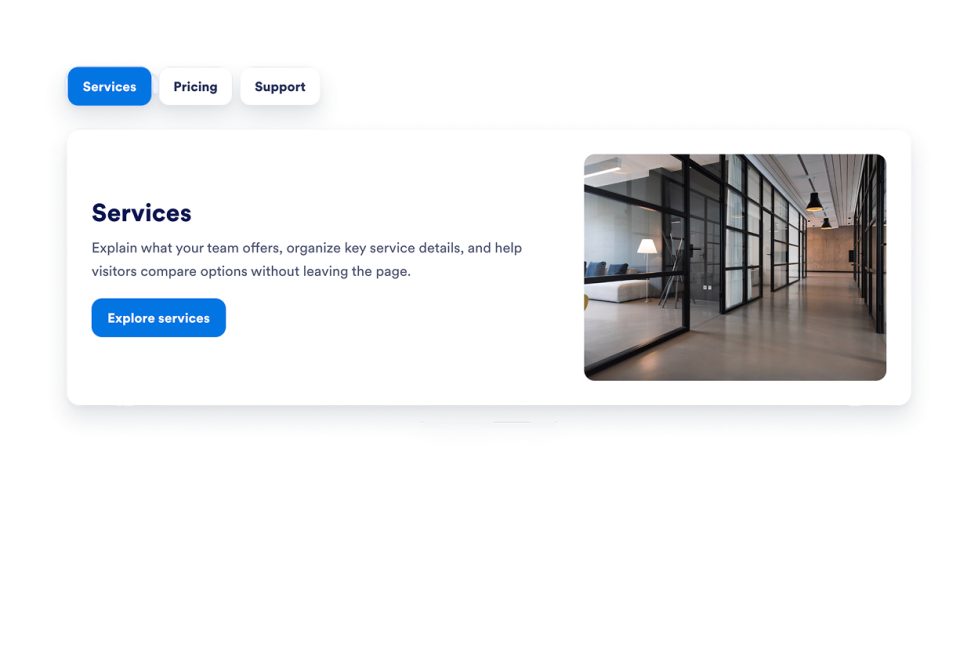
Tabs Widget

Web sitenize özelleştirilebilir bir Sekme araç ekleyerek içeriğinizi temiz, tıklanabilir bölümler halinde düzenleyin. SSS'ler, özellikler, fiyatlandırma, menüler, portföyler ve daha fazlası için kod yazmadan sekmeli düzenler oluşturun.

Kategoriye git:Web Sitesi DeneyimiWidget'ı Kullan
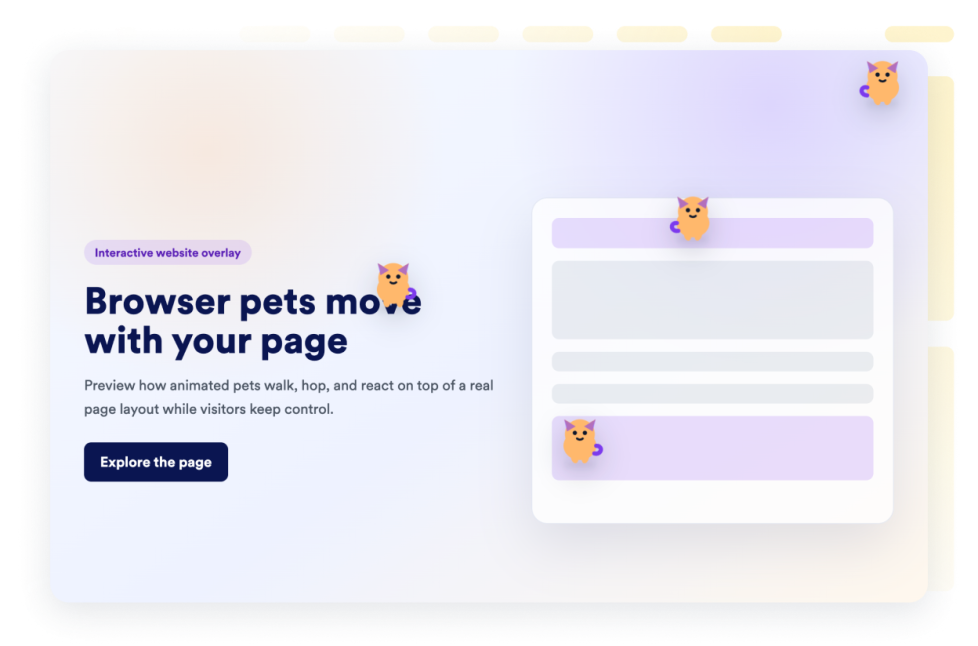
Sanal Evcil Hayvanlar

Web sitenize saniyeler içinde bir sanal evcil hayvanlar widget'ı ekleyin. Tasarımı özelleştirin ve Jotform'un kodlama gerektirmeyen web sitesi widget oluşturucusuyla yerleştirin.

Kategoriye git:Web Sitesi DeneyimiWidget'ı Kullan
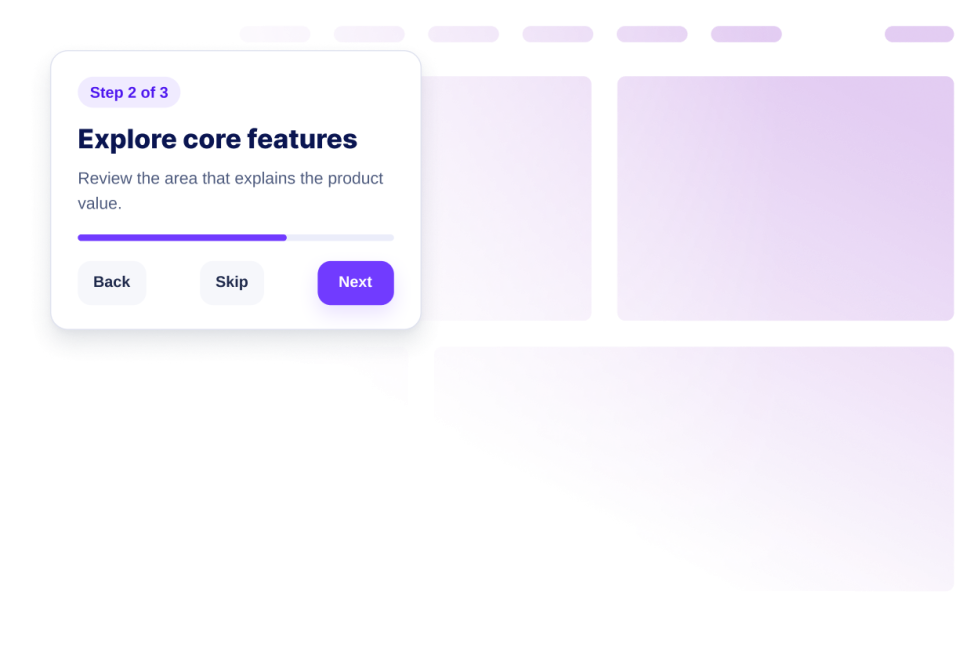
Web Sitesi Turu

Yol gösterici adımlar, vurgular, ipuçları, başlatma kontrolleri, duyarlı görüntüleme ve kod gerektirmeyen yerleştirme kurulumu içeren bir Web Sitesi Turu widget'ı oluşturun.

Kategoriye git:Web Sitesi DeneyimiWidget'ı Kullan
İskelet Yükleyici

Yükleme durumlarını, aynı karttaki içerik için iskelet yer tutucularla akıcı hale getirin. Tek bir iskelet rengini, köşe yarıçapını ve parıltı hızını özelleştirin, ardından widget'ı yerleştirin.

Kategoriye git:Web Sitesi DeneyimiWidget'ı Kullan
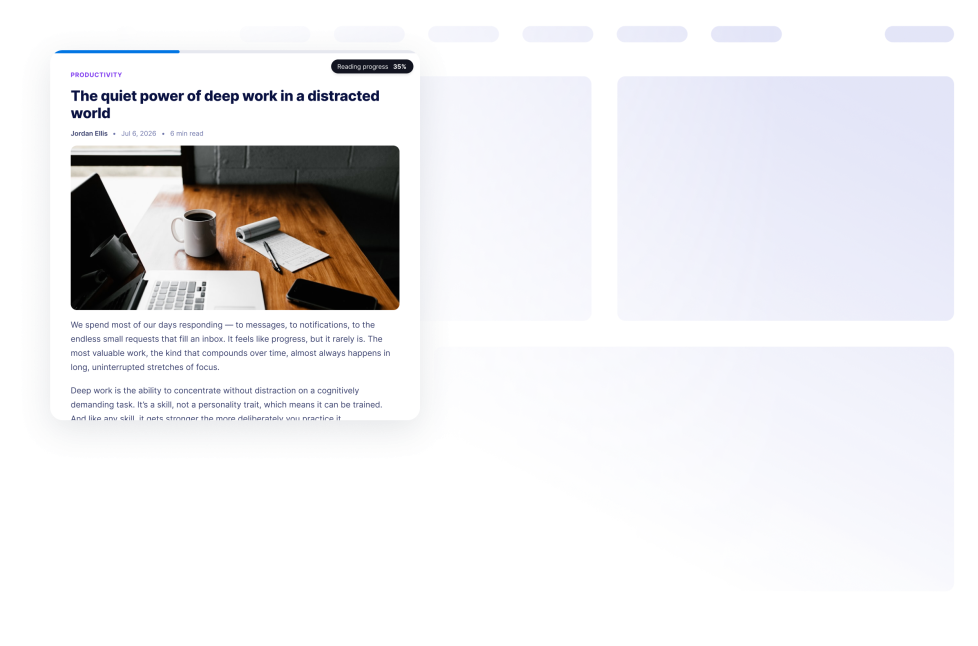
Okuma İlerlemesi

Web sitenize bir okuma çubuğu widget'ı ekleyin. Kaydırma ilerlemesini, yüzdeyi, kalan süreyi ve çubuk, daire veya adım görünümlerini kod yazmadan gösterin.

Kategoriye git:Web Sitesi DeneyimiWidget'ı Kullan
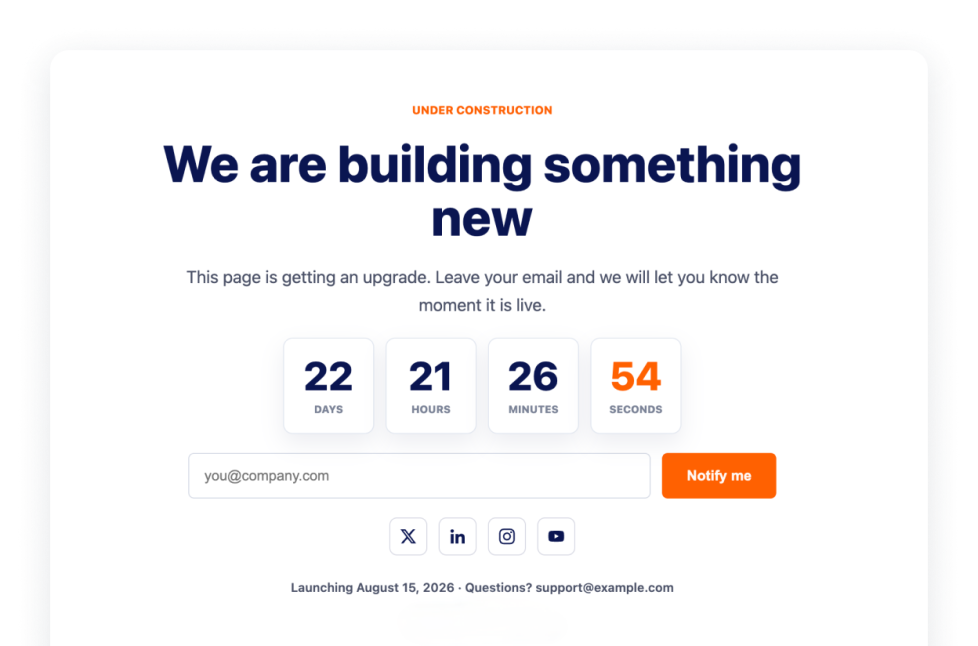
Yapım Aşamasında

Yapım aşamasında olan sayfanızı ziyaretçilerinize marka öğeleri, sosyal medya bağlantıları, iletişim satırı, lansman notu ve logo içeren Under Construction Widget ile duyurun.

Kategoriye git:Web Sitesi DeneyimiWidget'ı Kullan
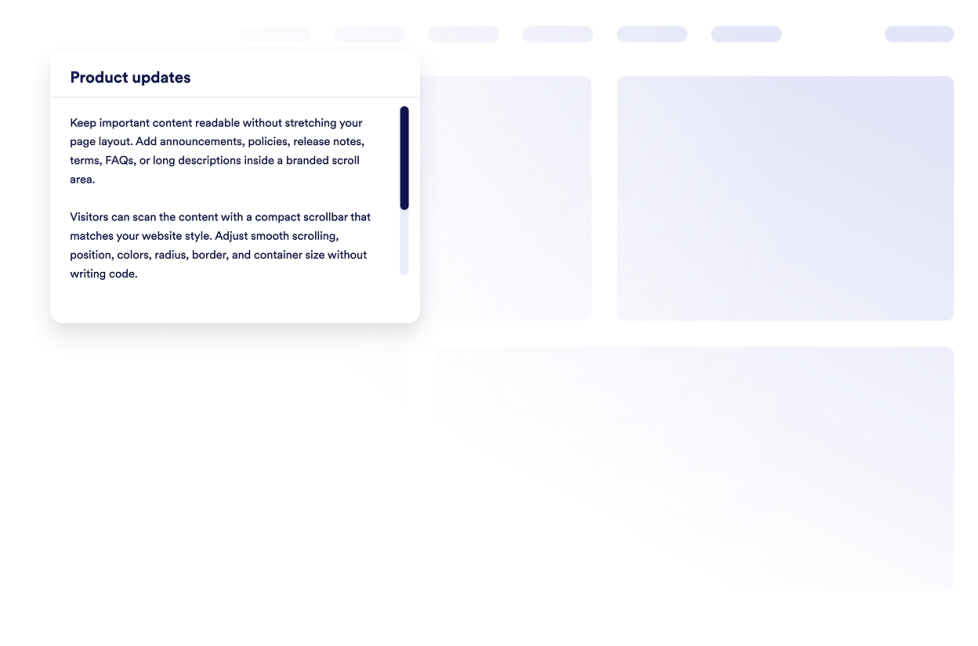
Özel Kaydırma Çubuğu

Web sitenize özel bir kaydırma çubuğu widget'ı ekleyin. Özel genişlik, renkler, konum, kenarlık, yarıçap ve kaydırma davranışıyla markalı, kaydırılabilir içerik alanları oluşturun.

Kategoriye git:Web Sitesi DeneyimiWidget'ı Kullan
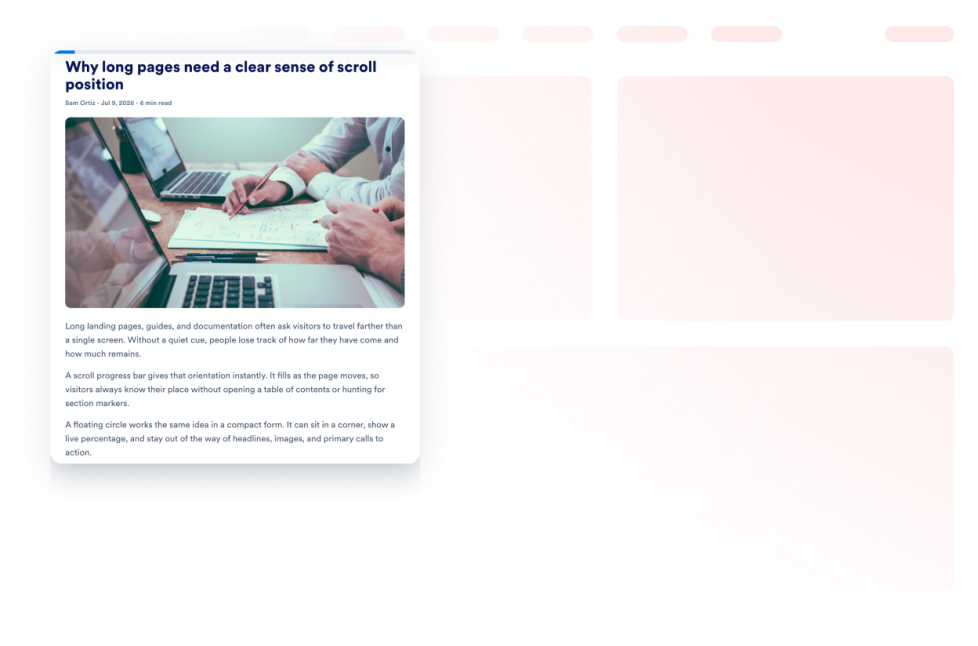
Kaydırma İlerlemesi

Web sitenize bir Kaydırma İlerleme Göstergesi Widget'ı ekleyin. Bir ilerleme çubuğu veya kayan ilerleme butonu gösterin, en üste kaydırmayı etkinleştirin, renkleri özelleştirin ve masaüstü ile mobilde konumlandırmayı kontrol edin.

Kategoriye git:Web Sitesi DeneyimiWidget'ı Kullan
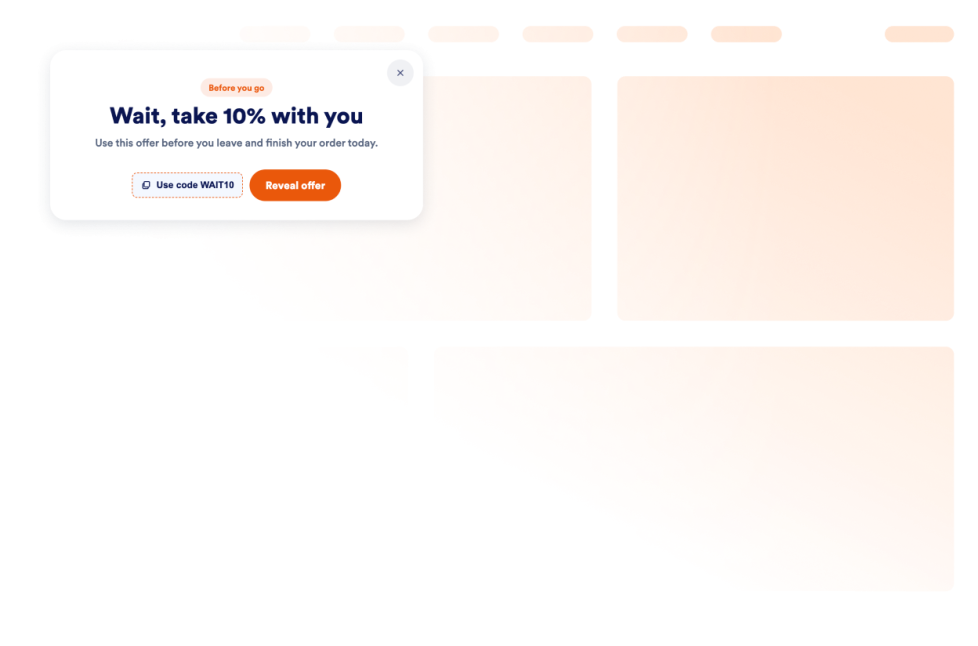
Çıkış Amacı Açılır Penceresi

Sitenizden ayrılmak üzere olan ziyaretçileri; teklifler, formlar, kuponlar, hedefleme, sıklık kontrolleri ve kod gerektirmeyen yerleştirmelerle geri kazanmak için bir Exit Intent açılır pencere widget'ı ekleyin.

Kategoriye git:Web Sitesi DeneyimiWidget'ı Kullan

About Website Experience Widgets

Website experience widgets help make websites easier to navigate, read, and interact with without custom code. These embeddable tools can improve accessibility, organize page content, guide visitors through a website, and add helpful controls for browsing.

With Jotform’s website experience widgets, you can add features such as accessibility controls, back-to-top buttons, dark mode, tabs, reading progress indicators, website tours, custom scrollbars, and exit intent popups. They can be used on landing pages, blogs, help centers, product pages, portfolios, online stores, and business websites.

What can you do with website experience widgets?

Website experience widgets can help you:

  • Improve page navigation with back-to-top buttons, custom scrollbars, and scroll progress indicators
  • Give visitors more control over readability with accessibility and dark mode widgets
  • Organize information into clickable tabs
  • Show visitors how far they have progressed through an article or long page
  • Introduce important website features with a guided website tour
  • Display an under-construction message while a page is being prepared
  • Add interactive elements such as a custom cursor or Pomodoro timer
  • Present a message, form, coupon, or offer with an exit intent pop-up
  • Create a more useful website experience without building new features from scratch

Popular website experience widget use cases

Website experience widgets can support different visitor needs across a website. A Back to Top widget can help people navigate long articles, resource pages, and product listings. A Reading Progress widget can show progress, percentage, or estimated time remaining as visitors move through longer content.

An Accessibility widget can let visitors adjust options such as contrast, text size, spacing, and motion. A Dark Mode widget can provide an alternative viewing option for low-light browsing, while a Tabs widget can organize FAQs, services, pricing information, menus, or portfolio content into compact sections.

Businesses can also use a Website Tour widget to introduce key page features through guided steps and tooltips. An Exit Intent Popup widget can display a form, coupon, offer, or message when a visitor is preparing to leave the page.

Easy website widgets for any team

Embeddable website experience widgets can be useful for small businesses, creators, agencies, educators, nonprofits, bloggers, online stores, and website owners who want to improve their pages without relying on a developer or designer.

With Jotform, users can select a widget, customize its content, settings, and design, preview the result, and copy the embed code. The code can then be added to a supported website editor or HTML section without custom code.

This enables different teams to add navigation controls, accessibility options, content sections, guided instructions, and interactive page features while keeping the widget consistent with the rest of their website.

İlgili kılavuzlar

To learn more about setting up and managing widgets, users can read Jotform’s guide on managing website widgets. The guide explains that users can create new widgets, edit existing widgets, copy embed codes, control widget visibility, and organize their widget assets from the My Website Widgets page.

Website Experience Widgets FAQ

What are website experience widgets?

Website experience widgets are embeddable tools that improve how visitors browse and interact with a webpage. They can support navigation, accessibility, readability, content organization, guided browsing, and other on-page interactions.

What types of website experience widgets are available?

Available options include Accessibility, Back to Top, Custom Scrollbar, Custom Cursor, Pomodoro, Tabs, Dark Mode, Reading Progress, Under Construction, Exit Intent Popup, Scroll Progress, and Website Tour widgets. Each widget supports a different part of the visitor experience.

Where can I use website experience widgets?

You can use these widgets on landing pages, blogs, help pages, product pages, portfolios, online stores, educational websites, and business websites. Choose a widget based on what visitors need to read, find, or do on the page.

Do website experience widgets require coding?

No. You do not need a developer or designer to add a Jotform website widget. You can customize the widget, copy the embed code, and add it to your website without custom code. The exact placement method depends on the website platform or page editor you use.